Berlin’s Calling…
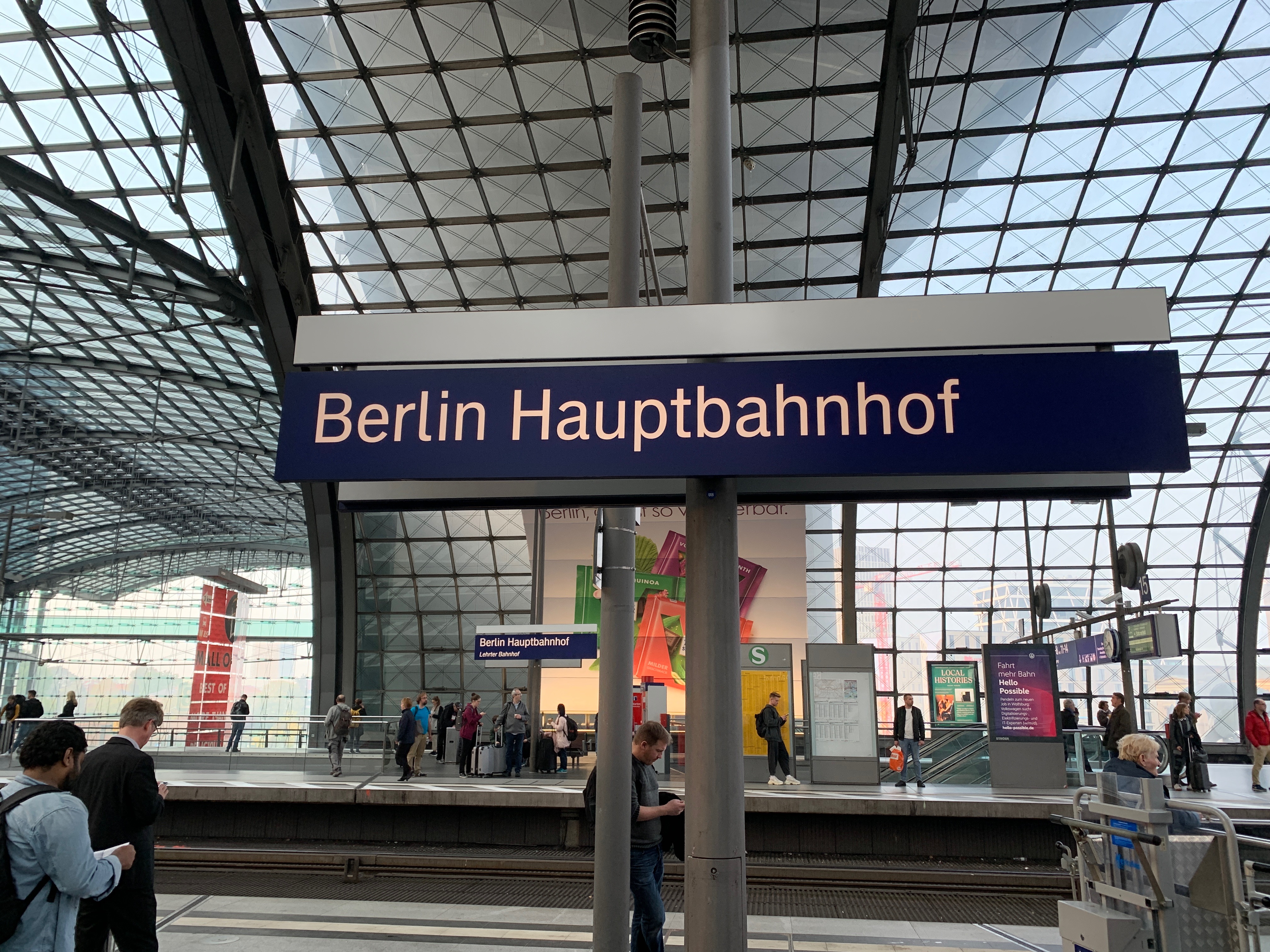
That is the title of a CD (and a movie) by Paul Kalkbrenner. I had to think of that when we heard that the IBM IoT Exchange Conference 2019 would take place in Berlin. I haven’t been to Berlin in ages, last time was in Potsdam at the previous IBM Conference. That was in November 2012, so a really long time ago.
So I was really happy to go, I really like Berlin. The city is not comparable to any other German city. It is the city with the highest number of start-up companies at least in Germany but I even think world-wide.
They also have a Hardrock Cafe… good for the collection. But there are many more places of interest to visit.
Visiting a Beergarden you hear mostly English around you. Very cool.
Luckily the Hotel was right in the middle of the city so at least I could see the “Reichstag”, “Brandenburger Tor” and some other monuments from the Uber…
Because as usual there was not much time left to visit the city but on the day of arrival we were invited to dinner in a very nice restaurant (“Ständige Vertretung”) which was in the days of the cold war something like an unofficial embassy.
That is one of the great things about Berlin, the city is really full of history. The second day we were invited to the Bikini Place where IBM has a so-called “pop-up store”.
For the rest is was speaking with customers, future customers and partners. And I had a presentation. No recording this time.
GIT
A few years ago most questions about Config management were directed to using SVN. This has changed, most people now ask me how they should use GIT. I have written a small piece about GIT in https://rhapsody.blog/2018/08/24/da-boston-broker/ but that was not really a lot.
So. Can you use GIT from Rhapsody? Short answer: YES!! Long answer: Yes, of course but do some thinking before…
The workflow in GIT is different than that of “classic” CM systems. “Normally” you have a working copy and you check-in/-out your changes into the repository. In GIT this works in 2 phases, you have a working copy but when you check-in/-out you do that in your local repository. You can then merge your repository with the central one.
The advantage is that you have all the changes locally and that you can work independently of others.
There are companies that deliver you a GIT server platform that is free (or at least free for personal use) like GitHub, GitLab and BitBucket. They are very convenient for quickly setting up projects.
Configure Rhapsody for using GIT
You need to install git first. I use a MAC that means that installing XCODE will automatically give me git. I recommend installing SourceTree so you can work with a GUI.
GIT will do automerge if you do not tell it to leave your files alone… You have to create a file called .gitattributes (Yes the “.” should be there… makes the file invisible) where you enter the following:
# Following files are treated as binary files
# GIT does not try to merge them
# "Old" Rhapsody files
*.rpy binary
*.rpw binary
*.sbs binary
*.cls binary
*.cmp binary
*.ehl binary
*.omd binary
*.msc binary
*.ucd binary
*.ctd binary
*.clb binary
*.dpd binary
*.std binary
# "New" Rhapsody files
*.rpyx binary
*.rpwx binary
*.sbsx binary
*.clsx binary
*.cmpx binary
*.ehlx binary
*.omdx binary
*.mscx binary
*.ucdx binary
*.ctdx binary
*.clbx binary
*.dpdx binary
*.stdx binary
The .gitignore is for indicating which files should not be checked in into the CM system.
#git ls-files --others --exclude-from=.git/info/excludeLines that #start with '#' are comments.
#For a project mostly in C, the following would be a good set of
#exclude patterns (uncomment them if you want to use them):
#*.[oa]
#*~
#/.metadata/
*/log/
*.d
*.o
*.obj
*.log
Snap.*
.dmp javacore.
heapdump.*
*_auto_rpy
*_auto_rpyx
*.pdb
*.db
#Ignore old RHP Model files
*.rhpold
*.rphold1
*.rhpold2
*.rphold3
.DS_Store
Code/KeilARM
Model/PureVueCpp - Kopie
Code/Windows/BrokerTest/VS2015/DeployerBackups
Code/Linux/TestInheritence
Code/String
Model/DDSTutorial
Model/PureVueCpp/BrokerStandAloneTest
core
I have put the following in my .gitconfig file, this should let GIT start the Rhapsody diffmerge program when merging/diffing.
[difftool]
     prompt = false
 [mergetool]
     prompt = false
 [diff]
     tool=difftool
 [merge]
     tool=mergetool
 [difftool "difftool"]
     cmd = difftool $LOCAL $REMOTE
     keepBackup = false
 [mergetool "mergetool"]
     cmd = mergetool $LOCAL $REMOTE $MERGED
     keepBackup = false
Then I created 2 batch files: difftool.bat and mergetool.bat that call diffmerge with the correct parameters.
echo difftool $1 $2 $3 $4 $5 $6 $7 $8
 diffmerge $1 $2 -compare -recursive
echo mergetool $1 $2 $3 $4 $5 $6 $7 $8
 diffmerge $1 $2 -merge -out $3 -recursive
Using this in Rhapsody
This should help you using GIT “outside” of Rhapsody. Please only check-in/-out only complete models, not “single” files, that is dangerous.
You can use the Rhapsody CM commandline interface to at least check-in/-out locally (index) and then use diffmerge to do a weekly (or so) merge with other developers. You should create a profile (Actually a settings file) “RPY_GIT.prp with something like this (Definitively not complete!):
Subject CG
  Metaclass General
    Property IncrementalCodeGenAcrossSession Bool "False"
  end
end

Subject General
  Metaclass Model
    Property AutoSynchronize  Bool "False"
    Property PathInProjectList  Enum "Absolute, Relative" "Relative"
    Property ReferenceUnitPath  Enum "Absolute, Relative" "Relative"
    Property SupportIncrementalModelSynchronization Bool "False"
  end
end

Subject ConfigurationManagement
  Metaclass General
    Property CMTool Enum "None,ClearCase,RTC,RPY_GIT" "RPY_GIT"
    Property UseSCCtool                     Enum "Yes,No" "No"
    Property EncloseCommentsInQuotes        Enum "Yes,No" "No"
    Property GUI                            Enum "Flat,Tree" "Tree"
    Property RunCMToolCommand               File ""
    Property ToolCommandTimeOut             Int "180000"
    Property DefaultLockReserveOnCheckOut   Bool "False"
  end
  Metaclass RPY_GIT
    Property AddMember  String "\"$OMROOT/etc/Executer.exe\" \"git add \"$UnitPath\";"
    Property CheckIn    String "\"$OMROOT/etc/Executer.exe\" \"git commit \"$UnitPath\" -m \"$log\\";"
    Property CheckOut   String "\"$OMROOT/etc/Executer.exe\" \"svn checkout \"$UnitPath\";"
  end
end
Last… but not least
You can use the pull/merge commands to push your local changes to the server (or fetch the server changes to your local copy)
This might not be the perfect solution for you but at least you can use this to build your own GIT integration!
More Info
There is a free eBook about GIT.
OK Nerds: stop reading. There are many nice GUI’s for GIT. I personally like SourceTree. But there are many more (also free!)
OK. That’s it. Have a great time using Rhapsody
Walter van der Heiden ( wvdheiden@willert.de )