BLOG about IBM Rhapsody. Contains technical information as well as more private travel stories.

Tag: travel (Page 1 of 6)

🎸 Retired but Not Gone — and Rhapsody Plays On

So. It finally happened. And for a career spent living out of airports, I marked the occasion by doing the most gloriously retired thing I could think of: I took the train to Paris. No security lines, no gate changes — just the countryside sliding by, a coffee that didn’t cost eight euros, and absolutely nowhere I needed to be in a hurry. Retirement, lesson one: take it easy.

As of Wednesday, April 8th, I am officially retired — after 25 years with Willert and later SodiusWillert (to April 11th, if we’re being precise about it, and after this many years I’ve earned the right to be precise). A quarter of a century. That is… a lot of models.

There’s a lovely bit of symmetry to the timing, too. April 8th also happens to be Jannie’s birthday — my wife, who came along for the trip (that’s her in the photos below). So this year I gave her a slightly unconventional present: a full-time husband. She is being remarkably gracious about it.

And fittingly, I didn’t sign the papers at some grey desk back home. I signed them in Paris — a city that does endings and beginnings better than anywhere, with good coffee, better views, and not a single license-server error in sight. If you’re going to draw a line under a career, do it somewhere with a proper terrace. Highly recommended.
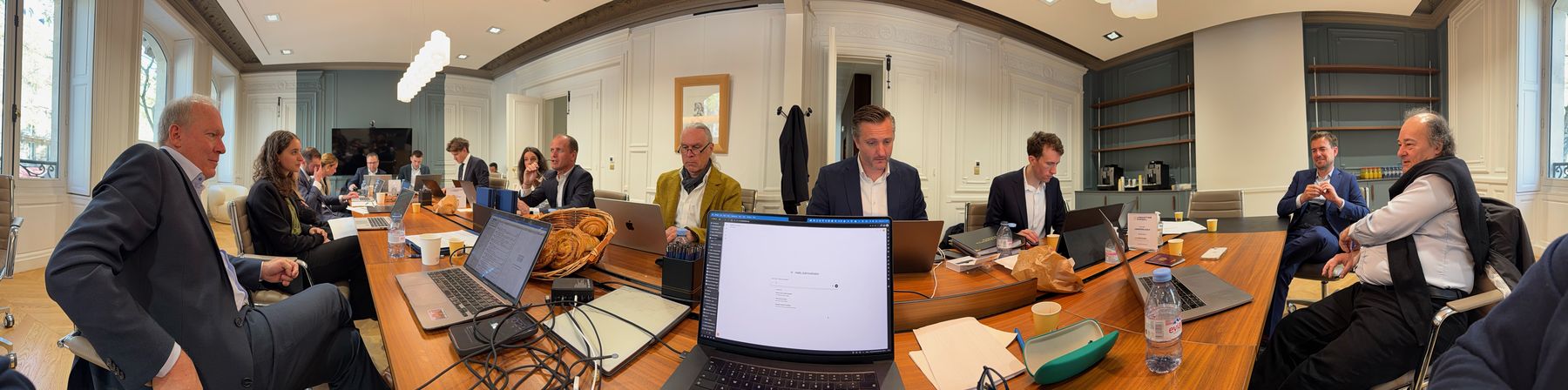
The room in Paris where it happened

And before anyone starts writing the eulogies: I’m retired, not gone. There’s a difference, and it’s an important one.

Here’s what retired means for me: no more 6 AM alarms to catch a flight to a customer site. No more license-server tickets at 23:00 on a Friday (Classic Rhapsody veterans know exactly what I’m talking about). No more juggling five time zones in a single week. I’ve done enough of that — honestly, I’ve done plenty. It’s time for the quieter life: more time with Jannie, more time for the things I kept saying I’d get to “after this next project.”
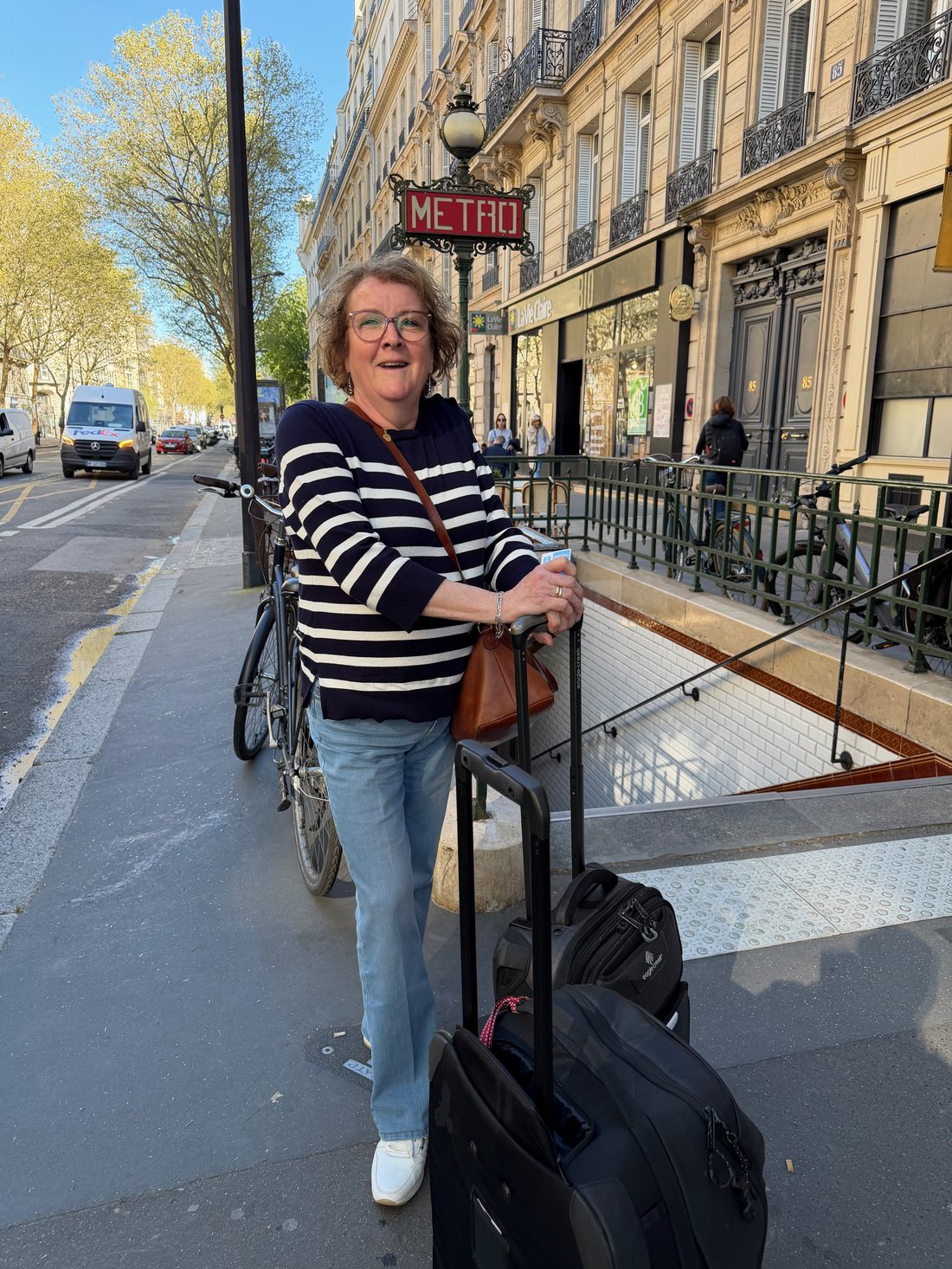
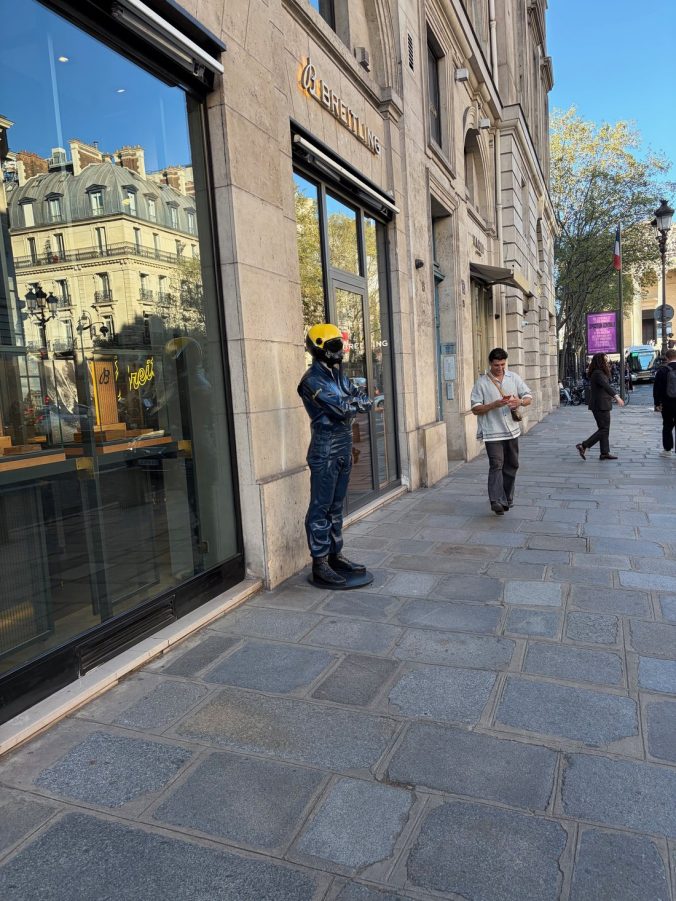
Jannie in Paris

Here’s what not gone means: I’m still here. Still writing this blog — probably more of it, now that I actually have the time. Still an IBM Champion, still knee-deep in Model-Based Systems Engineering, because you don’t spend 25 years loving this stuff and then just switch it off like a license server (which, again — IYKYK). You’ll still find me at DCUG Day, at TechXChange, at MESCONF, at ESE, at the conferences, in the community. Just… without the alarm clock.

Think of it as going from full-time to full-enthusiasm.

Meanwhile, the world keeps turning — Rhapsody 10.0.3

And of course, the field doesn’t pause just because I clocked out. Right on cue, IBM Engineering Rhapsody 10.0.3 landed — and it’s a genuinely good release, aimed squarely at large models and distributed teams. A few things caught my eye:

  • One-Click Environment Setup. Cygwin and the Rhapsody transforms installed in a single click, turning what used to be an afternoon of yak-shaving into a couple of minutes. Every new engineer who never has to fight that setup owes 10.0.3 a quiet thank-you.
  • A load progress indicator that actually moves. Small thing, huge relief. No more staring at a frozen-looking Rhapsody wondering if it died or is just thinking. It’s thinking. Now it tells you.
  • Zoom (100–500%) and type-to-filter in tables and matrices. If you live in the big traceability matrices like I do, this is the quality-of-life upgrade you didn’t know you were allowed to ask for.
  • Auto-generated flowcharts from legacy code. Point it at the old code, get operational flowcharts out. Anyone who’s ever inherited a mystery codebase will appreciate this one.

And then there’s the one that made me laugh out loud: 10.0.3 ships an MCP server — read access to your Rhapsody models via the Model Context Protocol, near-instant analytics, “Bring Your Own AI.” Now… where have I heard that idea before? 😏 Those of you who’ve followed my little rhapsodymcp.com adventures know this has been my personal playground for a while now. So let me just say: it’s wonderful to see MCP go official in the product. Great minds, and all that. I’ll be poking at IBM’s version very soon — retired hobby project, meet enterprise feature.

One more chapter

The best part of retirement, I’m discovering, is that curiosity doesn’t retire. I get to play with Rhapsody 10.0.3 purely because I want to, not because a project needs it by Thursday. That’s a good place to be.

So: thank you — to everyone at Willert and SodiusWillert, and to everyone I’ve worked with, learned from, argued about UML with, and shared a stage (or a beer) with over these 25 years. This isn’t goodbye. It’s just the start of a slightly slower, considerably more enjoyable, verse.
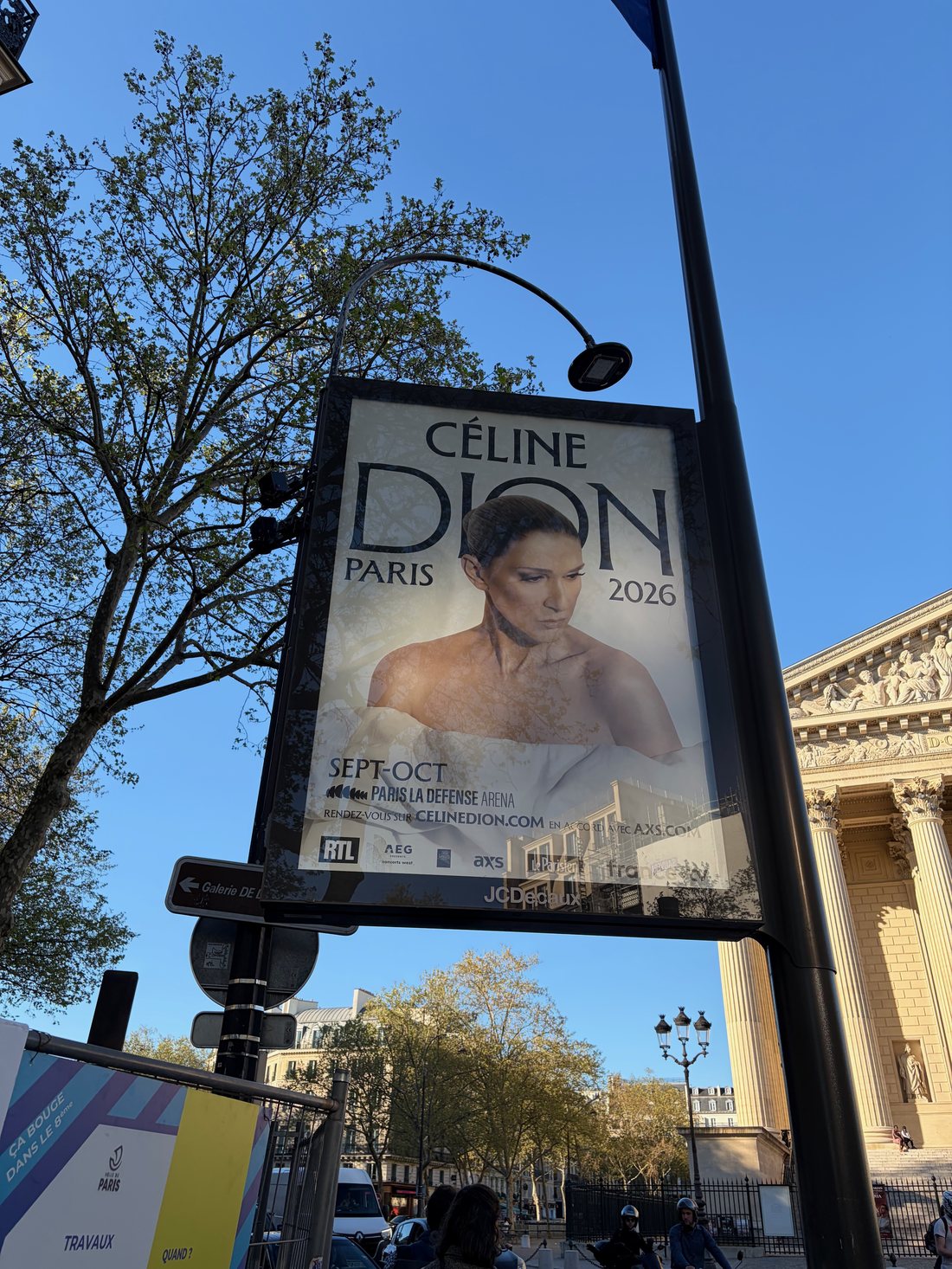
Paris in spring

See you in the comments. And at the next conference.

P.S. — Yes, I’ll still answer your Rhapsody questions. No, not before coffee. Some things retirement will never change. And Jannie — happy birthday. Sorry the gift was me.

What’s your favourite 10.0.3 feature so far — and if you’ve stepped back from the daily grind but not the passion, how’s that working out for you? Let me know in the comments below.


Happy Modeling ( preferably with Rhapsody)!!

Walter van der Heiden
walter@vdh-informatica.com
Mercury Rising

AI Meets Rhapsody (and I Meet Welsh Hedgerows)

Mercury Rising: AI Meets Rhapsody (and I Meet Welsh Hedgerows)
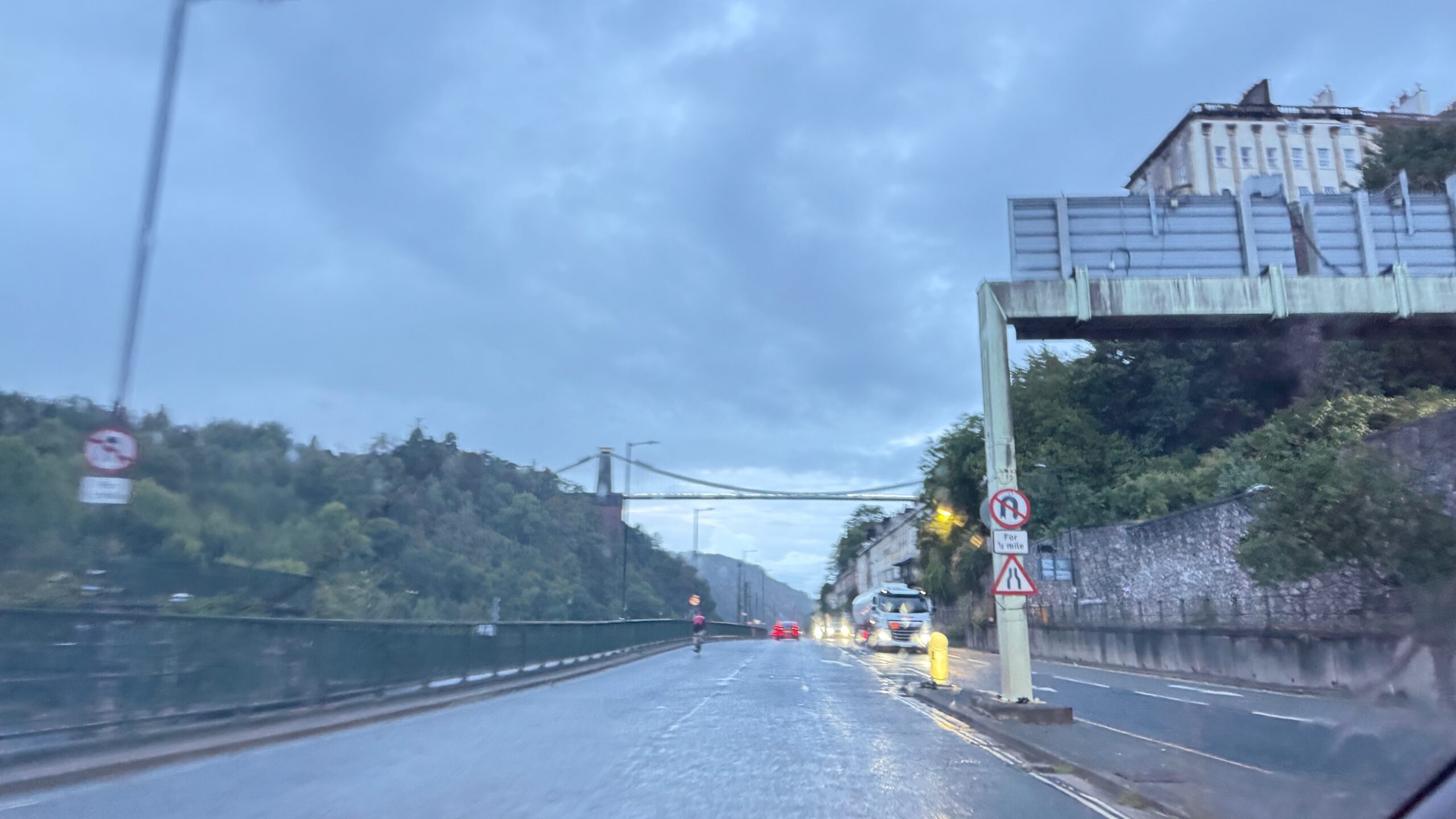
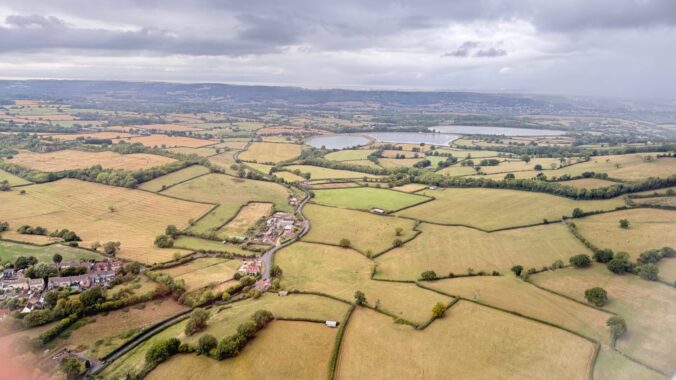
Flying into Bristol, picking up a rental car, and immediately remembering why left-hand driving on narrow Welsh roads is… an experience. Destination: Usk, Wales. Purpose: work stuff that I can’t talk about in detail, but let’s just say it involved some interesting conversations about the future of systems engineering.

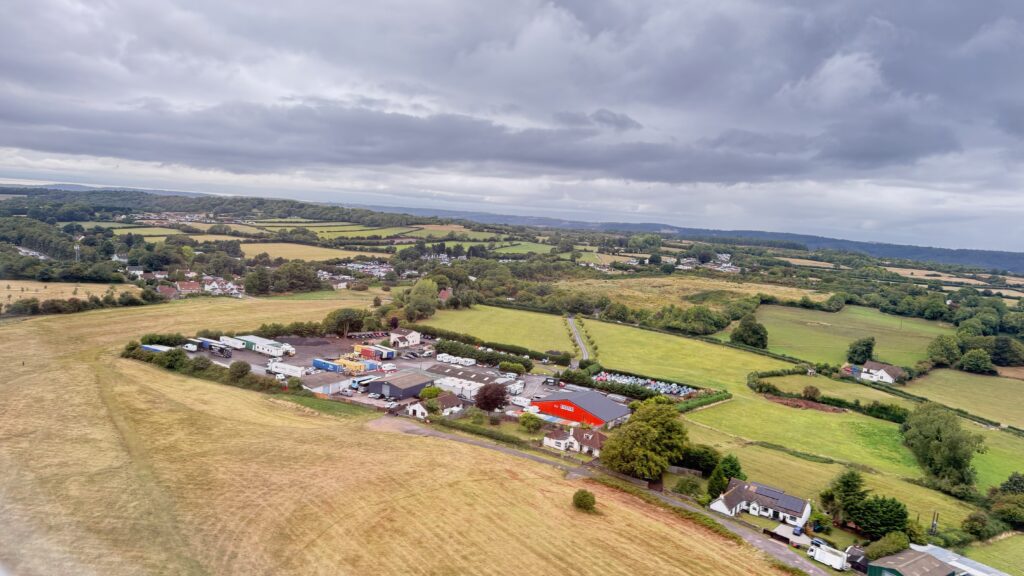
The drive from Bristol to Usk was like being dropped into an episode of “Escape to the Country” (which, yes, Jannie and I watch religiously). Rolling green hills, stone cottages, roads that seem designed for horses and carts rather than rental cars driven by confused Dutch guys trying to remember which side of the road they’re supposed to be on.

Welsh countryside aerial view

Every turn felt like I was about to meet a tractor head-on, or worse, scrape the rental car against one of those ancient stone walls. But somehow I made it to Usk in one piece, which is more than I can say for my nerves.

Mercury: When AI Meets Model-Based Engineering

Which brings me to why I’m really writing this post. While I was navigating those Welsh country lanes, my colleagues back home were putting the finishing touches on something we’ve been working on for a while: Mercury, our latest extension to Rhapsody.

Now, before you roll your eyes and think “Oh great, another AI thing,” hear me out. Mercury isn’t just AI for the sake of having AI. It’s AI that actually does something useful for us systems engineers.

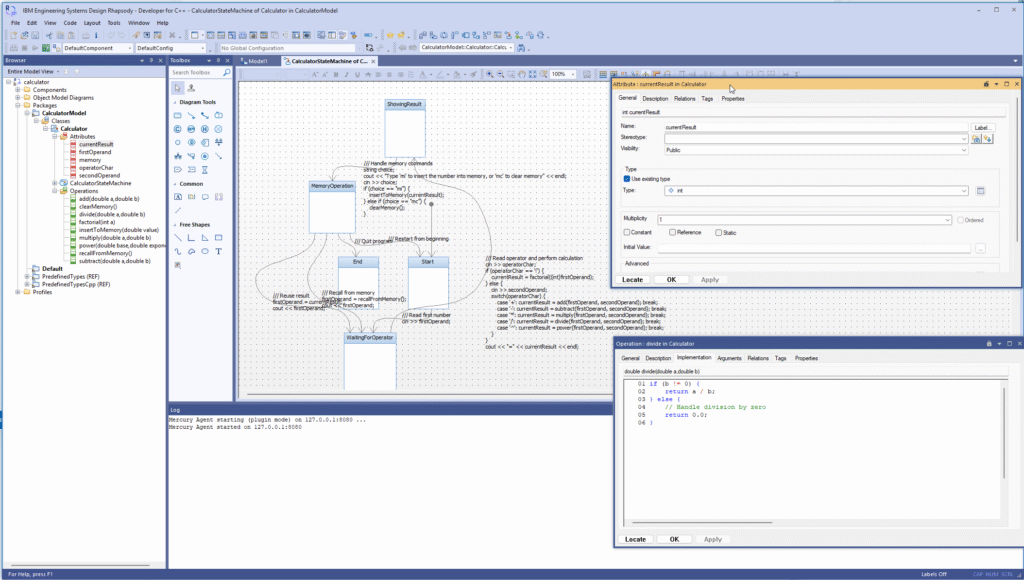
Mercury AI in IBM Rhapsody

What Does Mercury Actually Do?

Simple version? You can write your requirements in natural language, and Mercury will generate a model for you. Not a perfect model—let’s not get carried away—but a decent starting point that you can refine.

Think about it: instead of spending hours creating class diagrams from scratch, you describe what you want in plain English (or Dutch, or German, or whatever), and Mercury gives you something to work with.

“I need a system that manages user authentication with role-based permissions and audit logging.”

Boom. Mercury creates the basic structure. Classes, relationships, interfaces. You still need to refine it, add the details, make it actually work—but the tedious initial setup? Done.

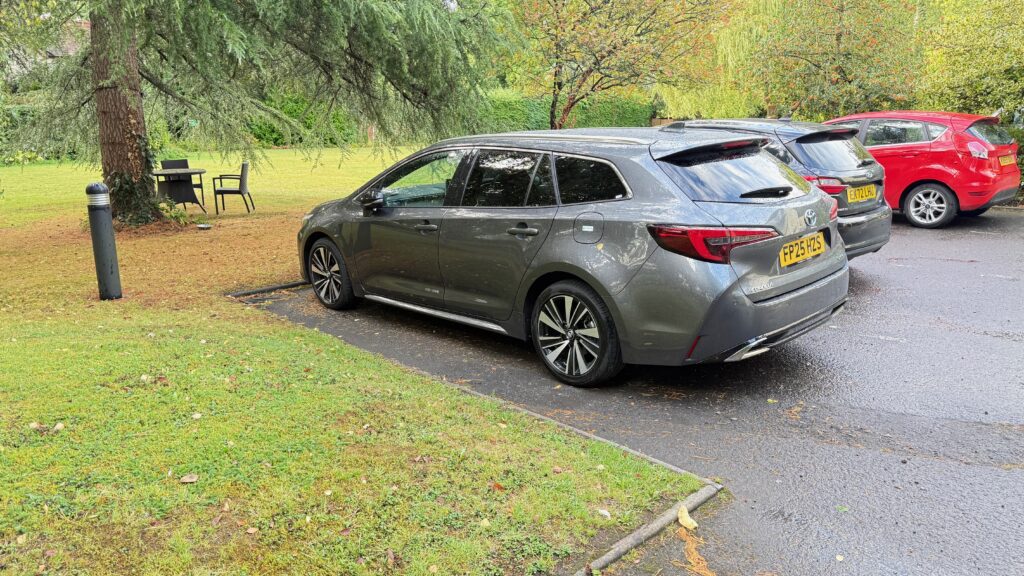
Rental car in Wales

Reverse Engineering That Actually Works

But here’s where it gets interesting (and where I stopped thinking about Welsh hedgerows for a moment). Mercury can also work backwards. Give it existing code, and it’ll create models and documentation.

You know that legacy system everyone’s afraid to touch? The one where the original developer left three years ago and took all the knowledge with them? Mercury can help make sense of it. It’ll read through the code, identify patterns, create UML diagrams, even suggest what the requirements might have been.

Is it perfect? No. Is it better than trying to reverse-engineer a 50,000-line codebase by hand? Absolutely.

Rhapsody reverse engineering

Requirements and Traceability

And then there’s the requirements side. Mercury can read your existing requirements documents (yes, even those Word documents everyone pretends don’t exist) and create proper traceability matrices. It can spot inconsistencies, identify gaps, even suggest test cases based on the requirements.

Remember those three-hour meetings where you try to figure out which requirements are actually implemented and which ones are just wishful thinking? Mercury can do a lot of that legwork for you.

The Welsh Connection

Sitting in a pub in Usk that evening (after successfully navigating more narrow roads without major incident), I was thinking about how both AI and Welsh country roads require a certain amount of trust. You have to trust that the AI understands what you’re asking for. You have to trust that the road actually goes somewhere and isn’t just going to end in someone’s back garden.

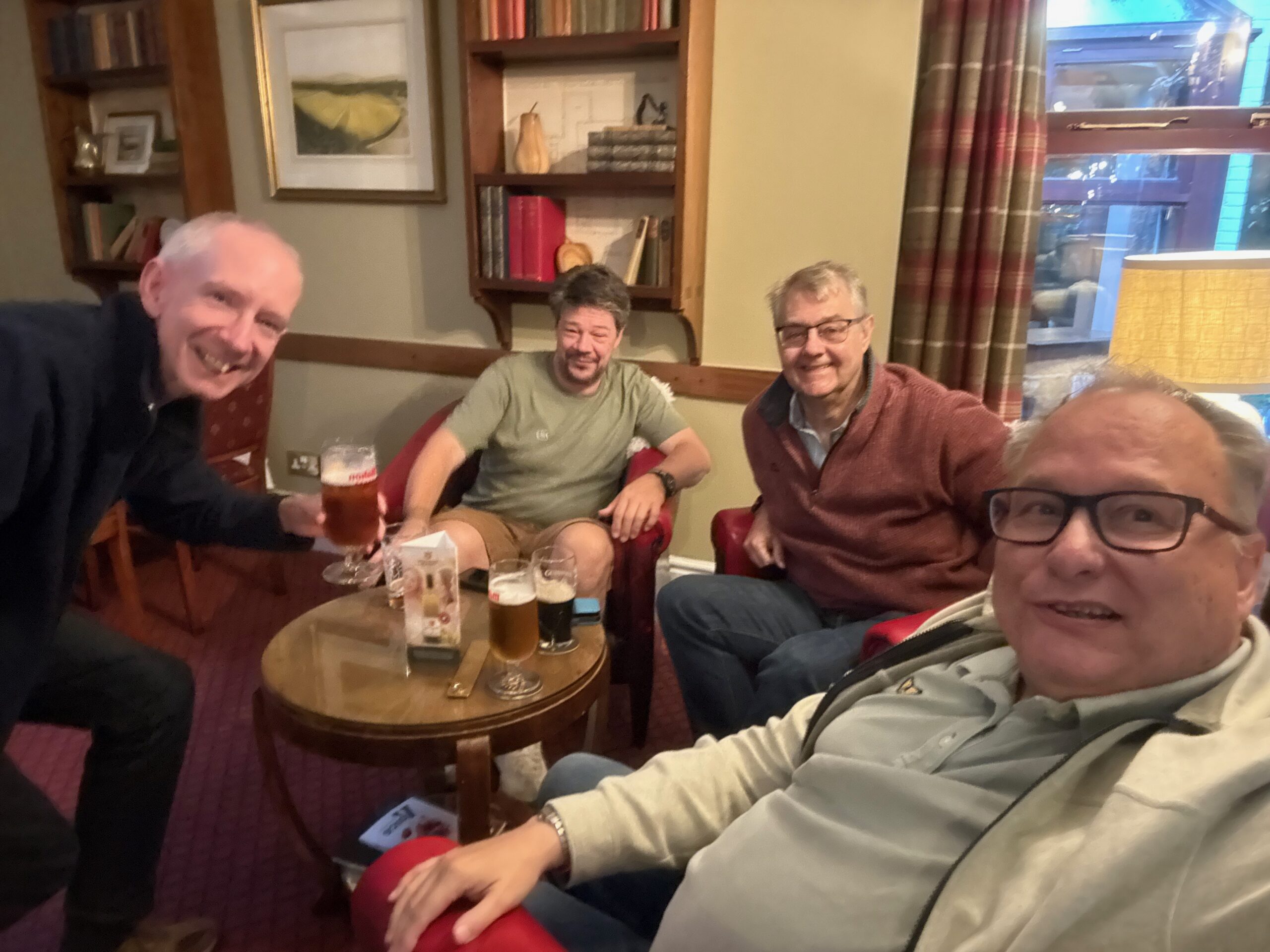
Pub in Usk, Wales

With Mercury, we’re not trying to replace systems engineers. We’re trying to give them better tools. The same way GPS doesn’t replace the need for a driver, but it sure makes navigation easier (even on Welsh country roads).

First Impressions

I’ve been playing with Mercury for some time now, and honestly? It’s promising. Not revolutionary—let’s not oversell this—but definitely useful. It’s like having a junior engineer who never gets tired, never complains about documentation, and doesn’t mind doing the boring setup work.

The model generation is surprisingly good for simple systems. Complex stuff still needs human intervention, but for getting started? It beats staring at a blank Rhapsody workspace.

The reverse engineering is where it really shines. I fed it some automotive code we’ve been working with, and it produced documentation that was actually readable. Not perfect, but readable.

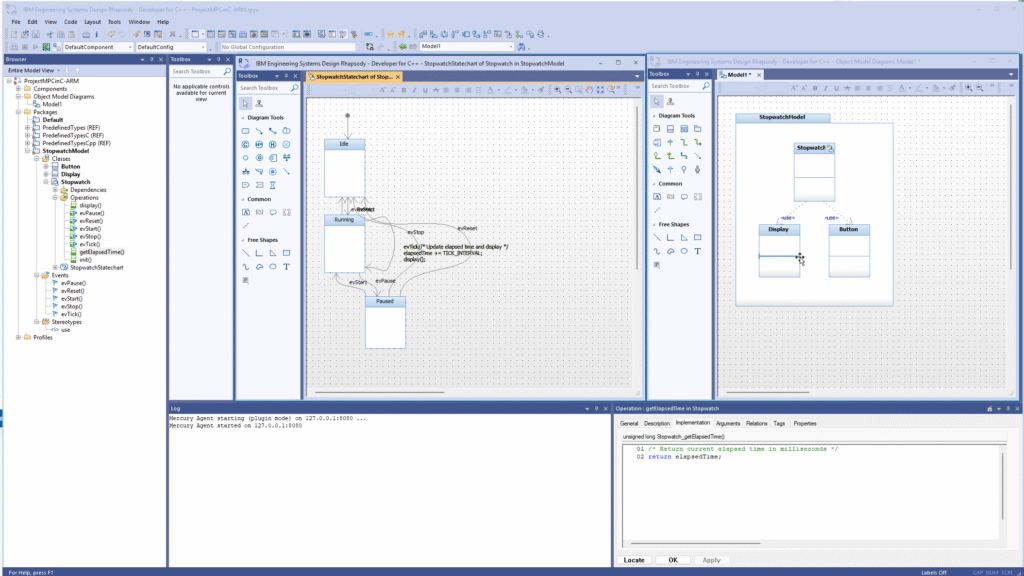
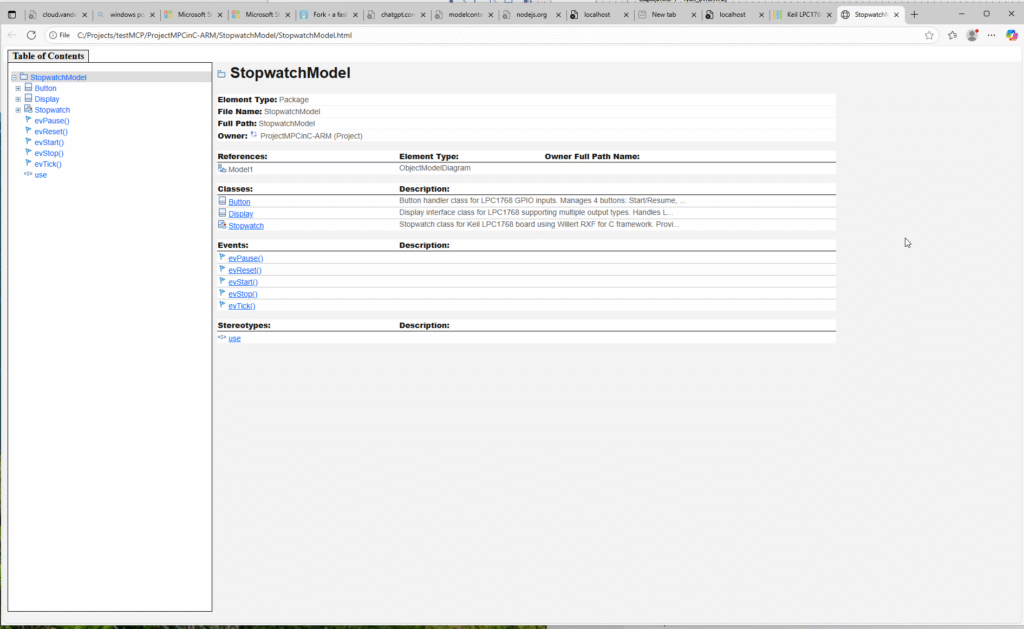
StopwatchModel in Rhapsody

The Reality Check

Will Mercury solve all our systems engineering problems? No. (I feel like I say this a lot, but it’s always true.) Will it make some tasks less tedious? Yes, and that’s enough for now.

The AI hype cycle is exhausting, I know. Everyone’s promising that AI will revolutionize everything, cure diseases, solve world hunger, and probably make better coffee. Mercury has more modest goals: help systems engineers do their jobs with less tedious busy work.

And sometimes, that’s exactly what you need.

Pics or it didn’t happen

Well i have a movie? Does that count?

Create a model from almost nothing.

Back home

My flight left on saturday morning. Who needs weekend when he does amazing things… It was early but really cool. Great visit to Wales. “I’ll be back”!

Welsh countryside from the road
View from airplane window

Final Thoughts

Driving back to Bristol the next day (slightly more confident about the left-hand driving thing), I realized that both Mercury and Welsh country roads teach you the same lesson: trust the process, but stay alert.

Mercury will generate models and documentation that are mostly right. Your job is to spot where “mostly right” isn’t good enough and fix it. Just like driving those narrow roads—the GPS will get you close, but you still need to pay attention to avoid the stone walls.

If you’re curious about Mercury, drop me a line. We’re still in beta, still figuring out what works and what doesn’t. But so far, it’s looking promising.

P.S. – “Escape to the Country” makes Welsh property hunting look much more relaxing than Welsh driving. Trust me on this one.

Have you tried any AI-powered engineering tools? What worked, what didn’t? Let me know in the comments below.

From the Depths to the Heights: Rhapsody SE and the Grand Canyon

Every year in January I go to Phoenix (Scottsdale actually), for the yearly 321-Gang kick-off. Like last year, I took Jannie with me (i have a truckload of KLM miles to spend), and although I had to work, we had some free time to see some things. So we decided to go to the Grand Canyon. Yes, that’s quite a drive, but I like driving, certainly in the USA. Very relaxed there.

I’ve been at the Grand Canyon before—many years ago on a road trip from Minneapolis to Las Vegas. But that’s a story for another time.

The drive from Phoenix was nice enough—20°C and sunny (and no, I don’t use FreeDumb Units). But once we got up to the South Rim? Different story entirely. Way, way colder. Like, “why didn’t I pack better clothes for this” cold.

[Photo: Grand Canyon winter view - those layered rock formations]

Jannie was smart enough to bring proper winter gear. Me? Not so much. But hey, the views were worth the frozen fingers.

A Canyon of Perspective
(and Frozen Fingers)

Standing there at the rim, trying to take decent photos while my fingers slowly turned into ice cubes, watching the layers of geological history unfold in the winter light, I couldn’t help but think about layers of a different kind—the architectural layers we’ve been building in the new IBM Rhapsody Systems Engineering (Rhapsody SE).

The Grand Canyon has this way of putting things into perspective, doesn’t it? There I was, looking down at rock formations that took millions of years to create, thinking about how we systems engineers are always trying to manage complexity and time in our own projects. The Vishnu Schist at the bottom? That’s like our foundational architecture. The Kaibab Limestone at the top? Well, that’s probably the user interface everyone actually sees and judges us by.

But here’s where it gets interesting (and where my mind inevitably wandered back to work, because apparently I can’t help myself even at one of the world’s natural wonders)—the Grand Canyon makes all those layers visible. You can see the relationships, the dependencies, the way each layer built upon the previous one. And that’s exactly what we’ve been trying to achieve with systems engineering for… well, forever.

Enter Rhapsody SE
(From the Outside Looking In)

Which brings me to the real reason I’m writing this post. Now, full disclosure—I’m still an “old fashioned” Rhapsody Classic guy. Haven’t made the jump to Rhapsody SE yet. But I’ve been reading about it, talking to people who have tried it, and honestly? It sounds like someone finally listened to what we systems engineers actually needed.

[Screenshot placeholder: Rhapsody SE web interface - if someone can send me one!]

What’s Different This Time?

First off, it’s web-based. No more “Can you install this on my machine?” or “The license server is down again” conversations. You just… open a browser. Revolutionary, right? Well, for our industry, it kind of is.

But here’s the thing that really caught my attention: SysML V2 support. Finally! I mean, we’ve all been waiting for this for what feels like forever. It’s supposed to be like moving from a horse-drawn carriage to a Tesla. Sure, both get you there, but one makes the journey significantly more pleasant and efficient.

[Photo: Me looking cold but happy at the Grand Canyon - because why not?]

Of course, I’m still stuck in Classic Rhapsody land for now. But a guy can dream, right?

The Collaboration Game-Changer

Standing at Hopi Point (thankfully they had a heated visitor center), watching tourists from around the world gather to see the same incredible view despite the cold, it struck me how good collaboration really needs that shared perspective—that common view of what you’re all working on. That’s what Rhapsody SE is supposed to be all about.

In Classic Rhapsody, collaboration often feels like playing telephone. You work on your part of the model, export it, someone else imports it, merge conflicts happen, and suddenly you’re in a three-hour meeting trying to figure out why the state machine doesn’t match the interface definition anymore.

Sound familiar? Yeah, thought so.

From what I’m hearing, Rhapsody SE is supposed to change this. Everyone’s looking at the same “canyon”—the same live model, the same data, the same current state of the architecture. No more version conflicts, no more “Well, in my version…” discussions.

At least, that’s the promise. I’ll believe it when I see it, but I’m cautiously optimistic.

[Screenshot placeholder: Rhapsody SE collaborative interface showing real-time updates - anyone?]

Real-Time Everything

The Grand Canyon was carved by the Colorado River over millions of years, but today’s business environment doesn’t give us millions of years to get our systems right. We need real-time everything: real-time collaboration, real-time updates, real-time validation.

SysML V2 and other data and workflow APIs enable model-based integrations with downstream domains as cross-domain digital threads, boosting productivity and accelerating system engineering processes. This is the kind of integration we’ve been promising stakeholders for years. Finally, we can actually deliver on it.

The View from Here

As I walked the Rim Trail that day, moving from viewpoint to viewpoint, each offering a slightly different perspective on the same magnificent canyon, I realized that’s what good systems engineering is about—providing multiple perspectives on the same system, helping stakeholders understand the relationships and dependencies that aren’t immediately obvious.

Rhapsody SE feels like it’s finally giving us the tools to create those multiple perspectives without having to maintain separate models or worry about consistency. The solution supports systems of all sizes, from small projects to large enterprises, by providing layers of abstraction to manage different levels of detail and keep models clear and manageable.

The Verdict (From Someone Who Hasn’t Used It Yet)

Will Rhapsody SE solve all our systems engineering problems? Probably not. (Nothing ever does, really.) Will it make some of our daily frustrations disappear? Maybe. And after using Classic Rhapsody for over a decade, I’m willing to be hopeful.

The Grand Canyon took millions of years to become what it is today, and it’s still changing. Our systems engineering practices are evolving too, just a bit faster. Rhapsody SE sounds like it might be a significant step in the right direction—a tool that finally acknowledges that systems engineering is inherently collaborative and that maybe, just maybe, we should make that collaboration as seamless as possible.

Plus, it’s web-based. Did I mention it’s web-based? Because after years of Classic Rhapsody license server issues, that alone makes me want to try it.

Now I just need to convince management to let me play with it…

[Photo: Final Grand Canyon shot - the vastness that puts everything in perspective]

P.S. – If you’re ever at the Grand Canyon in winter, pack warm clothes. Trust me on this one. And yes, Hermit’s Rest still has the best coffee and least crowded viewpoint, even in January.


What are your thoughts on the evolution of systems engineering tools? Have you tried Rhapsody SE yet? Let me know in the comments below.

Detroit Rhapsody Rock Units

Introduction

For our US Automotive Day I flew to Detroit again! I really like Detroit, it’s way better than its reputation!
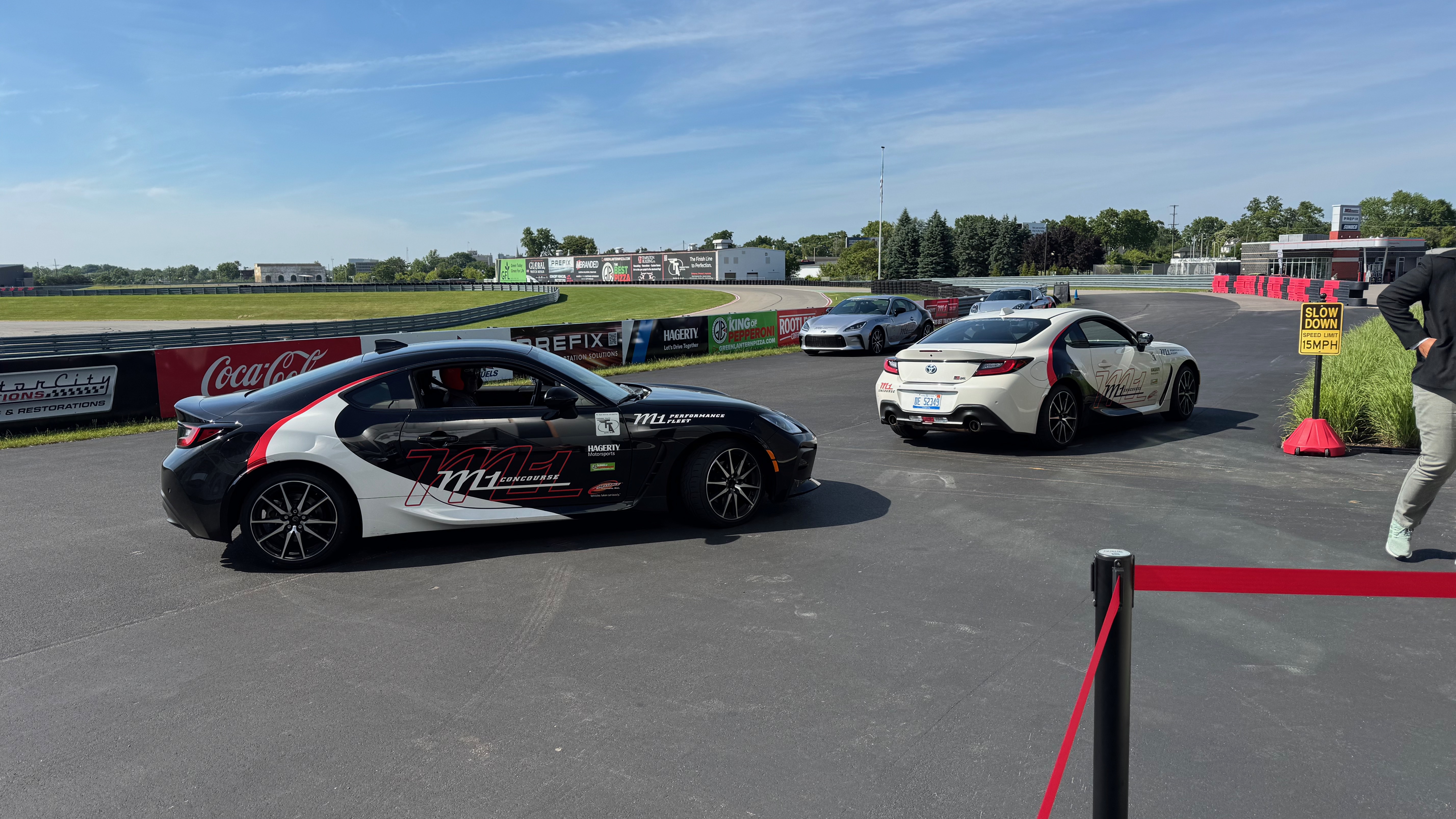
We organized a day after the German Automotive Day example. Our Marketing Guru, Tom Hollowell, discovered a racing track. It offered a great conference place and a race track where we were driven around.
No we were not allowed to take the wheel, unfortunately, but we were chauffeured by 2 professional racing drivers.
It was pretty awesome. We had just enough rides for everybody. Luckily, not everybody had enough nerves to go in a fast car around the track.
So I went twice… Loved it…

Rhapsody Units

There are still people asking what “Units” are in Rhapsody. And it is easy: it is the smallest “Unit” you can store in CM separately. Default units are:

  • Model
  • Package
  • Component

Units are easily ( if you have good eyes, that is… ) recognizable by the small icon decorator in the lower left corner. The decorator is either Grey (saved) or Red ( not saved). This indicates that Rhapsody will store that “unit” in a separate file. It allows it to be stored separately in a CM (That is mostly file-based). By right-clicking on a “non-Unit” element in Rhapsody, you can select “Create Unit.” This will give you the opportunity to store a Unit in its own file. The property General::Model::DiagramIsSavedUnit causes all diagrams to be saved in a separate file. In the same Subject::Metaclass, you can also find properties like BlockIsSavedUnit, ClassIsSavedUnit, and ComponentFileIsSavedUnit. There are also properties like ComponentIsSavedUnit (Default on), FileIsSavedUnit, and FolderIsSavedUnit. You will find ObjectIsSavedUnit and PackageIsSavedUnit (Default on) too. With these, you can control what is a Unit and what not.

The file extensions are: (add an “x” for the post 8.3 file format)

ElementOld < 8.3New > 8.3
Model.rpy.rpyx
Package/Profile.sbs.sbsx
Component.cmp.cmpx
Object Model Diagram.omd.omdx
Sequence Diagram.msc.mscx
Use-Case Diagram.ucd.ucdx
Structure Diagram.std.stdx
Deployment Diagram.dpd.dpdx
Collaboration Diagram.clb.clbx
Panel Diagram.pld.pldx
Timing Diagram.tmd.tmdx
Class/Object.cls.clsx
Did I miss one????????x


Ann Arbor

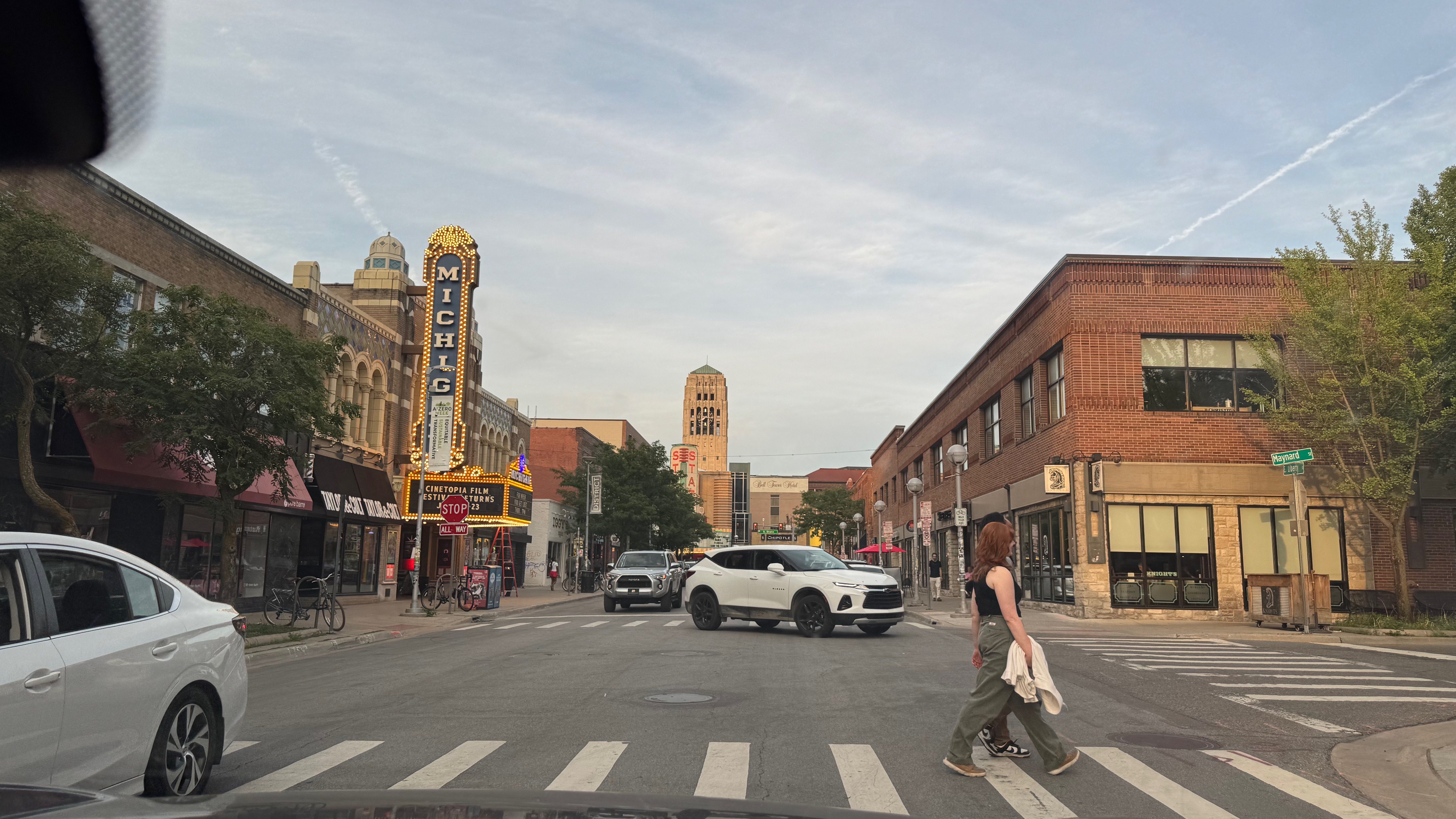
After the event I was invited by Tom and Carol to a dinner in Ann Arbor. A beautiful place, we drove around after dinner. (Thanks again! It was great!) Tom always posts sunsets on FaceBook… unbeatable.

Have fun modeling with Rhapsody

Walter van der Heiden ( walter@sodiuswillert.com )

Rhapsody to Cameo: Save Time and Effort.

Introduction

So… you are a Rhapsody user. Always have been, always will be. Like me, I also have a love/hate relationship with it. More love but there are times when I think: “Rhapsody??? really???”

But suppose you work somewhere in a place where people want to force you to use MagicDraw (Cameo). Not a bad tool, definitely not, but no Rhapsody. Because in spite of all it’s peculiarities, it’s a brilliant tool. And then there’s Code Generation.

Your protest is futile: You have no choice. You have to. But… What to do with all your old models? Make them again? Use XMI (Spoiler alert: doesn’t work very well)

That’s only one use-case for a product we call “Publisher.” A tool that can take Rhapsody Models and save them as perfect Cameo models. Or the other way around. Or from System Architect. Or RSA. Or even Enterprise Architect!

Another use-case is that the US Defense Ministry demands models to be in Cameo format. In that case, you want a converter that 1:1 copies your Rhapsody Project to Cameo. Or saves it as a Cameo Model.

Wait! There’s more: If you really like Cameo (and who doesn’t!) then you can use it for Systems Engineering and then use the Rhapsody CG to do Software Engineering.

So as you will understand: SodiusWillert has that. A perfect way to save your valuable models in another format with the certainty that no information is lost in the process.

Vegas. Really??

Yep. It seems all large events are in Vegas nowadays. Also the Siemens Realize live I had to visit. My regular readers know how I think about Las Vegas, read this BLOG entry if you don’t.

But the Siemens conference was great, it was in the Mandalay Bay, which is a bit less bad IMHO. We had a booth there and it was quite successful, I think.
My personal highlight was the Keynote by Tony Hemmelgarn, CEO of Siemens DI SW. He spoke about the advantages of MBSE and mentioned Rhapsody in a very nice and loving way. I cannot remember an IBM event where I heard anybody speak in such a way about modeling (Except for me, of course! 😉 )

The best news was, however, that next years event will be in Detroit. And the European version in Amsterdam. Less travel. Also, only 6 hours of time difference and not 9. The latter is a real burden on the communication with home, there’s just not enough time overlap left. And the times that you are both awake, there is the fact that the times don’t sync. One always is doing something when the other has time to call and vice versa.

We spent some time walking around. I must confess that this “Sphere” was pretty impressive.

Back to the Publisher

First of all: here you can read all about it and… Try Before You Buy!

Convert systems models from IBM Rhapsody to Cameo Systems Modeler and Cameo MagicDraw with one click. Our Publisher for Rhapsody supports the conversion of modeling formats like SysML, UML, and UPDM and all model diagrams, elements, structure, and hierarchy. Convert large systems models fully automated with full support for diagrams, logging of model transformation action and configurable diagram layouts.

Save time manually cleaning up your target model by leveraging user-configurable settings and display styling in the conversion. Publisher for Rhapsody provides two configuration files that allow teams to control and consistently apply their defined methods and styling.

Publisher for Rhapsody implements model checking to identify, log, and report inconsistencies in the source model, then converts UML, UPDM, or SysML elements​ such as hierarchy, diagrams, and relationships to ensure 100% compatibility in Cameo Systems Modeler. For UPDM elements, it also converts Architecture Description, Packages, and Viewpoints.

The Publisher does the complete model. All model elements, also all diagrams! It keeps your diagrams in the same shape so you will recognize them in the blink of an eye! It even check-ups your models before converting them, we don’t want “garbage in, garbage out!”

Even roundtripping is supported. So if you want to exchange models that will be changed in both tools: All possible!

That’s it for today. Feel free to contact me if you have any questions;

Happy Modeling with (either Cameo or ) Rhapsody.

Walter van der Heiden walter@sodiuswillert.com

Using MatLab Simulink with Rhapsody

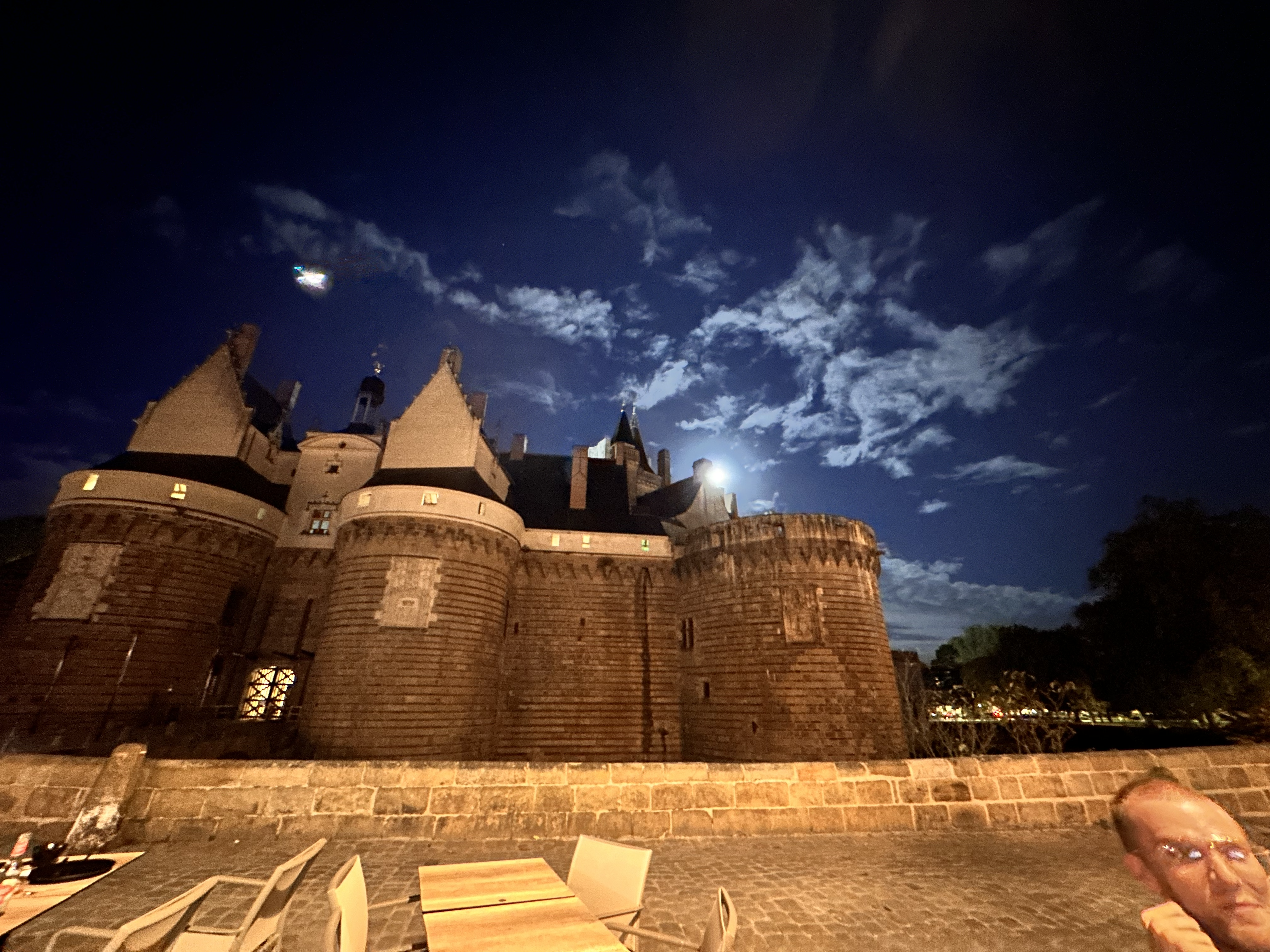
Back in Nantes

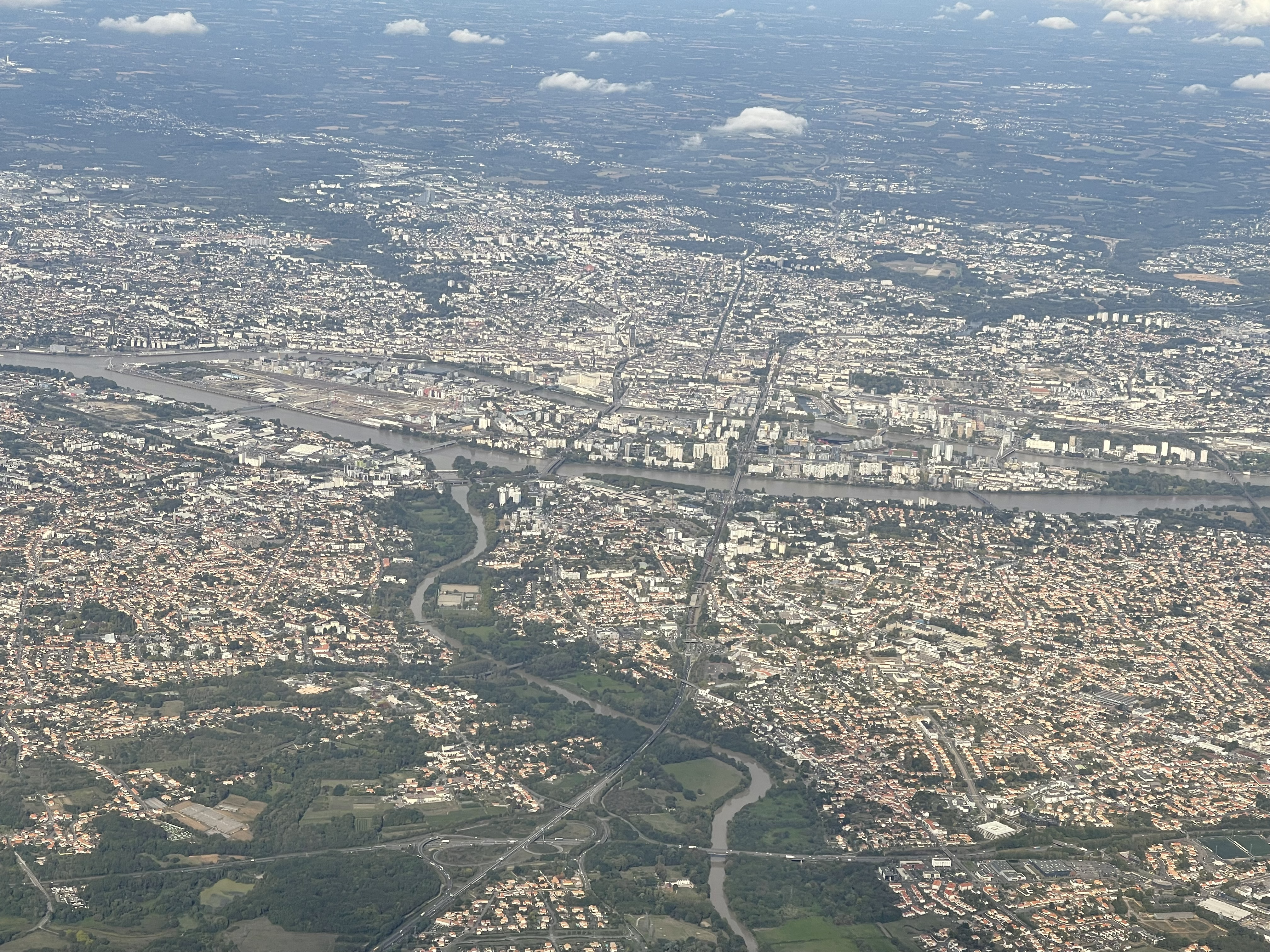
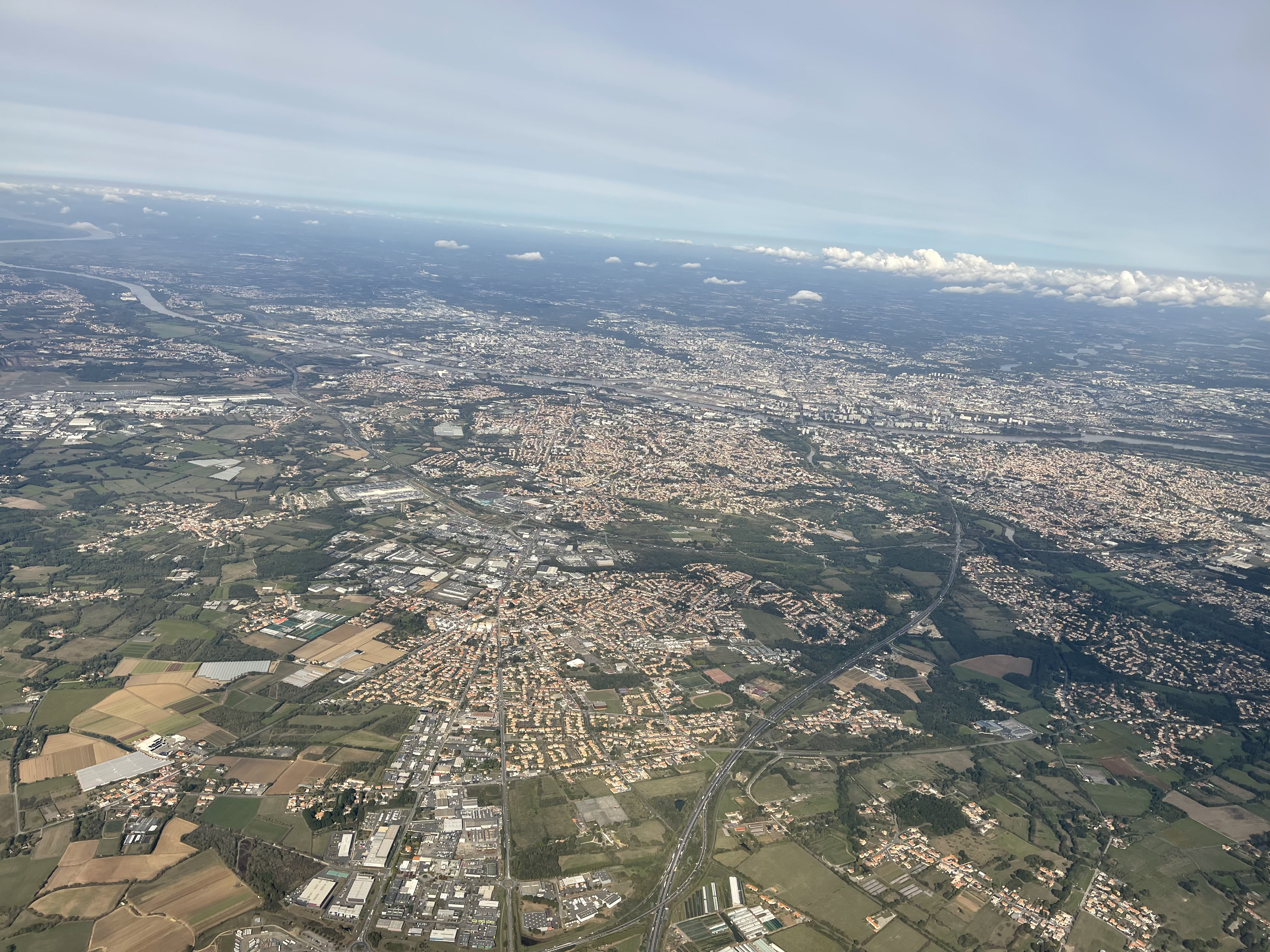
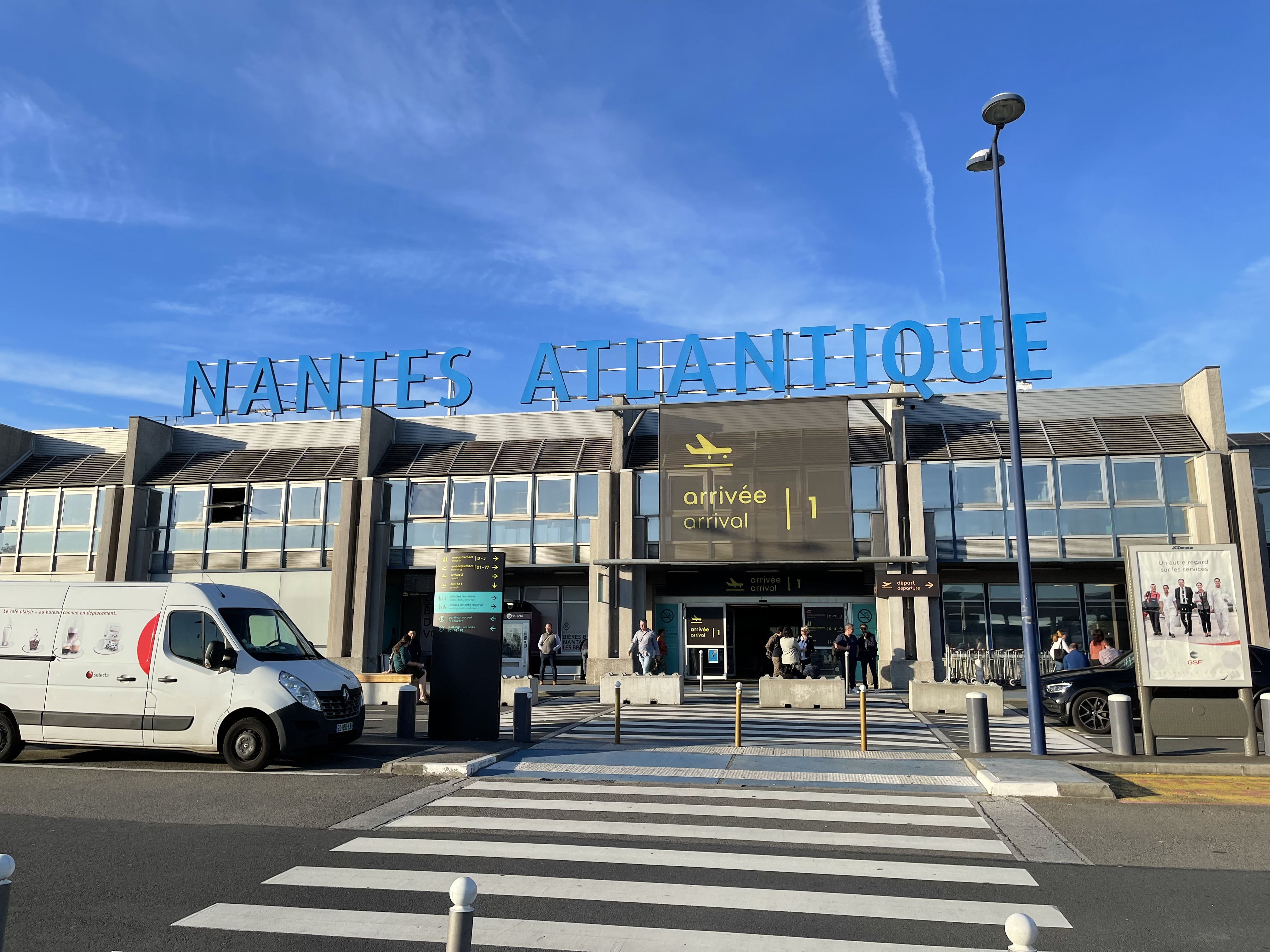
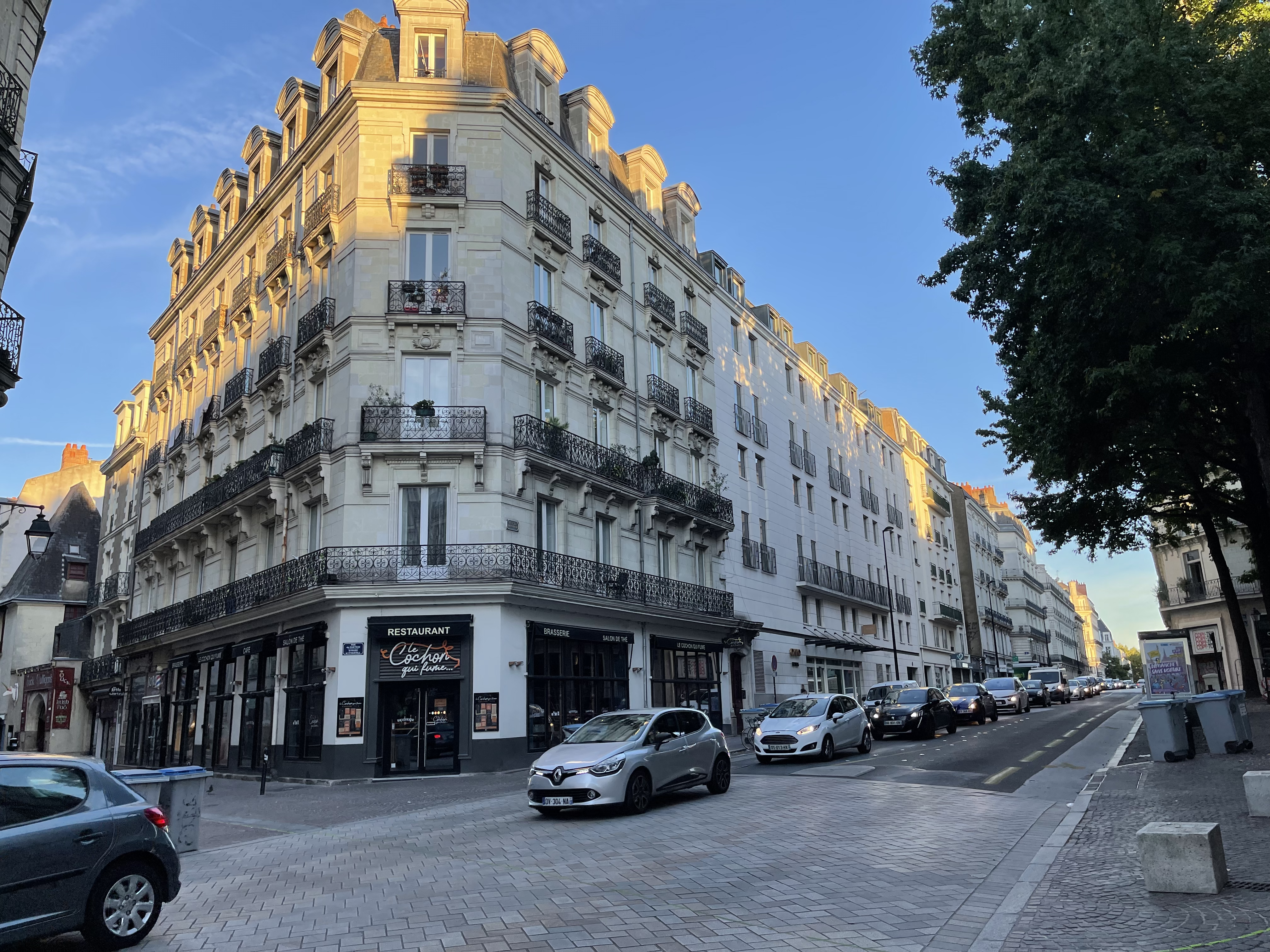
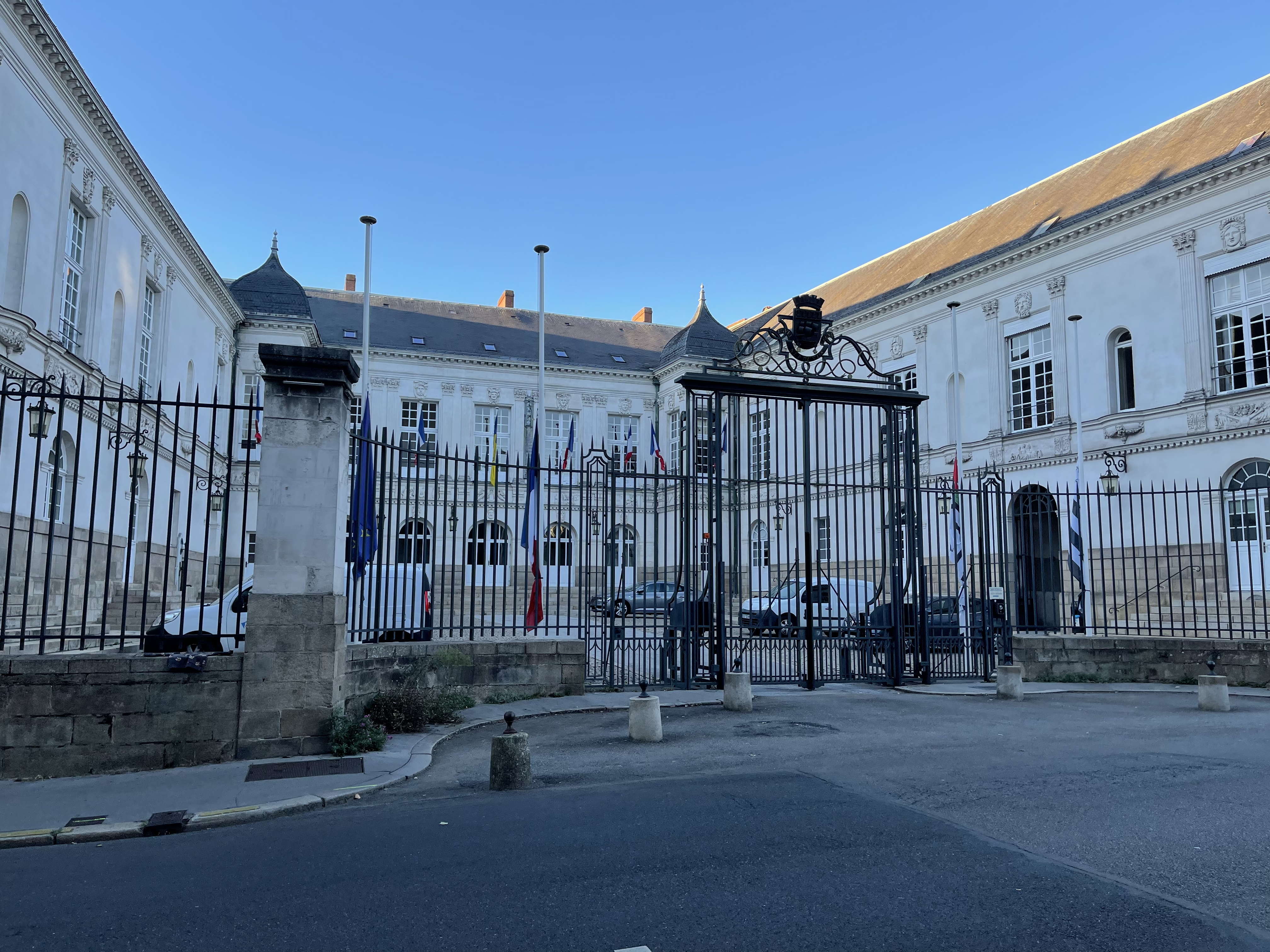
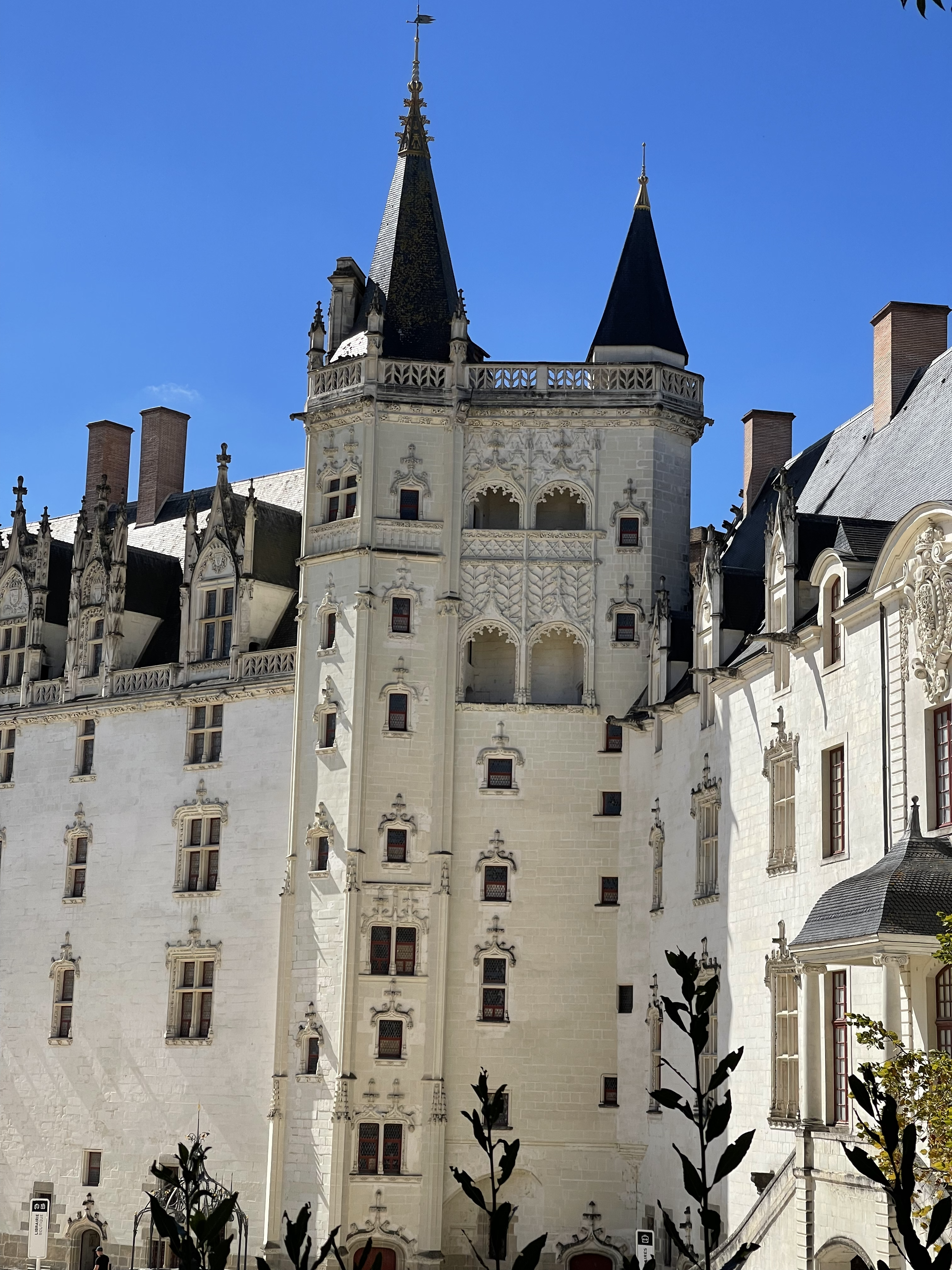
Since we are together with Sodius I have my regular visits to Nantes. Luckily! I really like Nantes and of course my colleagues in Nantes. Always big fun and great to see beautiful Nantes.

Simulink

People still use Simulink; I’m always surprised that nobody objects to the fact that it generates code; people use it without thinking. When it’s Rhapsody, millions of objections pop up against Code Generation. Probably, it is because Simulink is used by all kinds of engineers and Rhapsody by Software Engineers who feel attacked in their honor by Rhapsody (That does an excellent job generating code,..)

Now, with the Automotive Extension, there is another way to integrate the two tools: ARXML. That’s a “lightweight” integration; it doesn’t add much. The real benefit comes from co-simulation, and that’s what Andy does in his video. AFAIK that still works (I do not own a Simulink license, I cannot try it)

Resources

Now, I could be explaining here how it works but other people have done that already, way better than I can.

Andy’s (old) video. Explains it really good.

Justin Dyer IBM explaining. A tiny bit newer than Andy’s video.

Frank Braun’s video. Great explanation!

IBM TechXChange Lab (Also by Andy, you need an IBM ID for that)

TechXChange

Coincidently I answered a question on TechXChange, about this, it seems the Library for CygWin is broken:

OK. Not so easy but it works:

Add to your configuration in the “Settings” Tab under: “Link Switches”:
"<<UserShare>>/LangCpp/lib/cygwinsimulinkintegrationapplx64.a"

(Replace the <<UserShare>> with the path to your UserShare directory.)

Then you need to build the Simulink library, the following files need to be placed:

– In the directory <<Share>>\LangCpp\SimulinkIntegration the file cygwinsimulinkintegration.mak

– In the directory <<Share>>\LangCpp\ the file cygwinbuild.mak

Then call “Code” and “Build the Framework” from the menu. there is 1 warning, you can ignore that.

You can also edit sitec++.prp and add the Cygwin makefilecontent with the changed linker statement. But this works too.

So. That’s it for today! Happy simulinking with Rhapsody!

Walter van der Heiden walter@sodiuswillert.com

Barcelonaaaaa ( & Rhapsody 10 )

Travel is entirely back now. COVID is over. Well, it’s still there, but nobody cares anymore. So after the worldwide TechXChange in @#$%^&* Las Vegas ( See “I hate Las Vegas“), it was now the European version held in Barcelona.
I’ve been to Barcelona before (incidentally, that was where I got my own COVID infection…). I really like that city; it has beautiful architecture, a nice buzz, great food, and much, much more.

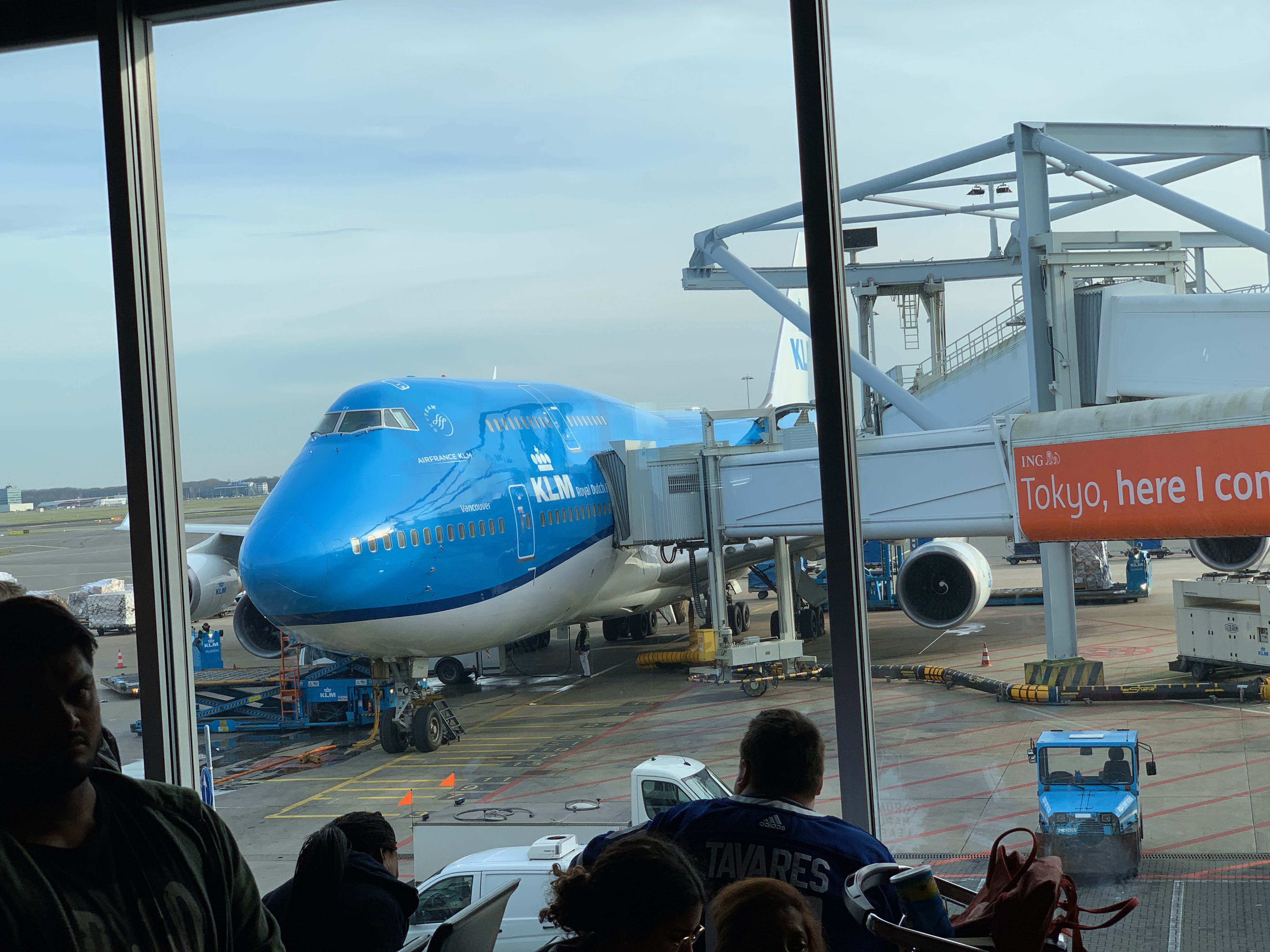
So I went to my second home (Schiphol Airport) by train, checked in, did the security check, and then went straight to the KLM Crown Lounge. I’m a luxury traveler; I have had a KLM Platinum badge for five years (and counting), which is so cool. It makes traveling (almost) bearable..

The flight was as it should be: quiet and fast. It takes only 2 hours from gate to gate. Love that. Then, the Uber to the hotel. We live in a beautiful time. The only thing I used was my phone. Everything I needed was there, and I did it on the phone. I booked the flight with the KLM App, Called Uber with the Uber App, and booked the hotel with the Hilton App. I checked the locations with maps; the IBM App had my entry ticket. The only thing you need is, of course, the phone and enough battery… And sometimes a connection. But that is only a problem in Germany; it all worked fine in Barcelona.

The venue was on a great location, near the sea, next to one of the recommended hotels. I wasn’t in that hotel, I booked too late. But I don’t mind a small ride in the morning/evening.

As in Vegas, there was also a sandbox where partners and IBM had booths and the Champions Lounge. Yes, I have been an IBM Champion for 4 years now! It’s like being KLM Platinum but even better!
Champions are treated as kings by IBM! Front-row seats and people who do nothing else than care for our wellbeing. Thanks Libby, Cathryn, Amy and all others!

Unfortunately there was not much ELM, most was, “the ol’ Hardware” I learned that Mainframes are not dead, on the contrary! One of the things I started with after I graduated was the IBM AS/400, now SystemZ. Still cool stuff. I also learned there are “open source” Mainframes.

Some small items were there on ELM, there was a small item about Rhapsody, the new version was coming. And loo and behold: on February 29, 2024 Rhapsody 10 was officially released!!!!

What is new: Actually all is new… The GUI is changed and therefor all under the hood needed a thorough make-over. And the IBM boys and girls did the magic, just like on the TV make-over programs for houses or people: the result is stunning.
Here is the official IBM “WhatIsNew“.
Soon I get back to you guys with more news about Rhapsody 10!

Also new is the HarmonyMBE profile. Yes that is our work, Andy made that and it’s part of Rhapsody! We have a BLOG about it, we will fill that with more information soon.

So. Have fun with Rhapsody (10, but also with the older versions)

Walter (wvdheiden@sodiuswillert.com)

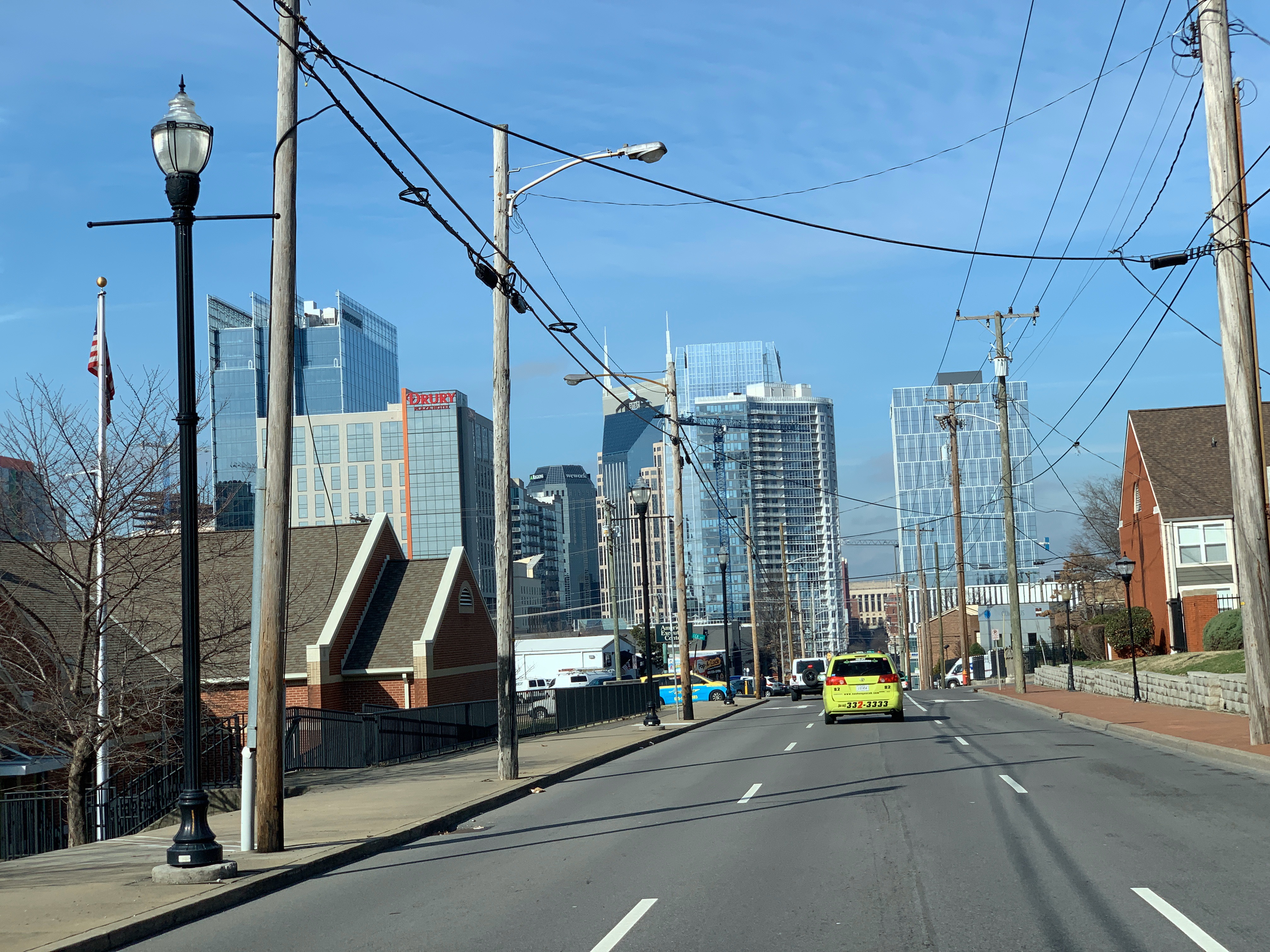
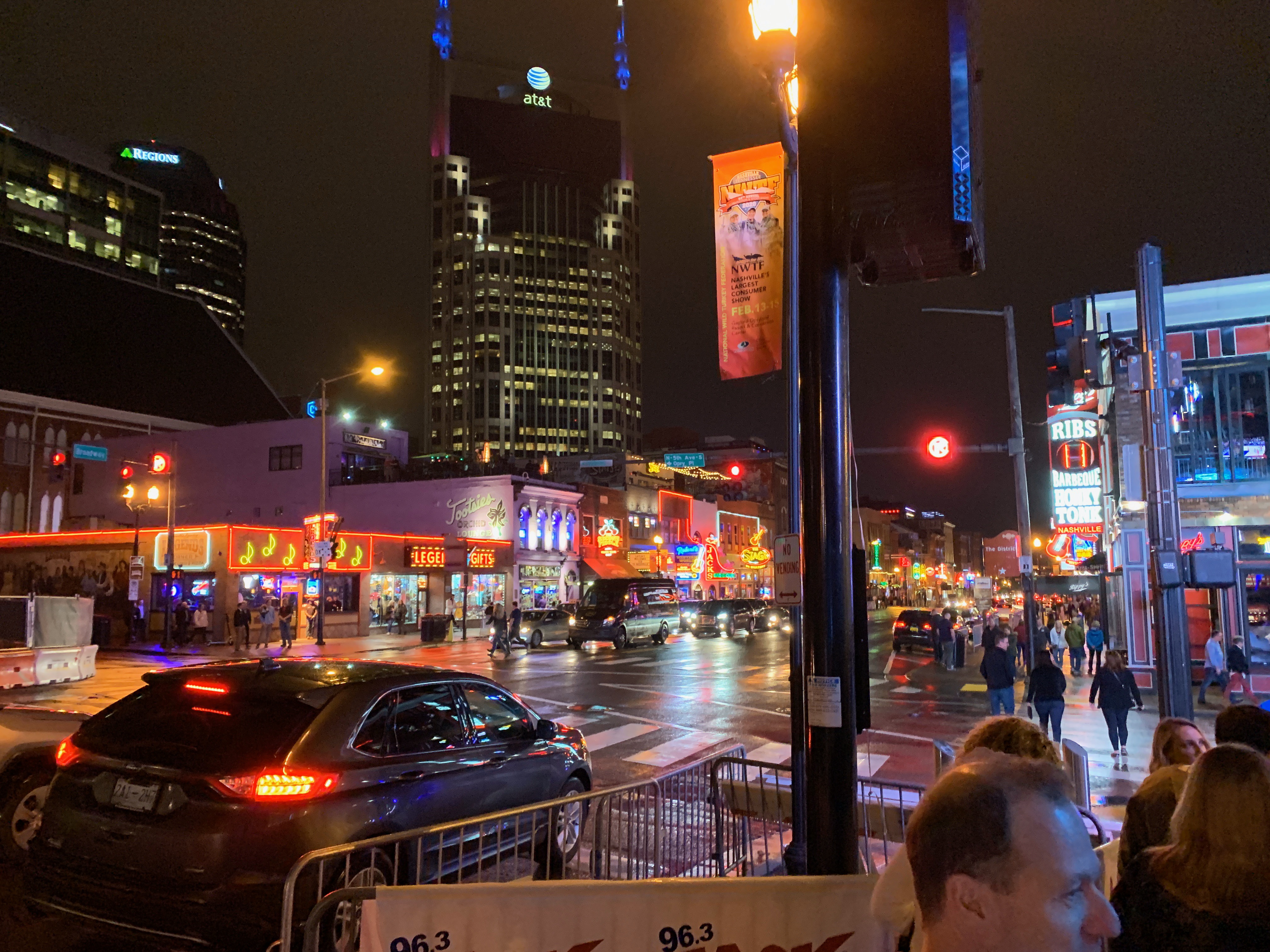
Nashville/Florida/Toronto

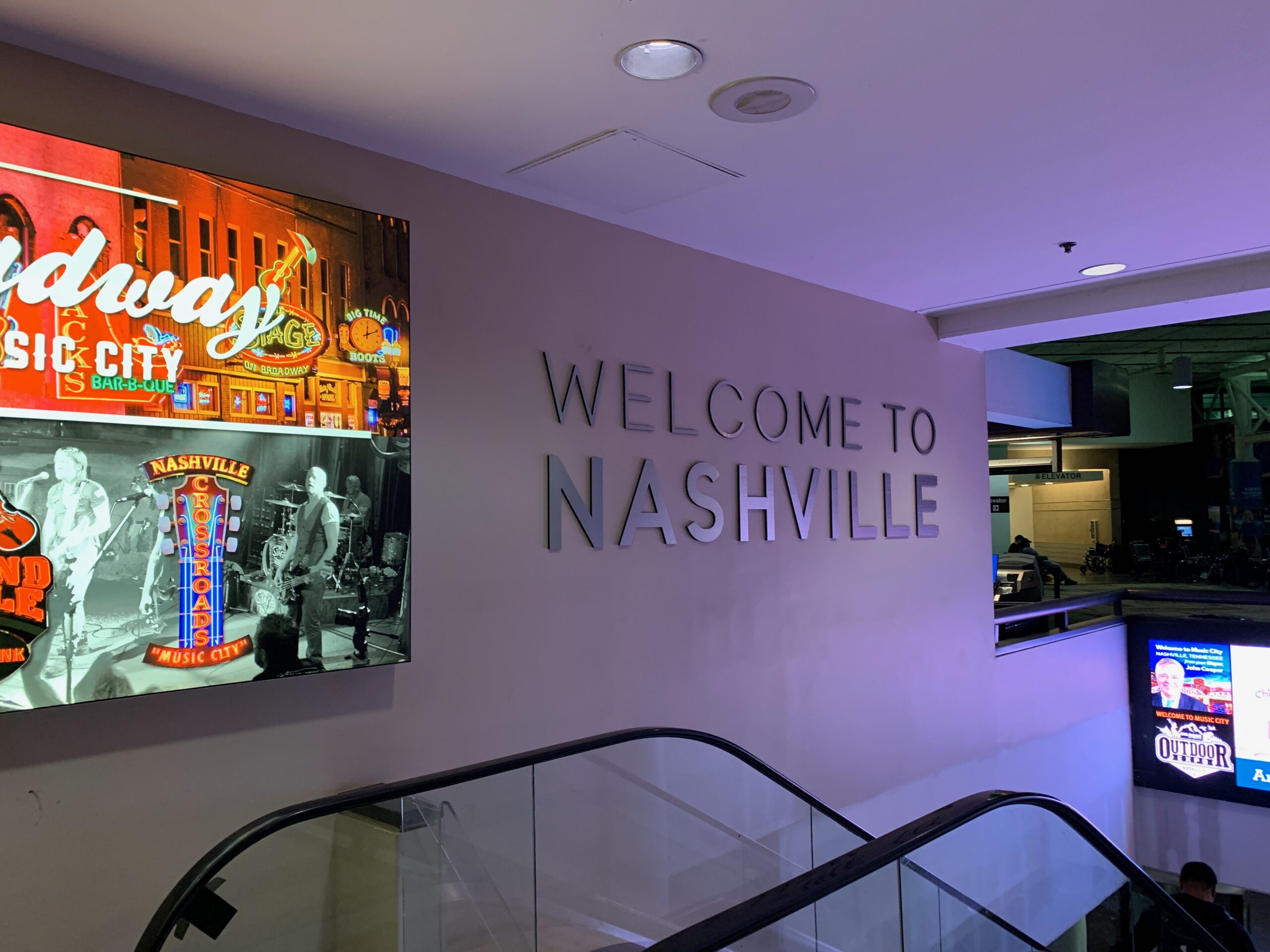
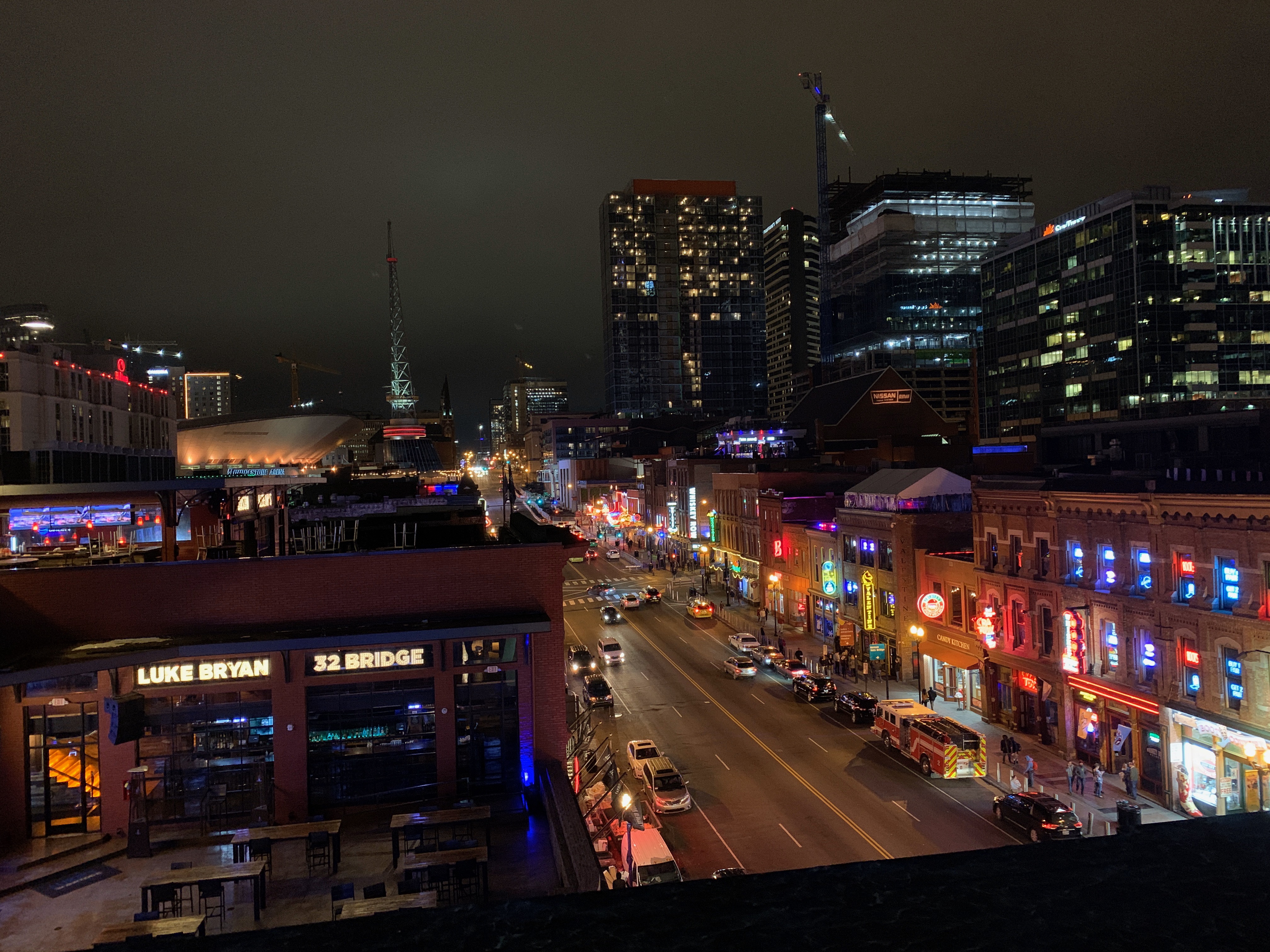
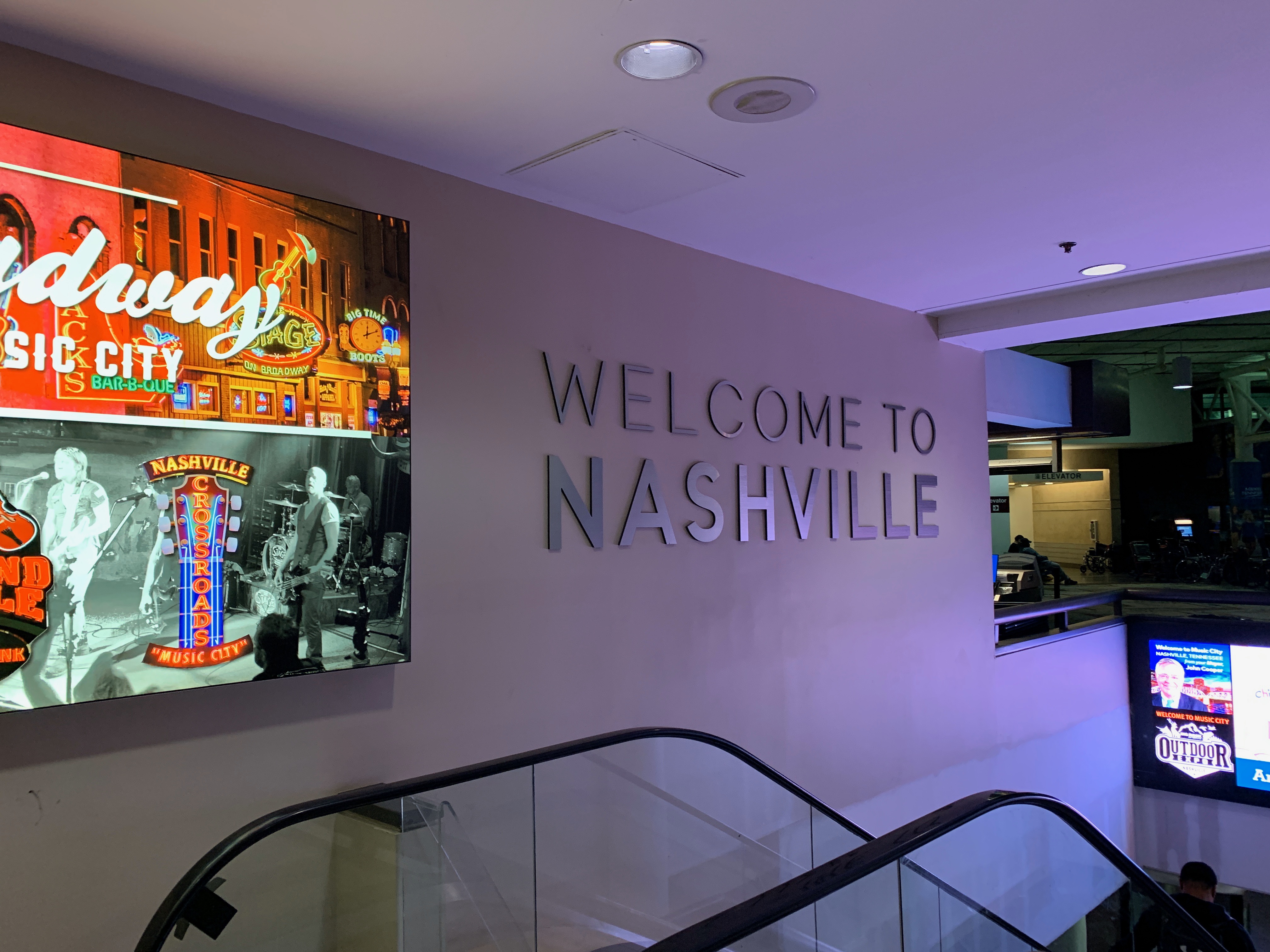
I’ve been in the USA for quite some times. But Nashville was new, never been there before. So I increased my State count to 39! 11 to go.
The cheapest flight I could get was from Hannover. Via Amsterdam (which is closer to me, but don’t skip a leg, that’ll cost you….amazing in this time of saving the environment….)
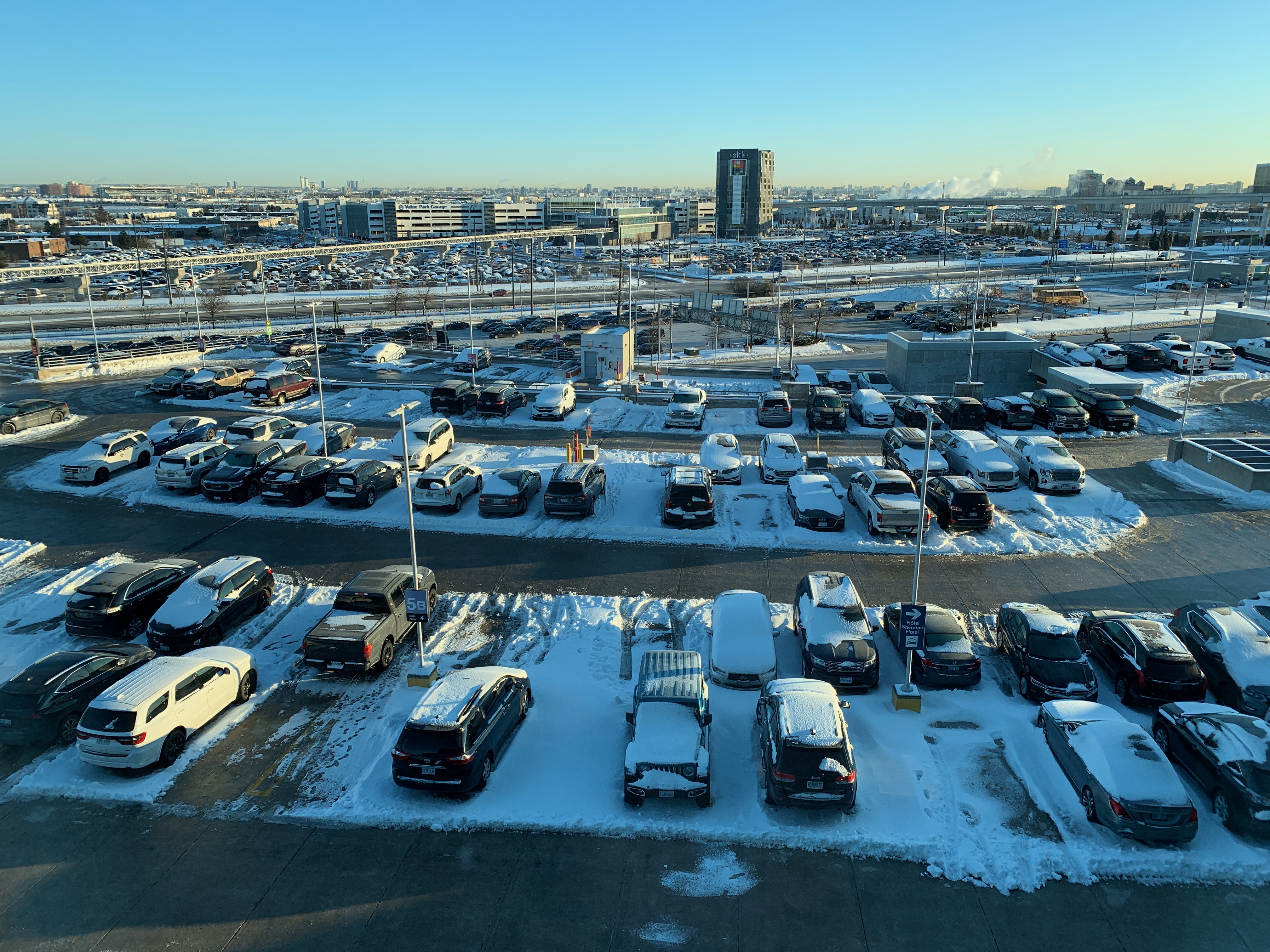
So I got on the plane to AMS early for the stopover to… Toronto! I’ve been there before, twice. Nice city! There I would get on a plane to Nashville.

I was in Nashville for the Kick-off Conference of our beloved USA partner 321-Gang.

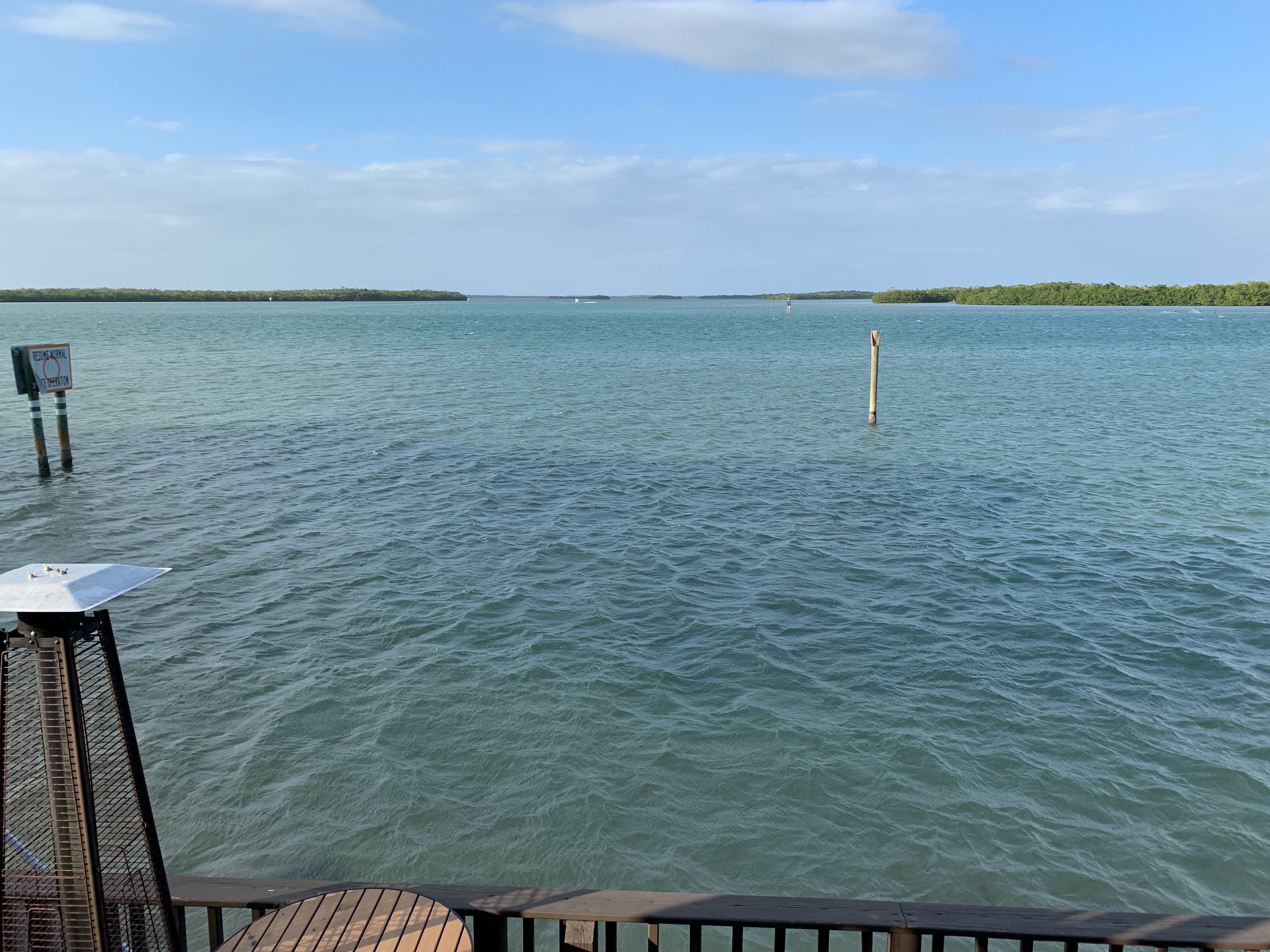
After the Kick-Off there was, luckily, some time left to visit Florida, a real must in winter time 😉 After 3 nice warm days I was on the way back ( ;-( ;-( ;-( ) But that was less easy then I thought… Again I would fly via Toronto but the plane coming from Toronto had a delay (Cause: medical Emergency…)
The information on the duration of the delay was very fuzzy. I tried to find out an alternative way to fly home but there was no real alternative.
So I gambled on the original flight that was earlier then expected.
It was, for hours and hours, on the tipping point of “Not going to make it” and “Just in Time”. I hate that.
To cut a long story short: The fact that I had to cross customs in Canada made me miss my plane.
So I had to spend another 24 hours in Canada. With only T-Shirts. And with -13ºC outside…
Luckily KLM was very, extremely good and they shifted my flight (They didn’t have to, i was on the cheap non-refundable flight) WestJet (Canada air-carrier operating for Delta) did not want to reimburse my Hotel costs.. “Use your insurance”…. Yeah I will.

Reverse and Roundtrip

In the last versions of Rhapsody we receive an increasing number of complaints about issues with Reverse and/or Roundtrip Engineering.

Issues

The issues are:

  • Reverse Engineering seems to start but does not give a result.
  • “Populate Diagram” is missing in the “Operation” menu

Rhapsody Version/License

A possibility is that your license is too old. What?? But everything works fine, except….
That is correct. Your old license also works for newer Rhapsody versions, I don’t understand that either, i’d link that to newer versions and support payments but hey, I know nothing about that….
So, exactly right. In some version of Rhapsody there was an entry added in the license file for Reverse/Roundtrip. Adding this solves the problem. You can generate a new license file in the License Key Center. (If you have a support contract with SodiusWillert (or Sodius or Willert or event somewhere else) we’ll help you.

32/64-bit

Most of these problems are related to the 32/64-bit version of Rhapsody. Due to some historic reasons the 64-bit version of Rhapsody lacked a lot of options that the 32-bit version had.
Also because of the way Windows is built, it is not easy to almost impossible to start 32-bit apps from 64-bit apps and vice-versa.

Solution

You can install both the 32-bit and the 64-bit version of Rhapsody even from the same install version. Remember that you then also need both Service Packs if you upgrade!
Then you can start 32-bit if you want to do stuff that involves any roundtrip or reverse engineering and use the 64-bit for everything else. Models are interchangeable.

So. That’s it. Have fun modelling with Rhapsody

Walter van der Heiden (wvdheiden@sodiuswillert.com)

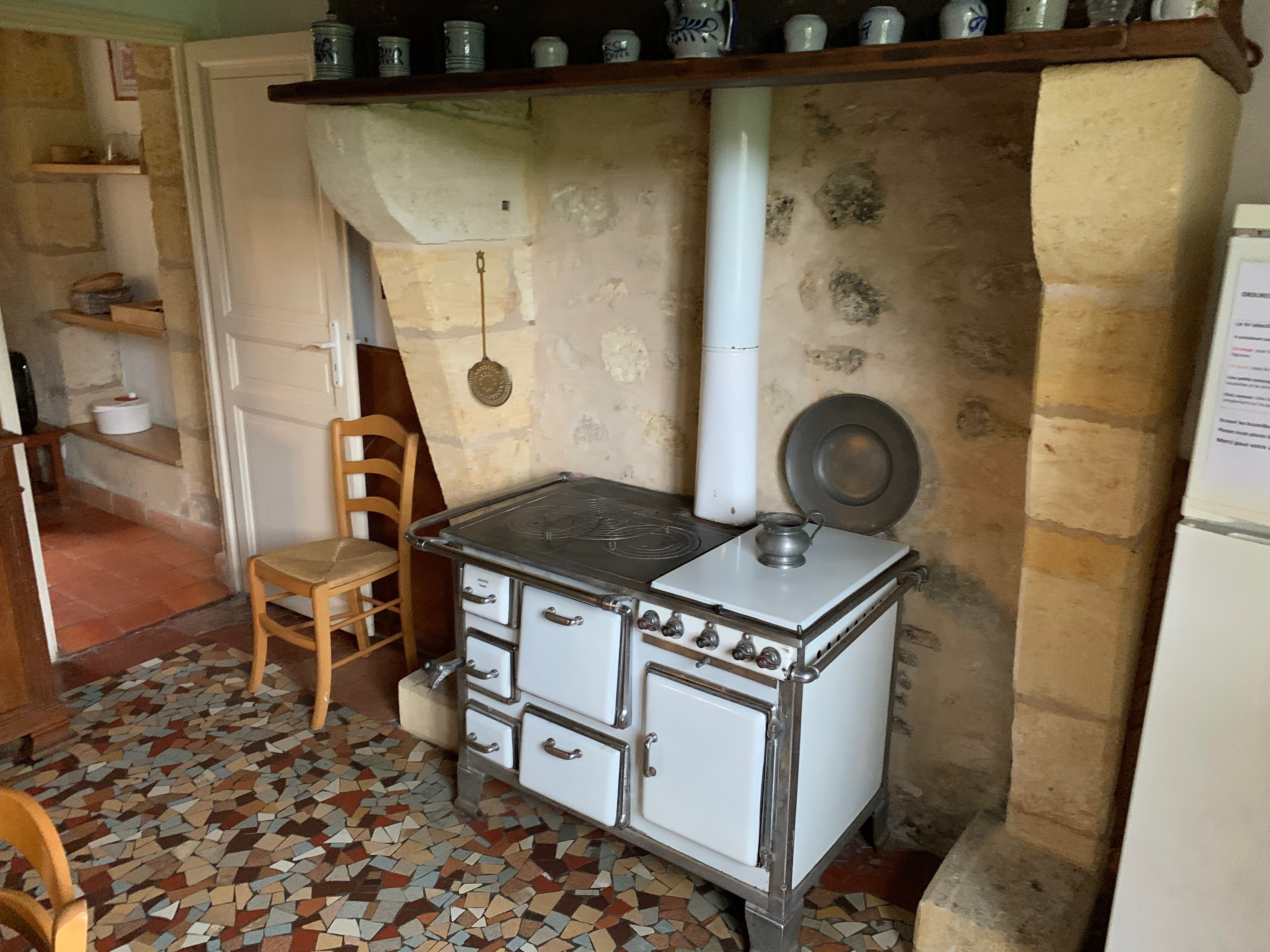
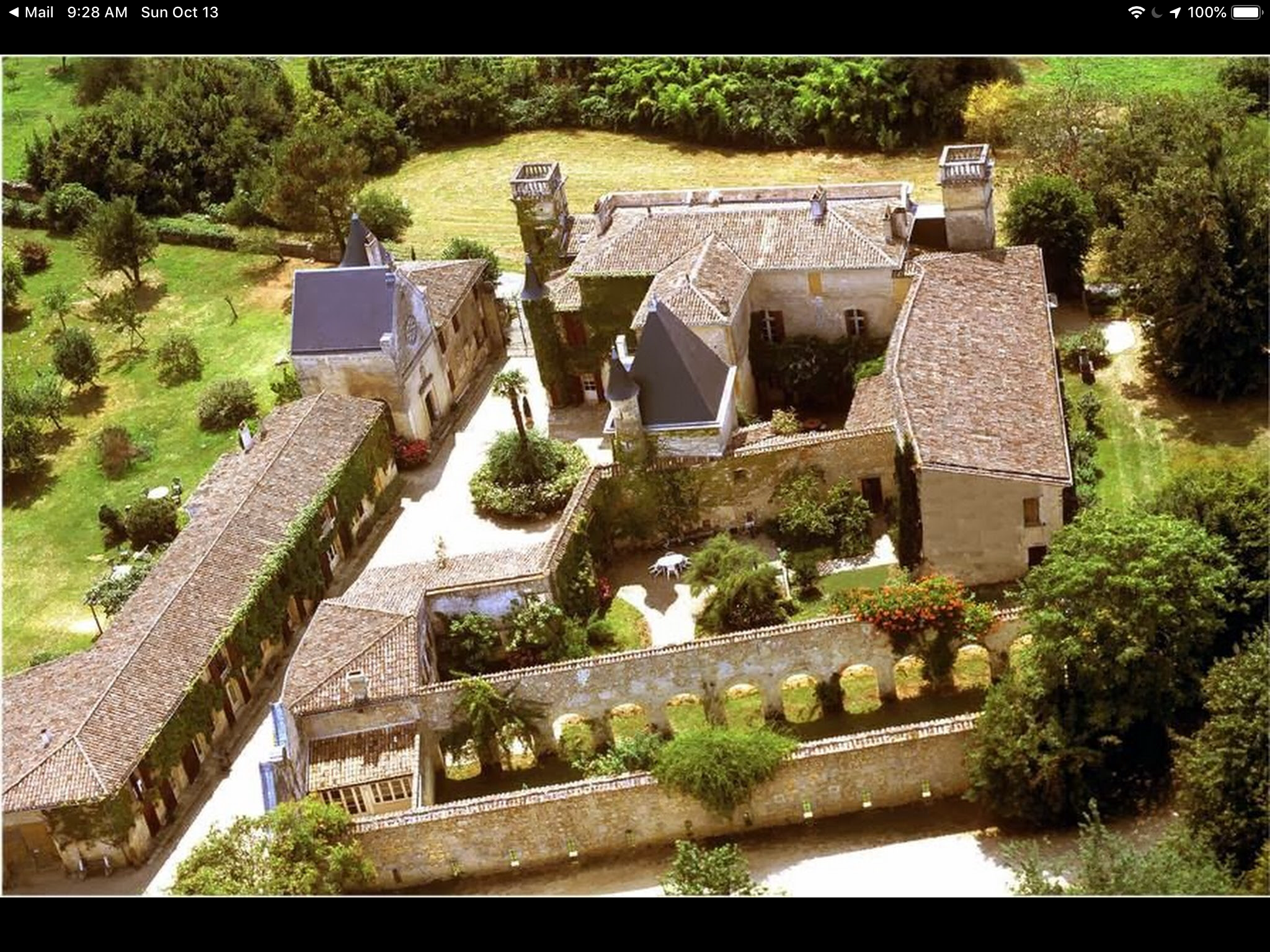
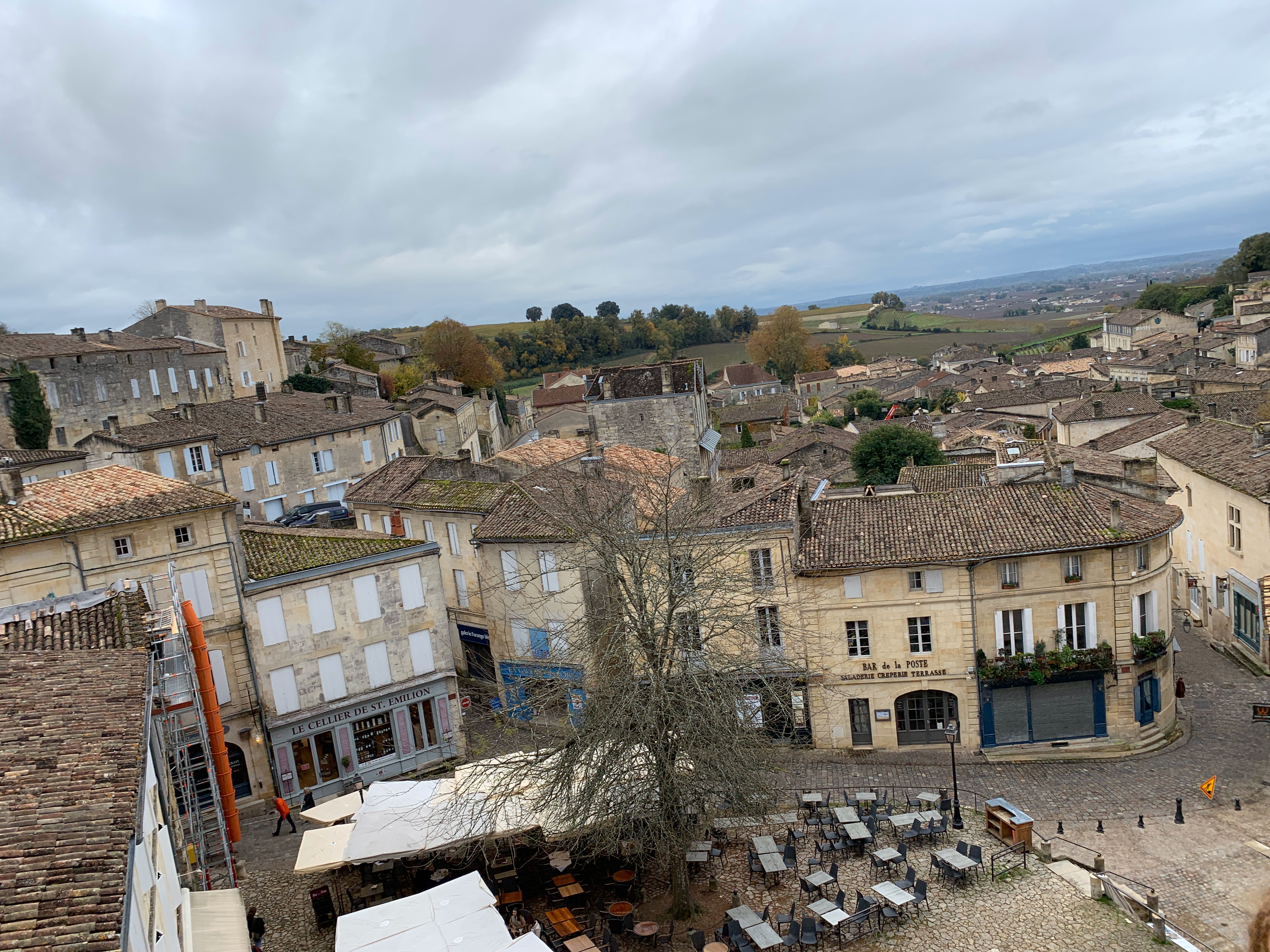
Absolutely Relative in Bordeaux

Bordeaux

This time not Nantes… but Bordeaux. OK, first Nantes, there was some work to be done, but after that there was room for some personal time-off.
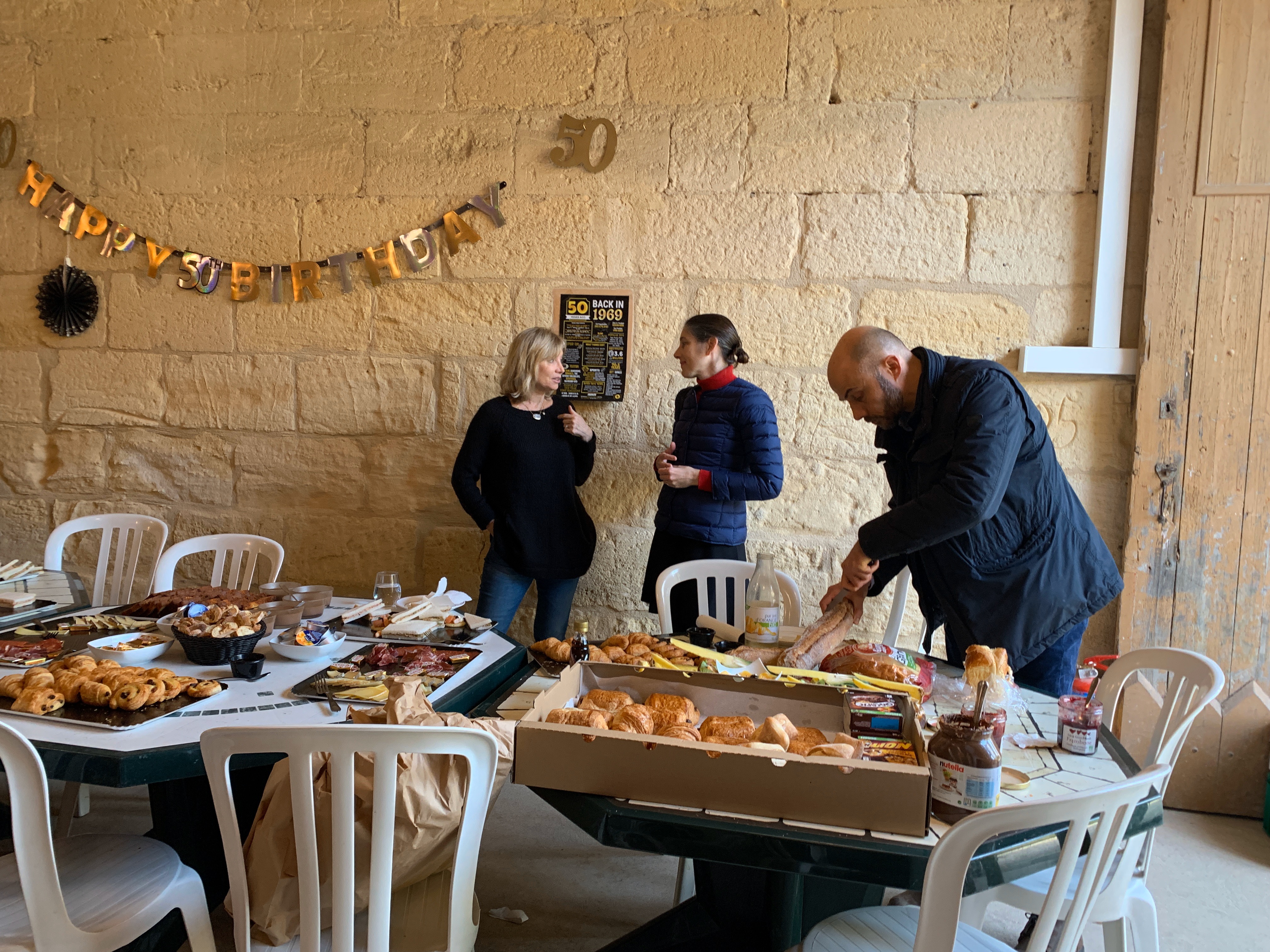
A friends 50th birthday was there and had to be celebrated big time.

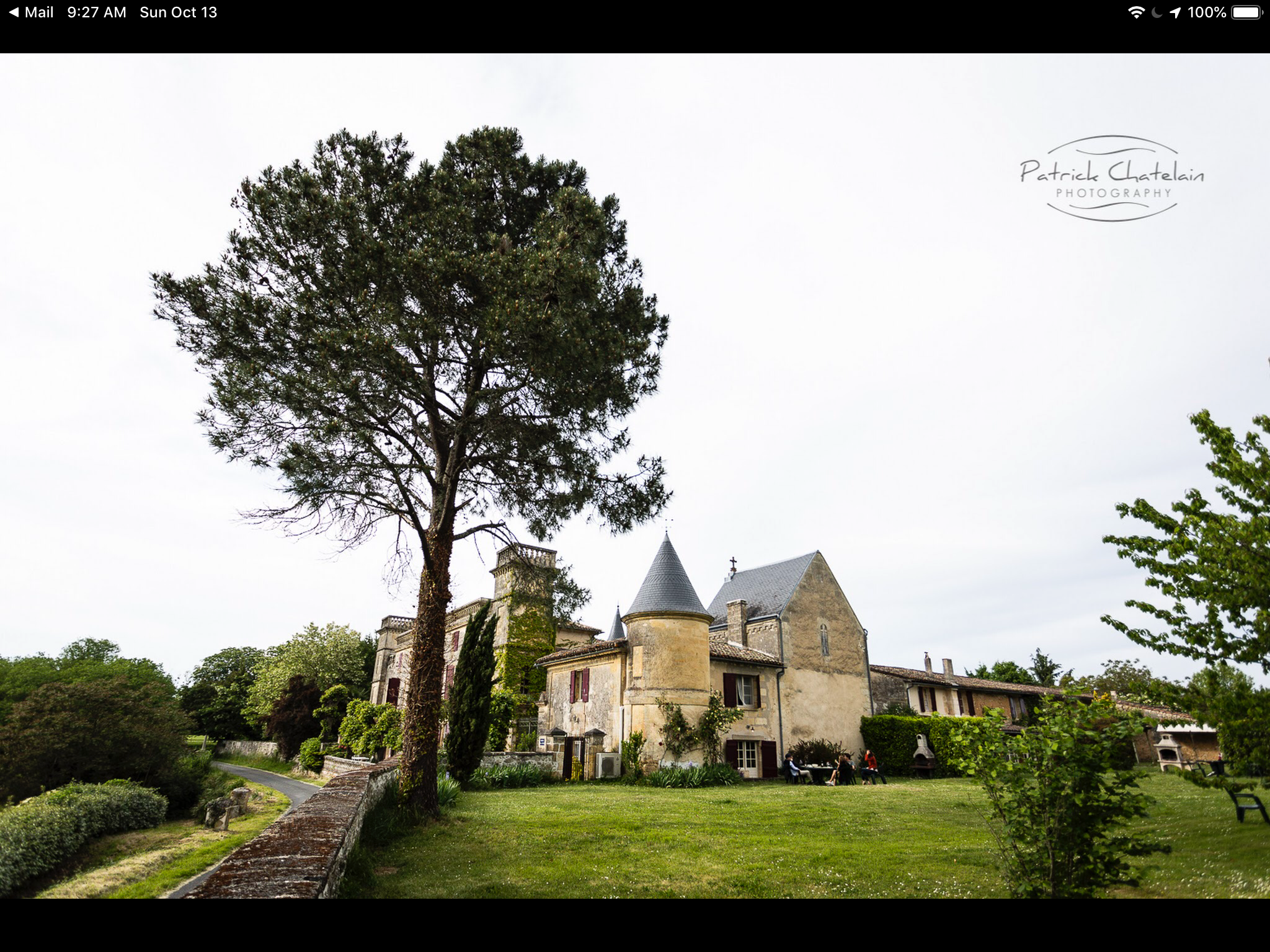
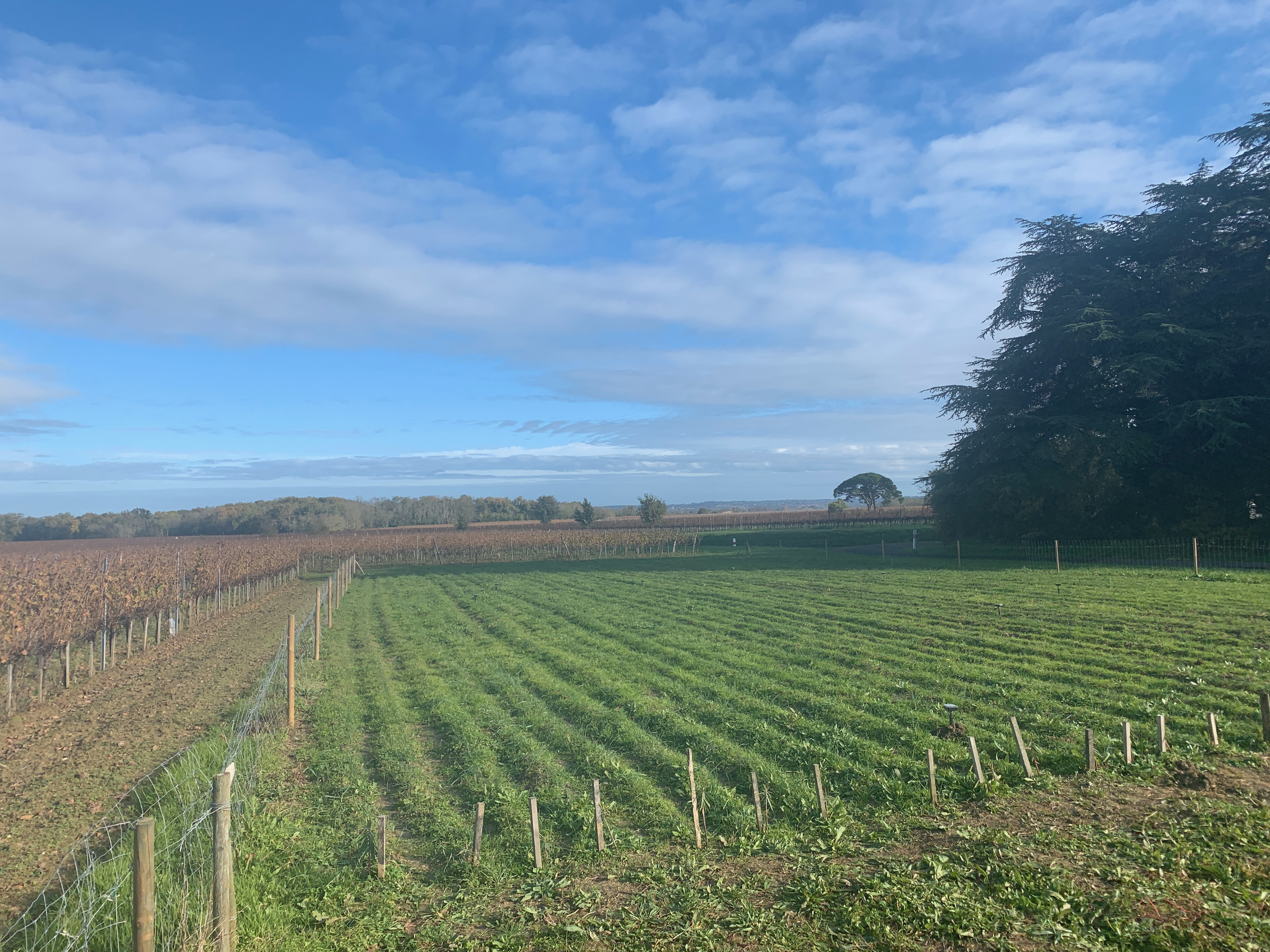
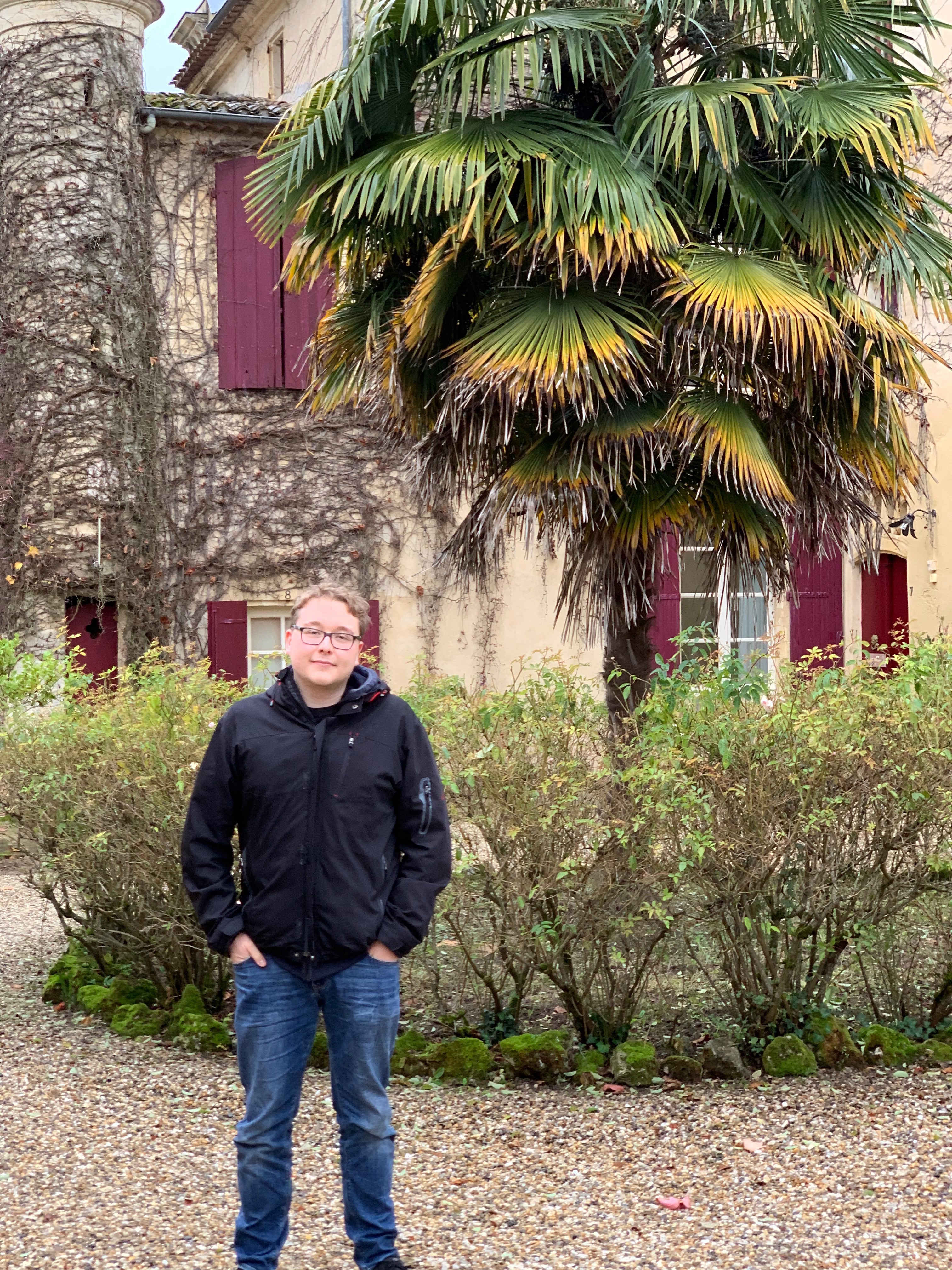
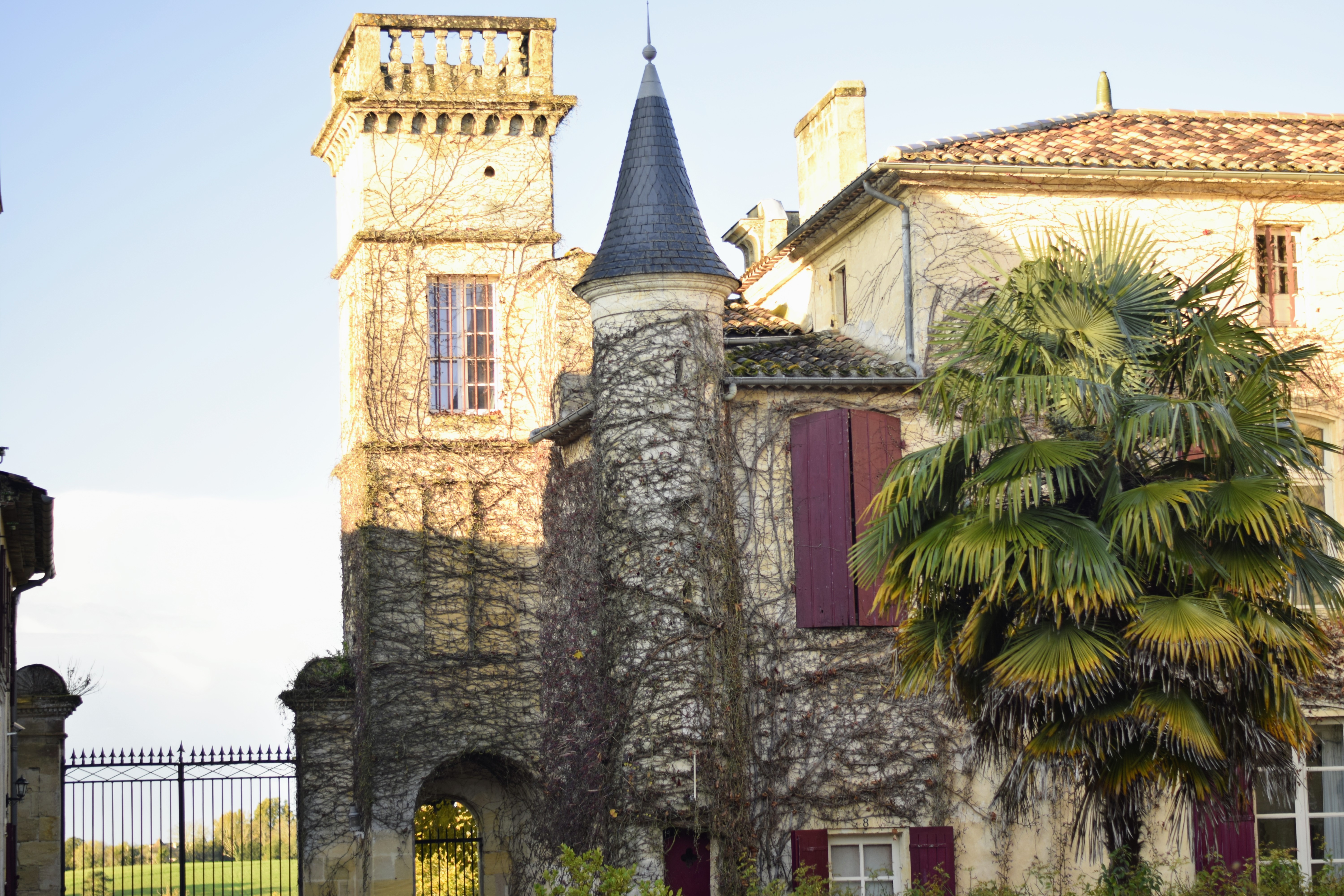
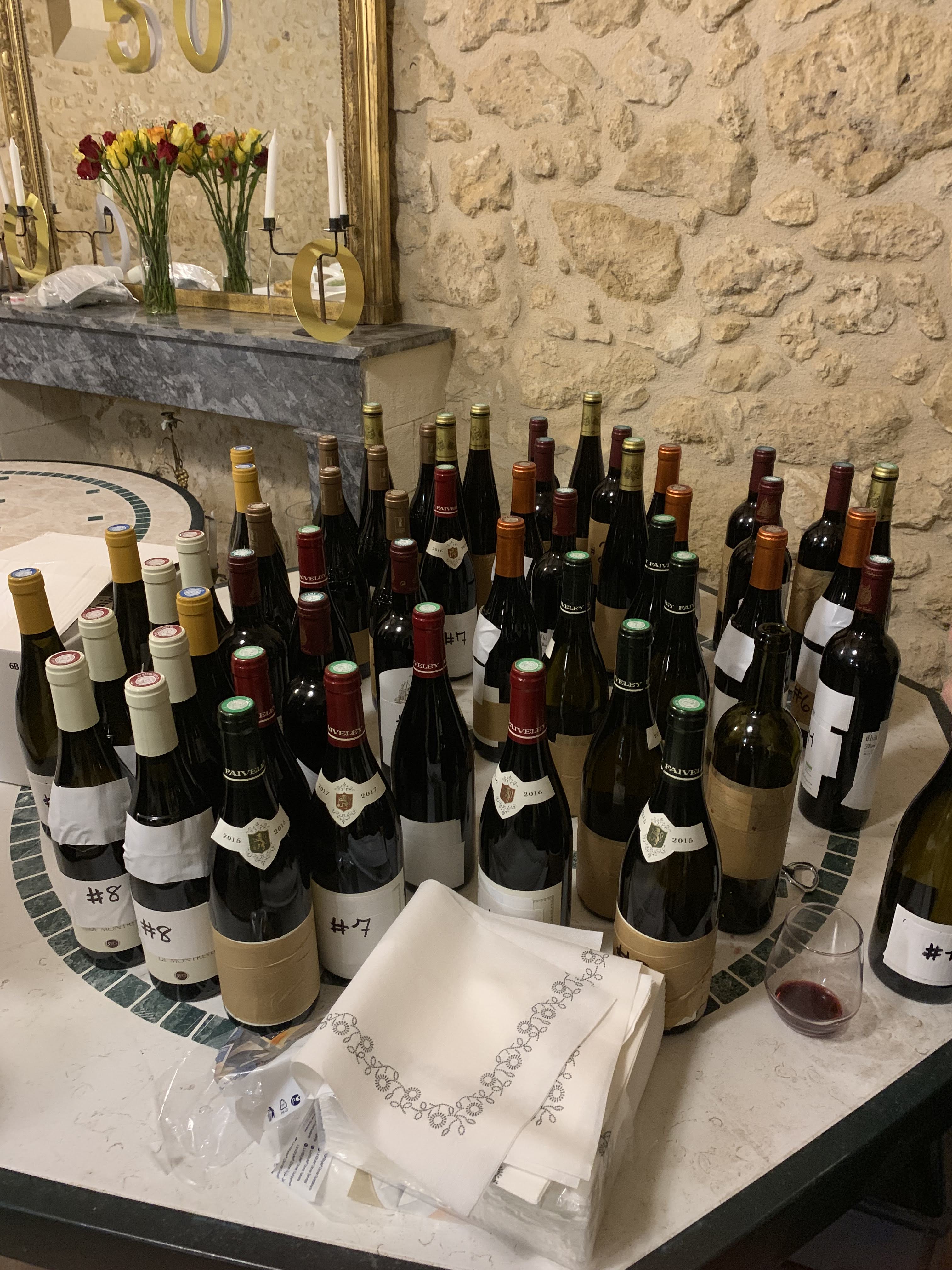
His wife rented an old castle (France has about a million of these) where the celebration would take place. We celebrated heavily… drank a lot of wine.
We also visited a Safran Farm, of course, a vineyard and an old village with a magnificent church (No photo’s allowed, sorry.)

Absolute and relative paths.

Unfortunately the default in Rhapsody is to use absolute paths. And it will use absolute when in doubt.

There are 3 properties that control the switch from Absolute to Relative:

1. General::Model::PathInProjectList, this is the path that models have in a project list (“Workspace”

2. General::Model::ReferenceUnitPath, this is the path where units are stored. When this is relative paths are stored relative to the model directory.

3. C_ReverseEngineering::Main::useCodeCentricAbsolutePath, is a new property to indicate if reverse engineered sources are stored absolute or relative

Use Rhapsody Workspace

A bit hidden is the posibility to use multiple projects inside one open Rhapsody. It is in the menu under “File”, there is “Insert Project >” and then “New…” or “Existing…”. Selecting a Rhapsody project will shift both the open project and the newly opened project under a “Projects” folder.
One of the projects (The last opened) is writable (or “active”), indicated by the BOLD name and all others are read-only, indicated by the (RO) behind the name.
You can right-click the project and select “Set as Active Project” to switch to another project.

Copy Paste

It is now possible to copy or link elements from one project in another project. Beware: You can only copy units (Rhapsody elements that are save in their own file, indicated by the small decorator icon in the left lower corner, grey or red)
Just drag and drop will create a reference, indicated with a (REF) behind the name, holding CTRL during the drag and drop will create a real copy.

Absolute vs Relative

This is where property “1” comes into play. This defines how the paths are stored when you have multiple models in one workspace. When you leave Rhapsody with a workspace open, Rhapsody will ask you if the project-list must be saved.
It will save a file in the directory of the first project. The paths to each one of
the projects will be stored according to the setting of the property “1” in that project.
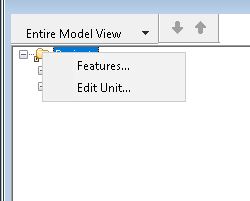
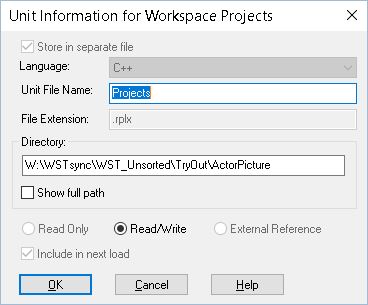
You can edit the project file by hand, you can even move the project file (Take care that you keep the project paths correctly!) but there is a nicer way to do this: just right-click on the Folder “Projects” then select “Edit Unit”. There you can edit the name of the file and the location. You should then figure out how you want to store the paths to the model. My Tip: only use absolute if you are absolutely sure that the paths will be the same on all computers of all people involved in the project. Otherwise: use relative!

Unit

A unit is, as mentioned, a Rhapsody model element that is stored in a separate file. My advice is to keep the default settings (That are good, for a change…) and only take packages, components and the project file as a unit ( project.rpy(x), component.cmp(x) and package.sbs(x), the last two are stored in the project_rpy directory )
Property “2” defines how these paths are stored, here also use relative unless you are absolutely sure you can use absolute.

Conclusion

Bordeaux is fantastic, we had a great weekend and we will definitely return there someday.
Use relative unless absolute will work for you, make sure you have the same setting in all projects!
Using multiple projects in a workspace is perfect if you have divided your model in separate parts that are included in each other.

Remember: Everything is relative, absolutely!

Keep modeling with Rhapsody! wvdheiden@sodiuswillert.com

Walter.

Berlin #100

Intro

It is not only work… After a lot of work and travel it was time for a short break. For some time now I promised my sons to take them to Berlin and finally we managed to find the time.
First we drove to Bückeburg by car to stay at my apartment, the next day we would leave early to catch the train to Berlin. As I have found out a car is useless in most big cities, there is perfect public transport and parking is nearly impossible and costs a fortune.

100

This is BLOG # 100! Never thought 2 years ago that I would write 100 articles! This year also KLM (my favorite airline) celebrates 100 years, congrats!

Police

First we had to overcome some police activity. As soon as we crossed the border a fast BMW overtook us and a sign came up “Police, Follow”. I thought that would be a border control but it turned out I had forgotten my MOT for 1,5 years… In the Netherlands they send you an email when it is due but in Germany they don’t….
Also my tires were “Formula 1 ready” So I had some explaining to do. Luckily the police man were quite understanding, they soon figured out that I did not do that on purpose and they let me go with a small fine and the promise that I would take care of it.

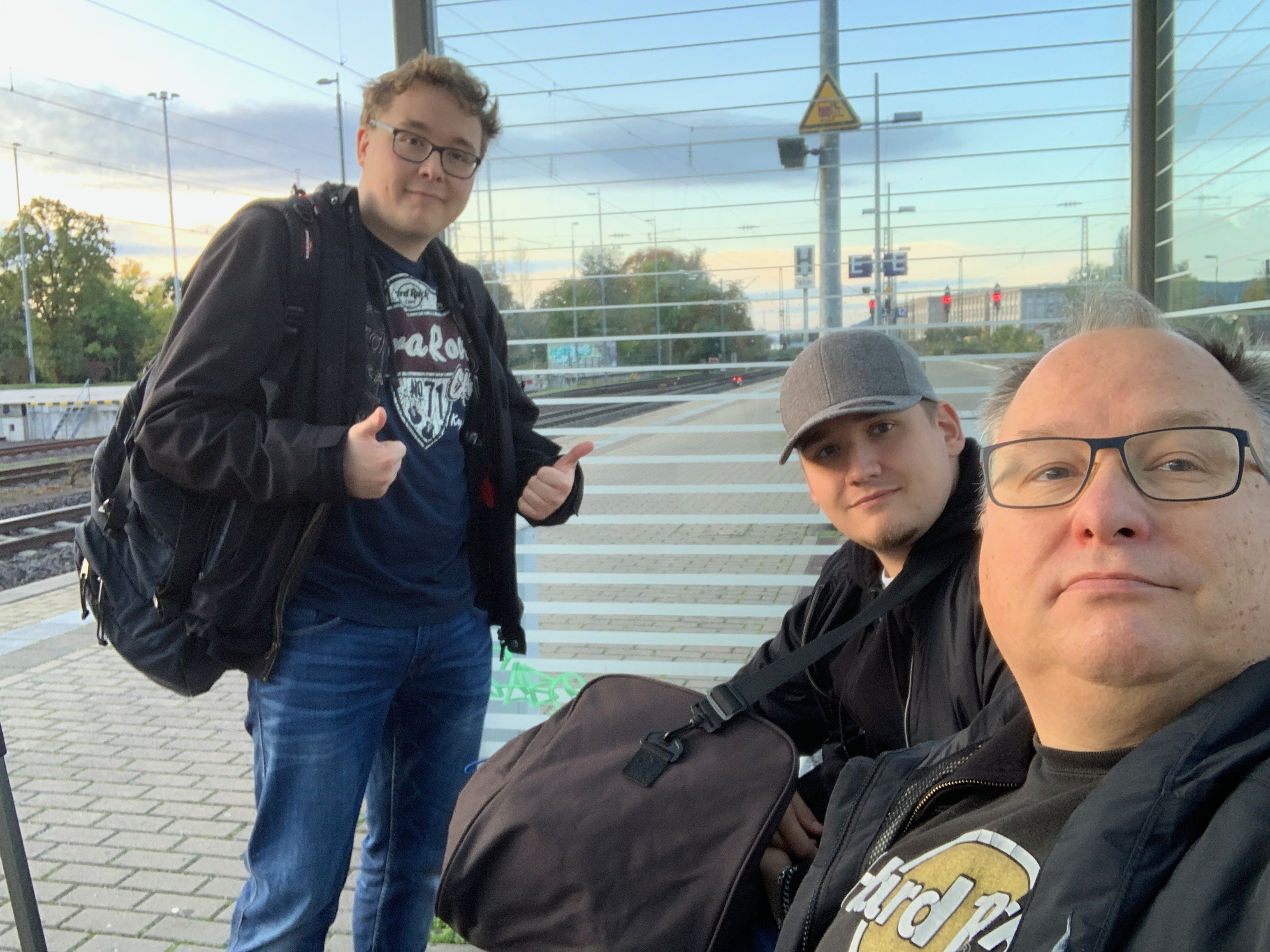
Train

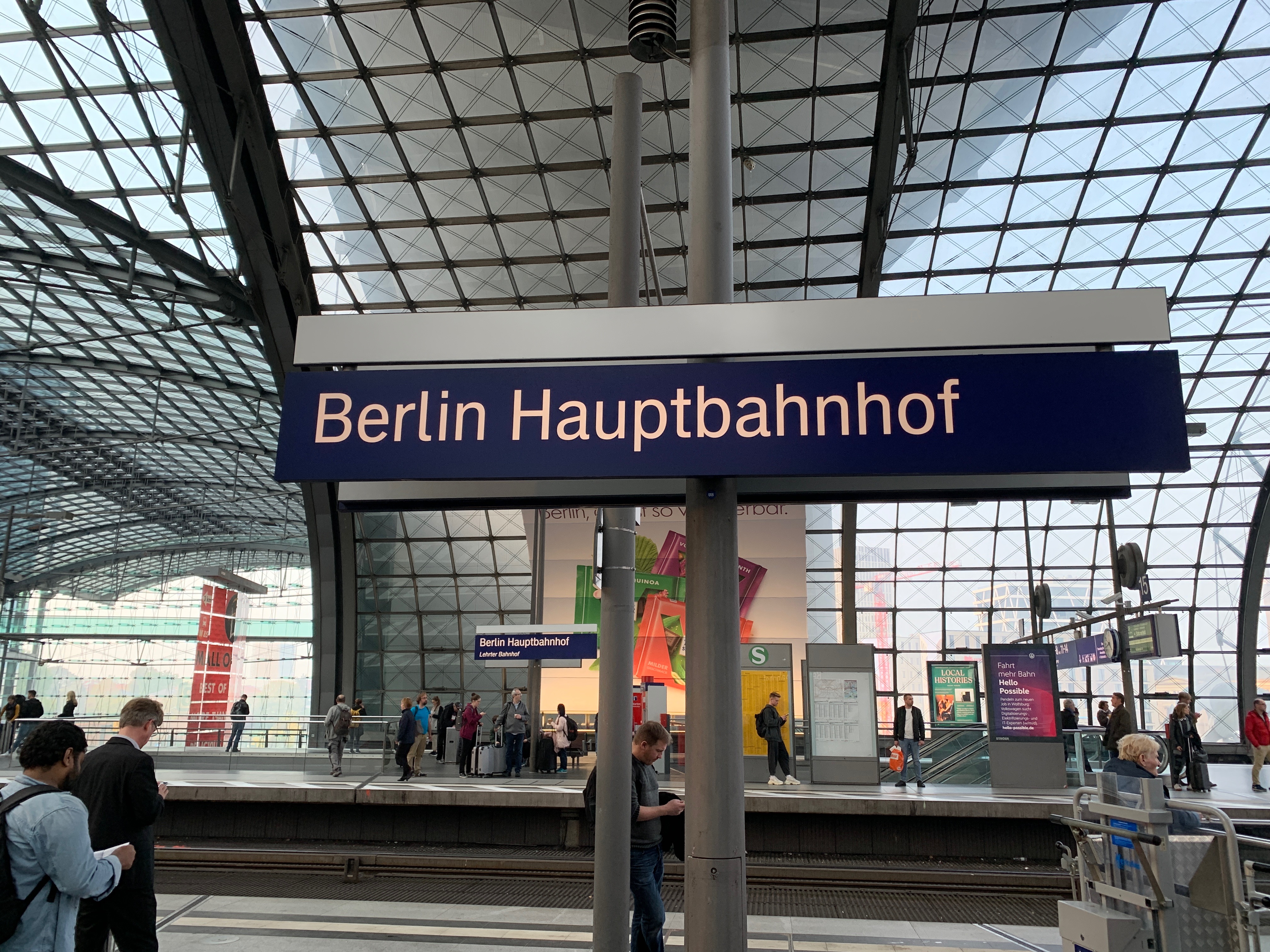
Trains are cool in germany. If you book on time and stick to a certain train you can travel quite far for a small amount of money. We even had first class seats. It was a nice drive and it went very fast. Impossible to match that with a car.

Hotel

The hotel was right next to the central station, perfect to use as a base to sightsee Berlin. The room had bunk 2 bunk beds but Robbert volunteered to sleep “upstairs”. Further it was not large but we were not there to enjoy the hotel room, but clean and the breakfast was good.

Berlin

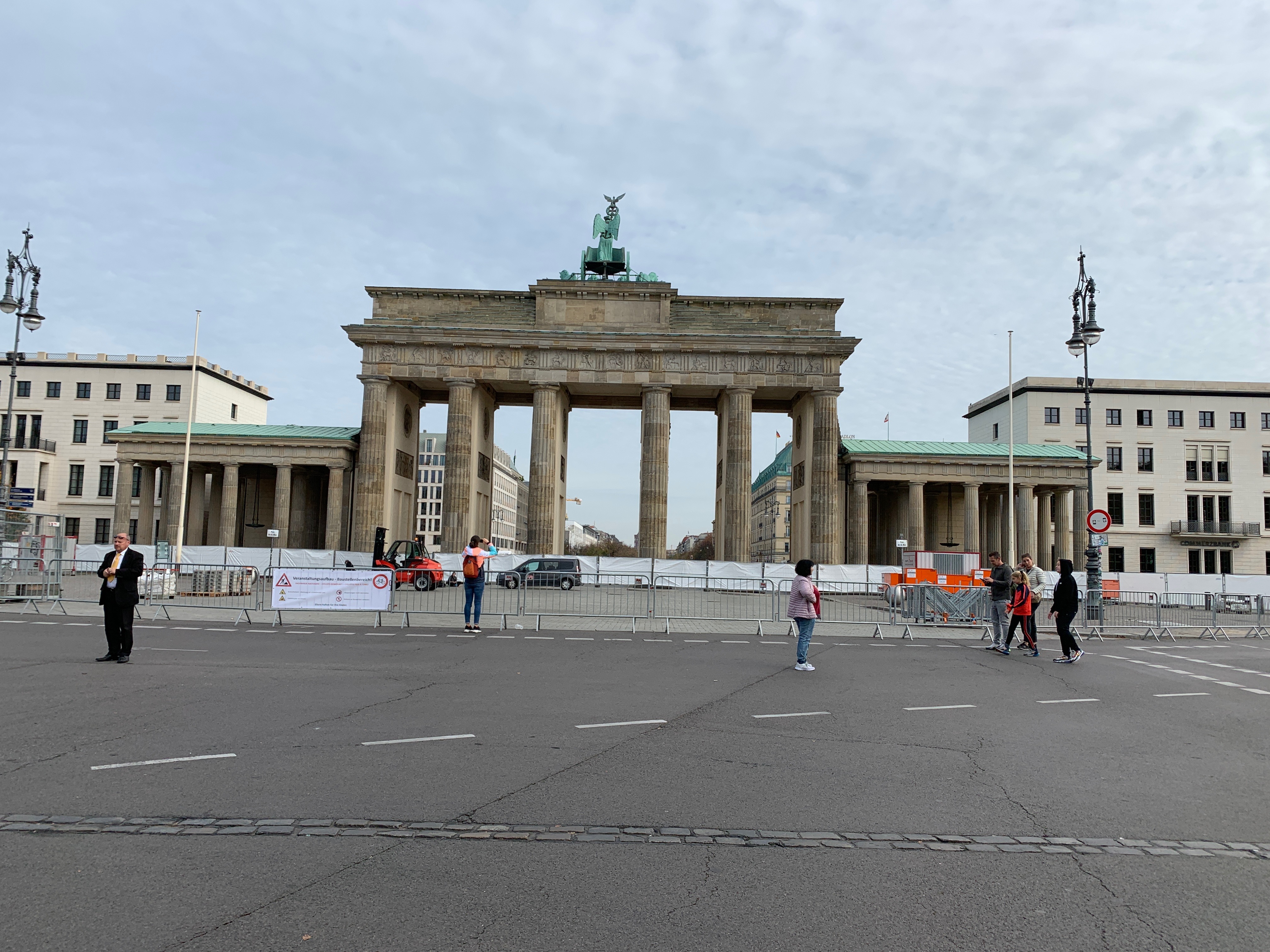
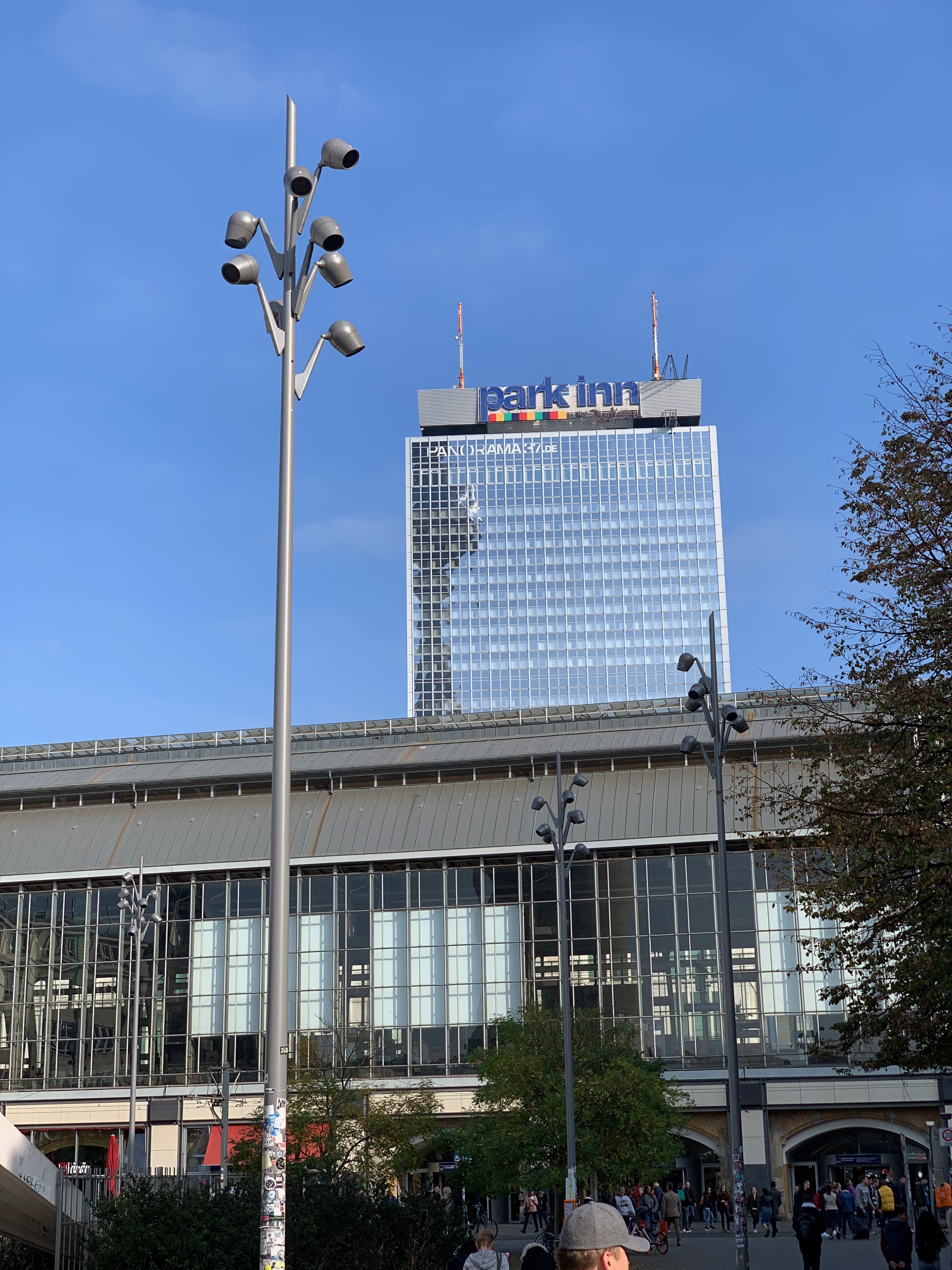
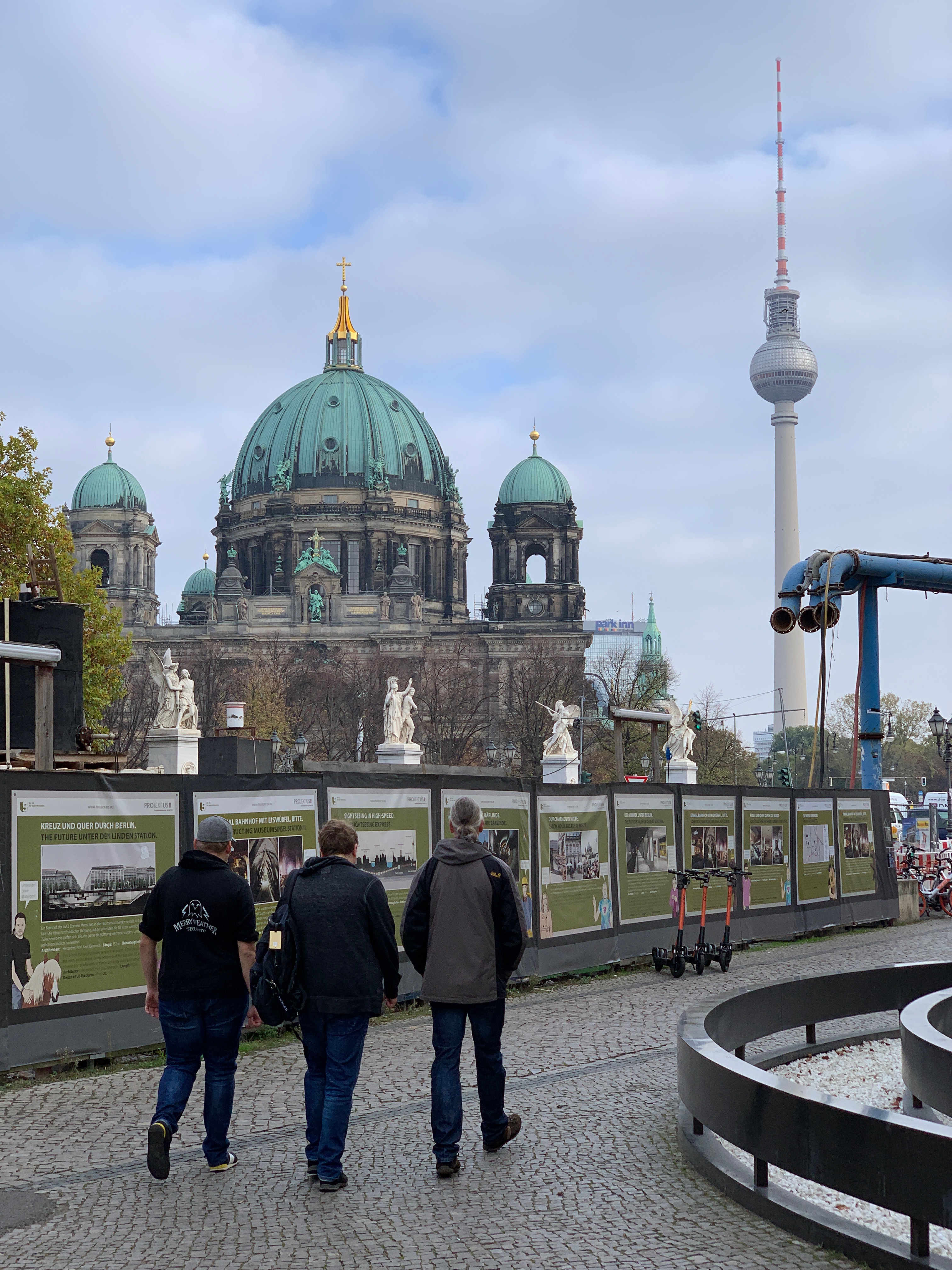
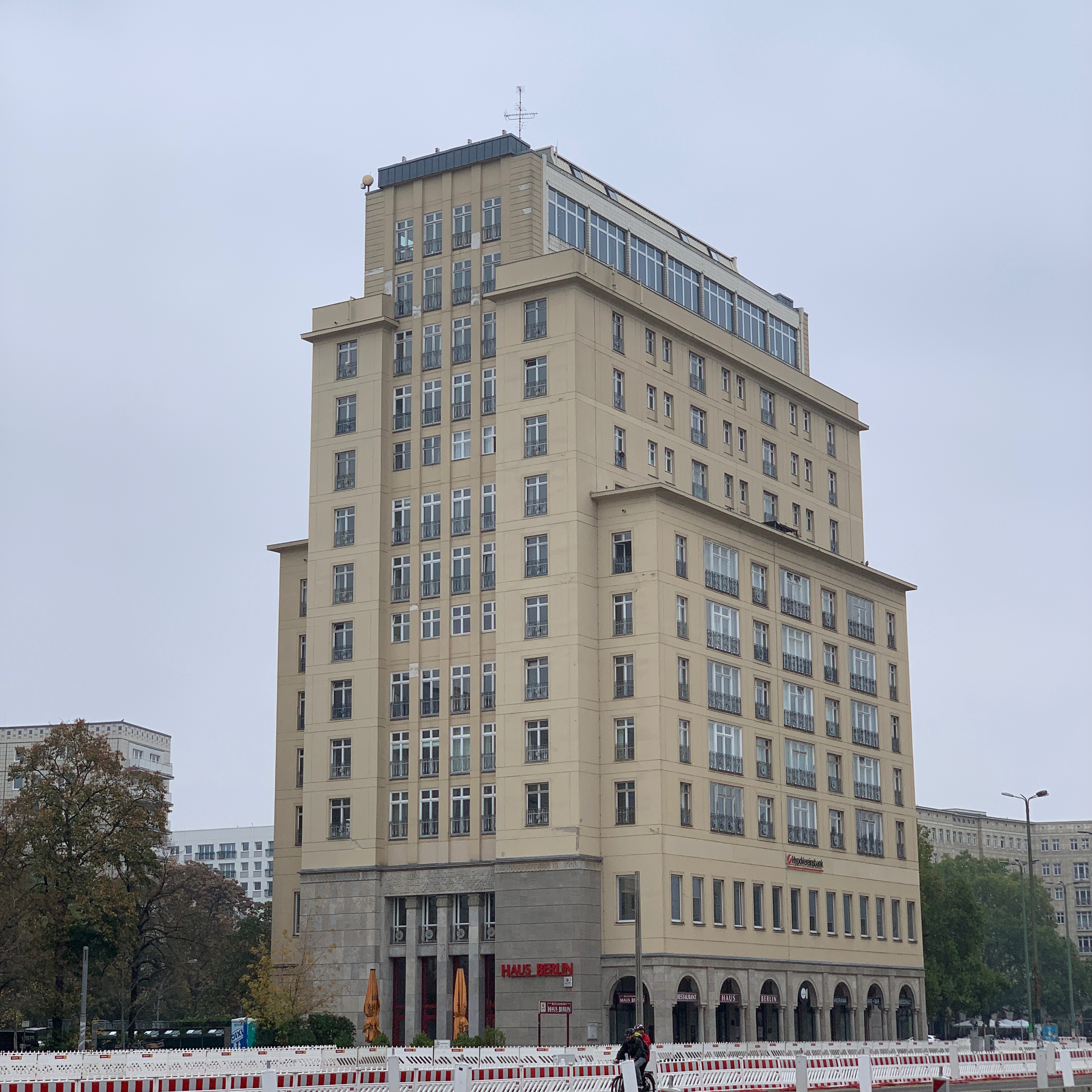
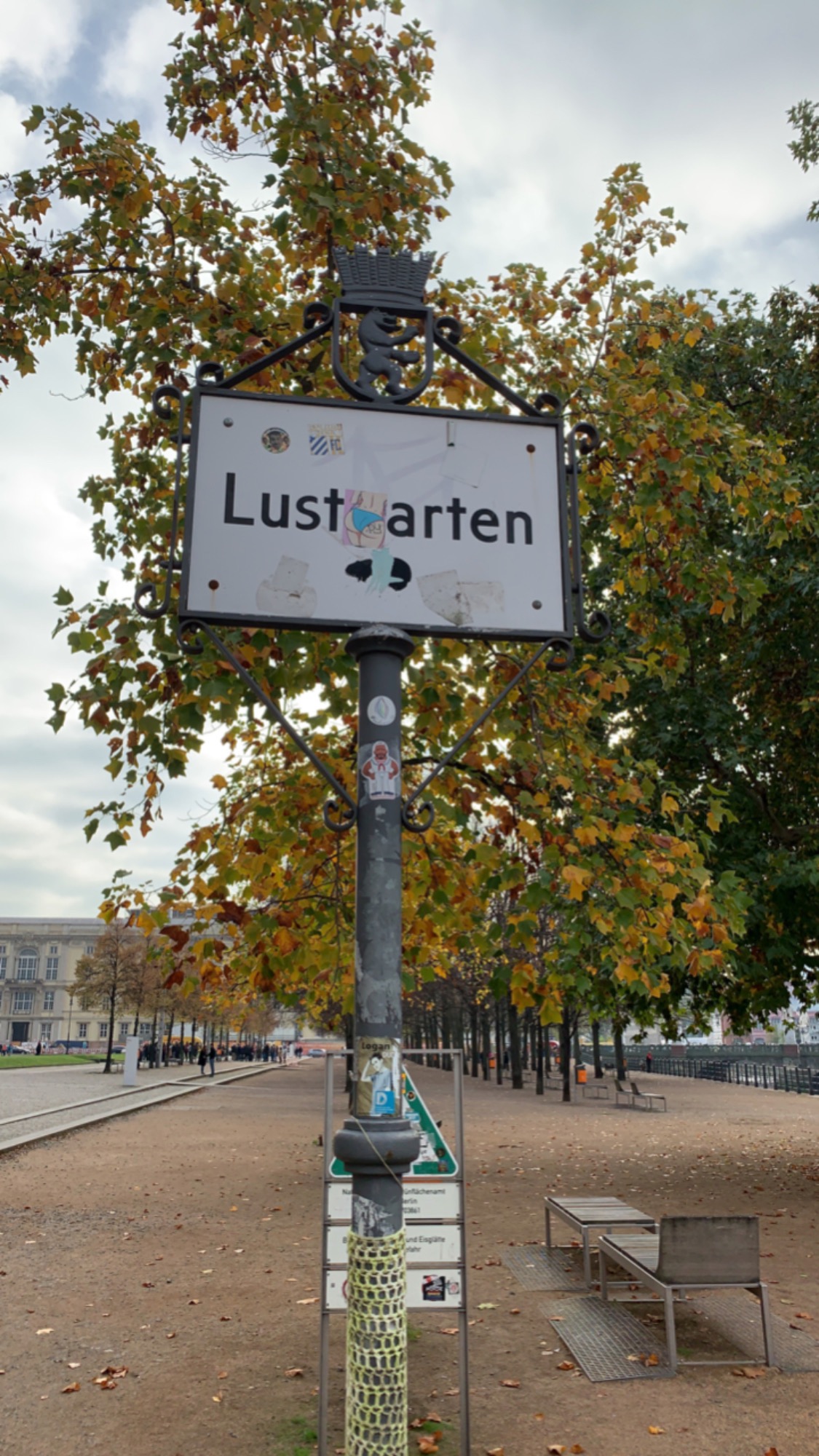
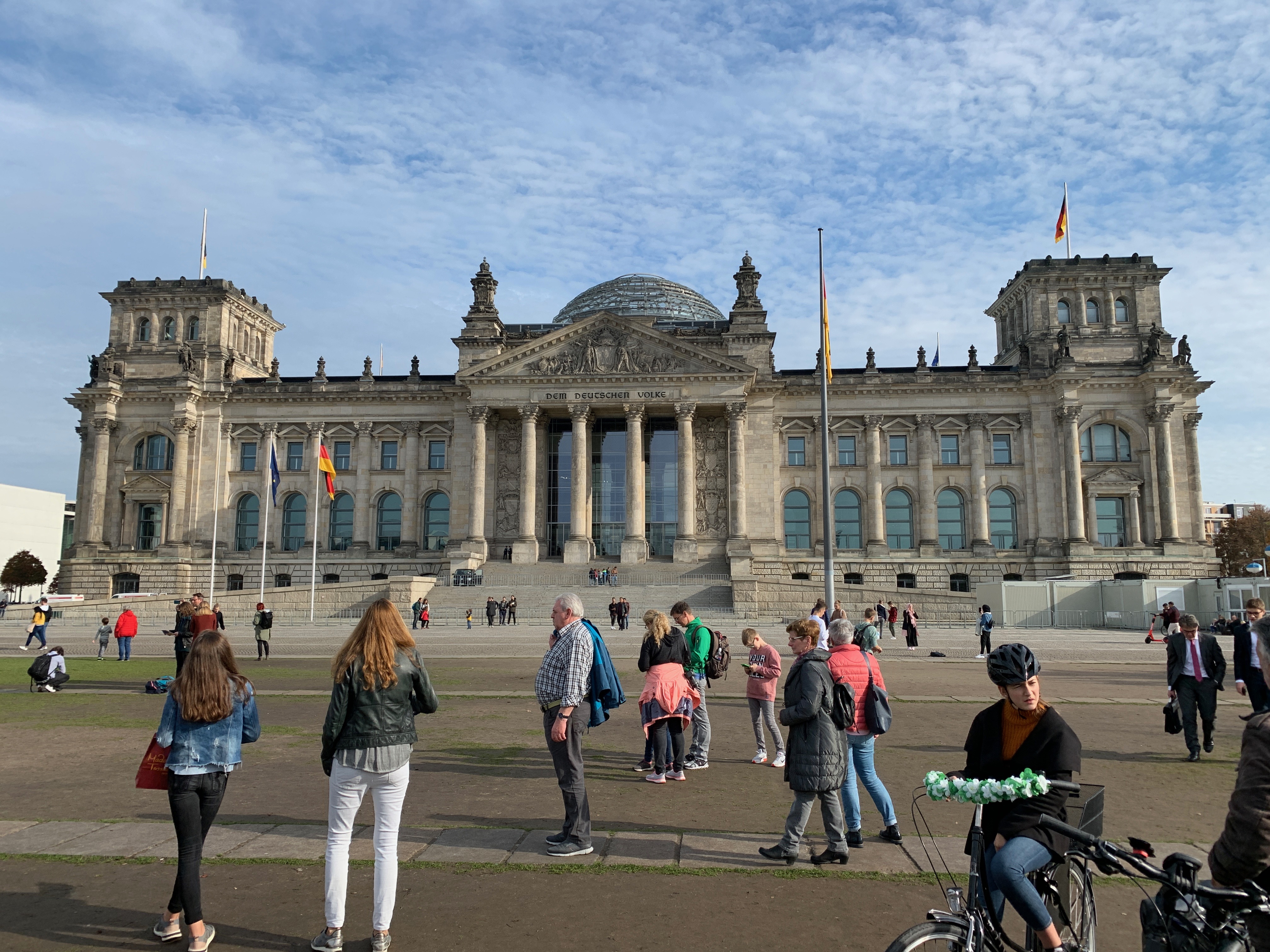
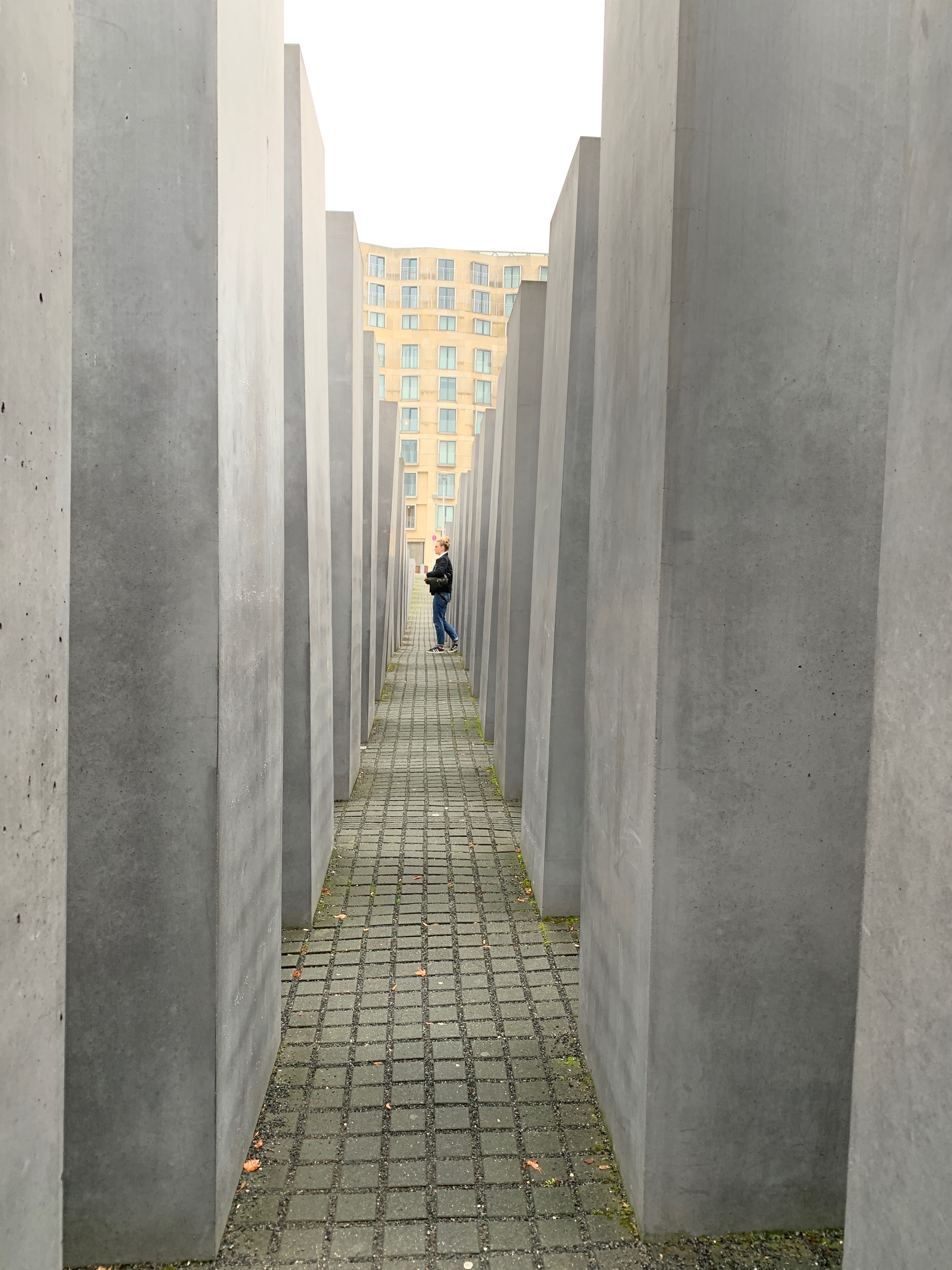
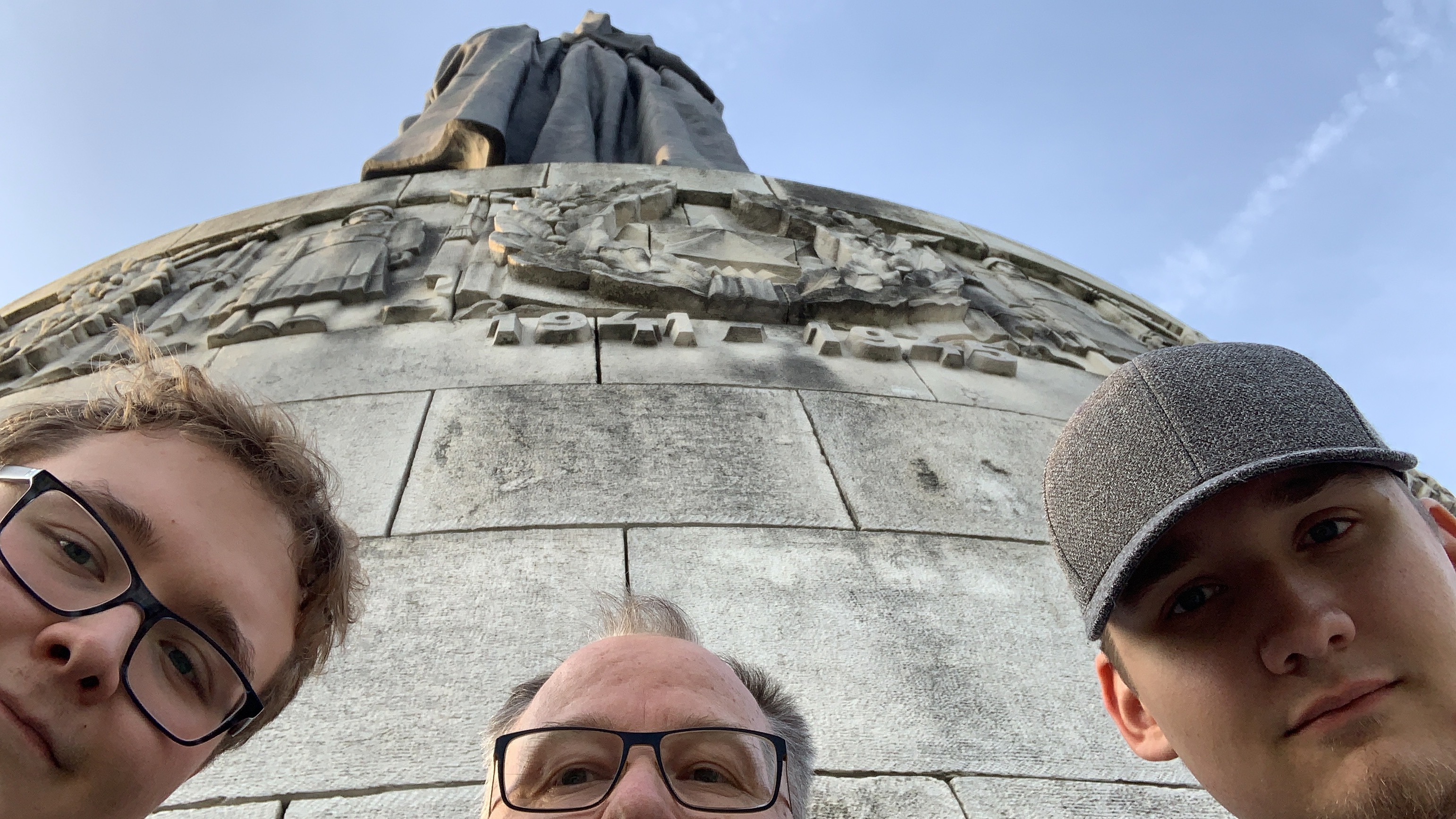
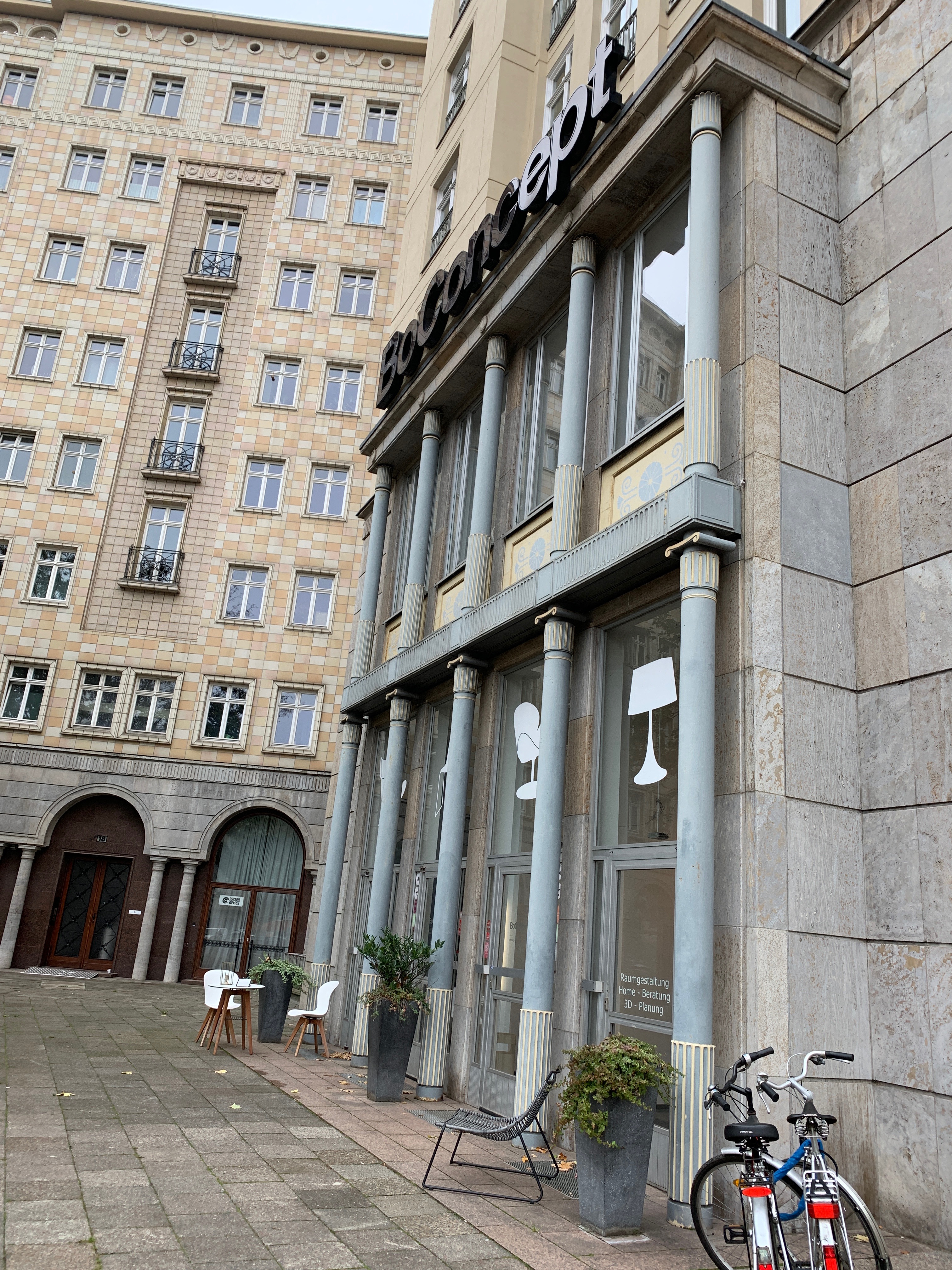
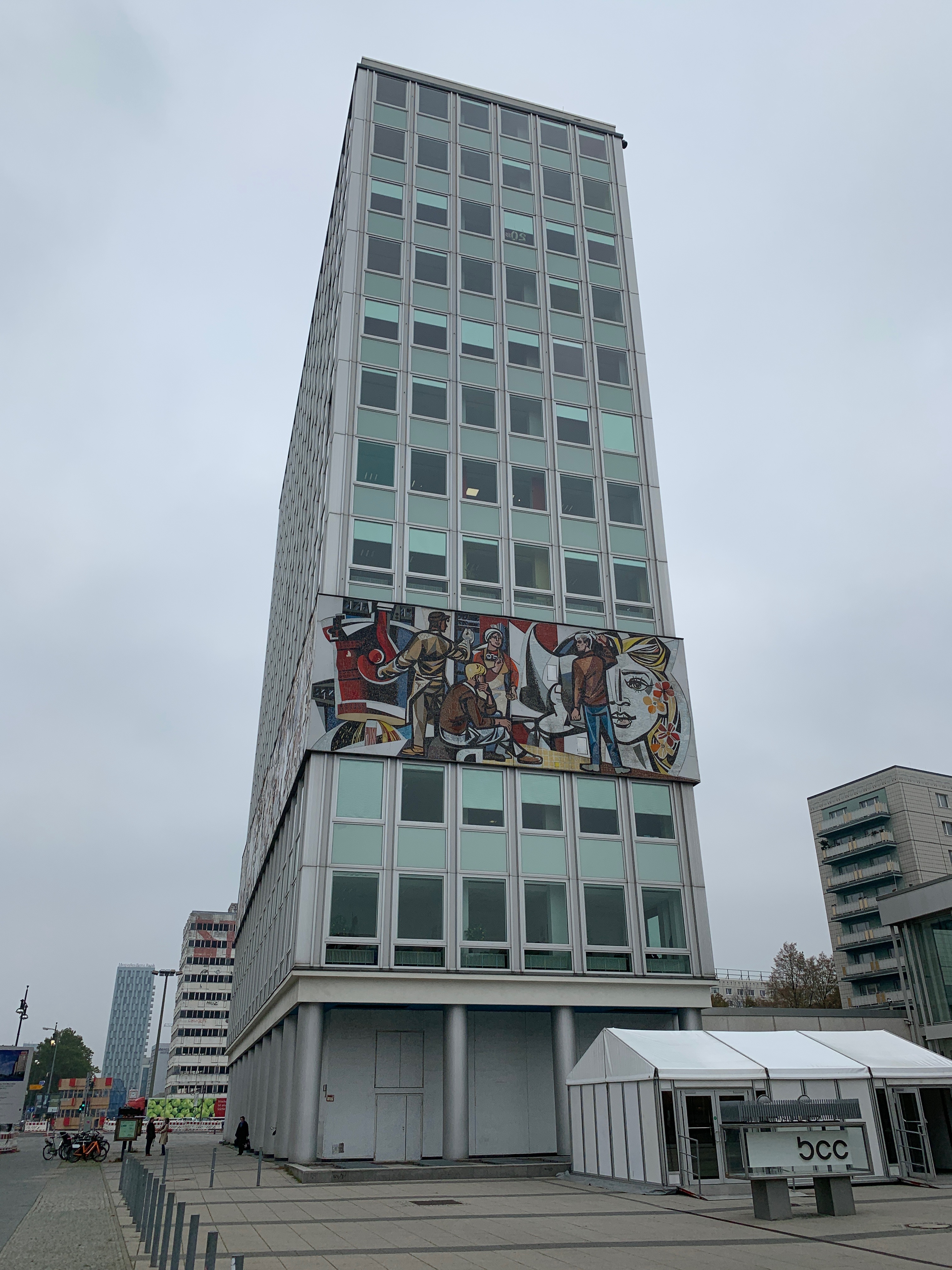
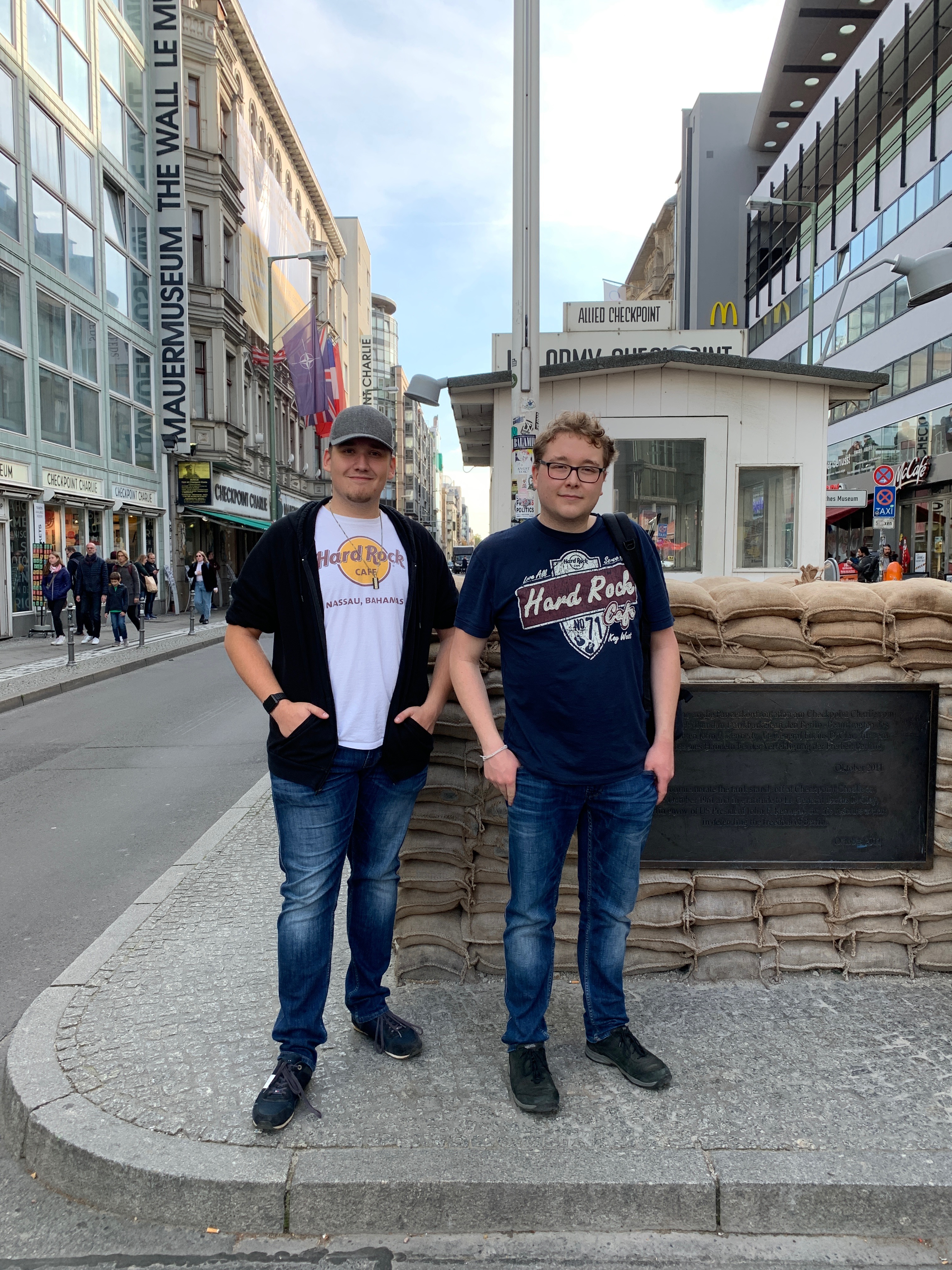
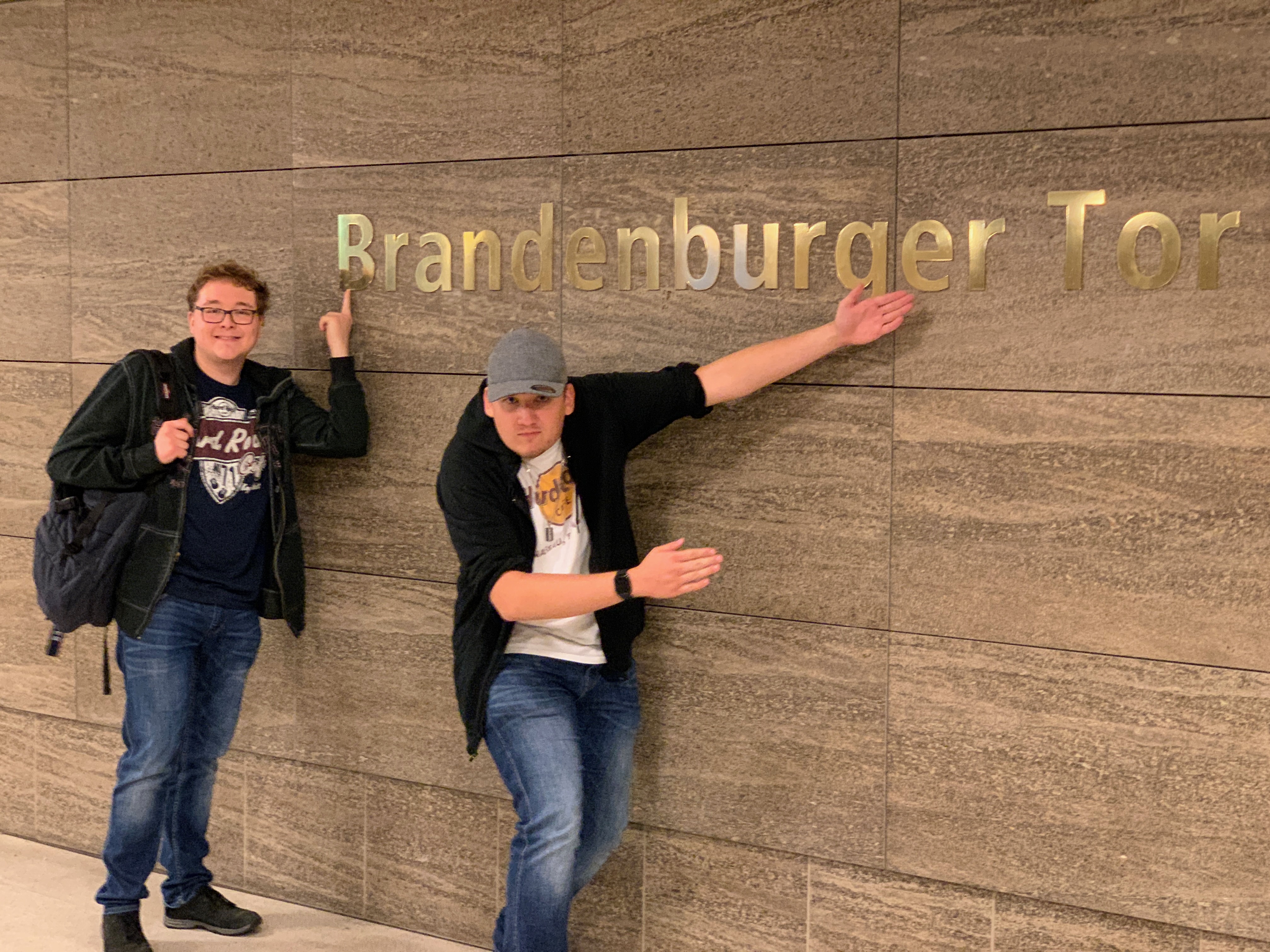
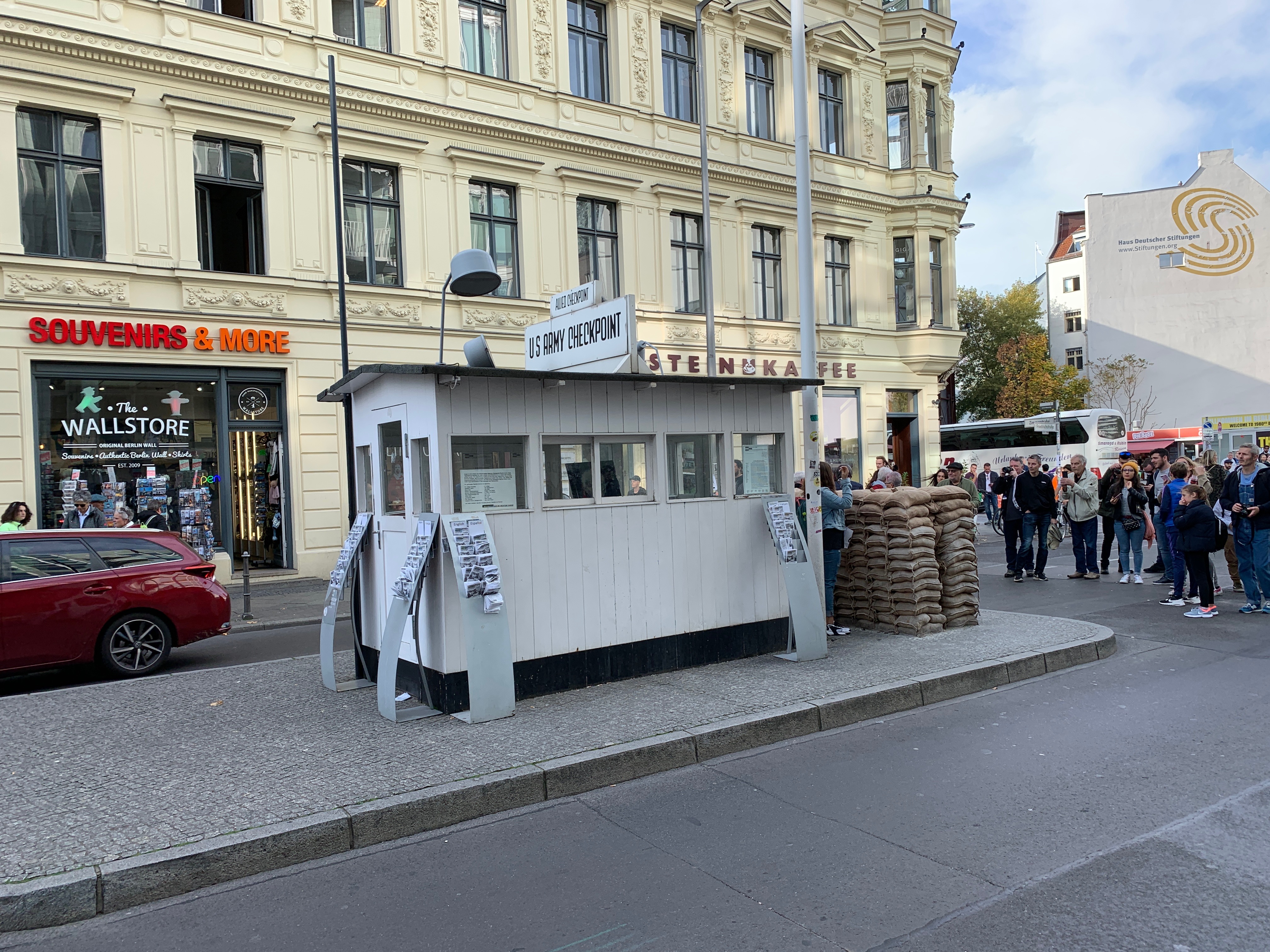
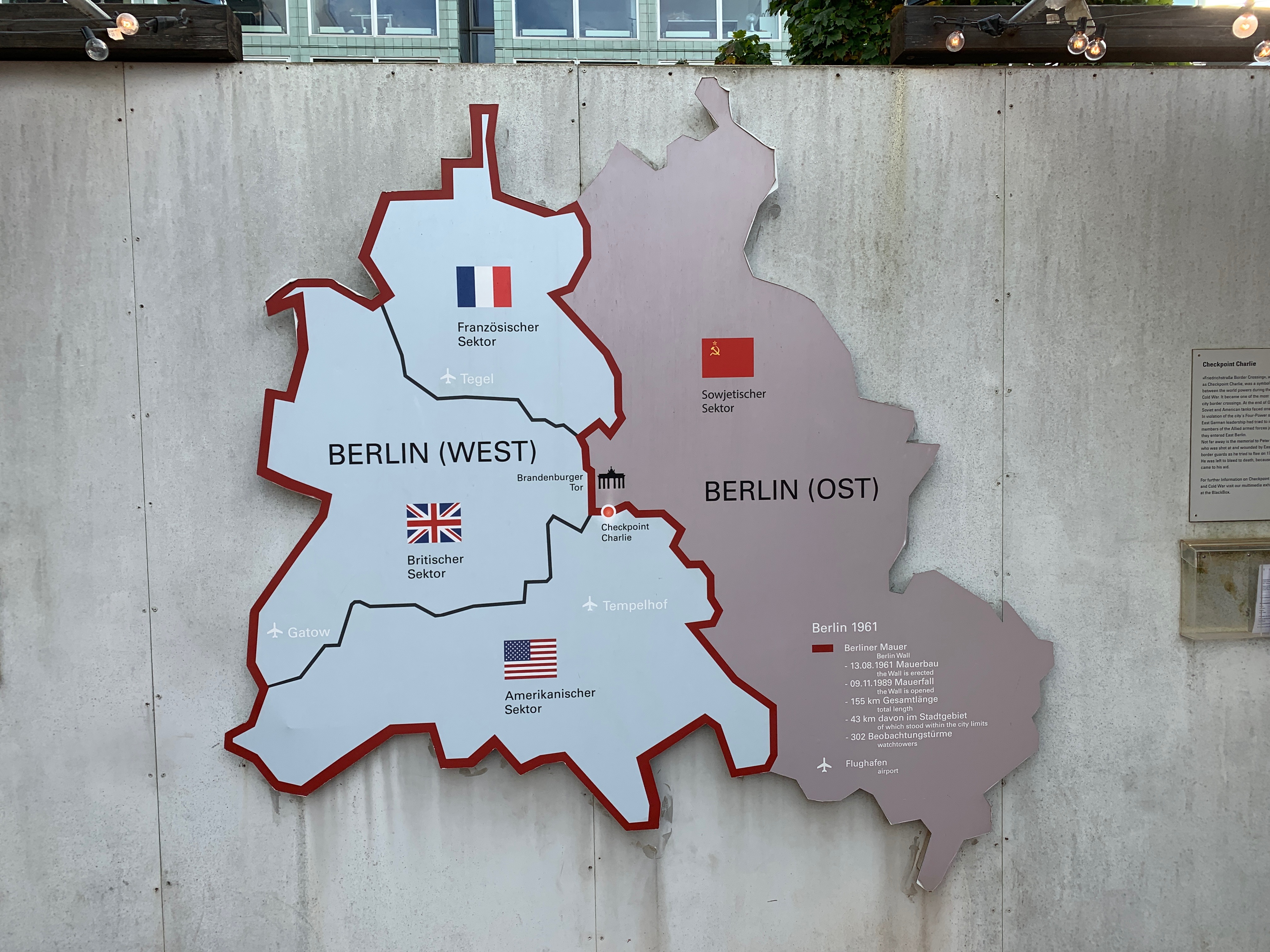
Time to hit the city. We did the usual stuff, Parliaments building, Brandenburger gate, Jewish monument, Checkpoint Charlie etc.
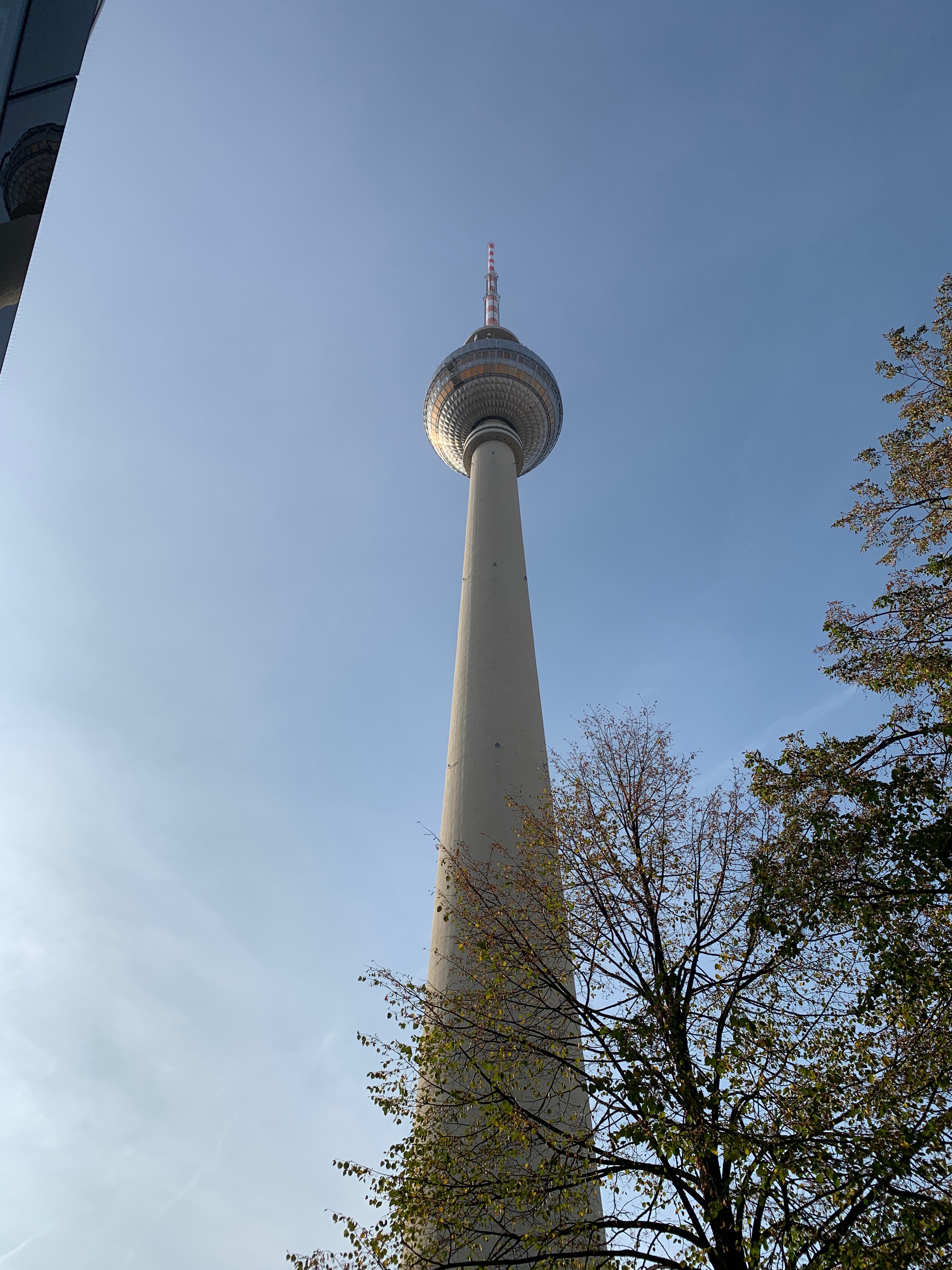
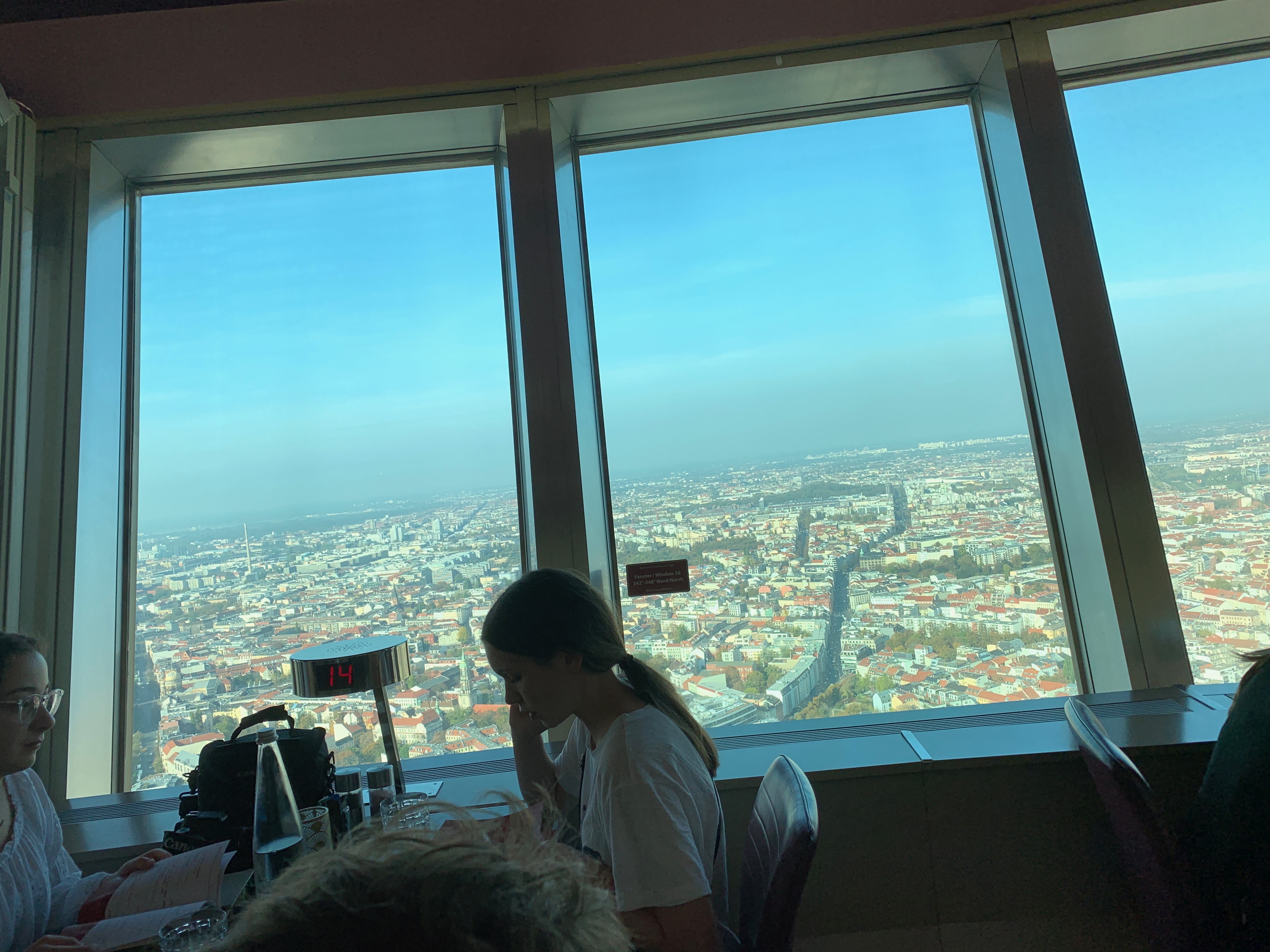
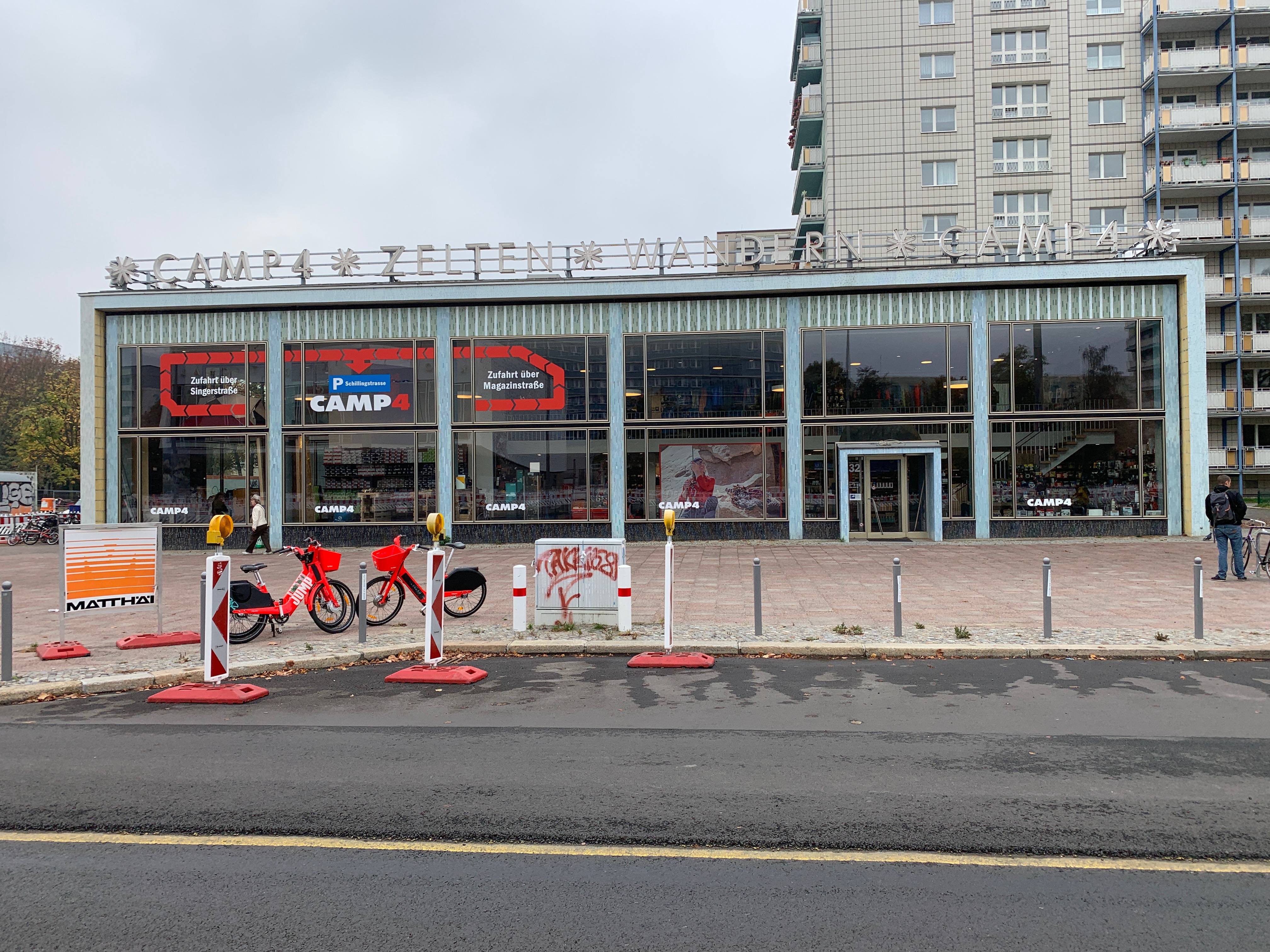
On Wednesday a friend who was born in East-Berlin, showed us around in the eastern part, very very nice. We had lunch in the TV Tower (207 meters high) Also we saw the largest part of the Wall that is still there.
The next day we took the metro to see some other stuff like the Karl-Marx allee and much more. Berlin is very very nice. After every corner there is a reason to visit the city again. This month also is the celebration of 30 years since breaking the Berlin Wall.

AUTOSAR Workflow

Being without a car still cannot drag me away from AUTOSAR. We now have quite a nice AUTOSAR workflow.
You can start with SysML and then use M2M to create an AUTOSAR model, export that to an AUTOSAR authoring tool, add some more information and even use Rhapsody to implement AUTOSAR compliant SWC’s that contain statemachines.
You can also start with ARXML from a third party, read that in, use M2M to create a SysML model (Or UML) and the create your architecture there.

Back Home

Finally we had to return home, or at least to Bückeburg by train. Really tired (we walked more than 40 kilometer…) we hit our beds. On Friday I kept my promise to the policeman and went to the TÜV for a checkup. 2 days later the Dutch garage would switch my tires to wintertires. All is OK again.

Happy modeling with Rhapsody!

Walter van der Heiden

« Older posts

© 2026 Rhapsody TechBlog

Theme by Anders NorenUp ↑