BLOG about IBM Rhapsody. Contains technical information as well as more private travel stories.

Tag: travel (Page 2 of 6)

Paris Code Generation.

Introduction

Lately I do a lot of my travel to France or via France. Of course we are now, as SodiusWillert, located in Bückeburg but also in Nantes (and in Detroit)
But that is not all France… I prefer flying by KLM and that comes automatically with Air France and the occasional stop-over in Paris CdG.
Not my favorite airport as my regular readers know.
But sometimes the flight is just more convenient or just cheaper via CdG.

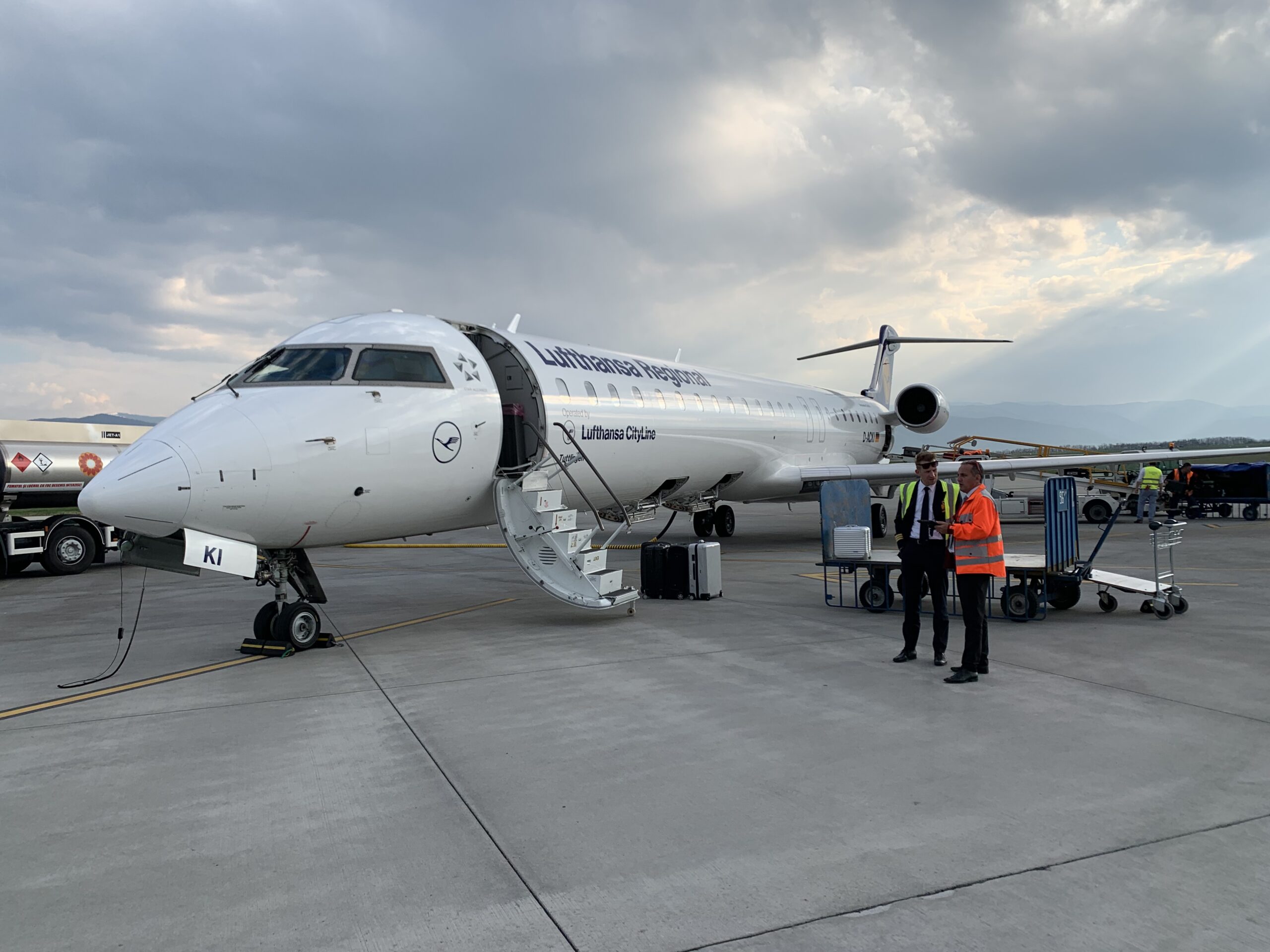
Not this time, I actually had to be in Paris. Closer to Orly than to CdG so I decided to fly there. The KLM-Air France “El Cheapo” airline “Transavia” flies to Orly and it was really quite cheap. The reason for that became clear when I was sitting in the train to Schiphol: I received a text message that my flight was cancelled. 15 Minutes later an email arrived with my options:

  • fly on another day
  • fly to a different place
  • ask my money back.

neither of these options was what I wanted, so I called the Transavia Hotline. After 15 minutes of waiting (“It will come in time” – Billy Preston and Syreeta on repeat…) the call was answered and the train entered a tunnel… so after 15 more minutes I was again in contact.
“We are currently busy checking all passengers out”, “please call back in half an hour” she said. After some pressure she promised to call me back as soon as she knew more. Apparently she is not much smarter because she still hasn’t called me.

I already expected that and started calling after 15 minutes. The next call center person was not able to do anything for me, she said. I had to do that in Schiphol at the rebook desk in terminal 2.
In the meantime I arrived and went to the desk. I already figured out there were 2 flights with KLM-Air France to Paris. One in 45 minutes (do-able since I had only carry-on luggage) and one on 21:30 in the evening.

To cut a long story short, I had to visit 2 more desks to finally buy a new ticket (€ 600) to Paris because nobody could rebook my flight. Of course I had the late flight, missed the early one due to the slow response and the lack of information. And I was at CdG so the Uber took an hour instead of 10 minutes. Thanks Transavia!

Code Generation

But I arrived in Paris and had to speak the next day about Code Generation. I got the usual questions like:

  • “Why Code generation”
    because it’s the only way. Everywhere you look companies are already very low on staff, programming takes longer and longer, offshore programmers do not really help since we have to increase the effort for specification. Having code generated from a good spec dramatically decreases the time needed to deliver good quality software.
  • If that is so then why doesn’t everybody uses CG?
    We started selling Rhapsody with CG about 20 years ago. At that time there was no other tools that had CG. So sales people from all competitors would claim that CG was something nobody needed. A really annoying statement that is still haunting us (
  • We can just start by drawing pictures and then when we have learned UML we can try CG..
    Sounds like a cool idea. But it isn’t. think 25-30 years back. The time where ‘C’ came up. People were all using assembler and considered ‘C’ as being difficult, ‘C’-compilers were “eating memory” and everybody thought that this ‘C’ thing would go over because it wasn’t useful. Maybe only for documentation (Sounds familiar?)
    Now if you are using ‘C’ to document your code and you’d be programming assembler, what is the chance that you have learned ‘C’ after a few months? I can tell you: zero.
    You learn ‘C’ by developing in it and observe the compiler telling you what you did wrong. And after that the debugging of your programming. Then you learn ‘C’.
    Same thing with UML. You will learn that when you’ve seen and debugged the code. Not by just drawing pictures.
  • But UML is better for documentation isn’t it?
    Depends. As said before, just using UML without checking if you have done it right only increases the work you spend. Don’t forget that UML is a language with a lot of redundancy in it. You have to do a lot of work to create seamless documentation. Then why not generate code from it?

So what does a good UML Code generator needs?

We have tried to create an external code generator before (For EA, maybe you remember) This was not very successful, partly because there was no real integration.
Also many people thought they could take their existing models and then generate code from them, which is, of course, never going to work since you can do a lot in a UML Tool that does not make sense for Code Generation.
You can generate code from the following Diagrams:

  • Class Diagrams
    – Classes -> .cpp/.h (or .c/.h)
    – pointers or embedded classes for relations,
    – code for ports
  • State Diagrams
    – State machine that is connected to a class. All instantiated objects have this state-machine
  • Activity Diagrams
    – code for a Class, you can use a limited version to describe code for functions
  • Sequence Diagrams/Interaction Overview Diagrams
    – Lifelines are classes (Instances but they have to be classes first)
    – messages are events or operations. In theory it would be possible to generate behavior from Interaction Overview Diagrams.
  • Object Diagrams
    – Objects are Objects/instances
    – Links are assignments of object pointers to attributes
  • Package/Profile Diagrams
    – packages can have code, they need to bring the “glue” code for instantiating and connecting objects. Profiles influence the generated code.
  • Composite Structure Diagram
    – instantiates objects and connects them
  • Component Diagram
    – knows the relation of Components and could generate “make” files that links the correct components

No code is generated from:

  • Usecase Diagrams
    – Oh how we would love that, don’t we 😉 No, is not really possible. I would rather write something that generates code directly from requirements….
  • Deployment Diagrams
    – Not really feasible
  • Communication Diagram
    – Possible but who would want that?
  • Timing Diagrams
    – That is also possible but we haven’t worked that one out yet.

So we established that one of the important things for Code Generation is the integration with the UML Tool.
This needs to guide you with the model so that code can be generated from it.
Also we need to directly show the generated code in a window in the tool. Feedback is the most important thing.
Roundtrip and reverse engineering are very important. We need to able to change the code outside of the tool in “our favorite editor”. Also we must be able to use legacy code in an easy way.

  • Generated Code must be understandable by developers
  • it must be efficient in code size and in run-time behavior
    • at least as optimised as hand-written code
    • must satisfy timing requirements.
  • it must fulfil safety aspects if used in safety-critical systems.
    • code must be compliant with standards like MISRA
  • The generated code must be abstracted from RTOS/CPU and Compiler (The framework will do that)
  • it should not be unnecessarily dependent on other stuff

Up till today, there is still only one tool that does this way better than all others and that is Rhapsody. More than 20 years old and still going strong.

So. That’s it, have fun generating code with Rhapsody!

Walter van der Heiden wvdheiden@willert.de


Task Force Rhapsody

Introduction

This week (and last week) I am in what the Germans call: “Ruhrpott” (or “Revier”, “Kohlenpott” or just “Pott”.
“Ruhr” is the river that flows through this area, “Pott” is pot, like for cooking.
The area is known for its industry, for all the Coal mines and its really, really dense population. (More than 5 million people live there but when you add the other cities that are very close, like Düsseldorf and Köln, the population is way over 10 million in a very small area.

The area has a reputation of being very polluted but this is actually far from the truth. It was cleaned up decades ago and the green area’s that they had were nurtured and cultivated. The hotel is in the middle of a green area and nice and for all, quiet!
See the pictures and you’ll understand.

Tasks

This week a question came in how to setup tasks in Rhapsody. As usual the answer is: “it depends”…
First you have to consider your Framework. I cannot speak for all but when you use OO-RTX (A single thread RXF) you have no choice: everything runs in the main task. Scheduling between your objects is done based on “Cooperation”. When you have completed your State-machine actions you basically give back control.
Using a “while(1)” in a state-machine is the same as blocking all other objects.
So you need a full-fledged Framework using an RTOS underneath.
Then you can set a Class to “active” in the features of that Class (“General” Tab) This means that ALL Objects of this class will run in their own task (Thread would be a better expression see: Threads )
So if you instantiate that Class 10 times, you end up with 10 tasks. That might not be what you want.

Structured Class

If you make a Class active and then give this class a structure diagram you can guide the way they are assigned to a task. All classes instantiated inside an active structured class run in the same task.

That is nice but if you want to control where all statecharts run (and even change it on the fly) you just have to create your Objects “by Hand”. You just call the Class_Create function from the Object in which task you want it to run, the Create function has a Task parameter, call that with class->ric_reactive->myTask. 
Your Statemachine then runs in the correct task. Don’t forget the Class_startBehavior() function….

Here is a small Rhapsody Model with the different methods in it.

That’s it, happy modeling with Rhapsody

Walter van der Heiden ( wvdheiden@willert.de )

IoT Exchange Berlin and a touch of GIT

Berlin’s Calling…

That is the title of a CD (and a movie) by Paul Kalkbrenner. I had to think of that when we heard that the IBM IoT Exchange Conference 2019 would take place in Berlin. I haven’t been to Berlin in ages, last time was in Potsdam at the previous IBM Conference. That was in November 2012, so a really long time ago.
So I was really happy to go, I really like Berlin. The city is not comparable to any other German city. It is the city with the highest number of start-up companies at least in Germany but I even think world-wide.
They also have a Hardrock Cafe… good for the collection. But there are many more places of interest to visit.
Visiting a Beergarden you hear mostly English around you. Very cool.
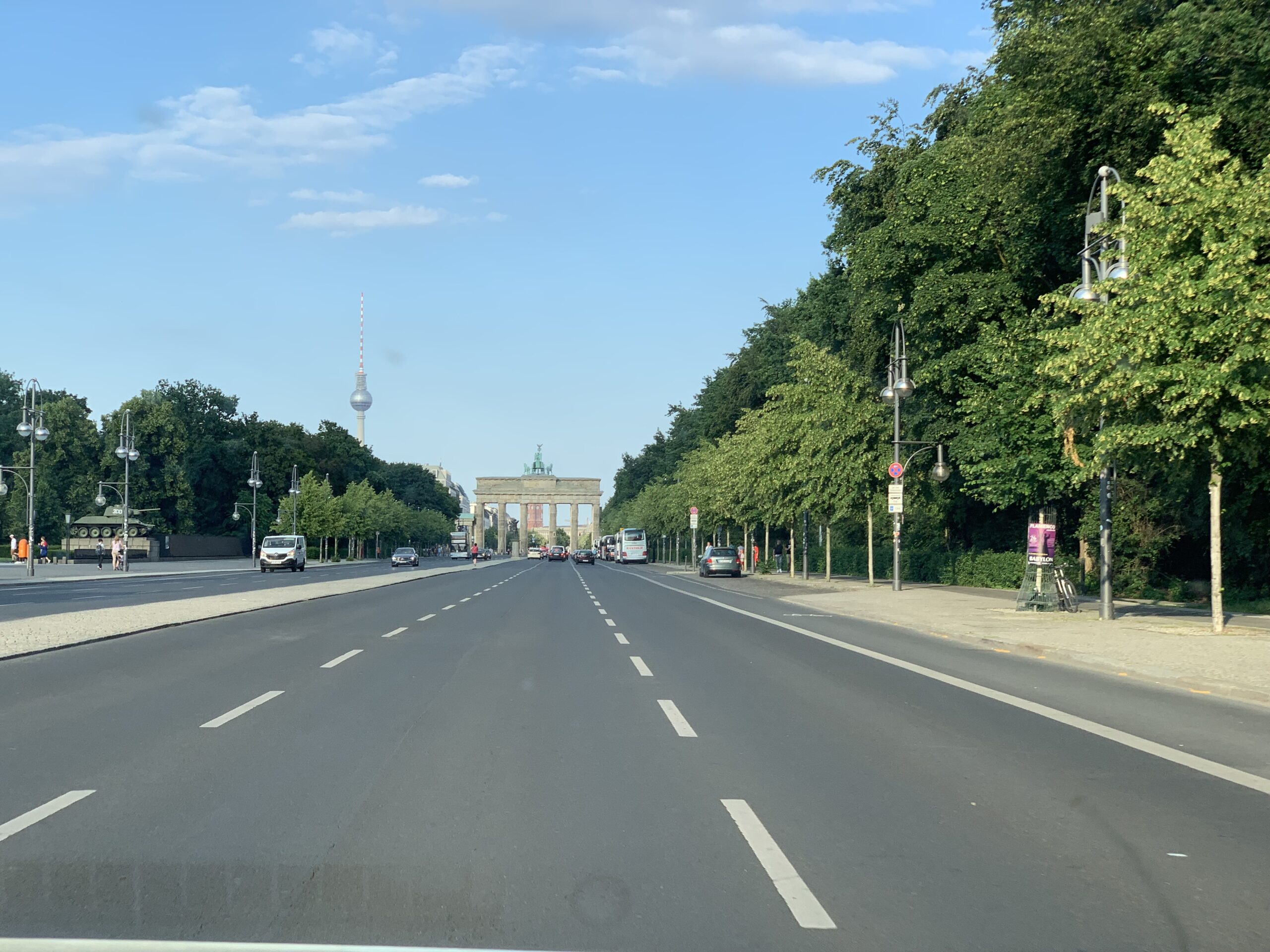
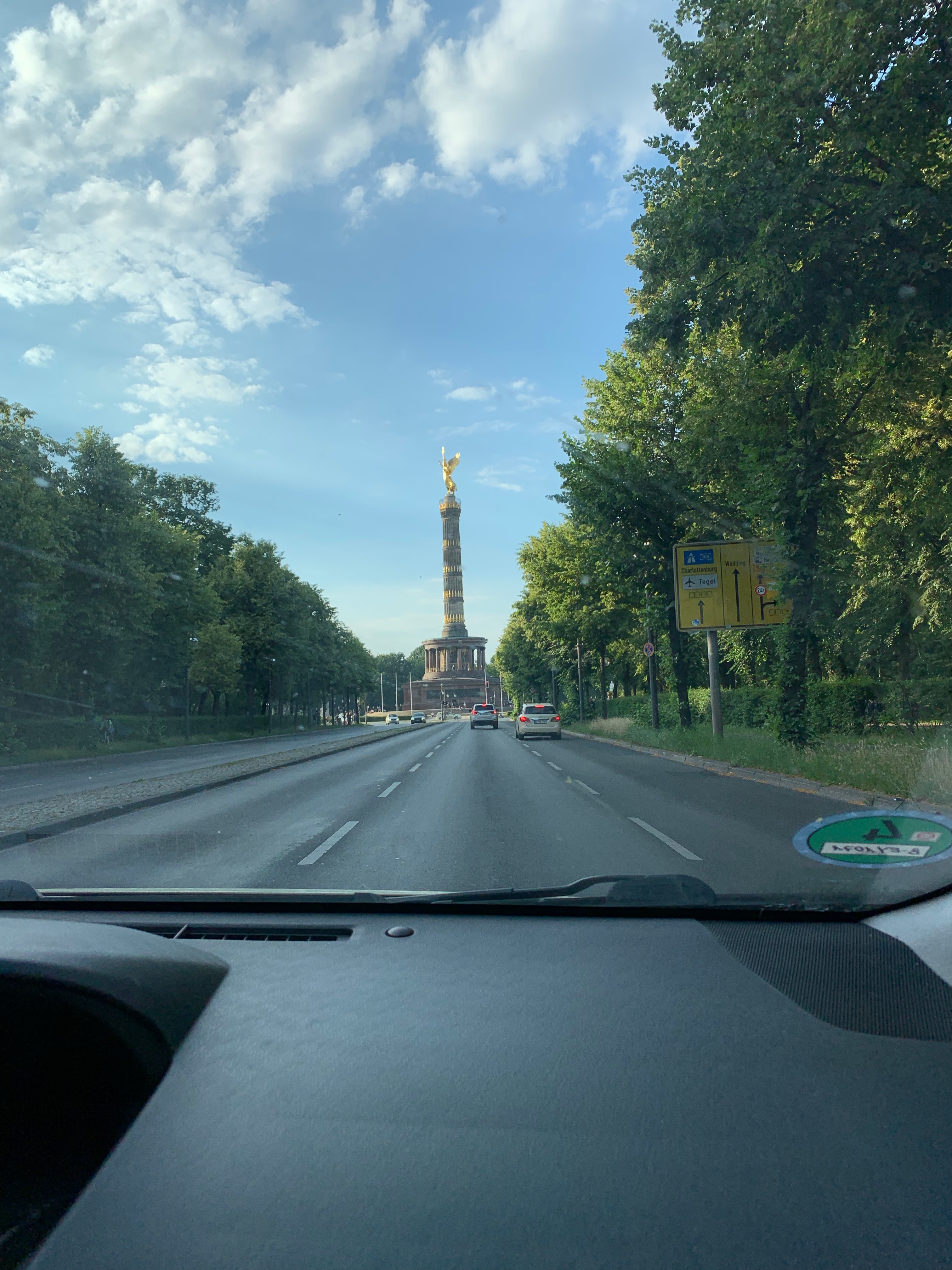
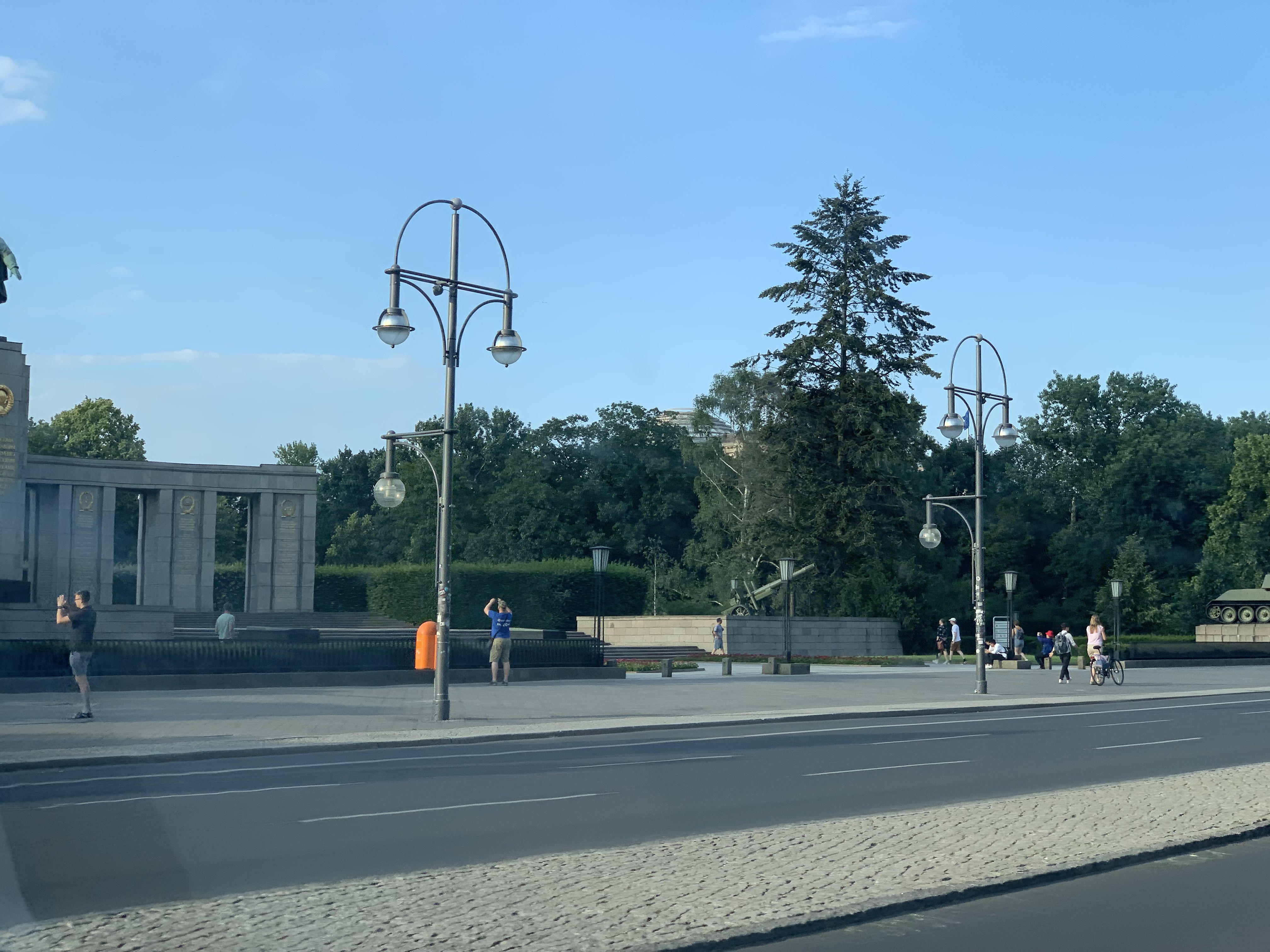
Luckily the Hotel was right in the middle of the city so at least I could see the “Reichstag”, “Brandenburger Tor” and some other monuments from the Uber…


Because as usual there was not much time left to visit the city but on the day of arrival we were invited to dinner in a very nice restaurant (“Ständige Vertretung”) which was in the days of the cold war something like an unofficial embassy.
That is one of the great things about Berlin, the city is really full of history. The second day we were invited to the Bikini Place where IBM has a so-called “pop-up store”.
For the rest is was speaking with customers, future customers and partners. And I had a presentation. No recording this time.

GIT

A few years ago most questions about Config management were directed to using SVN. This has changed, most people now ask me how they should use GIT. I have written a small piece about GIT in https://rhapsody.blog/2018/08/24/da-boston-broker/ but that was not really a lot.
So. Can you use GIT from Rhapsody? Short answer: YES!! Long answer: Yes, of course but do some thinking before…
The workflow in GIT is different than that of “classic” CM systems. “Normally” you have a working copy and you check-in/-out your changes into the repository. In GIT this works in 2 phases, you have a working copy but when you check-in/-out you do that in your local repository. You can then merge your repository with the central one.
The advantage is that you have all the changes locally and that you can work independently of others.

There are companies that deliver you a GIT server platform that is free (or at least free for personal use) like GitHub, GitLab and BitBucket. They are very convenient for quickly setting up projects.

Configure Rhapsody for using GIT

You need to install git first. I use a MAC that means that installing XCODE will automatically give me git. I recommend installing SourceTree so you can work with a GUI.
GIT will do automerge if you do not tell it to leave your files alone… You have to create a file called .gitattributes (Yes the “.” should be there… makes the file invisible) where you enter the following:

# Following files are treated as binary files
# GIT does not try to merge them
# "Old" Rhapsody files
*.rpy binary 
*.rpw binary
*.sbs binary
*.cls binary
*.cmp binary
*.ehl binary
*.omd binary
*.msc binary
*.ucd binary
*.ctd binary
*.clb binary
*.dpd binary
*.std binary
# "New" Rhapsody files
*.rpyx binary 
*.rpwx binary
*.sbsx binary
*.clsx binary
*.cmpx binary
*.ehlx binary
*.omdx binary
*.mscx binary
*.ucdx binary
*.ctdx binary
*.clbx binary
*.dpdx binary
*.stdx binary

The .gitignore is for indicating which files should not be checked in into the CM system.

#git ls-files --others --exclude-from=.git/info/excludeLines that #start with '#' are comments.
#For a project mostly in C, the following would be a good set of
#exclude patterns (uncomment them if you want to use them):
#*.[oa]
#*~
#/.metadata/
*/log/
*.d
*.o
*.obj
*.log
Snap.*
.dmp javacore.
heapdump.*
*_auto_rpy
*_auto_rpyx
*.pdb
*.db
#Ignore old RHP Model files
*.rhpold
*.rphold1
*.rhpold2
*.rphold3
.DS_Store
Code/KeilARM
Model/PureVueCpp - Kopie
Code/Windows/BrokerTest/VS2015/DeployerBackups
Code/Linux/TestInheritence
Code/String
Model/DDSTutorial
Model/PureVueCpp/BrokerStandAloneTest
core

I have put the following in my .gitconfig file, this should let GIT start the Rhapsody diffmerge program when merging/diffing.

[difftool]
     prompt = false
 [mergetool]
     prompt = false
 [diff]
     tool=difftool
 [merge]
     tool=mergetool
 [difftool "difftool"]
     cmd = difftool $LOCAL $REMOTE
     keepBackup = false
 [mergetool "mergetool"]
     cmd = mergetool $LOCAL $REMOTE $MERGED
     keepBackup = false

Then I created 2 batch files: difftool.bat and mergetool.bat that call diffmerge with the correct parameters.

echo difftool $1 $2 $3 $4 $5 $6 $7 $8
 diffmerge $1 $2 -compare -recursive
echo mergetool $1 $2 $3 $4 $5 $6 $7 $8
 diffmerge $1 $2 -merge -out $3 -recursive

Using this in Rhapsody

This should help you using GIT “outside” of Rhapsody. Please only check-in/-out only complete models, not “single” files, that is dangerous.
You can use the Rhapsody CM commandline interface to at least check-in/-out locally (index) and then use diffmerge to do a weekly (or so) merge with other developers. You should create a profile (Actually a settings file) “RPY_GIT.prp with something like this (Definitively not complete!):

Subject CG    
  Metaclass General      
    Property IncrementalCodeGenAcrossSession Bool "False"    
  end  
end  

Subject General    
  Metaclass Model      
    Property AutoSynchronize  Bool "False"      
    Property PathInProjectList  Enum "Absolute, Relative" "Relative"      
    Property ReferenceUnitPath  Enum "Absolute, Relative" "Relative"      
    Property SupportIncrementalModelSynchronization Bool "False"    
  end  
end  

Subject ConfigurationManagement    
  Metaclass General      
    Property CMTool Enum "None,ClearCase,RTC,RPY_GIT" "RPY_GIT"      
    Property UseSCCtool                     Enum "Yes,No" "No"         
    Property EncloseCommentsInQuotes        Enum "Yes,No" "No"      
    Property GUI                            Enum "Flat,Tree" "Tree"      
    Property RunCMToolCommand               File ""      
    Property ToolCommandTimeOut             Int "180000"      
    Property DefaultLockReserveOnCheckOut   Bool "False"   
  end  
  Metaclass RPY_GIT      
    Property AddMember  String "\"$OMROOT/etc/Executer.exe\" \"git add \"$UnitPath\";"      
    Property CheckIn    String "\"$OMROOT/etc/Executer.exe\" \"git commit \"$UnitPath\" -m \"$log\\";"      
    Property CheckOut   String "\"$OMROOT/etc/Executer.exe\" \"svn checkout \"$UnitPath\";"  
  end  
end

Last… but not least

You can use the pull/merge commands to push your local changes to the server (or fetch the server changes to your local copy)

This might not be the perfect solution for you but at least you can use this to build your own GIT integration!

More Info

There is a free eBook about GIT.
OK Nerds: stop reading. There are many nice GUI’s for GIT. I personally like SourceTree. But there are many more (also free!)

OK. That’s it. Have a great time using Rhapsody

Walter van der Heiden ( wvdheiden@willert.de )

Back in Motown, continue the adapter

Introduction

The next part of the trip was to Detroit, aka Motown. There were some customer visits planned and some internal training for a new colleague.

57817841614__6087F444-1266-44A6-810C-5F4A53BF0CB7
The flight was OK and everything went smooth. I picked up my rental car and then after typing in stuff for a long time the lady from Hertz told me that she could not find my car in the system…. I said, well that’s cool, I just take it and then I don’t have to take it back…
Nice try but she wasn’t going to do that. But she was nice, asked me politely to bring the car back and then pick another. Any other… So I ended up with a cool Infinity Q50. With 400 HP… cool…

IMG_0587

The rest of the trip was without incidents… except for some flooding. But I only saw that on the TV. Haven’t had any trouble with it.

IMG_0589

Back to work II

So from the MakeFileContent property there are some things you have to adapt.

What when it doesn’t work?

If you re-read the  model and you get an error message then…. you did something wrong 😉
Debugging is not so difficult. In Rhapsody go to the features of your model and open the “Makefilecontent” property. This will show you exactly to where it could be read…
When the make doesn’t work, try removing (or temporary) switch of the “echo off” with a rem before it. Also you can edit the makefile that is generated, copy the “cc” line and put an echo in it. Then you can see what happens.


Build the new Framework

Now the framework also needs to be built. This can be done from the Rhapsody Menu (“Code”, “Build the Framework”) This is only visible if you can rebuild the framework i.e. when the following property is set:

CPP_CG::QNXv7NeutrinoMomentics::buildFrameworkCommand
"$OMROOT/etc/Executer.exe" "\"\"$OMROOT\"\etc\qnxv7cwmake.bat 
qnxv7cwbuild.mak build \"CPU=$CPU\" \"CPU_SUFFIX=$CPU_SUFFIX\" \"

This should contain the call to the batchfile (and makefile) that builds the framework. The same paths and changes you’ve made to the makefile content should be applied to all the makefiles that you can find in the batchfile, they are in the OXF, OMCOM, TOM, AOM and WebComponents directories. You actually only need the OXF but do the rest (that is only needed for animation) anyway.

TARGETS= oxflibs omcomlib tomlib aomlibs  webcomponentslib

CPU=aarch64
CPU_SUFFIX=le
MAKE=make CPU=$(CPU) CPU_SUFFIX=$(CPU_SUFFIX)  all 

all: $(TARGETS)

oxflibs:
$(MAKE)  -C oxf -f QNXv7CWoxf.mak CFG=oxf
$(MAKE)  -C oxf -f QNXv7CWoxf.mak CFG=oxfinst

omcomlib:
$(MAKE)  -C omcom -f QNXv7CWomcom.mak CFG=omcomappl

tomlib:
$(MAKE) -C tom -f QNXv7CWtom.mak CFG=tomtrace
$(MAKE) -C tom -f QNXv7CWtom.mak CFG=tomtraceRiC

aomlibs:
$(MAKE)  -C aom -f QNXv7CWaom.mak CFG=aomtrace
$(MAKE)  -C aom -f QNXv7CWaom.mak CFG=aomanim 

webcomponentslib:
$(MAKE)  -C WebComponents -f QNXv7CWWebComponents.mak CFG=WebComponents
This is the content of the batch file, all calls have already been edited to the new environment.
Then in all makefiles set the correct include paths and compiler calls: (This is my example, adapt to your own paths)
ADDED_CPP_FLAGS = $(CPU_FLAG) $(DEFAULT_CPP_FLAGS) 
 -I$(QNX_TARGET)/usr/include/c++/5.4.0 
 -I$(QNX_TARGET)/usr/include/c++/5.4.0/aarch64-unknown-nto-qnx7.0.0 
 -I$(QNX_TARGET)/usr/include -DOM_STL -I.. 
 -I../osconfig/QNX -D_MSL_NO_VECTOR_BOOL -DUSE_IOSTREAM 
  $(RHAP_FLAGS)
That should be it.
The menu recommendation for today is the poutine… (In HopCat in Royal Oak in Detroit they have a “Wladimir Poutine” on the menu. It is not healthy (and looks awful) but tastes very very good.
57859282305__6C1A0295-6104-4B96-941A-E3F784C4F2EE
OK, Happy modeling with Rhapsody
Walter van der Heiden (wvdheiden@willert.de)


USA and Adding support for compilers

Introduction

I receive a lot of questions from people who want to generate and compile code from Rhapsody using another compiler than the ones that are in the standard installation.
Since IBM is delivering some pre-adapted frameworks but does not officially supports them it is the users responsibility to do some adaptation work.
My usual answer is: switch to the RXF. Is smaller, faster and more comfortable since we took the command-line out of the workflow.
But sometimes this is not the answer. Adapting an OXF to a new RTOS is a bit difficult but using another compiler is not that hard.
Unfortunately the documentation to do this is very scarce and not really clear. So here is a (hopefully) better guideline to do that.

USA

Last weeks I was quite busy (and in another time-zone…) Yes back in the US! Again, Florida and Michigan.
In Florida I, of course, visited my friend in Fort Myers and then went to Orlando for the IBM IoT Exchange. I had a presentation there together with Ed Grinberg from Depuy, Boston. I made the movie using my iPhone so the quality is a bit less than professional…

I was also interviewed together with Tom Capelle by the great guys of Quick Bytes, Graeme & Ryan. We spoke about the Sodius-Willert Merger.

Back to Work….

OK.. How do you create an adapter for another compiler. We assume you use C++ and want to adapt the QNX adapter to a newer version.

  1. Never change the original files of the framework. Always make copies and create your own adapter.
  2. When you have changed property files: re-read the model to update the properties in your model.
  3. Use a decent editor to edit files. I recommend notepad++, is free and awesome.
  4. The instructions are for C++, just replace C++ with C and that will work as well.
  5. Either install all tools in the same directory on ALL workstations of everybody in the project or use environment variables to align all differences. (First solution is preferred)
  6. A property file (Only the factory, factory<lang>, site and site<lang> files, not your own!) must have an extra “end” on a newline. Also escape all quotes (“) and backslashes (\)

How does it work?

If you generate code in Rhapsody, a makefile is also generated. When you press build, Rhapsody will call your makefile using an available make for that environment. How does Rhapsody knows what to call? It’s all in the properties, mate!
So assume you’ve selected

The Share Directory

This directory contains all the secrets to Frameworks. The following subdirectories are interesting:

  • etc
    contains files that must be added to the build process and the makefiles for the frameworks itself. Also contains the batch files that Rhapsody calls when building applications.
  • Lang<Language> (C, Cpp, Java, Ada)
    This contains the source-code from the framework
  • MakeTmpl
    Contains files added to the make process.
  • Profiles
    The profiles that can be loaded (The RXF is completely adapted using profiles)
  • Properties
    Contains all property files. This is where Site,prp and Site<language>.prp are located. Also the Factory.prp and the Factory<language>.prp are here. NEVER NEVER NEVER edit these!!!!

There are more directories but these are the interesting ones when making an Adapter.

Step 1, edit the sitec++.prp

So in Share\properties you’ll find siteC++.prp that is usually empty unless you have already added something. We have to add only one (1) property that we can copy from the factoryC++.prp file (Open that factoryC++.prp.  search for environment and copy the line. Add that to your siteC++.prp file)

Subject CPP_CG
  Metaclass Configuration
    Property Environment Enum      
        "MSVC,MSVCDLL,MSVCStandardLibrary,VxWorks,
         VxWorks6diab,VxWorks6gnu,VxWorks6diab_RTP,
         VxWorks6gnu_RTP,Solaris2,Cygwin,MicrosoftWinCE600,
         OseSfk,Linux,Solaris2GNU,QNXNeutrinoGCC, 
         QNXNeutrinoMomentics,NucleusPLUS-PPC,
         WorkbenchManaged,WorkbenchManaged653,
         WorkbenchManaged_RTP" "MSVC"
  end
end

end

This is the “standard”. Now I recommend deleting all the environments that you will never use to make stuff more readable. Then add your own environment, in our case we will call it QNXv7Momentics. We want all changes for our environment in a separate file, that makes it easier to exchange the new adapter with others. This file can be included in the siteC++.prp file with the “Include” statement. The content of the siteC++.prp is something as follows:

Include "QNXv7Momentics.prp"
Subject CPP_CG
  Metaclass Configuration
    Property Environment Enum      
 "MSVC,MSVCDLL,Cygwin, QNXv7Momentics, QNXNeutrinoMomentics," "MSVC"
  end
end

end

Now copy the donor environment (QNXNeutrinoMomentics) to a new file QNXv7Momentics.prp in the Properties directory. (Same procedure, open factoryC++.prp and search for “QNXNeutrinoMomentics”). You have to add the Subject, that is CPP_CG. (Properties always have a Subject and a Metaclass but you can group them in a prp file) Don’t forget the “end” statements!

Edit the properties

Now it is time to edit. You probably have to edit more but that goes beyond the scope of this BLOG. I will describe the most important ones (here you can see the escaping of the backslash and the quotes, don’t forget that!!):

Property InvokeMake String "\"$OMROOT/etc/Executer.exe\" 
\"\\\"\\\"$OMROOT\\\"\\etc\\qnxv7cwmake.bat 
$makefile $maketarget \\\" \""

Here you fill in the name of your batchfile that compiles the Rhapsody generated code. You have to create that file later (In the “Share\etc” directory)
This file contains the commands to call the make command in your environment. Now it is time to figure out how the make command of your environment works.

@echo off
if "%2"=="" set target=all
if "%2"=="build" set target=all
if "%2"=="rebuild" set target=clean all
if "%2"=="clean" set target=clean

set QNXROOT=<The root of your QNX Install>
set MAKEFLAGS=-I%QNXROOT%/target/qnx7/usr/include 
          -I%QNXROOT%/target/qnx7/usr/include/c++/5.4.0
set QNX_TARGET=%QNXROOT%/target/qnx7
set QNX_HOST=%QNXROOT%/host/win64/x86_64
set QCC_CONF_PATH=%QNX_HOST%/etc/qcc
set LD_LIBRARY_PATH=%QNXROOT%/target/qnx7/lib
set PATH=%QNXROOT%/host/win64/x86_64/usr/bin;%PATH%

make -s %target% -f %1 %3 %4 %5 %6 %7 %8 %9

This is the example for my installation, fill in the correct paths for your environment.

More Properties

The following properties determine what you give the compiler. OmFileCPPCompileSwitches is what you fill in the “Settings” Tab of your Rhapsody component.

Property CPPCompileCommand MultiLine 
" @echo Compiling $OMFileImpPath
$(CREATE_OBJ_DIR)
@$(CC) $OMFileCPPCompileSwitches -o $OMFileObjPath $OMFileImpPath
"

Property CompileSwitches MultiLine "-lang-c++ -I. 
  -I$OMDefaultSpecificationDirectory -I$(OMROOT) -I$(OMROOT)/LangCpp 
  -I$(OMROOT)/LangCpp/oxf $(INST_FLAGS) $(INCLUDE_PATH) 
  $(INST_INCLUDES) -DUSE_IOSTREAM -DOM_USE_NOTHROW_GEN 
  $OMCPPCompileCommandSet -c "
Property CCCompileCommandString ""
Property CPPCompileDebug String "-g"
Property CPPCompileRelease String "-O"
Property LinkSwitches String "-Bstatic"
Property LinkDebug String "-g"
Property LinkRelease String "-O"

The next step is to create the makefile. This is generated from Rhapsody. There is a template for the makefile with “magic” macros that expand to the information inside the Rhapsody model.

Property MakefileContent MultiLine "
**** Lots of Stuff ****
"

If your environment is close to the donor environment then you do not have to change much here. Otherwise it is possible that you have to go to all the lines and decide if that is still correct.

So… the rest will be in the next episode

Happy Modeling with Rhapsody

Walter van der Heiden (wvdheiden@willert.de)

Transylvania

Je komt nog eens ergens

That is Dutch and means something like: “You go places”. Yes I certainly do. This time I had to be in Rumania to do a training for a customer that has a development center there.
Because everything was organized in a hurry I did not really prepare well for this trip. That is, I did the necessary things but no more than that. So I was not be able to visit the HardRock Cafe in Bucharest since that is a 5 hour drive away from Sibiu where I was located. My flights would stop in Bucharest but not long enough unfortunately.
My original plan to fly to Bucharest and take a car was not a good one, Romania does not have a concept of highways like we do. So the average speed will be under 50km/h which effectively rules out using a rental car. Also the rentals were really expensive, no idea why, cars are not really expensive in Rumania.
I also did not look up anything about the place I was about to visit..

Rumania is not _really_ Europe

They are part of the European Union, without the Euro though, they use their own currency, but that was not really noticeable. KLM did not offer flights to Sibiu on their website although I managed to find flights from AMS via OPT to SBZ (OPT = Bucharest, SBZ is Sibiu) via another website. I decided to phone with the Platinum Hotline (Hey! You have to use what you’ve got!) and they advised me to use the Air France Website and…. bingo. That was possible. The wonders of Air Travel.. KLM-Air France say they are one organization but as far as I know they are far from that.
Also going in and out I had to show my ID. Schengen??? “Never heard of”…

Looking Good, or?

Coincidentally I looked on my phone in the Air France app and I noticed that there was a message. I looked on it and it said: Your flight is cancelled, please contact the ticketing Buro.
Cool. What if I had not looked??? So phone again with the hotline. This was all done during my previous trip in a car driving from Germany to France via Switzerland… They said the last part of the trip was cancelled. This was the Tarom (Rumanian Air Company) flight from OTP-SBZ. First they told me I had to fly on another day. After i (still politely) explained them that that was a real bad idea because people would be waiting for me… They completely rebooked me to a Lufthansa flight AMS-VIE-MUC-SBZ (Yes… Vienna, Munich in that order…) Hopping through Europe like a crazy kangaroo… Also I would arrive at 1:10 am on the next day.

Later at home I phoned again and now they had a better alternative, AMS-MUC-SBZ, arriving 18:00 on the correct day. “Geht doch”…

Without Status…

I had already arranged that my XP would still be booked (important, I do not want to lose my fresh status on KLM) but I noticed that contrary to KLM (Where they really treat you well as a status passenger) Lufthansa did not know me at all…. And did not let me in their lounge nor would they give me a nice chair. They promised me a window seat on the flight from Munich. I had a seat next to the place where normally the windows are. Unfortunately not on that row….
But I arrived. And on time. The hotel was also close to the airport and the company where I had to be. Going by foot was not advised so i still used taxis but they are very cheap in Rumania. (Even when the taxi driver screws you…)

Dracula

Yes… I have to mention it… The part of Rumania where I was is Transylvania. Home of the famous Count Dracula. And Vampires and so. Luckily I do not believe in that.
Sibiu is a very nice city, definitively worth another visit!!!
My friend Jan Scholten (who has been in Rumania before) told me that Sibiu has a German speaking minority and that the town was also known as “Hermannstadt“. Since it has been the cultural capital of Europe (in 2007) a lot of Restoration took place and it looks really beautiful!

Training

This was again an example of the necessity of having a training when you start to use Rhapsody. There are so many things that you can learn very fast from an experienced person but can hardly read in a book because you cannot find the connection between all that is written.
The Rhapsody manual is 600 pages, it does not nearly cover all topics and still you find nothing unless you really know what you are looking for.
Yes, partly that is due to the fact that the Rhapsody GUI is not always as easy as it could be. But I know that people are working very, very hard to improve that. Rhapsody 8.4 will be a great step in that direction. But even if the GUI would have been perfect, it is still a lot of stuff you have to learn.

Shortcuts

Three times in a row I met people that were quite experienced in Rhapsody but still did not know the keyboard shortcuts that make life so much easier….

  • Pressing “Alt” during resizing elements on diagrams will only resize the “outer” element and leave the content of the resized element as it is. (You can do that via the normal menu as well…)
  • Pressing “Shift” when dragging up or down in a sequence diagram will shift everything under the cursor up or down. (That way you can create or fill space on a Sequence diagram)
  • You can “multi” select using Shift and/or CTRL. You can then delete multiple items but also change “common” features or Display Options.
  • In the (OK…not so really cool) Editor you can select Rhapsody Model elements with CTRL-Space. (Intellivisor) The one in Eclipse (Or VS) is better but it’s not bad at all! Saves typing!
    Have you already tried the “Mouse menu” feature? Right clicking in a diagram gives you all possible model elements for that position. You don’t have to move the mouse to the menu and back!

That’s it! Have fun modeling with Rhapsody!

Walter van der Heiden (wvdheiden@willert.de)

Travel, travel, travel and… my EW 2019 Presentation

Back in the air

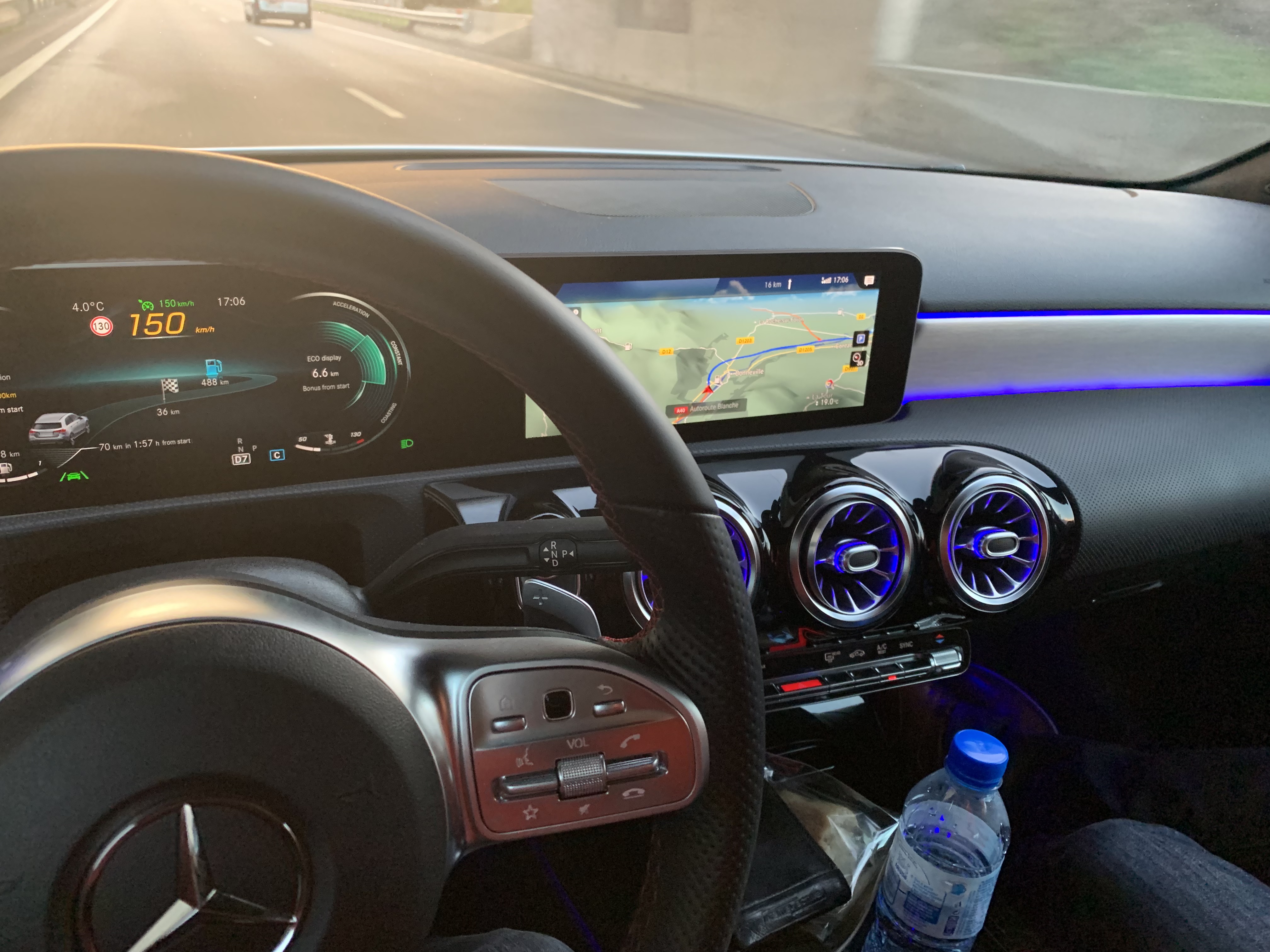
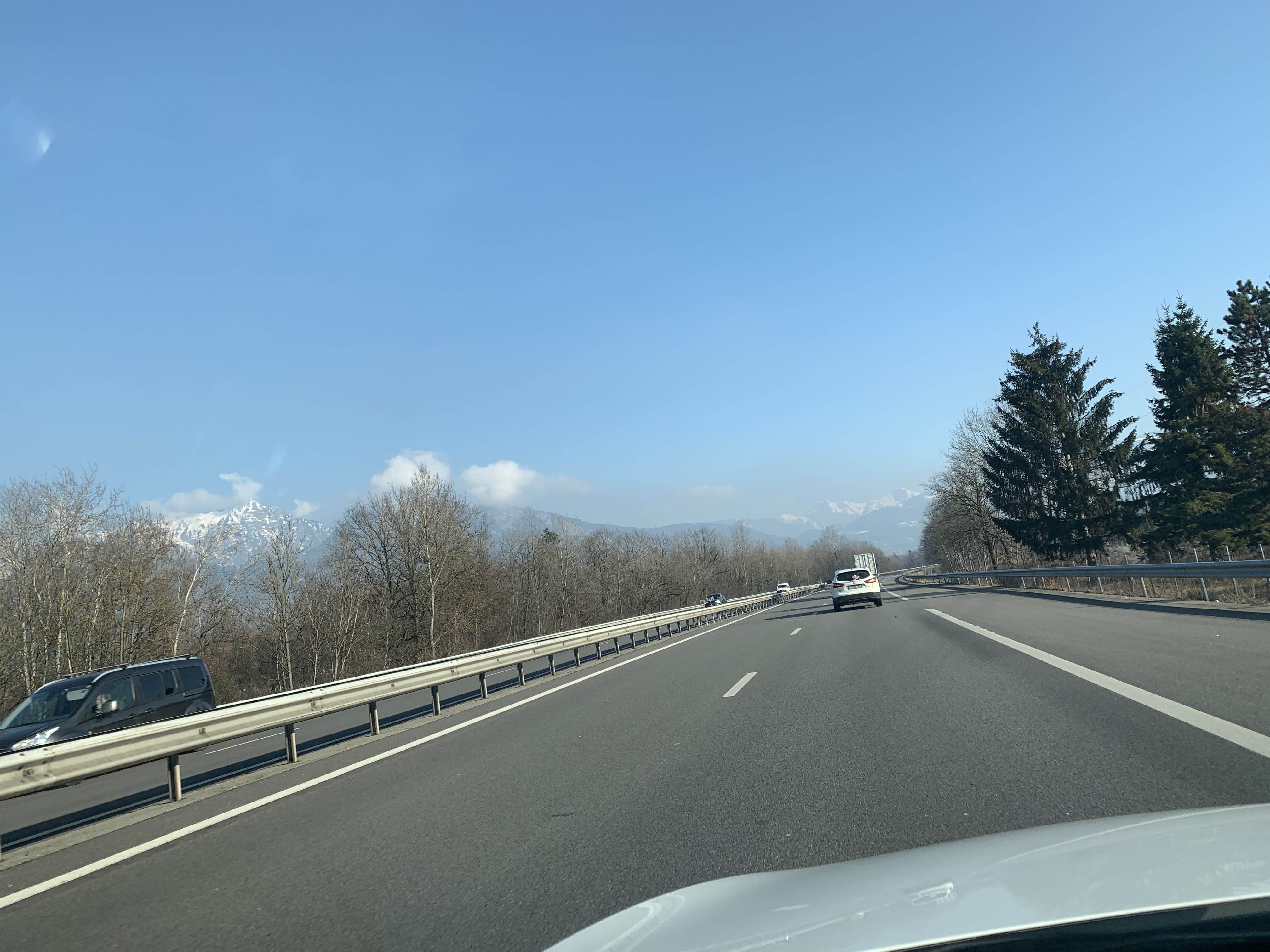
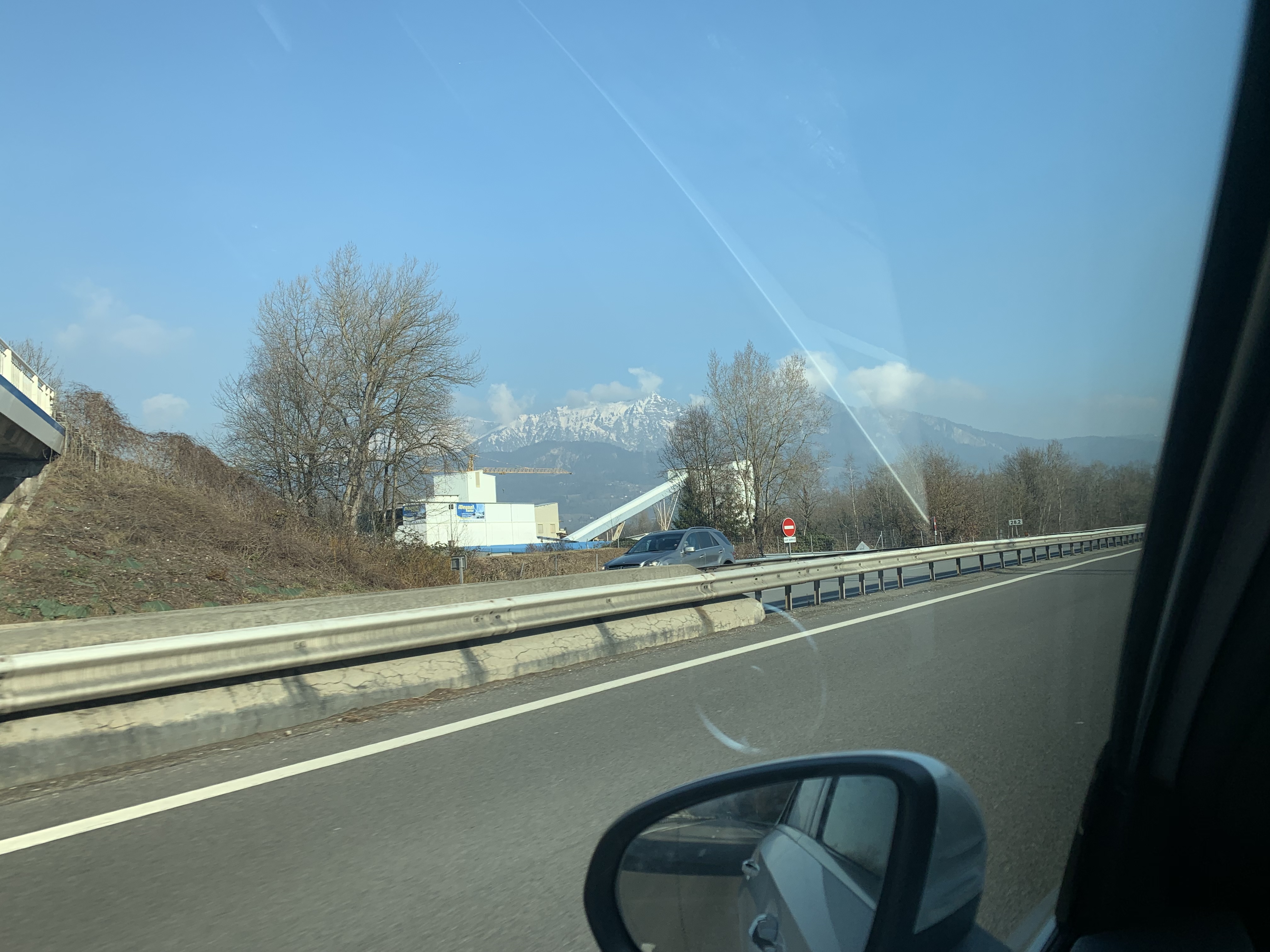
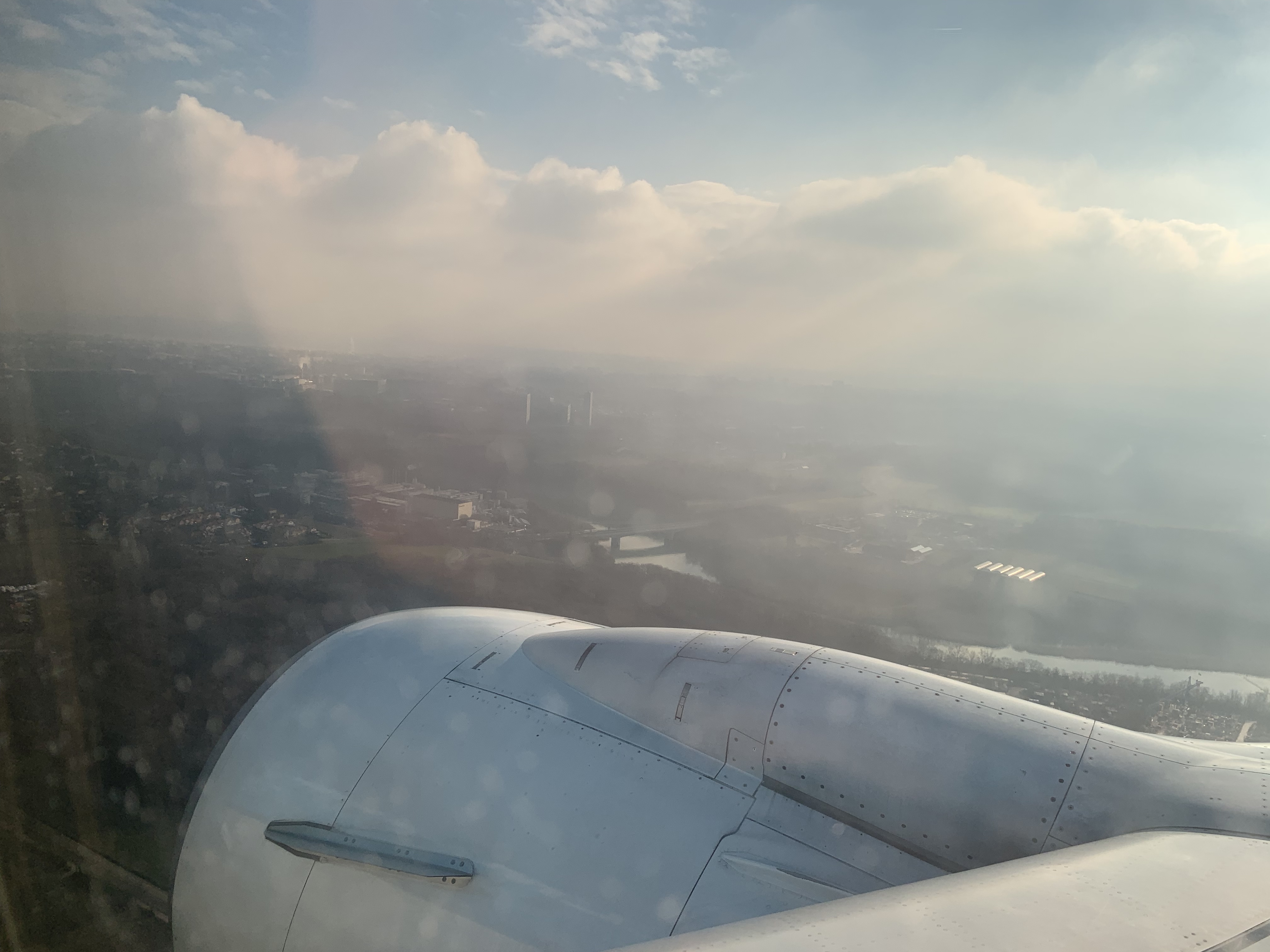
The travel continues but hey… I’m the traveling modeler…. Last week I had an appointment in France but close to Switzerland so I took the plane to Geneva again.
As usual the moment of booking is mostly right before the mail or call with the question if you could also show up somewhere else.
Flexible as I am, I always try to arrange that. This was not so easy… I had to be in the south of Germany (Rietheim) and I was in France (Cluses). On the map that was 225km. Via the road it turned out to be almost 500…. The Swiss have these “Mountains” that really take in a lot of space…
But I organize all of it and so I took the train to Schiphol (My second home) and then the plane to Geneva. Unfortunately (also as usual) flights were cancelled and I was rebooked to another flight via Paris. Via CdG, not really my favorite airport (I try to be polite)
CdG lived up to its reputation… although I was only a few meters away from the gate of my connections flight I had to take a detour to go through the pass control… ( What happened to Schengen?) But I made it in time to the connecting flight (I could even drink coffee in the lounge.)

Platinum

Yes. The lounge… since recently KLM has handed me my platinum card. I crossed 300XP within one year. (Yes KLM no longer has miles… you earn XP when you fly, like in Pokémon Go)
This makes the traveling life much more easy and comfortable. And a comfortable place to write BLOg entries…

Snow!

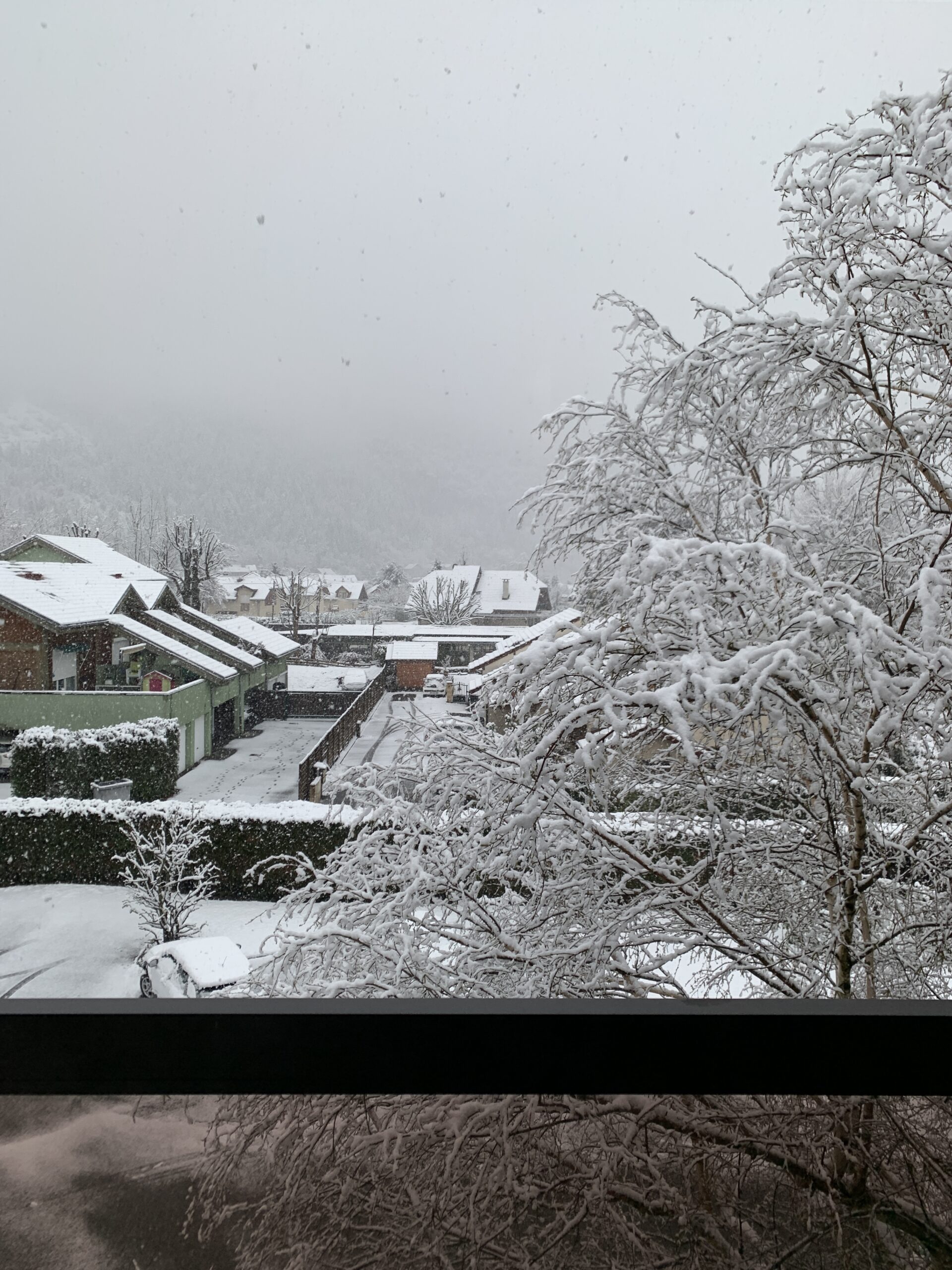
Yep… Snow. And a lot. After flying the second leg of the trip to Genève, I picked up my rental car and drove out of the parking lot and asked myself: What is this white stuff falling from the sky??
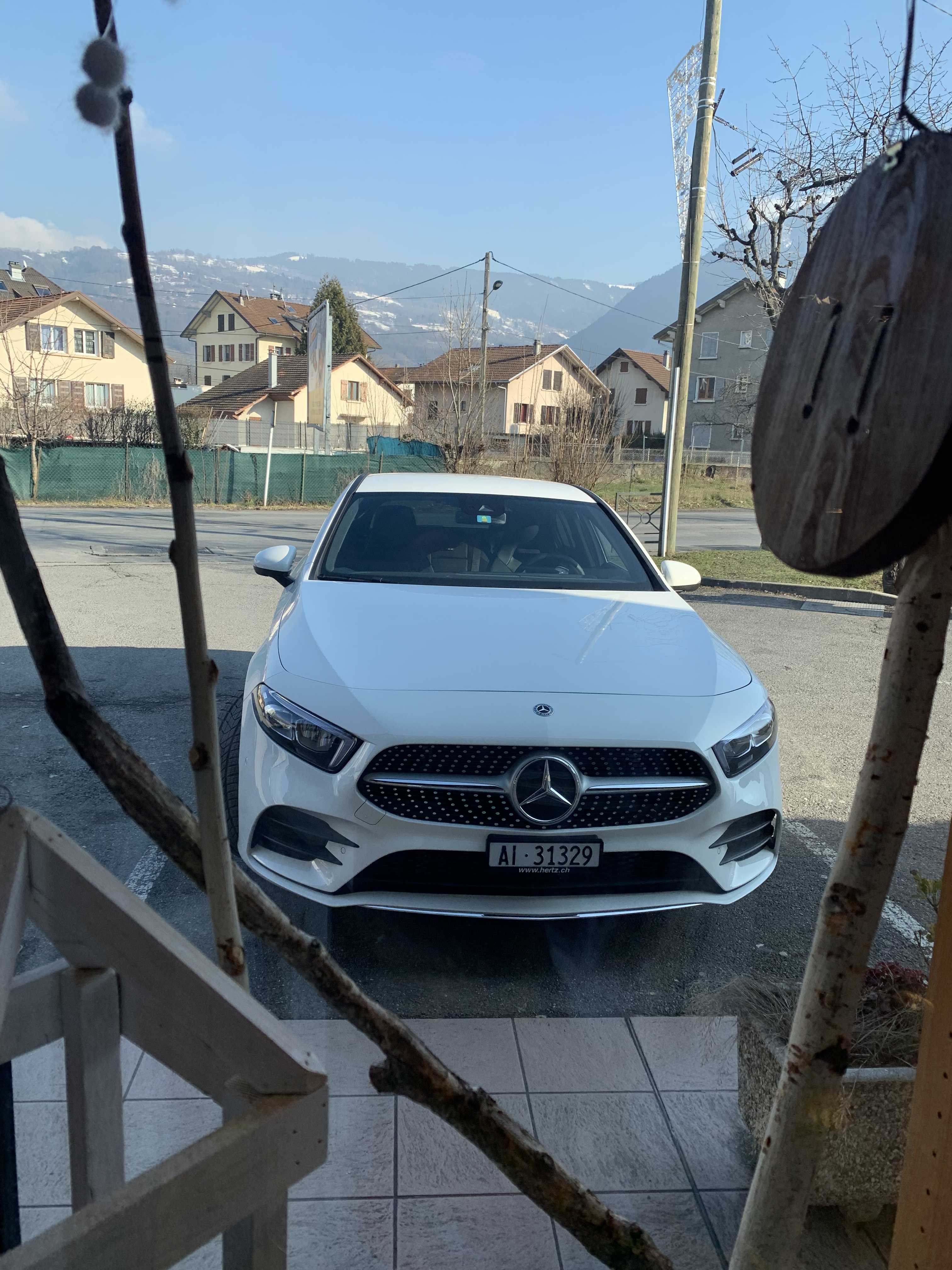
It was snowing. I did not expect that. Luckily Hertz was so friendly to rent me a BMW 120d xDrive. (4-wheel Drive ) with decent wintertyres. That helped. But is was quite a drive. So finally I arrived at the hotel that luckily had parking places. And (what I first noticed in the morning, a Skipass machine… I was in a ski area….

Switzerland

the next day, after a good day at the customer I drove to Rietheim in south-Germany. That was a seriously long drive. Through a lot of snow.. And again arriving in the hotel at 10pm… After the customer visit the next day I had to drive almost the same distance back. Not as far because I had a hotel room close to the airport. The next day I returned the car and flew back without trouble.

Embedded World 2019

I have written about that already: EW 2019, we had a booth there but I also had a presentation! Not entirely about Rhapsody but about SECollab, also interesting enough! Here is the link to it: video, it is in English.

That was it! Happy modeling with Rhapsody!

Walter van der Heiden (wvdheiden@willert.de)

EW 2019

Introduction

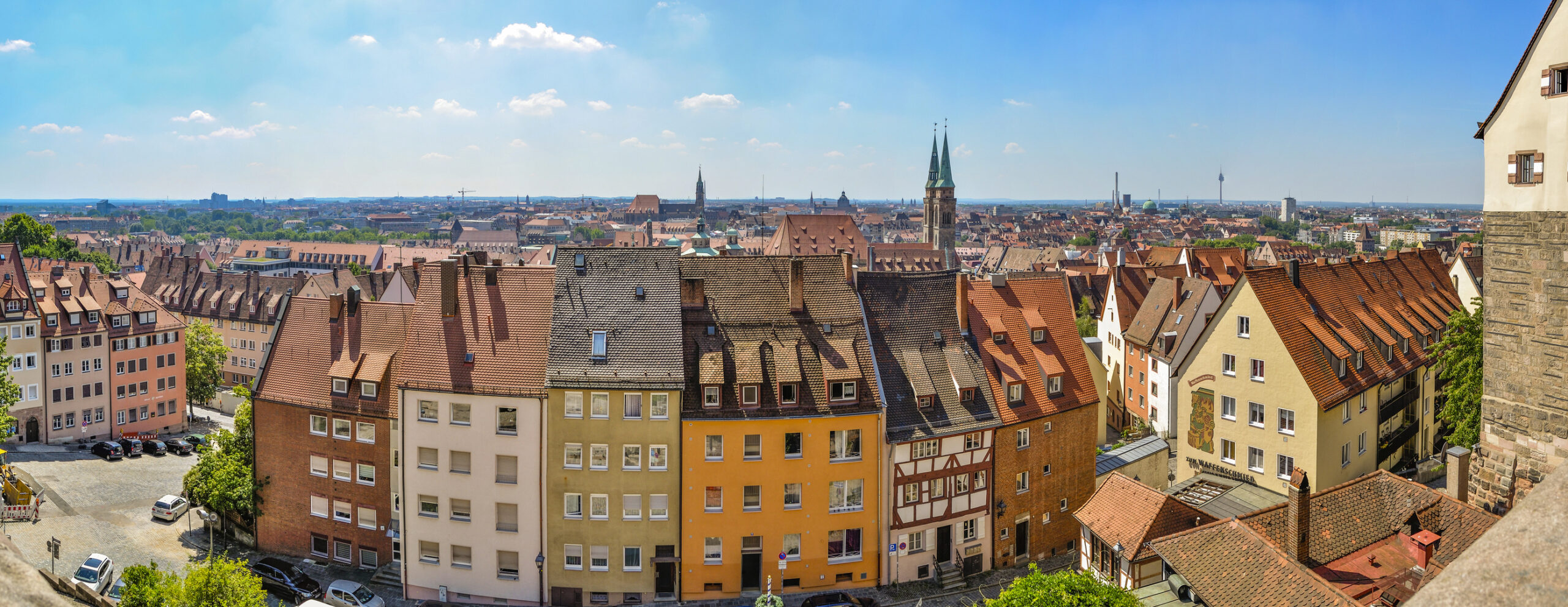
And… it is time for the yearly “High School Trip” for grown-ups: The Embedded World. We used to be there every year. Even since my Tasking days I have visited the EW (First time in 1998 if I’m not mistaken)
Since I am at Willert in 2001 we had a booth (together with Easycode, Microconsult, and in the beginning, Keil ( Before they were taken over by ARM)
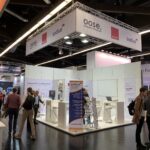
We gave up in 2014 but we returned in a smaller way in 2016 and 2017 together with LieberLieber (& Sparx Europe) In 2018 we skipped again but we decided to give it a try again with a new concept together with our Merge Partner Sodius and with OOSE. 
So we have a booth again. Hall 4-150.

EW

The Embedded world is a 3-day fair all about embedded. Lots of exhibitors in Software and Hardware. Lots of people I know and sometimes haven’t met in years. After 3 days you are really really tired from standing and talking all day and part of the evening.
Also, of course, we are traveling to Nürnberg on Monday, for me that means travel to Bückeburg on Sunday evening… Then we built up the booth, most of it is done by a company that builds up the booth but we have to install some stuff ourselves.
We are always in the same hotel… it has changed ownership a couple of times but we are still there, not because of the great rooms (they are not great… they are OK.) but because it is quite near the fair and because of the great steaks they serve there. And… no… i will not tell you where it is 😉
The very nice thing is that the embedded scene is quite small so you know lots of people there. People change jobs so sometimes they work somewhere else (Like Emmanuel, he worked for us years ago, he has built the Target Debugger together with Alberic)

Stress

Then 3 days of stress. 3 presentations in the forum in Hall 2, and speaking with (potential) customers and giving demo’s. At night visit partners and then to the hotel, eat a steak and sleep.
After 3 days my feet hurt and then at 17h the gong sounds and we can pack the car and drive back to Bückeburg. Where we will arrive in the middle of the night… But it was all worth it. We’ll be back!


So that was it for today, I spoke with a lot of potential new Rhapsody customers!

Happy modeling with Rhapsody ( wvdheiden@willert.de )


And to India again!

Introduction

I love India. Friendliest people on earth, awesome food, great country! So I was happy to go there again. I was there to do some support/training in a large project with many people. All in Rhapsody and all in C++.

The Trip

The disadvantage was that I would be in India for a week, so that would cost me two weekends traveling. So on saturday morning I got up at 6 (am -> the wrong 6…) and before 7. I was sitting in the train to Zwolle that was surprisingly filled. Now, that part of the trip went very well, apart from the early hour of course.
Step-over in Zwolle to Schiphol and I arrived there on time.
I love Schiphol, great airport. It is really big but you hardly notice that, everything is being signed out very well. As long as you speak English or Dutch you will not have any problems finding stuff (Eat your heart out Munich and Paris…)
Checking in took longer than usual since I found out I was not checking in at the normal KLM booth (Hall 1 or 1A) but in 3 with Jet Airways.
I booked KLM, as usual, but it was a code sharing flight. I’ve been busy last weeks (Wauw: Tell us more new things….) so I did not really had studied the flight data.
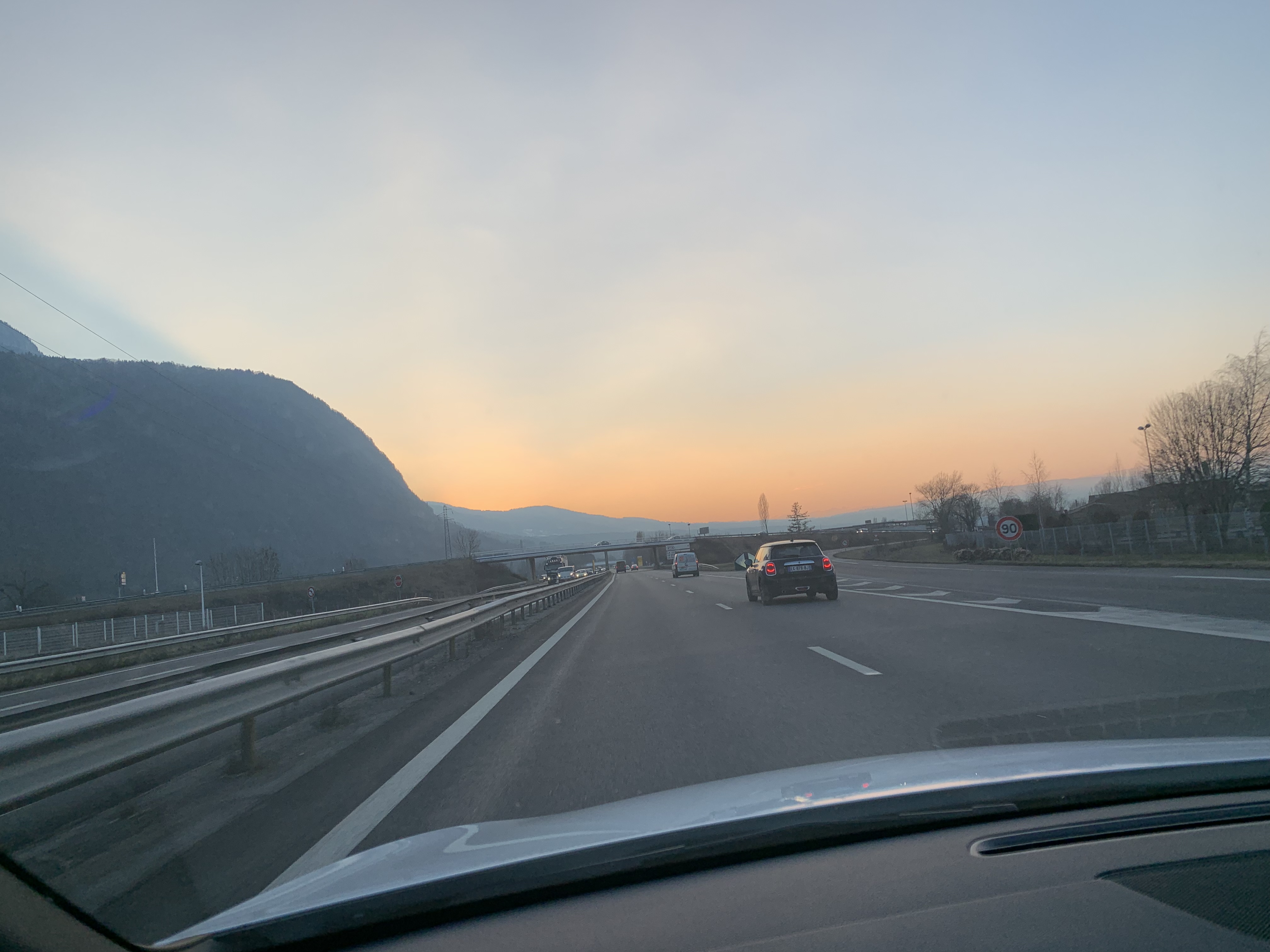
It turned out I had quite a funny flight. All flights were Jet Airways, not a single segment was KLM, luckily also not Air France… On the outgoing trip I first flew to New Delhi, then to Mumbai and then to Hyderabad. Not really efficient… There are many direct flights from DEL to HYD. But OK. It is what it is. Rebooking was not possible, all flights were full.
So I checked in, left my good old Eagle Creek Roller at the desk and went to the KLM Lounge.

First Leg

It went faster than I thought, I could hardly eat a small breakfast and then the screen said that the flight was already boarding. So I hurried to the plane, a Boeing 777 and quickly found my chair. A nice chair (Business class this time!!!) The flight left on time at 11:20 and it was good, Jet Airways is fine, nice staff and great food (Indian of course!!)
We arrived in Delhi on time and in the dark. Last time in Delhi I found out that there actually 2 airports in Delhi with the name “Indira Gandi Airport” Read “Incredible India”. This time I was OK (I thought…) because the connecting flight was in the same terminal. Even if your luggage is checked “through” (The label on the suitcase already contains all destinations) you still have to pick up your suitcase from the belt and bring it through customs and then check it in again.
With some trouble I managed to do that. I did not check the monitors on the airport so after going through security again ( Which was “Pedantic”… I had to completely unpack all my backpacks…) I started looking for the right gate. Just to find a monitor where my flight was indicated as “cancelled”. !@#$%^&*(
I started looking for help and at another gate with personnel from Jet Airways two ladies told me to wait, someone would come and sort it out.
Pff… But now I had time to organize an internet connection. That is not easy in India, there is “Free WiFi” but that works with a text message to your mobile phone. You first fill in your phone number, then you opt-in for some things and they will send you a Text Message with a code. Then you have to hack on your phone until the login screen comes again and give that code (with the phone number again, all very tiresome.
But that did not worked… I tried several times: no Text… Then I remembered that I am the new proud owner of an iPhone XS and that I have 2 SIM cards. The normal Willert Phone and my Dutch number.
So I tried it with the dutch number and: Bingo! a Text message and yes… I had internet. OK… only for 30 minutes… So I could FaceTime with home and then post on Facebook. Then I routinely checked my mail just to find 2 mails from KLM with a new Ticket and new Travel information… from hours before… So the cancellation was apparently nothing new.

Second Leg

Back to the ladies from the Jet Airways desk. Just when I did that the Manager appeared and started to speak with people who appeared from nowhere. With some pressure he looked at my stuff and organized some guy to escort me out of the secure area. He brought me back to departures where I tried to check in again.
It appeared my flight was now rebooked to Air India (?) at 7am (?) and directly to Hyderabad (!) OK. I would arrive an hour later than planned… that was doable.
Getting a ticket was not.. I went from booth to booth until I found a guy that was willing to help. He organized that my suitcase came back and that I could check in at the Air India Booth. he even brought me to the lounge (through security!) so that I could try to sleep a little bit. It was now 4:00 am and I still had 3 more hours…
No sleeping though… the lounge was noisy (Parents with small kids… really??) so after some coffee I went to the plane. This was again a 777, the business class was completely  empty. Shortly before take-off an Indian guy came in with lots of people around him. He was something important I think. the staff was crawling around him to bring stuff and wait for orders. Luckily they did not forget me (I was hungry…) and I was served breakfast. The Business Class was the widest I have ever seen. I had a huge place, the chair before me was really far away. A large screen was built-in but I could hardly see it. Not that I wanted, after breakfast I turned my chair into a bed and slept for the rest of the flight.
That went quite well. The Taxi from the hotel was not there (They had received my mail that my flight was cancelled) so after 25 hours I was in the hotel. Time for a nap..

Work!

I had the rest of the sunday to rest a little bit. I did not sleep long. First a phone call from the check-in desk… then a knock on the door from somebody that wanted to fill the minibar. Grr.
So I already prepared for the busy week. I had to support a project where many people work on with very different levels of Rhapsody experience. It is what it is… UML and certainly Rhapsody are not easy to learn. reading a book and do a 2 day training is not nearly enough to become experienced. Not even beginner level can be reached. It requires a lot of effort and patience to become an expert there.
For all it is learning the process of MBSE. It is very different from just hacking source-code. These are the questions that you should ask yourself on different levels of the development process:

  • WHAT must be done
    • We take Use-Case diagrams for that. Add Sequence Diagrams and/or Activity Diagrams to explain the requirements. This is the base for the planning on what the system does.
  • WHO will do it
    • This is the domain of the architectural Diagrams such as Class, Object, Package, Structure, Component and Deployment Diagram. They define the architecture of the system.
  • HOW must we do it.
    • Here we use Statecharts and activity diagrams, also flow-charts. Here we define the behavior of the system.

Of course this is not Waterfall anymore, we are agile! So we will iteratively go through all these phases until we are done.
This means that just creating a class as placeholder for a statemachine and just adding a state to be able to respond to events is not the way to use MBSE.
Objects have states, the light is on or off. Objects also move between states and not only from inner to outer states.
The secret to finding out what states we have is to use many, many sequence diagrams. They will clear your mind and give you the information needed to define nice small statemachines that are understandable and re-usable!

So. That was it from India. I’ll be back!

Walter van der Heiden (wvdheiden@willert.de)

Geneva in 1 day and Framework Training

Introduction

I do not only do long haul flights to far-away countries. i also do day trips to destinations that are a bit closer.
This time I had to be in Geneva (also called Genève or Genf depending on your language..) There is a direct flight from Schiphol airport. An early one to Geneva and a late one back. So I booked and, for a change, I travelled light.

The Trip

It felt funny all day to hardly have luggage… I looked up multiple time in panic from the feeling something was missing… human habits… strange thing.
But it was a long day. I woke up at 5 to be in the 5:45 train to Schiphol. I always hear people complaining about trains being late and not arriving at all. I have to say that I never had trouble with that… Its the planes that give me trouble.. or the airports.. or the airline..

Being up that early had one advantage. The papers and the internet were talking since days about an event that was coming up: “The Superbloodwolfmoon” or something like that… The disadvantage was that you had to get up early to see it… and I was. It looked very nice, the picture was not as cool as I wanted but hey, it’s not a camera, it’s a phone!


So I was on Schiphol on time, without the need to check-in luggage I just walked on to the lounge. In exactly 2 hours from my own chair to the lounge chair. Not bad.
Flight went well, I picked up my rental car and picked up the colleagues that were also there to drive to the customer.
It was a short visit, convincing the customer was not difficult, i gave a quick demo of Rhapsody using the RXF (in C++) and the fantastic Target Debugger. That mostly impresses the s…t out of new customers, certainly if they have been using Rhapsody before.
So we were back in time at the airport, we could even drink a quick cup of coffee. Then the flight back was leaving. After arrival I took the train back and was at home at 23:15. A long day indeed.

Training

I am asked a lot about what people need to do to learn more about Rhapsody. Well that is very easy. Try to visit relevant congresses like the ESE in Germany, also the Embedded World where the famous Bruce Powel Douglass gives lectures about MBSE. Also our MESCONF, the Rhapsody User Group Meetings and the IBM IoT meetings are very recommended to visit, you will learn a lot about Rhapsody and have the opportunity to speak with lots of other Rhapsody users.

Also highly recommended are trainings. The basic training (Yes, even if you already have experience with Rhapsody but have acquired your knowledge by learning it by yourself: a training will improve your knowledge! (I did that myself. After 6 months Rhapsody and creating adapters I visited a Training given by Martin Stockl. I thought, well let’s visit that maybe I learned something new… I can tell you I have never learned so much as during that training….

We also have advanced trainings, about different subjects. Also we have partners, like Frank Braun from Evocean that give very interesting Trainings like the standard C++ Raspberry Pi Training and soon the Framework Training (9/10 April in Munich. That will boost your Rhapsody knowledge! (Is in the German language) You can apply directly on our website.

That was it! Happy modeling with Rhapsody!

Walter van der Heiden (wvdheiden@willert.de)

« Older posts Newer posts »

© 2026 Rhapsody TechBlog

Theme by Anders NorenUp ↑