BLOG about IBM Rhapsody. Contains technical information as well as more private travel stories.

Tag: music (Page 1 of 2)

🎸 Retired but Not Gone — and Rhapsody Plays On

So. It finally happened. And for a career spent living out of airports, I marked the occasion by doing the most gloriously retired thing I could think of: I took the train to Paris. No security lines, no gate changes — just the countryside sliding by, a coffee that didn’t cost eight euros, and absolutely nowhere I needed to be in a hurry. Retirement, lesson one: take it easy.

As of Wednesday, April 8th, I am officially retired — after 25 years with Willert and later SodiusWillert (to April 11th, if we’re being precise about it, and after this many years I’ve earned the right to be precise). A quarter of a century. That is… a lot of models.

There’s a lovely bit of symmetry to the timing, too. April 8th also happens to be Jannie’s birthday — my wife, who came along for the trip (that’s her in the photos below). So this year I gave her a slightly unconventional present: a full-time husband. She is being remarkably gracious about it.

And fittingly, I didn’t sign the papers at some grey desk back home. I signed them in Paris — a city that does endings and beginnings better than anywhere, with good coffee, better views, and not a single license-server error in sight. If you’re going to draw a line under a career, do it somewhere with a proper terrace. Highly recommended.
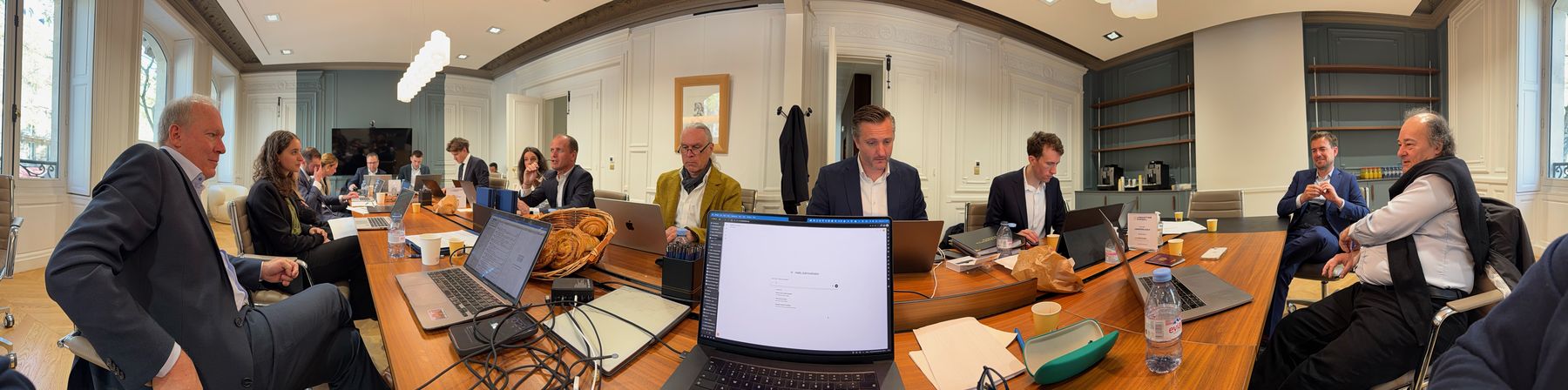
The room in Paris where it happened

And before anyone starts writing the eulogies: I’m retired, not gone. There’s a difference, and it’s an important one.

Here’s what retired means for me: no more 6 AM alarms to catch a flight to a customer site. No more license-server tickets at 23:00 on a Friday (Classic Rhapsody veterans know exactly what I’m talking about). No more juggling five time zones in a single week. I’ve done enough of that — honestly, I’ve done plenty. It’s time for the quieter life: more time with Jannie, more time for the things I kept saying I’d get to “after this next project.”
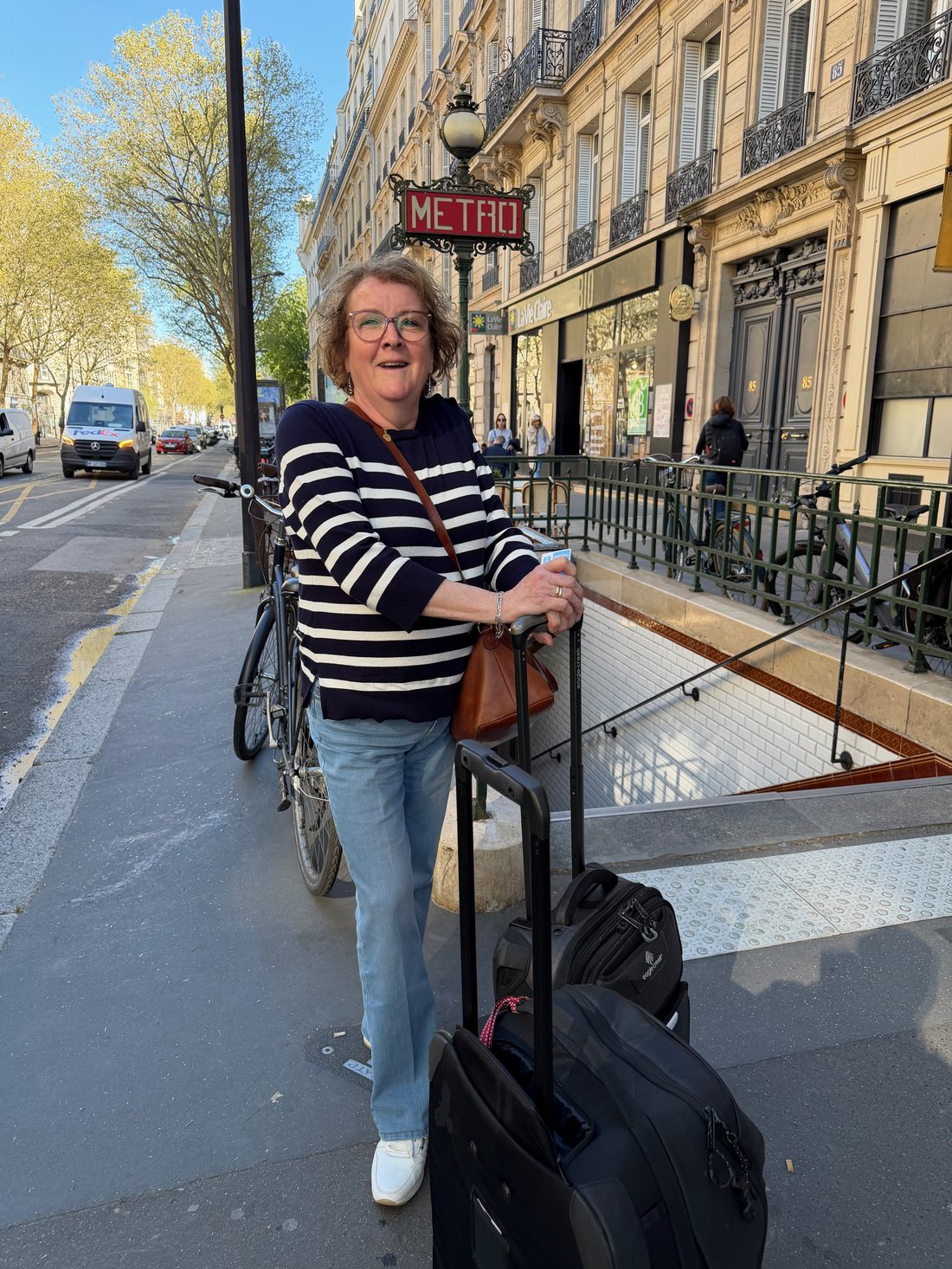
Jannie in Paris

Here’s what not gone means: I’m still here. Still writing this blog — probably more of it, now that I actually have the time. Still an IBM Champion, still knee-deep in Model-Based Systems Engineering, because you don’t spend 25 years loving this stuff and then just switch it off like a license server (which, again — IYKYK). You’ll still find me at DCUG Day, at TechXChange, at MESCONF, at ESE, at the conferences, in the community. Just… without the alarm clock.

Think of it as going from full-time to full-enthusiasm.

Meanwhile, the world keeps turning — Rhapsody 10.0.3

And of course, the field doesn’t pause just because I clocked out. Right on cue, IBM Engineering Rhapsody 10.0.3 landed — and it’s a genuinely good release, aimed squarely at large models and distributed teams. A few things caught my eye:

  • One-Click Environment Setup. Cygwin and the Rhapsody transforms installed in a single click, turning what used to be an afternoon of yak-shaving into a couple of minutes. Every new engineer who never has to fight that setup owes 10.0.3 a quiet thank-you.
  • A load progress indicator that actually moves. Small thing, huge relief. No more staring at a frozen-looking Rhapsody wondering if it died or is just thinking. It’s thinking. Now it tells you.
  • Zoom (100–500%) and type-to-filter in tables and matrices. If you live in the big traceability matrices like I do, this is the quality-of-life upgrade you didn’t know you were allowed to ask for.
  • Auto-generated flowcharts from legacy code. Point it at the old code, get operational flowcharts out. Anyone who’s ever inherited a mystery codebase will appreciate this one.

And then there’s the one that made me laugh out loud: 10.0.3 ships an MCP server — read access to your Rhapsody models via the Model Context Protocol, near-instant analytics, “Bring Your Own AI.” Now… where have I heard that idea before? 😏 Those of you who’ve followed my little rhapsodymcp.com adventures know this has been my personal playground for a while now. So let me just say: it’s wonderful to see MCP go official in the product. Great minds, and all that. I’ll be poking at IBM’s version very soon — retired hobby project, meet enterprise feature.

One more chapter

The best part of retirement, I’m discovering, is that curiosity doesn’t retire. I get to play with Rhapsody 10.0.3 purely because I want to, not because a project needs it by Thursday. That’s a good place to be.

So: thank you — to everyone at Willert and SodiusWillert, and to everyone I’ve worked with, learned from, argued about UML with, and shared a stage (or a beer) with over these 25 years. This isn’t goodbye. It’s just the start of a slightly slower, considerably more enjoyable, verse.
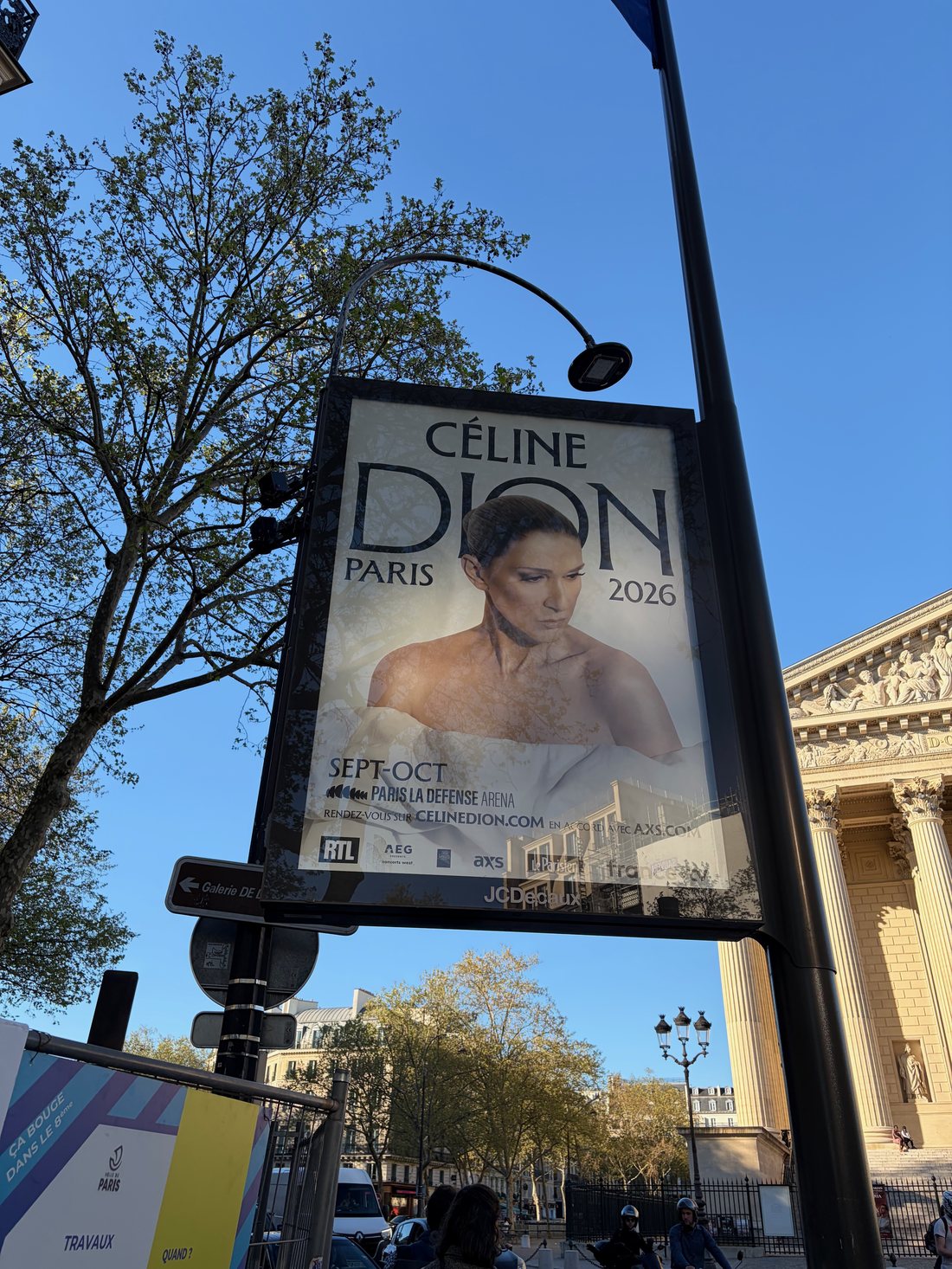
Paris in spring

See you in the comments. And at the next conference.

P.S. — Yes, I’ll still answer your Rhapsody questions. No, not before coffee. Some things retirement will never change. And Jannie — happy birthday. Sorry the gift was me.

What’s your favourite 10.0.3 feature so far — and if you’ve stepped back from the daily grind but not the passion, how’s that working out for you? Let me know in the comments below.


Happy Modeling ( preferably with Rhapsody)!!

Walter van der Heiden
walter@vdh-informatica.com

Detroit Rhapsody Rock Units

Introduction

For our US Automotive Day I flew to Detroit again! I really like Detroit, it’s way better than its reputation!
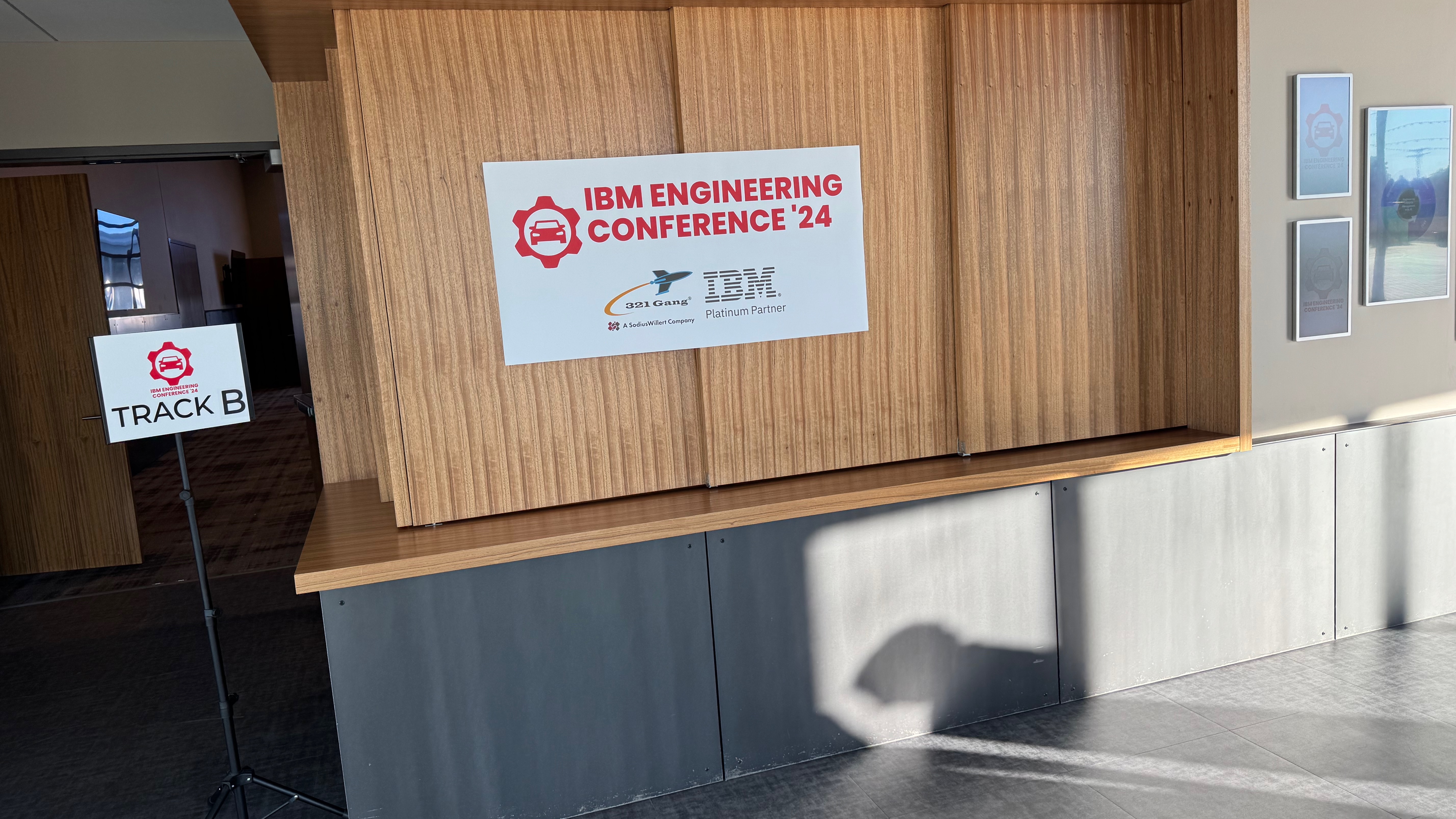
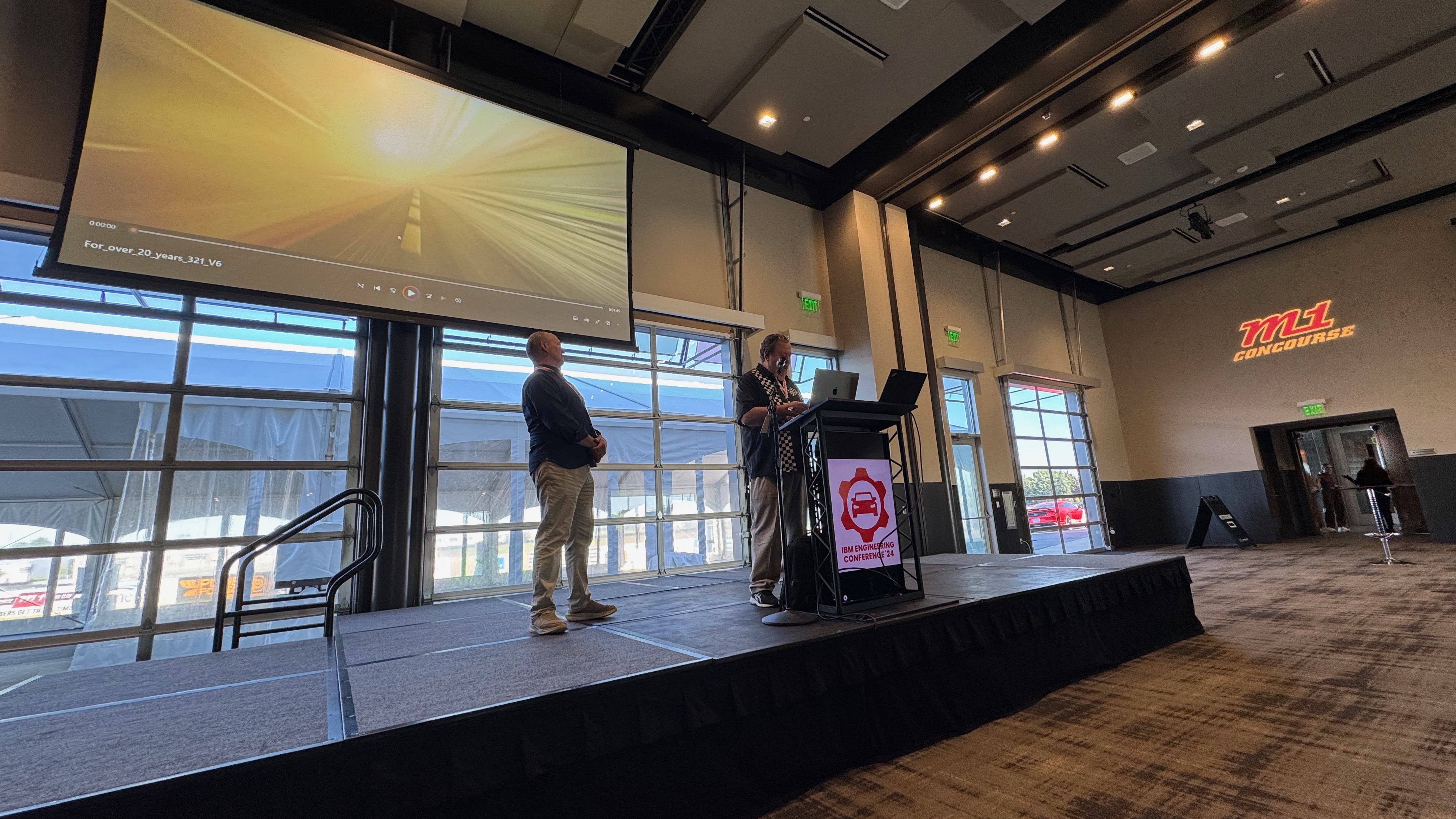
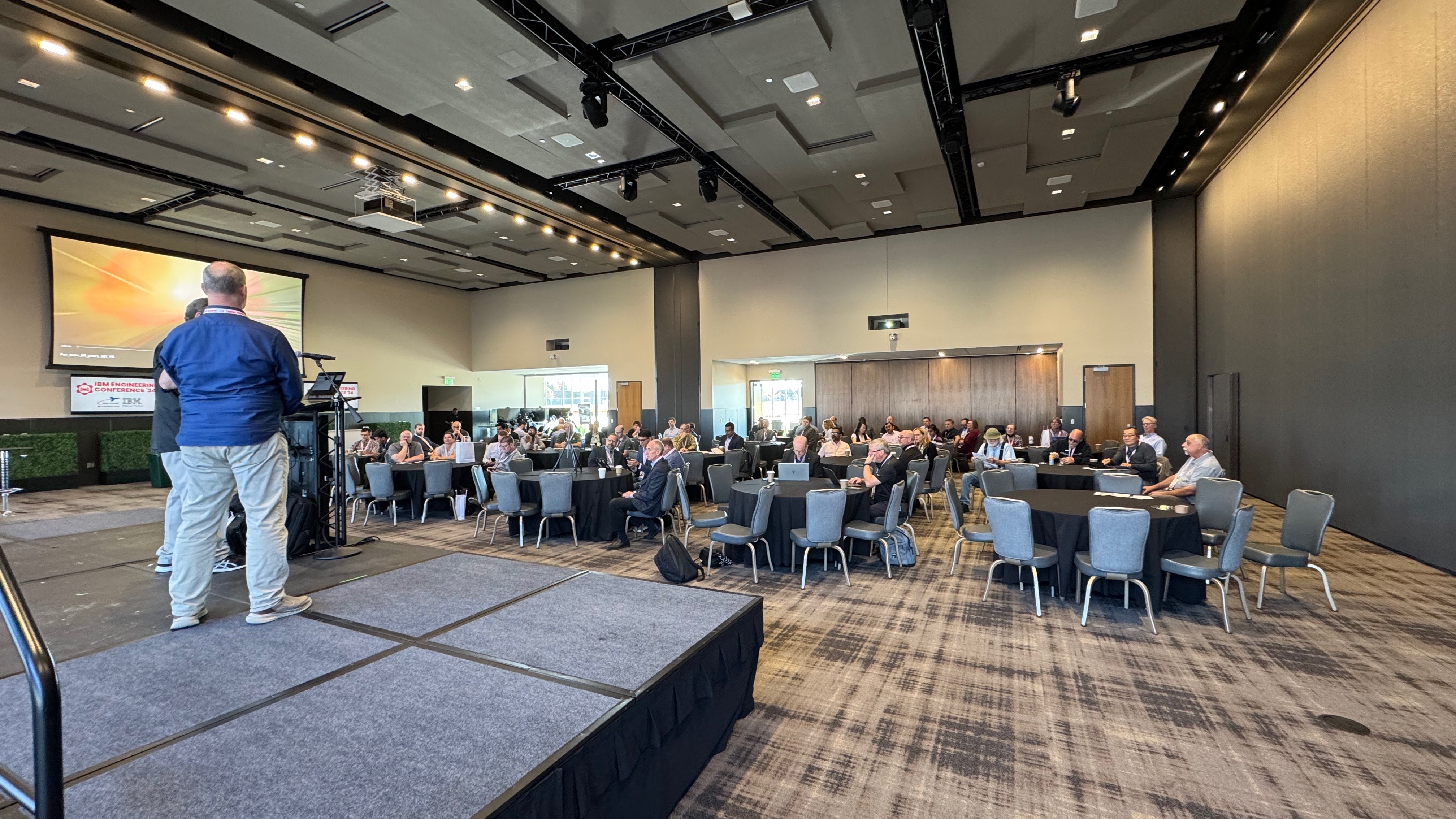
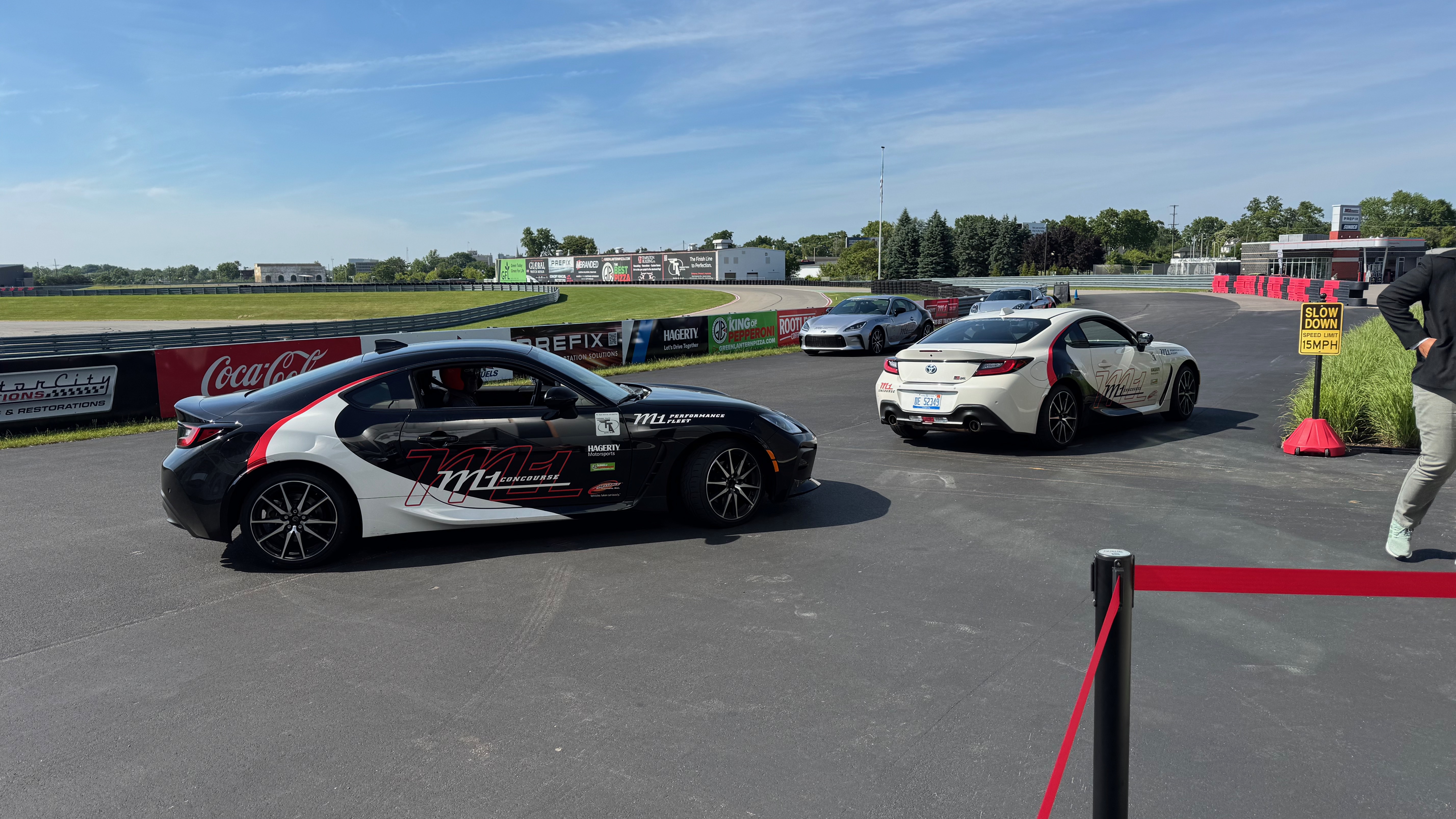
We organized a day after the German Automotive Day example. Our Marketing Guru, Tom Hollowell, discovered a racing track. It offered a great conference place and a race track where we were driven around.
No we were not allowed to take the wheel, unfortunately, but we were chauffeured by 2 professional racing drivers.
It was pretty awesome. We had just enough rides for everybody. Luckily, not everybody had enough nerves to go in a fast car around the track.
So I went twice… Loved it…

Rhapsody Units

There are still people asking what “Units” are in Rhapsody. And it is easy: it is the smallest “Unit” you can store in CM separately. Default units are:

  • Model
  • Package
  • Component

Units are easily ( if you have good eyes, that is… ) recognizable by the small icon decorator in the lower left corner. The decorator is either Grey (saved) or Red ( not saved). This indicates that Rhapsody will store that “unit” in a separate file. It allows it to be stored separately in a CM (That is mostly file-based). By right-clicking on a “non-Unit” element in Rhapsody, you can select “Create Unit.” This will give you the opportunity to store a Unit in its own file. The property General::Model::DiagramIsSavedUnit causes all diagrams to be saved in a separate file. In the same Subject::Metaclass, you can also find properties like BlockIsSavedUnit, ClassIsSavedUnit, and ComponentFileIsSavedUnit. There are also properties like ComponentIsSavedUnit (Default on), FileIsSavedUnit, and FolderIsSavedUnit. You will find ObjectIsSavedUnit and PackageIsSavedUnit (Default on) too. With these, you can control what is a Unit and what not.

The file extensions are: (add an “x” for the post 8.3 file format)

ElementOld < 8.3New > 8.3
Model.rpy.rpyx
Package/Profile.sbs.sbsx
Component.cmp.cmpx
Object Model Diagram.omd.omdx
Sequence Diagram.msc.mscx
Use-Case Diagram.ucd.ucdx
Structure Diagram.std.stdx
Deployment Diagram.dpd.dpdx
Collaboration Diagram.clb.clbx
Panel Diagram.pld.pldx
Timing Diagram.tmd.tmdx
Class/Object.cls.clsx
Did I miss one????????x


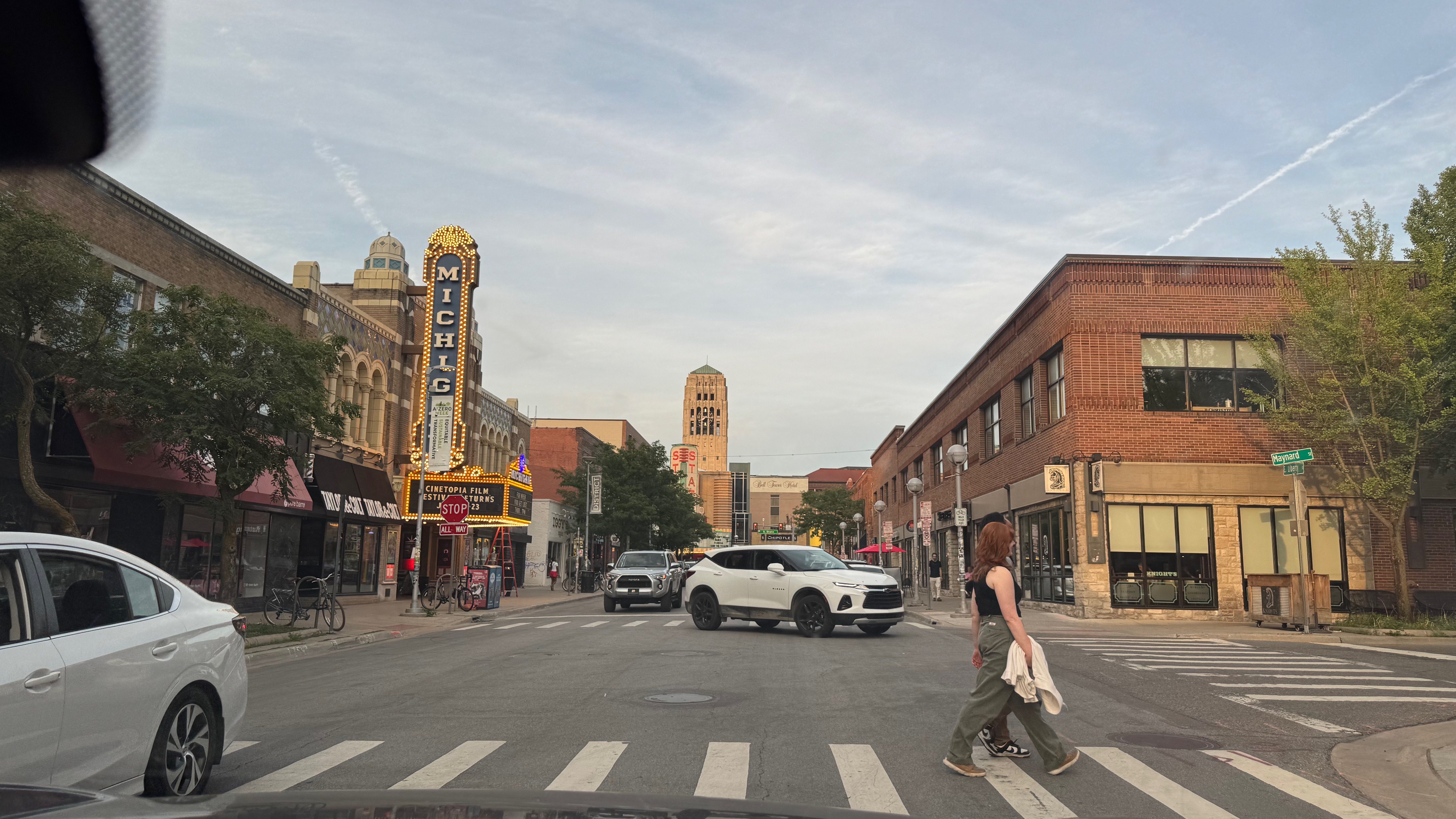
Ann Arbor

After the event I was invited by Tom and Carol to a dinner in Ann Arbor. A beautiful place, we drove around after dinner. (Thanks again! It was great!) Tom always posts sunsets on FaceBook… unbeatable.

Have fun modeling with Rhapsody

Walter van der Heiden ( walter@sodiuswillert.com )

Barcelonaaaaa ( & Rhapsody 10 )

Travel is entirely back now. COVID is over. Well, it’s still there, but nobody cares anymore. So after the worldwide TechXChange in @#$%^&* Las Vegas ( See “I hate Las Vegas“), it was now the European version held in Barcelona.
I’ve been to Barcelona before (incidentally, that was where I got my own COVID infection…). I really like that city; it has beautiful architecture, a nice buzz, great food, and much, much more.

So I went to my second home (Schiphol Airport) by train, checked in, did the security check, and then went straight to the KLM Crown Lounge. I’m a luxury traveler; I have had a KLM Platinum badge for five years (and counting), which is so cool. It makes traveling (almost) bearable..

The flight was as it should be: quiet and fast. It takes only 2 hours from gate to gate. Love that. Then, the Uber to the hotel. We live in a beautiful time. The only thing I used was my phone. Everything I needed was there, and I did it on the phone. I booked the flight with the KLM App, Called Uber with the Uber App, and booked the hotel with the Hilton App. I checked the locations with maps; the IBM App had my entry ticket. The only thing you need is, of course, the phone and enough battery… And sometimes a connection. But that is only a problem in Germany; it all worked fine in Barcelona.

The venue was on a great location, near the sea, next to one of the recommended hotels. I wasn’t in that hotel, I booked too late. But I don’t mind a small ride in the morning/evening.

As in Vegas, there was also a sandbox where partners and IBM had booths and the Champions Lounge. Yes, I have been an IBM Champion for 4 years now! It’s like being KLM Platinum but even better!
Champions are treated as kings by IBM! Front-row seats and people who do nothing else than care for our wellbeing. Thanks Libby, Cathryn, Amy and all others!

Unfortunately there was not much ELM, most was, “the ol’ Hardware” I learned that Mainframes are not dead, on the contrary! One of the things I started with after I graduated was the IBM AS/400, now SystemZ. Still cool stuff. I also learned there are “open source” Mainframes.

Some small items were there on ELM, there was a small item about Rhapsody, the new version was coming. And loo and behold: on February 29, 2024 Rhapsody 10 was officially released!!!!

What is new: Actually all is new… The GUI is changed and therefor all under the hood needed a thorough make-over. And the IBM boys and girls did the magic, just like on the TV make-over programs for houses or people: the result is stunning.
Here is the official IBM “WhatIsNew“.
Soon I get back to you guys with more news about Rhapsody 10!

Also new is the HarmonyMBE profile. Yes that is our work, Andy made that and it’s part of Rhapsody! We have a BLOG about it, we will fill that with more information soon.

So. Have fun with Rhapsody (10, but also with the older versions)

Walter (wvdheiden@sodiuswillert.com)

IoT Exchange Berlin and a touch of GIT

Berlin’s Calling…

That is the title of a CD (and a movie) by Paul Kalkbrenner. I had to think of that when we heard that the IBM IoT Exchange Conference 2019 would take place in Berlin. I haven’t been to Berlin in ages, last time was in Potsdam at the previous IBM Conference. That was in November 2012, so a really long time ago.
So I was really happy to go, I really like Berlin. The city is not comparable to any other German city. It is the city with the highest number of start-up companies at least in Germany but I even think world-wide.
They also have a Hardrock Cafe… good for the collection. But there are many more places of interest to visit.
Visiting a Beergarden you hear mostly English around you. Very cool.
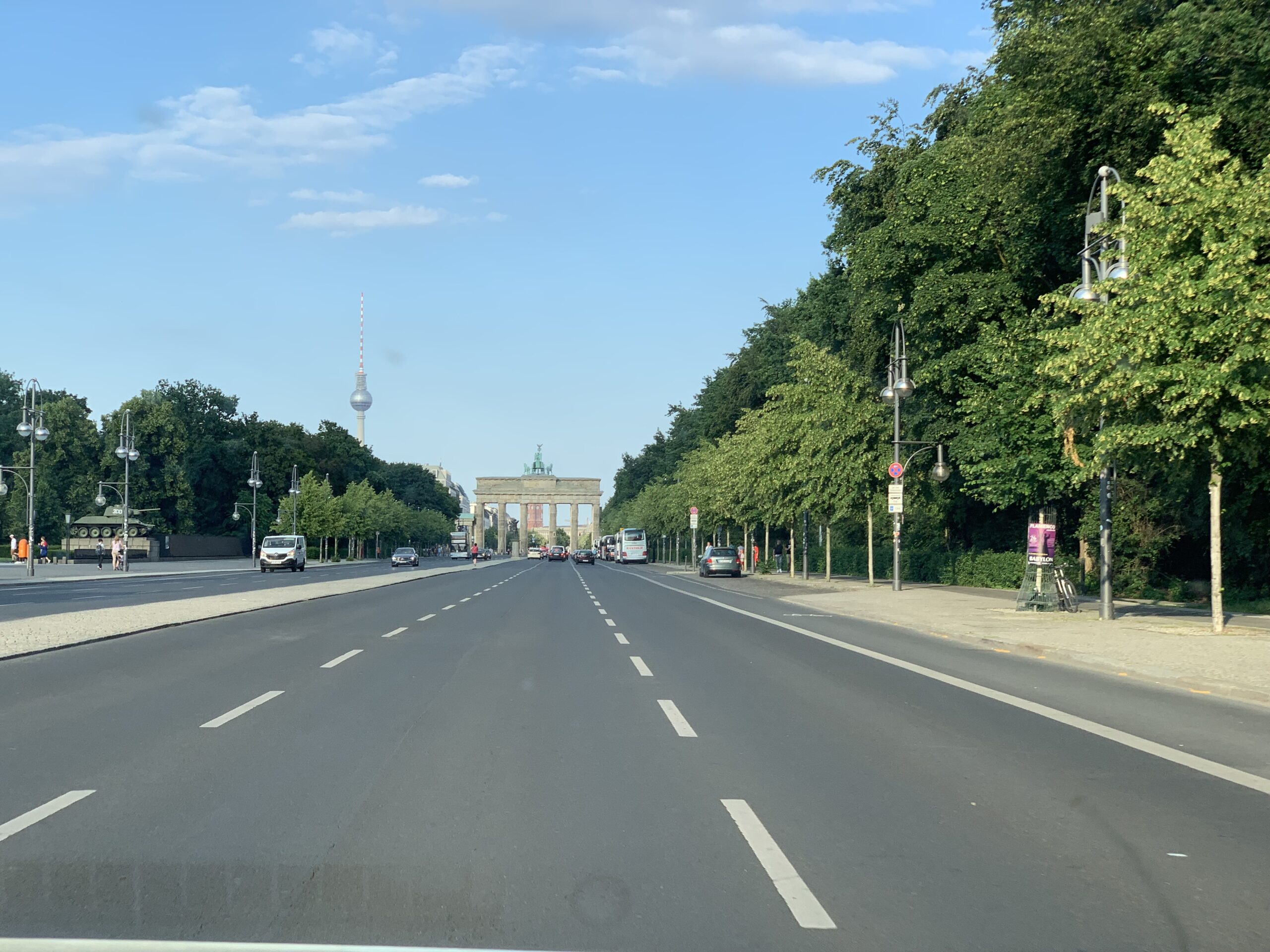
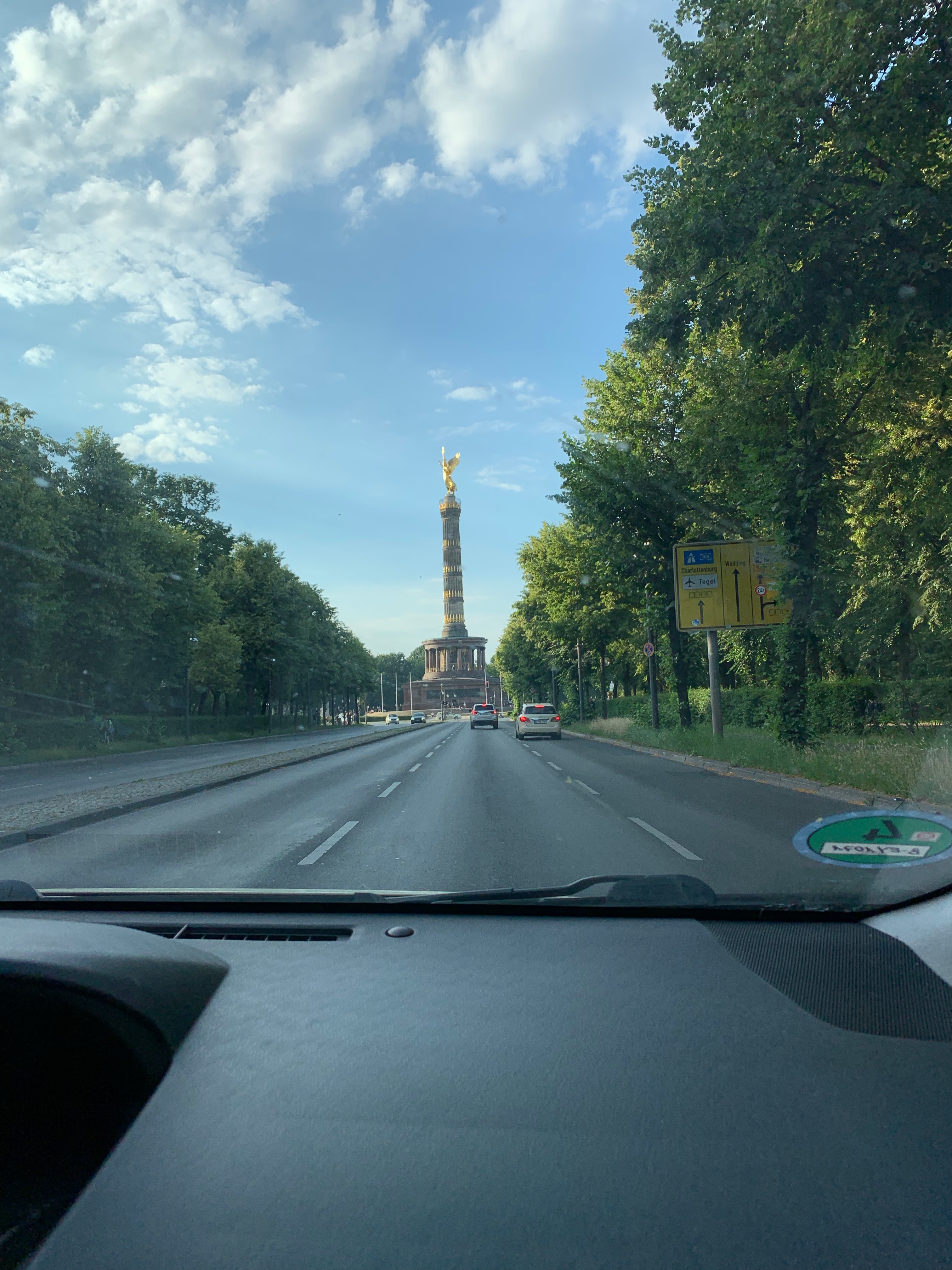
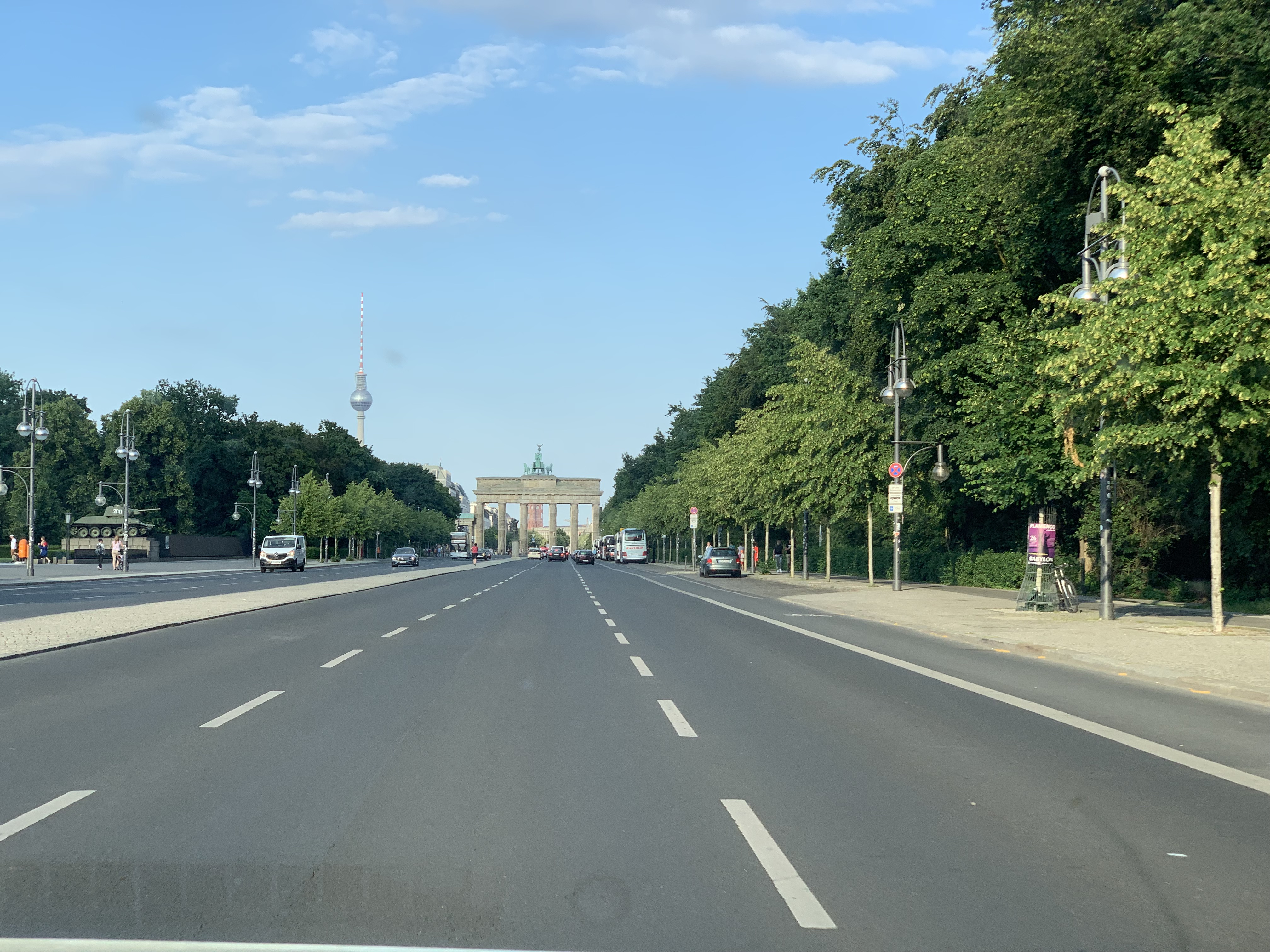
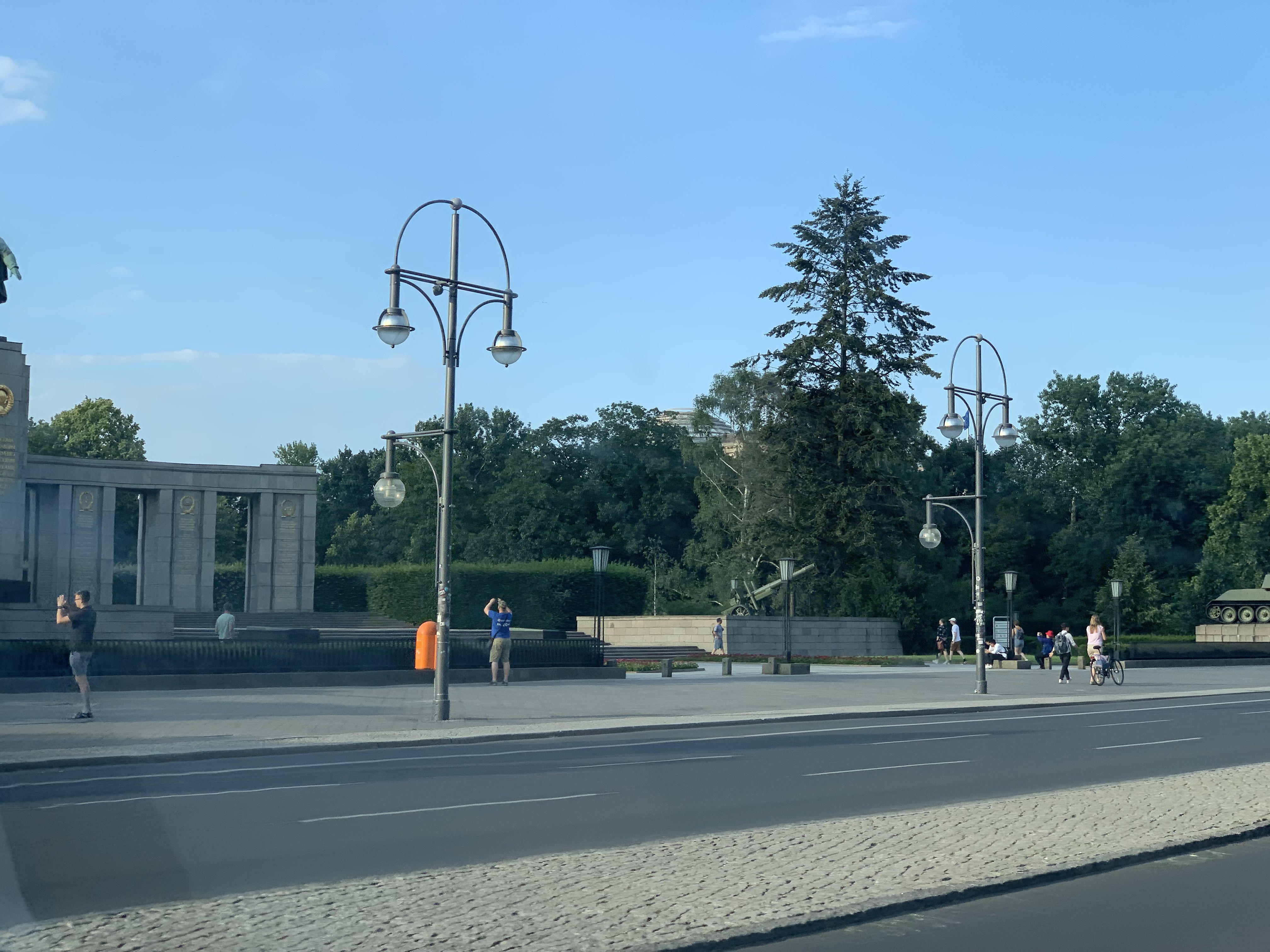
Luckily the Hotel was right in the middle of the city so at least I could see the “Reichstag”, “Brandenburger Tor” and some other monuments from the Uber…


Because as usual there was not much time left to visit the city but on the day of arrival we were invited to dinner in a very nice restaurant (“Ständige Vertretung”) which was in the days of the cold war something like an unofficial embassy.
That is one of the great things about Berlin, the city is really full of history. The second day we were invited to the Bikini Place where IBM has a so-called “pop-up store”.
For the rest is was speaking with customers, future customers and partners. And I had a presentation. No recording this time.

GIT

A few years ago most questions about Config management were directed to using SVN. This has changed, most people now ask me how they should use GIT. I have written a small piece about GIT in https://rhapsody.blog/2018/08/24/da-boston-broker/ but that was not really a lot.
So. Can you use GIT from Rhapsody? Short answer: YES!! Long answer: Yes, of course but do some thinking before…
The workflow in GIT is different than that of “classic” CM systems. “Normally” you have a working copy and you check-in/-out your changes into the repository. In GIT this works in 2 phases, you have a working copy but when you check-in/-out you do that in your local repository. You can then merge your repository with the central one.
The advantage is that you have all the changes locally and that you can work independently of others.

There are companies that deliver you a GIT server platform that is free (or at least free for personal use) like GitHub, GitLab and BitBucket. They are very convenient for quickly setting up projects.

Configure Rhapsody for using GIT

You need to install git first. I use a MAC that means that installing XCODE will automatically give me git. I recommend installing SourceTree so you can work with a GUI.
GIT will do automerge if you do not tell it to leave your files alone… You have to create a file called .gitattributes (Yes the “.” should be there… makes the file invisible) where you enter the following:

# Following files are treated as binary files
# GIT does not try to merge them
# "Old" Rhapsody files
*.rpy binary 
*.rpw binary
*.sbs binary
*.cls binary
*.cmp binary
*.ehl binary
*.omd binary
*.msc binary
*.ucd binary
*.ctd binary
*.clb binary
*.dpd binary
*.std binary
# "New" Rhapsody files
*.rpyx binary 
*.rpwx binary
*.sbsx binary
*.clsx binary
*.cmpx binary
*.ehlx binary
*.omdx binary
*.mscx binary
*.ucdx binary
*.ctdx binary
*.clbx binary
*.dpdx binary
*.stdx binary

The .gitignore is for indicating which files should not be checked in into the CM system.

#git ls-files --others --exclude-from=.git/info/excludeLines that #start with '#' are comments.
#For a project mostly in C, the following would be a good set of
#exclude patterns (uncomment them if you want to use them):
#*.[oa]
#*~
#/.metadata/
*/log/
*.d
*.o
*.obj
*.log
Snap.*
.dmp javacore.
heapdump.*
*_auto_rpy
*_auto_rpyx
*.pdb
*.db
#Ignore old RHP Model files
*.rhpold
*.rphold1
*.rhpold2
*.rphold3
.DS_Store
Code/KeilARM
Model/PureVueCpp - Kopie
Code/Windows/BrokerTest/VS2015/DeployerBackups
Code/Linux/TestInheritence
Code/String
Model/DDSTutorial
Model/PureVueCpp/BrokerStandAloneTest
core

I have put the following in my .gitconfig file, this should let GIT start the Rhapsody diffmerge program when merging/diffing.

[difftool]
     prompt = false
 [mergetool]
     prompt = false
 [diff]
     tool=difftool
 [merge]
     tool=mergetool
 [difftool "difftool"]
     cmd = difftool $LOCAL $REMOTE
     keepBackup = false
 [mergetool "mergetool"]
     cmd = mergetool $LOCAL $REMOTE $MERGED
     keepBackup = false

Then I created 2 batch files: difftool.bat and mergetool.bat that call diffmerge with the correct parameters.

echo difftool $1 $2 $3 $4 $5 $6 $7 $8
 diffmerge $1 $2 -compare -recursive
echo mergetool $1 $2 $3 $4 $5 $6 $7 $8
 diffmerge $1 $2 -merge -out $3 -recursive

Using this in Rhapsody

This should help you using GIT “outside” of Rhapsody. Please only check-in/-out only complete models, not “single” files, that is dangerous.
You can use the Rhapsody CM commandline interface to at least check-in/-out locally (index) and then use diffmerge to do a weekly (or so) merge with other developers. You should create a profile (Actually a settings file) “RPY_GIT.prp with something like this (Definitively not complete!):

Subject CG    
  Metaclass General      
    Property IncrementalCodeGenAcrossSession Bool "False"    
  end  
end  

Subject General    
  Metaclass Model      
    Property AutoSynchronize  Bool "False"      
    Property PathInProjectList  Enum "Absolute, Relative" "Relative"      
    Property ReferenceUnitPath  Enum "Absolute, Relative" "Relative"      
    Property SupportIncrementalModelSynchronization Bool "False"    
  end  
end  

Subject ConfigurationManagement    
  Metaclass General      
    Property CMTool Enum "None,ClearCase,RTC,RPY_GIT" "RPY_GIT"      
    Property UseSCCtool                     Enum "Yes,No" "No"         
    Property EncloseCommentsInQuotes        Enum "Yes,No" "No"      
    Property GUI                            Enum "Flat,Tree" "Tree"      
    Property RunCMToolCommand               File ""      
    Property ToolCommandTimeOut             Int "180000"      
    Property DefaultLockReserveOnCheckOut   Bool "False"   
  end  
  Metaclass RPY_GIT      
    Property AddMember  String "\"$OMROOT/etc/Executer.exe\" \"git add \"$UnitPath\";"      
    Property CheckIn    String "\"$OMROOT/etc/Executer.exe\" \"git commit \"$UnitPath\" -m \"$log\\";"      
    Property CheckOut   String "\"$OMROOT/etc/Executer.exe\" \"svn checkout \"$UnitPath\";"  
  end  
end

Last… but not least

You can use the pull/merge commands to push your local changes to the server (or fetch the server changes to your local copy)

This might not be the perfect solution for you but at least you can use this to build your own GIT integration!

More Info

There is a free eBook about GIT.
OK Nerds: stop reading. There are many nice GUI’s for GIT. I personally like SourceTree. But there are many more (also free!)

OK. That’s it. Have a great time using Rhapsody

Walter van der Heiden ( wvdheiden@willert.de )

Dauwpop & using Rhapsody code in a library

Traveling Modelers also need vacation once and a while. So last week I had that! And enjoyed it at home. The only thing I did was visiting a Music Festival. But that was on walking distance from my home. It’s called “Dauwpop” which means “Dew Pop”, dew as the stuff that makes the grass wet in the morning and Pop after Popmusic.
It is called that way because in the Netherlands we have a tradition on Ascension Day: “Dauwtrappen”. That is to step on the morning dew. And that is what happens. On that day, mostly young people, go out very early and walk or ride bikes. They do that while taking drinks and stop regularly to drink something.

The festival also starts in the morning although not that early… My main reason for going was that M<Ali Jazz (from Faithless) would be there with a DJ session. But he cancelled last minute. Bad luck, but I still went there with my 2 sons and we had a great day.

A customer asked us a question via support this week. They wanted to use Rhapsody code in a library. The main code was made in Qt (pronounced “cute”) but they wanted to use Rhapsody for the control logic.

So the code must be compiled and then linked into a library.

That, unfortunately, is not it, some more must be done to get it working.

In the general Tab of a Rhapsody Component there are three selections, “Executable”, “Library” and “Other”. There is only one choice possible here. Both the OXF and the RXF use that to generate different code.

When you only use non-active and non-reactive classes and initialize everything dynamically, you don’t have to do anything. You can then just include the correct .h files where you want to use Rhapsody generated classes. But if you do use static objects you have to call the InitRelations() function that is generated, And if you use state-charts and/or activity diagrams you have to initialize and start the framework.

When “Executable” is selected, Rhapsody will generate your main function (Or a function that is directly called by main, depending on the OS you use) In case of a “Library”, a function is generated to start the framework and to initialize the objects in your model. This is true for both RXF and OXF. (In some RXF Versions this was not totally implemented…. take the generated file for the EXE and use that for the LIB… that’ll work.)

The best way to learn how to do this is to start with a simple model first. Create 2 Components with <Name>_LIB and <Name>_EXE, select “Executable” and “Library” respectively and generate code. I always use beyond compare to compare two directories but there are enough other good working compare tools.

Then create 2 classes (“A” and “B”), connect them using an association, create a third class with a structure diagram to instantiate the other 2 (Don’t forget to create an instance of that class !!) now give them a small state-machine (or activity diagram) and make one of them active.

Again, generate code and see the differences. I made life simple for you…. I made the model and saved it (In Rhapsody 8.1.5, old but probably useable by everybody)

Happy Modeling with Rhapsody

Walter van der Heiden (wvdheiden@sodiuswillert.com)

Roger Waters Factory Pattern

Us + Them

That is the name of the Roger Waters tour. I managed to buy tickets for the concert in the ZiggoDome on June 22 and I went there with my cousin and my son. It was a bit stressful… I just arrived from Switzerland, went home by train and back to 020 by car. But I managed and… I have seen a lot of concerts, ranging from mwoah OK to fabulous but this was one of the best (if not the best) I ever saw. And I have seen Pink Floyd (Rotterdam 1993), Genesis, U2, the Stones and Peter Gabriel (multiple times)


Sound quality was absolutely awesome, before the break the show was fantastic, after the break it became breath-taking. Not bad for a 75-year-old guy…
I think the Pink Floyd guys always had fantastic sound quality but the technology now really offers them what they wanted to have 30 years ago.

The Factory you see is (of course) Battersea Power Station, as seen on the Animals Album. It was projected as were many other things. I am listening to the Animals Album while I am typing this….

Battersea Power Station from the river.jpg
By Alberto PascualOwn work, CC BY-SA 3.0, Link


OK… back to work. speaking about Factory…

That reminds me of the factory pattern. A nice pattern that helps you creating objects where you don’t know at compile time what class you want to use.
I always look for design patterns in one of my favourite books: Head First Design Patterns. Do yourself a favour: buy it (And in English please…, the German translation sucks.)

I use the Factory pattern in a model where I have 3 different platforms to generate code for, Linux, Windows and Keil CMSIS, and there is a possibility that it needs to be adapted to QNX as well.
I want to have a common debug output but also some interprocess communication that works different on all platforms.
This sounds easy, just define interfaces and inherit from them. (Or to be correct: create realizations)
Now that sounds cool but when you need to instantiate the objects (semi-)dynamically you cannot use that. You have to call something that is not the same on all platforms.
This is where the factory comes in. You create a global Class/Object (with a fixed name i.e. AbstractFactory) that has a static function “getInstance” (Yes correct… that is a singleton!) that checks if a static variable is already filled with a value. If NULL it will create an object and store it in the class variable otherwise it just returns the variable.

You then have a certified entry point. The Abstract Factory class should then have functions that create concrete factories for the environment. In this case I needed a LinuxFactory, a QNX Factory and a Windows Factory.

In the concrete factories you will make create_xxx functions that create objects for the classes you need. This can be multiple objects but also a singleton.

In a random class you can then call:

MyDebug = AbstractFactory::getInstance()->createDebugOutput()

This will give you a pointer to a class that handles the debug output. This is also a singleton. For the IPC it was just a “new” that created an IPC Channel.

Design Patterns rule!

Some useful reminders:

  • Separate what varies from what stays the same
  • Composition is better than Inheritance
  • Program to an Interface rather than to an implementation.

That was it, happy modeling with Rhapsody

Walter van der Heiden (wvdheiden@willert.de)

V7 – Released

License to thrill

The number 7 is a famous number, not in the least by James Bond who was, of course, “007”. He had a “License to Kill”. Our V7 has a “License to Thrill”.
That is what we hope it will do to you! OK, It took us a while, admitted, but the first release of our V7 RXF for ‘C++’ is now on our Willert Download Portal.
We have worked hard for it, had many Beta Releases and lots of changes to make the best RXF yet. A big thanks to everybody who worked on it but a special “Thank You” to Johannes who has really done a lot for this release!

What is changed?

  • Completely made with Rhapsody. So the RXF is a model, with everything a model needs to be a good model, Requirements, traceability, Sequence Diagrams, explanations etc.
  • Smaller and faster. (YES! although modelled and generated, the code is smaller and faster!)
  • All adaptations integrated in one version. You select RTOS, compiler, CPU etc via tags.
  • New Deployer, this one remembers a lot more of your stuff. (Is not completely finished yet but I’ll give the new features)
    • Creates direct links to the Rhapsody code in your IDE so round-tripping just works!
    • Able to create you own template models that you can select, they are then copied
    • stores its settings in the project
  • Latest Target Debugger
    • faster, will not degrade performance when many events are processed
    • new design, improved stability and usage
    • break-point editor
    • editor for event injection
    • export to Rhapsody
  • Easier to configure Memory Management

For the time being only in ‘C++’, ‘C’ will take a while. But with a decent compiler we recommend ‘C++’ anyway. Bob Dylan already sang it a long time ago: “The times they are changing”. And that is what happens. From ‘C’ only in 32Bit on 8 and 16Bit Targets to ‘C++’ on 64Bit on 16- and 32Bit Targets.

That was it for now. It’s hot here… almost too hot to work. Luckily we are getting used to it.

Have fun with Rhapsody!

Pearl Jam

It’s a tough job but somebody’s got to do it…

Sometimes life is good, sometimes life is awesome. I had a busy week, hence the limited BLOG entries, but during this week I had time to travel to 020 (That’s how I call the city that became our capital by a “capital” mistake see: 020 and 8.3.1)
Then why go there? Well there is a place called Ziggodome where lots of concerts take place, On Wednesday it was the time of Pearl Jam, one of the bands I love.
Their first album “10” was one I played over and over and I still do that.

When I saw they were performing in the Netherlands I was sitting behind my computer at the start of the sale to get tickets. Unfortunately I could only get 2 tickets… Better than nothing I thought…

Unfortunately I also noticed that I had visitors from the US in that week that I could not shift. So I was already thinking of selling my tickets but when I told my guests that they all shouted: “Can you get more tickets”? Yes I can… 😉

So I traveled from the office in Bückeburg to “Nul Twintig” together with my American friends. A nice drive, about 350 kilometers. We ate a burger at the Burger B*tch (Not kidding, that is the real name, just google it) drank a beer and attended the awesome concert. Life is good.

What does this all have to do with Rhapsody? Nothing directly… but my friends are also Rhapsody and modeling people. Not only that, there were 2 Automotive Spice experts and another AUTOSAR expert. So we used all traveling time very useful with some interesting discussions on how to do ASpice with Rhapsody, how to import and export Rhapsody UML information to and from ARXML, how to do a model transformation from SysML to AUTOSAR and back with traceability links. We only stopped discussion when Eddie Vedder was singing. That was just too good. Love Rhapsody but I also love Pearl Jam.

So. Happy modeling with Rhapsody. one is Alive in Even Flow….

Walter van der Heiden ( wvdheiden@willert.de )

Publisher Subscriber

On the road again….

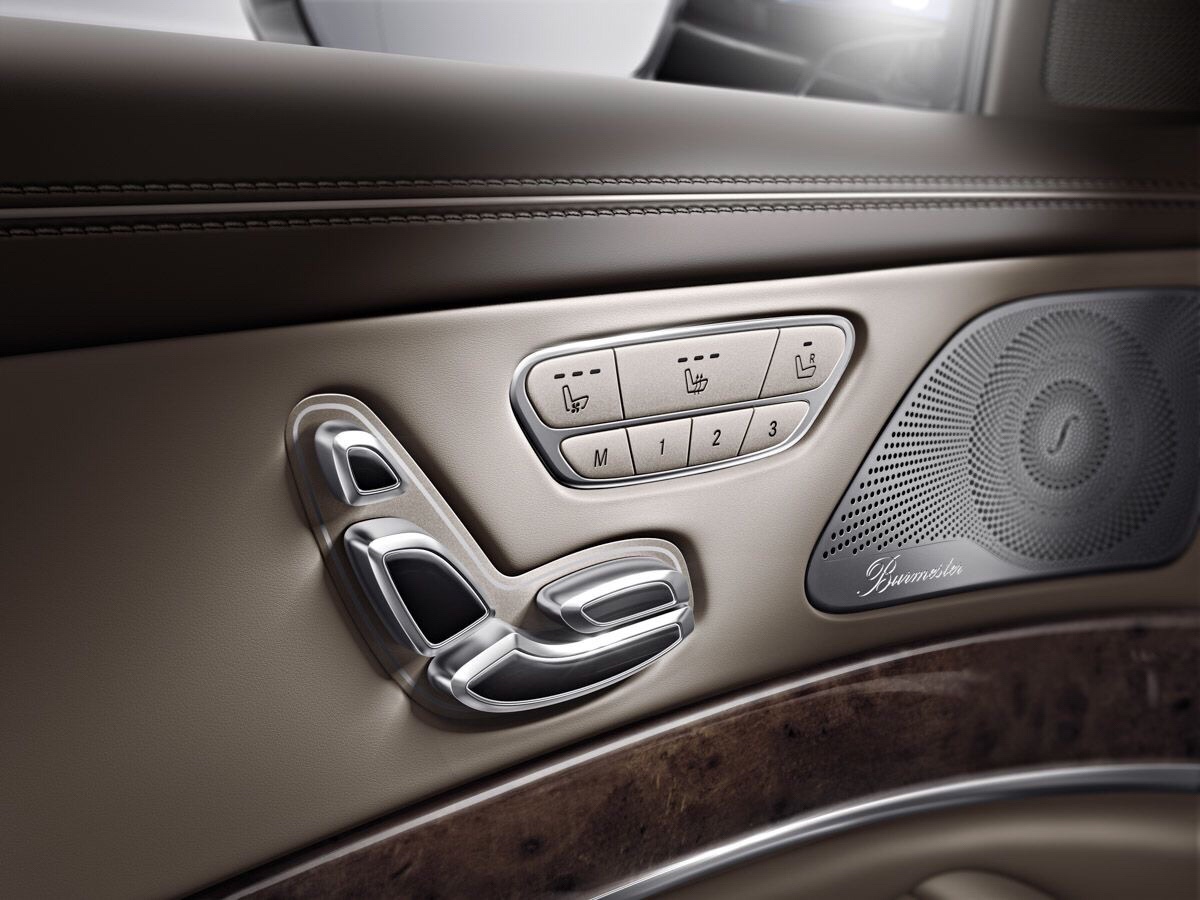
Last week I was on tour in Germany by car. Not by myself but together with Andreas. That makes traveling a lot more fun, alone is OK but with someone to talk to (or to listen to Jazz on my Burmester…) is a lot cooler.

img_0058

S-class Burmester speaker

First evening stage was from home to Bückeburg. Sunday evening is perfect for driving, it is quiet on the road and trucks are only allowed on the street after 22:00u. Then the next morning early to Stuttgart but via Karlsruhe. We had a visit to a partner company, show them our AUTOSAR solution. then to Stuttgart for the hotel.

Next two days was at an automotive customer to help them using Rhapsody to create the architecture for some very cool stuff. Sorry,…can’t tell you any more… sometimes stuff must be kept secret….

During that 2 days I came across an old friend, the Publisher-Subscriber Design Pattern and I decided to write something about it.

Design Pattern

Publisher Subscriber is a design pattern. A design pattern is not just a library function, it is a standard way to solve a problem, you can not give standard code for it but you can give example code that you must adapt to implement in your own realm. (Not always, due to clever inheritance it is possible to give some standard stuff for OO languages.)

What is PS (Publisher – Subscriber) ? It is just what it says. Somebody publishes something and somebody else can subscribe to it.
Suppose you have a button in your system and you want an event when the button is pressed. Easy, just do a CGEN (me->receiver, evOfInterest() )….
If it only were that easy… Of course this is not a solution, you probably want to re-use the button in other applications. If you have solved it like this, you have to change the button each time you want to re-use it. Better is to let the button be unaware of anything from the application and:

Reverse the Relation

Yes. The application should have a relation with the hardware and not the other way around. The hardware should have a “subscribe()” function that allows an interested user to be notified when the event of interest comes by.

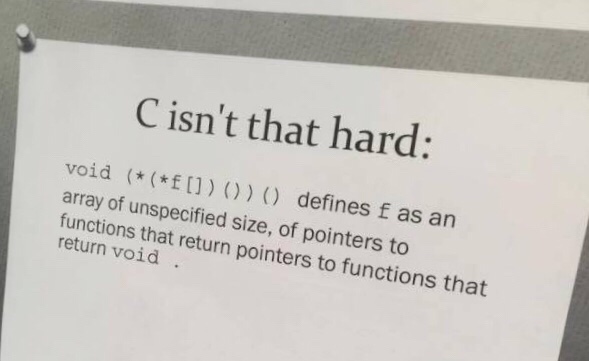
*^@#$&*( “C”…

Yes… the old “C” fan starts to see the advantages of “C++”… “C” definitely has its uses but design patterns just work so much easier when you have encapsulation, inheritance templates and overloading.

image-1

A very cool example of ‘C’…

The publisher subscriber pattern works as follows, you have a publisher that “publishes” a certain service, let’s say a button can be pressed, you can “subscribe” to that press. This is done by a subscribe function where a function pointer and (We’re using Rhapsody in”C”!) a “me”-pointer are passed. The function stores them in attributes and can call the function via the pointer. Sounds easy but there are some caveats. You have to know the signature of the function to “type” the attribute and the subscribe functions’ arguments. This is a bit awkward since you can not “just” take any function, your compiler will protest. Also the “me”-pointer has to be of type “void *”, you can never predict which object it will be. Depending on the compiler you need some casts… not really elegant.PublSubsc

Elegant C++

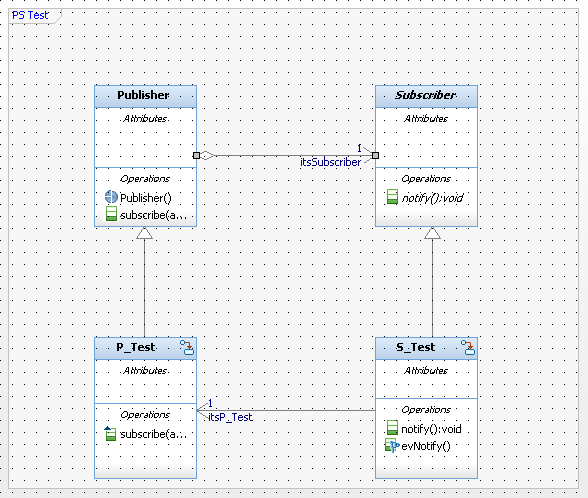
Compare that to “C++” where you just create a Publisher Class that has a relation with a subscriber class. The publisher Class has the “subscribe” function that has a pointer to the class as argument. This will be stored in the “Subscriber”, that has an abstract Notify function that needs to be implemented in the inheriting class (Since it is abstract) Screen Shot 2018-03-28 at 16.12.29.png
You can use the subscriber type as a template and you have a ready made function that works for most cases. You only have to adapt the subscriber function but you can even make multiple functions with different parameters, the compiler will help you.

To make life easier I have put this in a Rhapsody 8.2.1 model, download here: PublSubsc.
As always: If you need an older Version: please respond.

That was it for today! Happy modeling with Rhapsody!

Walter van der Heiden (wvdheiden@willert.de)

Bourbon Street Shortcuts

I have never been to New Orleans before, so for those who read my BLOG more often: I have added State #35 to the state-chart! And I really have to say: New Orleans is pretty cool, It has a flair that you hardly find anywhere else in the USA. I didn’t really know that in most of the US it is not allowed to drink alcohol in the streets openly. Hence the brown paper bags you see everywhere. As a European you don’t notice that, for us its normal that you just drink wherever you like. Not so in the USA but in Bourbon Street you can openly drink whatever you want. You can also walk around as you please, i saw people there that were “dressed” (or actually showed a lack of dressing) that I normally only see in the capital of my country. (For those that don’t know: I live in the real land of the free, the Netherlands)

That is cool but the coolest thing is the music. Literally every bar has a couple of musicians that play. Mostly Jazzy but also other kinds of music.Raz and I landed in a pub where the band was building up the stage. they told us the band would start in 45 minutes or an hour and that suited us, we wanted to speak anyway. But after some discussion (Raz and I do, luckily, not always share the same opinion) we looked around us and noticed that we were, by far the youngest people in the bar… I’m 56 so that tells you something. And yes, when the band started we soon figured out that this was definitely not our Jazz…

So we moved to another one where the band was already playing. That was much more OK.

Shortcuts

Rhapsody has a lot of keyboard shortcuts. They are described in the manual but unfortunately this is pretty hidden. there are a few websites where you can find more info on that, I will add some here.

Search (and find)

In Rhapsody 8.1.5, when you were in the Rhapsody editor (or in active code view) the CTRL-F command would give you a search dialog. This would search for the string that you typed in. After that F3 would give you the next search-hit.
This no longer works. the reason for that is that the Rhapsody developers have unified the search dialogs in Rhapsody. There were (historically grown…) four different searches in Rhapsody. None of them worked for 100% so Raz and his crew decided to clean that and make a search app that would not only search but also find…. This comes with a (temporary) price, the search lacks some “hidden” features that were previously there.
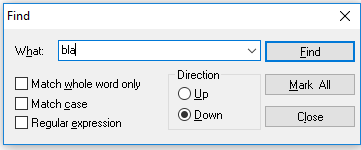
Screen Shot 2017-11-23 at 18.33.55.pngThe find-dialog in the editor has a field “Mark All”, that will put a red ball with a white cross before each line where the searched string occurs. Not a perfect solution but definitely workable.

2 Very useful ones…

The shortcuts that are hard to find in the documentation are the Shift and the Alt key. When you are in a Diagram, State-chart or Object Model Diagram or so, as soon as you draw an element inside another element (when this makes sense according to the UML of course) then Rhapsody notices the hierarchy and will treat the outer element as the container of the inner element. That also means that if you want to resize an element that has other elements inside it, resizing seems impossible without also resizing the content. Resizing is done by selecting the element and take one of the dots that surround the element and drag it.
Now try to press the “Alt”-key when dragging, you will see that the content of the element will stay intact. Now that is cool eh?

In a sequence diagram something similar happens. When you notice that you don’t have enough space in the middle of a sequence, shifting all elements down is pretty tiresome. This can also be done by clicking on the place where you want to make space and press the “Shift”-key while dragging down (or up if you want to close gaps!) This will take the entire content and moves it with your mouse.

I hope this will help you in your Rhapsody life! Have fun modeling with Rhapsody

Walter van der Heiden (wvdheiden@willert.de)


« Older posts

© 2026 Rhapsody TechBlog

Theme by Anders NorenUp ↑