BLOG about IBM Rhapsody. Contains technical information as well as more private travel stories.

Tag: Tools & Tech (Page 2 of 6)

RXF Cert

Introduction

The RXF can be bought in a version that is certifiable. So that does not mean it is certified. It is certifiable. That means we have done all work that is done in a certification process, like writing down requirements, connecting them with model elements, creating tests, performing tests and caring about MISRA, coverage etc.

What is the RXF?

It is not an RTOS or an RTE or any other Operating System, also not a driver layer that will give you hardware control.
It is just the functionality that the UML offers that is not available in ‘C’ or ‘C++’. Much of that functionality is implemented by using an RTOS. the RXF is then a sort of Abstraction Layer that makes a unified RTOS API.

When you create an active Class in the UML you tell your audience that this class runs in its own thread. (Or Task or even process but that has some additional difficulties see this article.) This class then should have behaviour, described in either a state-machine or an activity diagram, as it is defined in the UML. There is no other “standard” mechanism, you have to build that yourself. (Remember, the UML is a language, nothing more)

When you use timers in your behaviour diagrams ( like tm(xxx) in a state-machine ) then you will have to use something that times. Either a hardware timer or if you use an RTOS you can use the tick time. But either way: there is no standard ‘C’ or ‘C++’ mechanism for that.

The RXF also takes care of sending and receiving asynchronous events that are used in state-charts.

Certified vs Certifiable

It is very difficult to certify a “half-product” like the RXF. You have to predict all possible uses and much of the functionality depends on the rest of the system. So at best it can be made certifiable. That means that all possible work for a certification is already done, many documents are already there. If you have never gone through a certification process, this is an excellent starting point. The use of modelling is more or less recommended by an increasing number of certification institutes ( They tend to be quite conservative and that is OK! ) so using Rhapsody and the RXF is a huge step forward for setting up your own process.

What is there in the RXF-Cert?

  • Bill of Material (BOM)
    Contains a directory of all documents and deliveries. With exact version numbers and MD5 hashes. Also describes the RXF-Cert system borders and its influences on software development and code generation.
  • RXF-Cert Architectural Model (RCM)
  • High Level Requirements and Specification (SPEC)
  • Requirement Traceability Table (RTT)
    Showing full coverage of requirements through system specifications down to module specifications / implementation and tests.
  • User Manual (UM)
    How to use the RXF in Rhapsody. Includes installation guide and detailed technical descriptions of the RXF-Cert.
  • Validation Plan (ValP) and Validation Report (ValR)
    Describes how we validate the RXF-Cert. Documents reviews of requirements, code and documentation. (Four-eye principle)
  • Test Documentation: Verification Plan (VerP) and Verification Report (VerR)
    • Test Concept and Test Process Description
    • Acceptance Test Specification and Results
    • System Test Specification and Results
    • Unit Test Specification and Results (Model Based using the TestConductor)
    • MISRA Conformance Report:
      how MISRA compliance is implemented and what is done to certify that violations are handled correctly
    • All Tests are part of the delivery and can be re-executed by the customer.
  • Software Safety Plan
    Describes the strategy of safe software development we have followed during development of the RXF-Cert. Explains traceability, document review guidelines and our personal competence.
  • Software Safety Manual
    How is the RXF-Cert intended to be used, what are the restrictions and safety application conditions. Also contains a description of all the functions of the RXF that can be directly called by the user.
  • Tool Manual (TM)
    Lists all tools used in RXF-Cert development including reason for usage, classification, statements for safety related usage and detailed version information.
  • Software Modification Procedure (SMP)
    How modifications and updates of the RXF-Cert are handled.
  • Final Delivery Report (FDR)
    Documents final checks that have been performed when delivering the RXF-Cert.

Vacation time

So. That is what the RXF-Cert is really doing. Literally man-years were invested in creating that. As said, it is a great start for someone who needs to certify his software, many of the pitfalls are already covered.

So. It’s August, it’s vacation time. For me, unfortunately, there is no beach or mountains,, I am moving from my old house to my new house. The latter is not finished so I have to stay in a holiday home for about 4 months. So a sort of vacation… Luckily there is internet there so I will keep writing, don’t worry!

Sunny modelling with Rhapsody and the RXF

Walter van der Heiden ( wvdheiden@willert.de )
IoT Exchange Berlin and a touch of GIT

Berlin’s Calling…

That is the title of a CD (and a movie) by Paul Kalkbrenner. I had to think of that when we heard that the IBM IoT Exchange Conference 2019 would take place in Berlin. I haven’t been to Berlin in ages, last time was in Potsdam at the previous IBM Conference. That was in November 2012, so a really long time ago.
So I was really happy to go, I really like Berlin. The city is not comparable to any other German city. It is the city with the highest number of start-up companies at least in Germany but I even think world-wide.
They also have a Hardrock Cafe… good for the collection. But there are many more places of interest to visit.
Visiting a Beergarden you hear mostly English around you. Very cool.
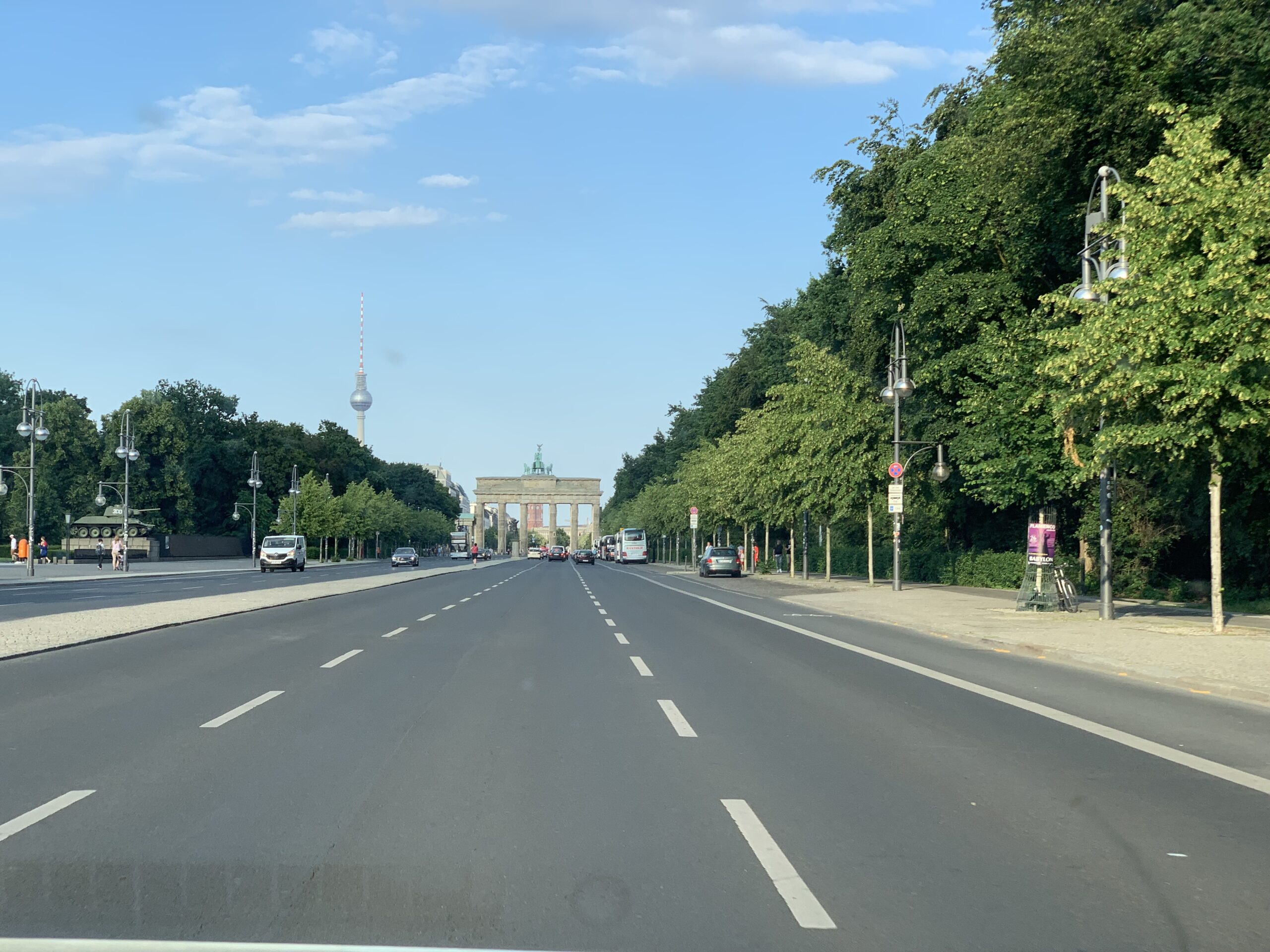
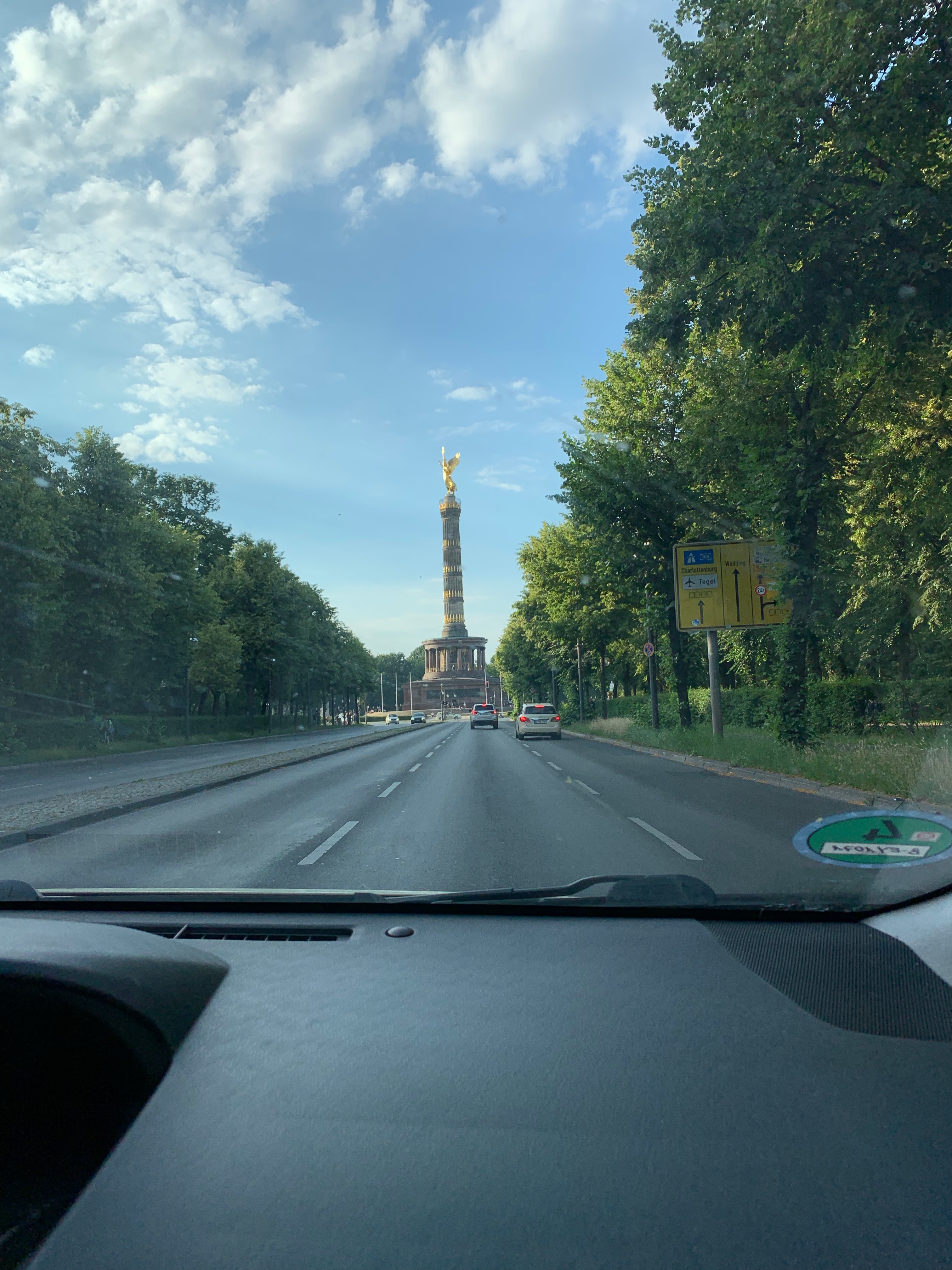
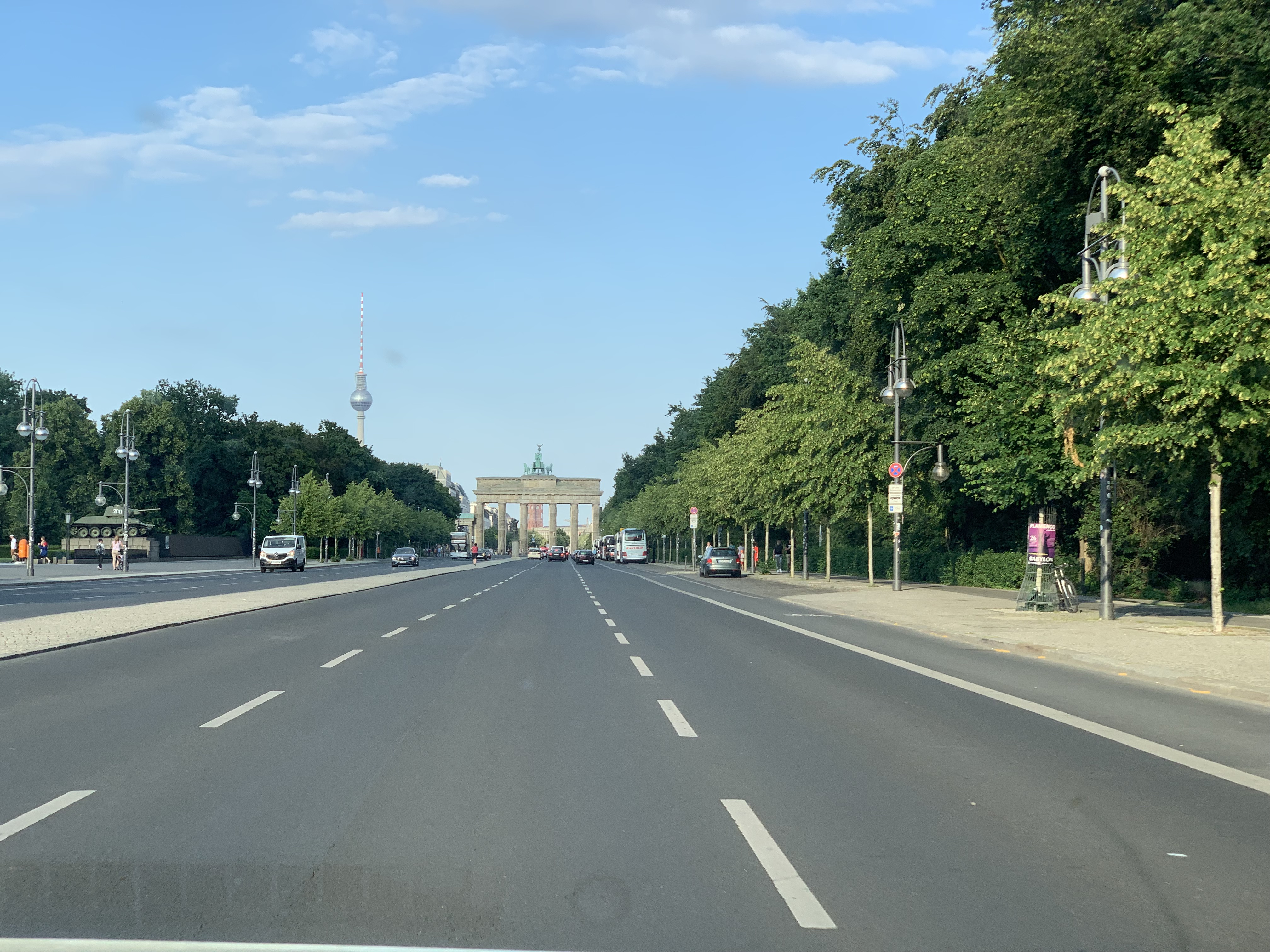
Luckily the Hotel was right in the middle of the city so at least I could see the “Reichstag”, “Brandenburger Tor” and some other monuments from the Uber…


Because as usual there was not much time left to visit the city but on the day of arrival we were invited to dinner in a very nice restaurant (“Ständige Vertretung”) which was in the days of the cold war something like an unofficial embassy.
That is one of the great things about Berlin, the city is really full of history. The second day we were invited to the Bikini Place where IBM has a so-called “pop-up store”.
For the rest is was speaking with customers, future customers and partners. And I had a presentation. No recording this time.

GIT

A few years ago most questions about Config management were directed to using SVN. This has changed, most people now ask me how they should use GIT. I have written a small piece about GIT in https://rhapsody.blog/2018/08/24/da-boston-broker/ but that was not really a lot.
So. Can you use GIT from Rhapsody? Short answer: YES!! Long answer: Yes, of course but do some thinking before…
The workflow in GIT is different than that of “classic” CM systems. “Normally” you have a working copy and you check-in/-out your changes into the repository. In GIT this works in 2 phases, you have a working copy but when you check-in/-out you do that in your local repository. You can then merge your repository with the central one.
The advantage is that you have all the changes locally and that you can work independently of others.

There are companies that deliver you a GIT server platform that is free (or at least free for personal use) like GitHub, GitLab and BitBucket. They are very convenient for quickly setting up projects.

Configure Rhapsody for using GIT

You need to install git first. I use a MAC that means that installing XCODE will automatically give me git. I recommend installing SourceTree so you can work with a GUI.
GIT will do automerge if you do not tell it to leave your files alone… You have to create a file called .gitattributes (Yes the “.” should be there… makes the file invisible) where you enter the following:

# Following files are treated as binary files
# GIT does not try to merge them
# "Old" Rhapsody files
*.rpy binary 
*.rpw binary
*.sbs binary
*.cls binary
*.cmp binary
*.ehl binary
*.omd binary
*.msc binary
*.ucd binary
*.ctd binary
*.clb binary
*.dpd binary
*.std binary
# "New" Rhapsody files
*.rpyx binary 
*.rpwx binary
*.sbsx binary
*.clsx binary
*.cmpx binary
*.ehlx binary
*.omdx binary
*.mscx binary
*.ucdx binary
*.ctdx binary
*.clbx binary
*.dpdx binary
*.stdx binary

The .gitignore is for indicating which files should not be checked in into the CM system.

#git ls-files --others --exclude-from=.git/info/excludeLines that #start with '#' are comments.
#For a project mostly in C, the following would be a good set of
#exclude patterns (uncomment them if you want to use them):
#*.[oa]
#*~
#/.metadata/
*/log/
*.d
*.o
*.obj
*.log
Snap.*
.dmp javacore.
heapdump.*
*_auto_rpy
*_auto_rpyx
*.pdb
*.db
#Ignore old RHP Model files
*.rhpold
*.rphold1
*.rhpold2
*.rphold3
.DS_Store
Code/KeilARM
Model/PureVueCpp - Kopie
Code/Windows/BrokerTest/VS2015/DeployerBackups
Code/Linux/TestInheritence
Code/String
Model/DDSTutorial
Model/PureVueCpp/BrokerStandAloneTest
core

I have put the following in my .gitconfig file, this should let GIT start the Rhapsody diffmerge program when merging/diffing.

[difftool]
     prompt = false
 [mergetool]
     prompt = false
 [diff]
     tool=difftool
 [merge]
     tool=mergetool
 [difftool "difftool"]
     cmd = difftool $LOCAL $REMOTE
     keepBackup = false
 [mergetool "mergetool"]
     cmd = mergetool $LOCAL $REMOTE $MERGED
     keepBackup = false

Then I created 2 batch files: difftool.bat and mergetool.bat that call diffmerge with the correct parameters.

echo difftool $1 $2 $3 $4 $5 $6 $7 $8
 diffmerge $1 $2 -compare -recursive
echo mergetool $1 $2 $3 $4 $5 $6 $7 $8
 diffmerge $1 $2 -merge -out $3 -recursive

Using this in Rhapsody

This should help you using GIT “outside” of Rhapsody. Please only check-in/-out only complete models, not “single” files, that is dangerous.
You can use the Rhapsody CM commandline interface to at least check-in/-out locally (index) and then use diffmerge to do a weekly (or so) merge with other developers. You should create a profile (Actually a settings file) “RPY_GIT.prp with something like this (Definitively not complete!):

Subject CG    
  Metaclass General      
    Property IncrementalCodeGenAcrossSession Bool "False"    
  end  
end  

Subject General    
  Metaclass Model      
    Property AutoSynchronize  Bool "False"      
    Property PathInProjectList  Enum "Absolute, Relative" "Relative"      
    Property ReferenceUnitPath  Enum "Absolute, Relative" "Relative"      
    Property SupportIncrementalModelSynchronization Bool "False"    
  end  
end  

Subject ConfigurationManagement    
  Metaclass General      
    Property CMTool Enum "None,ClearCase,RTC,RPY_GIT" "RPY_GIT"      
    Property UseSCCtool                     Enum "Yes,No" "No"         
    Property EncloseCommentsInQuotes        Enum "Yes,No" "No"      
    Property GUI                            Enum "Flat,Tree" "Tree"      
    Property RunCMToolCommand               File ""      
    Property ToolCommandTimeOut             Int "180000"      
    Property DefaultLockReserveOnCheckOut   Bool "False"   
  end  
  Metaclass RPY_GIT      
    Property AddMember  String "\"$OMROOT/etc/Executer.exe\" \"git add \"$UnitPath\";"      
    Property CheckIn    String "\"$OMROOT/etc/Executer.exe\" \"git commit \"$UnitPath\" -m \"$log\\";"      
    Property CheckOut   String "\"$OMROOT/etc/Executer.exe\" \"svn checkout \"$UnitPath\";"  
  end  
end

Last… but not least

You can use the pull/merge commands to push your local changes to the server (or fetch the server changes to your local copy)

This might not be the perfect solution for you but at least you can use this to build your own GIT integration!

More Info

There is a free eBook about GIT.
OK Nerds: stop reading. There are many nice GUI’s for GIT. I personally like SourceTree. But there are many more (also free!)

OK. That’s it. Have a great time using Rhapsody

Walter van der Heiden ( wvdheiden@willert.de )
Back in Motown, continue the adapter

Introduction

The next part of the trip was to Detroit, aka Motown. There were some customer visits planned and some internal training for a new colleague.

57817841614__6087F444-1266-44A6-810C-5F4A53BF0CB7
The flight was OK and everything went smooth. I picked up my rental car and then after typing in stuff for a long time the lady from Hertz told me that she could not find my car in the system…. I said, well that’s cool, I just take it and then I don’t have to take it back…
Nice try but she wasn’t going to do that. But she was nice, asked me politely to bring the car back and then pick another. Any other… So I ended up with a cool Infinity Q50. With 400 HP… cool…

IMG_0587

The rest of the trip was without incidents… except for some flooding. But I only saw that on the TV. Haven’t had any trouble with it.

IMG_0589

Back to work II

So from the MakeFileContent property there are some things you have to adapt.

What when it doesn’t work?

If you re-read the  model and you get an error message then…. you did something wrong 😉
Debugging is not so difficult. In Rhapsody go to the features of your model and open the “Makefilecontent” property. This will show you exactly to where it could be read…
When the make doesn’t work, try removing (or temporary) switch of the “echo off” with a rem before it. Also you can edit the makefile that is generated, copy the “cc” line and put an echo in it. Then you can see what happens.


Build the new Framework

Now the framework also needs to be built. This can be done from the Rhapsody Menu (“Code”, “Build the Framework”) This is only visible if you can rebuild the framework i.e. when the following property is set:

CPP_CG::QNXv7NeutrinoMomentics::buildFrameworkCommand
"$OMROOT/etc/Executer.exe" "\"\"$OMROOT\"\etc\qnxv7cwmake.bat 
qnxv7cwbuild.mak build \"CPU=$CPU\" \"CPU_SUFFIX=$CPU_SUFFIX\" \"

This should contain the call to the batchfile (and makefile) that builds the framework. The same paths and changes you’ve made to the makefile content should be applied to all the makefiles that you can find in the batchfile, they are in the OXF, OMCOM, TOM, AOM and WebComponents directories. You actually only need the OXF but do the rest (that is only needed for animation) anyway.

TARGETS= oxflibs omcomlib tomlib aomlibs  webcomponentslib

CPU=aarch64
CPU_SUFFIX=le
MAKE=make CPU=$(CPU) CPU_SUFFIX=$(CPU_SUFFIX)  all 

all: $(TARGETS)

oxflibs:
$(MAKE)  -C oxf -f QNXv7CWoxf.mak CFG=oxf
$(MAKE)  -C oxf -f QNXv7CWoxf.mak CFG=oxfinst

omcomlib:
$(MAKE)  -C omcom -f QNXv7CWomcom.mak CFG=omcomappl

tomlib:
$(MAKE) -C tom -f QNXv7CWtom.mak CFG=tomtrace
$(MAKE) -C tom -f QNXv7CWtom.mak CFG=tomtraceRiC

aomlibs:
$(MAKE)  -C aom -f QNXv7CWaom.mak CFG=aomtrace
$(MAKE)  -C aom -f QNXv7CWaom.mak CFG=aomanim 

webcomponentslib:
$(MAKE)  -C WebComponents -f QNXv7CWWebComponents.mak CFG=WebComponents
This is the content of the batch file, all calls have already been edited to the new environment.
Then in all makefiles set the correct include paths and compiler calls: (This is my example, adapt to your own paths)
ADDED_CPP_FLAGS = $(CPU_FLAG) $(DEFAULT_CPP_FLAGS) 
 -I$(QNX_TARGET)/usr/include/c++/5.4.0 
 -I$(QNX_TARGET)/usr/include/c++/5.4.0/aarch64-unknown-nto-qnx7.0.0 
 -I$(QNX_TARGET)/usr/include -DOM_STL -I.. 
 -I../osconfig/QNX -D_MSL_NO_VECTOR_BOOL -DUSE_IOSTREAM 
  $(RHAP_FLAGS)
That should be it.
The menu recommendation for today is the poutine… (In HopCat in Royal Oak in Detroit they have a “Wladimir Poutine” on the menu. It is not healthy (and looks awful) but tastes very very good.
57859282305__6C1A0295-6104-4B96-941A-E3F784C4F2EE
OK, Happy modeling with Rhapsody
Walter van der Heiden (wvdheiden@willert.de)


USA and Adding support for compilers

Introduction

I receive a lot of questions from people who want to generate and compile code from Rhapsody using another compiler than the ones that are in the standard installation.
Since IBM is delivering some pre-adapted frameworks but does not officially supports them it is the users responsibility to do some adaptation work.
My usual answer is: switch to the RXF. Is smaller, faster and more comfortable since we took the command-line out of the workflow.
But sometimes this is not the answer. Adapting an OXF to a new RTOS is a bit difficult but using another compiler is not that hard.
Unfortunately the documentation to do this is very scarce and not really clear. So here is a (hopefully) better guideline to do that.

USA

Last weeks I was quite busy (and in another time-zone…) Yes back in the US! Again, Florida and Michigan.
In Florida I, of course, visited my friend in Fort Myers and then went to Orlando for the IBM IoT Exchange. I had a presentation there together with Ed Grinberg from Depuy, Boston. I made the movie using my iPhone so the quality is a bit less than professional…

I was also interviewed together with Tom Capelle by the great guys of Quick Bytes, Graeme & Ryan. We spoke about the Sodius-Willert Merger.

Back to Work….

OK.. How do you create an adapter for another compiler. We assume you use C++ and want to adapt the QNX adapter to a newer version.

  1. Never change the original files of the framework. Always make copies and create your own adapter.
  2. When you have changed property files: re-read the model to update the properties in your model.
  3. Use a decent editor to edit files. I recommend notepad++, is free and awesome.
  4. The instructions are for C++, just replace C++ with C and that will work as well.
  5. Either install all tools in the same directory on ALL workstations of everybody in the project or use environment variables to align all differences. (First solution is preferred)
  6. A property file (Only the factory, factory<lang>, site and site<lang> files, not your own!) must have an extra “end” on a newline. Also escape all quotes (“) and backslashes (\)

How does it work?

If you generate code in Rhapsody, a makefile is also generated. When you press build, Rhapsody will call your makefile using an available make for that environment. How does Rhapsody knows what to call? It’s all in the properties, mate!
So assume you’ve selected

The Share Directory

This directory contains all the secrets to Frameworks. The following subdirectories are interesting:

  • etc
    contains files that must be added to the build process and the makefiles for the frameworks itself. Also contains the batch files that Rhapsody calls when building applications.
  • Lang<Language> (C, Cpp, Java, Ada)
    This contains the source-code from the framework
  • MakeTmpl
    Contains files added to the make process.
  • Profiles
    The profiles that can be loaded (The RXF is completely adapted using profiles)
  • Properties
    Contains all property files. This is where Site,prp and Site<language>.prp are located. Also the Factory.prp and the Factory<language>.prp are here. NEVER NEVER NEVER edit these!!!!

There are more directories but these are the interesting ones when making an Adapter.

Step 1, edit the sitec++.prp

So in Share\properties you’ll find siteC++.prp that is usually empty unless you have already added something. We have to add only one (1) property that we can copy from the factoryC++.prp file (Open that factoryC++.prp.  search for environment and copy the line. Add that to your siteC++.prp file)

Subject CPP_CG
  Metaclass Configuration
    Property Environment Enum      
        "MSVC,MSVCDLL,MSVCStandardLibrary,VxWorks,
         VxWorks6diab,VxWorks6gnu,VxWorks6diab_RTP,
         VxWorks6gnu_RTP,Solaris2,Cygwin,MicrosoftWinCE600,
         OseSfk,Linux,Solaris2GNU,QNXNeutrinoGCC, 
         QNXNeutrinoMomentics,NucleusPLUS-PPC,
         WorkbenchManaged,WorkbenchManaged653,
         WorkbenchManaged_RTP" "MSVC"
  end
end

end

This is the “standard”. Now I recommend deleting all the environments that you will never use to make stuff more readable. Then add your own environment, in our case we will call it QNXv7Momentics. We want all changes for our environment in a separate file, that makes it easier to exchange the new adapter with others. This file can be included in the siteC++.prp file with the “Include” statement. The content of the siteC++.prp is something as follows:

Include "QNXv7Momentics.prp"
Subject CPP_CG
  Metaclass Configuration
    Property Environment Enum      
 "MSVC,MSVCDLL,Cygwin, QNXv7Momentics, QNXNeutrinoMomentics," "MSVC"
  end
end

end

Now copy the donor environment (QNXNeutrinoMomentics) to a new file QNXv7Momentics.prp in the Properties directory. (Same procedure, open factoryC++.prp and search for “QNXNeutrinoMomentics”). You have to add the Subject, that is CPP_CG. (Properties always have a Subject and a Metaclass but you can group them in a prp file) Don’t forget the “end” statements!

Edit the properties

Now it is time to edit. You probably have to edit more but that goes beyond the scope of this BLOG. I will describe the most important ones (here you can see the escaping of the backslash and the quotes, don’t forget that!!):

Property InvokeMake String "\"$OMROOT/etc/Executer.exe\" 
\"\\\"\\\"$OMROOT\\\"\\etc\\qnxv7cwmake.bat 
$makefile $maketarget \\\" \""

Here you fill in the name of your batchfile that compiles the Rhapsody generated code. You have to create that file later (In the “Share\etc” directory)
This file contains the commands to call the make command in your environment. Now it is time to figure out how the make command of your environment works.

@echo off
if "%2"=="" set target=all
if "%2"=="build" set target=all
if "%2"=="rebuild" set target=clean all
if "%2"=="clean" set target=clean

set QNXROOT=<The root of your QNX Install>
set MAKEFLAGS=-I%QNXROOT%/target/qnx7/usr/include 
          -I%QNXROOT%/target/qnx7/usr/include/c++/5.4.0
set QNX_TARGET=%QNXROOT%/target/qnx7
set QNX_HOST=%QNXROOT%/host/win64/x86_64
set QCC_CONF_PATH=%QNX_HOST%/etc/qcc
set LD_LIBRARY_PATH=%QNXROOT%/target/qnx7/lib
set PATH=%QNXROOT%/host/win64/x86_64/usr/bin;%PATH%

make -s %target% -f %1 %3 %4 %5 %6 %7 %8 %9

This is the example for my installation, fill in the correct paths for your environment.

More Properties

The following properties determine what you give the compiler. OmFileCPPCompileSwitches is what you fill in the “Settings” Tab of your Rhapsody component.

Property CPPCompileCommand MultiLine 
" @echo Compiling $OMFileImpPath
$(CREATE_OBJ_DIR)
@$(CC) $OMFileCPPCompileSwitches -o $OMFileObjPath $OMFileImpPath
"

Property CompileSwitches MultiLine "-lang-c++ -I. 
  -I$OMDefaultSpecificationDirectory -I$(OMROOT) -I$(OMROOT)/LangCpp 
  -I$(OMROOT)/LangCpp/oxf $(INST_FLAGS) $(INCLUDE_PATH) 
  $(INST_INCLUDES) -DUSE_IOSTREAM -DOM_USE_NOTHROW_GEN 
  $OMCPPCompileCommandSet -c "
Property CCCompileCommandString ""
Property CPPCompileDebug String "-g"
Property CPPCompileRelease String "-O"
Property LinkSwitches String "-Bstatic"
Property LinkDebug String "-g"
Property LinkRelease String "-O"

The next step is to create the makefile. This is generated from Rhapsody. There is a template for the makefile with “magic” macros that expand to the information inside the Rhapsody model.

Property MakefileContent MultiLine "
**** Lots of Stuff ****
"

If your environment is close to the donor environment then you do not have to change much here. Otherwise it is possible that you have to go to all the lines and decide if that is still correct.

So… the rest will be in the next episode

Happy Modeling with Rhapsody

Walter van der Heiden (wvdheiden@willert.de)

Roger Waters Factory Pattern

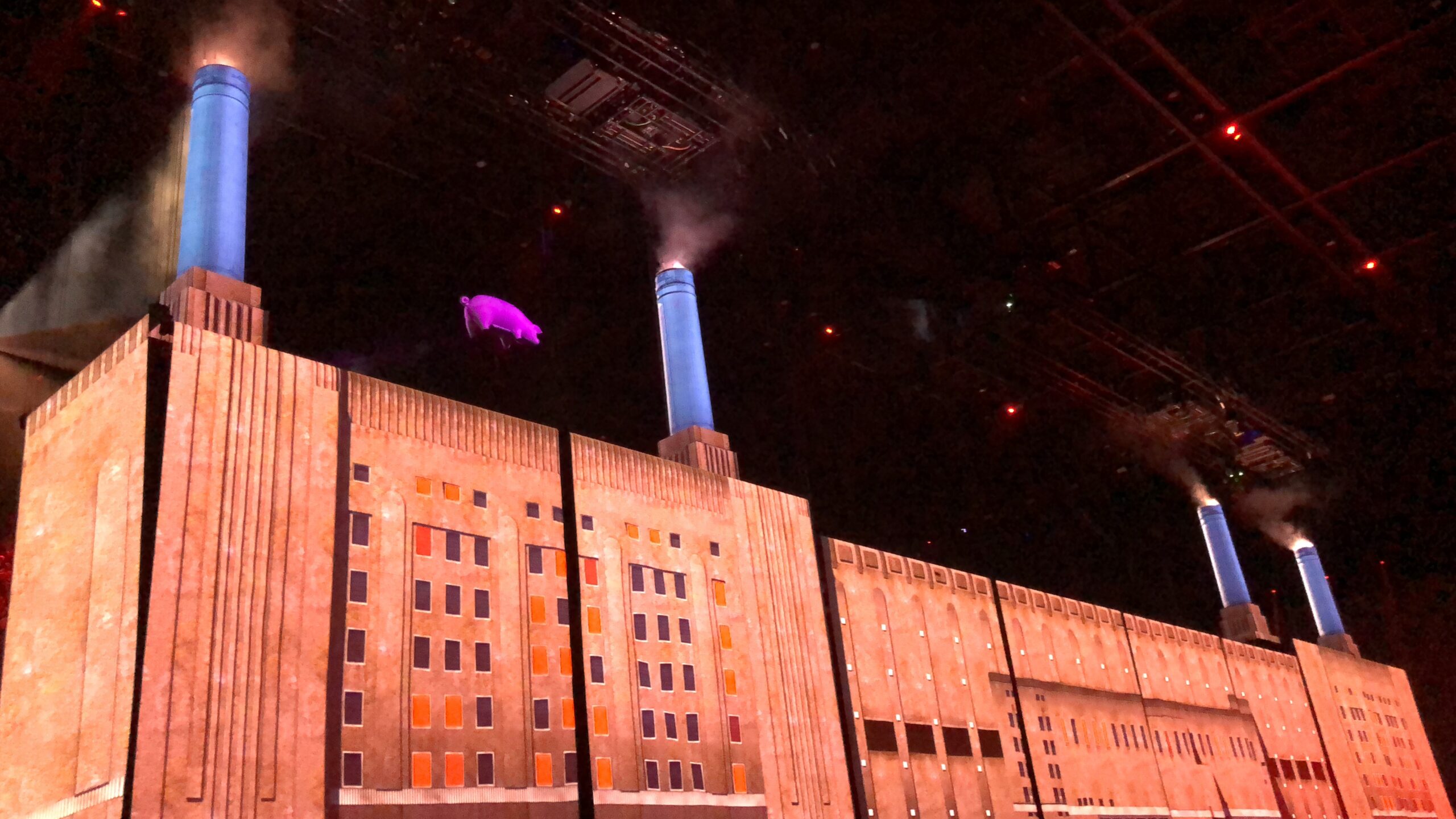
Us + Them

That is the name of the Roger Waters tour. I managed to buy tickets for the concert in the ZiggoDome on June 22 and I went there with my cousin and my son. It was a bit stressful… I just arrived from Switzerland, went home by train and back to 020 by car. But I managed and… I have seen a lot of concerts, ranging from mwoah OK to fabulous but this was one of the best (if not the best) I ever saw. And I have seen Pink Floyd (Rotterdam 1993), Genesis, U2, the Stones and Peter Gabriel (multiple times)


Sound quality was absolutely awesome, before the break the show was fantastic, after the break it became breath-taking. Not bad for a 75-year-old guy…
I think the Pink Floyd guys always had fantastic sound quality but the technology now really offers them what they wanted to have 30 years ago.

The Factory you see is (of course) Battersea Power Station, as seen on the Animals Album. It was projected as were many other things. I am listening to the Animals Album while I am typing this….

Battersea Power Station from the river.jpg
By Alberto PascualOwn work, CC BY-SA 3.0, Link


OK… back to work. speaking about Factory…

That reminds me of the factory pattern. A nice pattern that helps you creating objects where you don’t know at compile time what class you want to use.
I always look for design patterns in one of my favourite books: Head First Design Patterns. Do yourself a favour: buy it (And in English please…, the German translation sucks.)

I use the Factory pattern in a model where I have 3 different platforms to generate code for, Linux, Windows and Keil CMSIS, and there is a possibility that it needs to be adapted to QNX as well.
I want to have a common debug output but also some interprocess communication that works different on all platforms.
This sounds easy, just define interfaces and inherit from them. (Or to be correct: create realizations)
Now that sounds cool but when you need to instantiate the objects (semi-)dynamically you cannot use that. You have to call something that is not the same on all platforms.
This is where the factory comes in. You create a global Class/Object (with a fixed name i.e. AbstractFactory) that has a static function “getInstance” (Yes correct… that is a singleton!) that checks if a static variable is already filled with a value. If NULL it will create an object and store it in the class variable otherwise it just returns the variable.

You then have a certified entry point. The Abstract Factory class should then have functions that create concrete factories for the environment. In this case I needed a LinuxFactory, a QNX Factory and a Windows Factory.

In the concrete factories you will make create_xxx functions that create objects for the classes you need. This can be multiple objects but also a singleton.

In a random class you can then call:

MyDebug = AbstractFactory::getInstance()->createDebugOutput()

This will give you a pointer to a class that handles the debug output. This is also a singleton. For the IPC it was just a “new” that created an IPC Channel.

Design Patterns rule!

Some useful reminders:

  • Separate what varies from what stays the same
  • Composition is better than Inheritance
  • Program to an Interface rather than to an implementation.

That was it, happy modeling with Rhapsody

Walter van der Heiden (wvdheiden@willert.de)

Pi-Day, STL & Memory

Introduction

Today is March 14. For Europeans this is nothing special but in the US, where they reverse month and day, this day is written as 3.14. Which is the first 3 numbers of Pi.

STL

For a customer I do some modeling to help them create a super reusable application. This project is done in C++. The more I use C++. the more I like it, it is so much easier to do stuff than in C where you have to write everything out.

But here are also caveats. I used the string class without really thinking. To find out later that this triggers the compiler to use the Standard Template Library. A very fine piece of C++ art that cost you memory. Lots of memory…

I compiled the application with the Keil/ARM compiler where I could read the map file afterwards to see where the memory had gone. The application was 12k, the STL took 180k…..

So… now I understood why Rhapsody has the OMString Class included….

OMString

The problem with OMString is that IBM did not include much documentation on the use of the Class. “Read the OMString.h file”….

Functions

  • GetAt(Nr)
    Gets the character at position <Nr>
  • SetAt(Nr, Char)
    Sets string position <Nr> to <Char>
  • Empty()
    Clears an OMString set the size to 0
  • GetBuffer()
    Converts the OMString to a char *
  • IsEmpty()
    Checks if the OMString is empty
  • getSize()
  • setSize()
  • resetSize()
    get or set the size of the OMString
  • getStr()
    returns the OMString
  • getDefaultBlock
  • GetBuffer
  • ReleaseBuffer
  • GetLength
    returns the length of the OMString

Operators

  • compare functions
    • <, <=, >, >=, ==, !=
      Compare two OMStrings or a string and a character array,
    • =
      Assignment, assigns a character, a char array or an OMString to another OMString
    • []
      access the OMString as an array
    • +, +=
      Add a char, char array or an OMString to another OMString


Constructors

You can construct an OMString with:

  • another OMString
  • An old fashioned character array
  • a character
  • a void.


So you can create and use an OMString very easy:

OMString    MyString (“Moin moin”);
MyString+=” Auch Moin”);

It uses way less memory than the STL and gives you a lot of freedom with Strings.

Yo! Happy PiDay! And keep on modeling with Rhapsody!

Walter van der Heiden (wvdheiden@willert.de)

Training in Bochum: Rhapsody in Java

Introduction

I have been to Bochum before but I normally don’t use Rhapsody in Java… So still a “first”. I can program Java, however! Not as good as C but I’ll manage.

And I have to say… I like RiJ! It is really, really easy to use. Rhapsody brings its own Java so there is no need to install anything! It just works.

It’s a long time ago that I gave a training where all students had their “Hello World” running in minutes.

The Framework is, of course, much simpler, Java already brings everything you need to run UML generated code.

The only thing the Framework needs to do is to process the events and the timers.

Issues

There were not many issues with getting stuff to work. The most important thing was an issue when you installed Rhapsody and selected the wrong java Directory. But this is easy to repair.
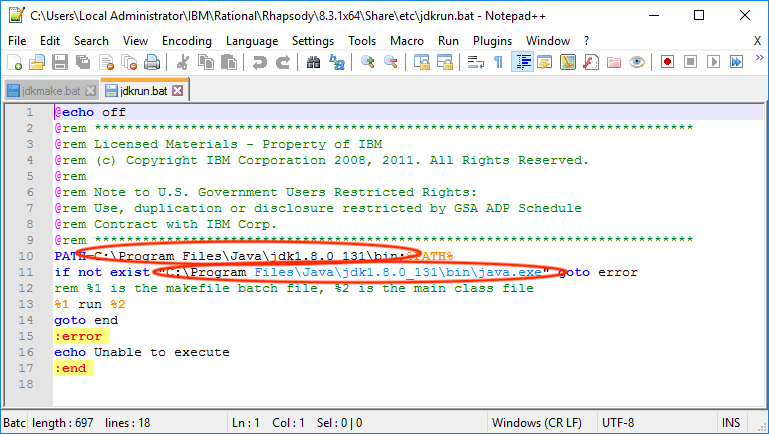
in your Rhapsody Share directory there is an “etc” directory. In that directory you will find two batch files: jdkmake.bat and jdkrun.bat. These files have paths in them that need to point to the JDK that Rhapsody delivers by standard.

jdkrun_bat


jdkmake_bat

Hello World Example

The first program you make in any new language is “Hello world”. So we will create a Java Hello world.
Open Rhapsody in Java and create a new project. Call it “HelloWorld” and create it in a directory where you can find it back. (Rhapsody wants to create projects in the Rhapsody data directory by default.
When the project is created you will see an empty Object Model Diagram. Draw a Class (either select the Class from the drawing menu or right click in the diagram and select “Class”. Then draw the class. Call it “Hello” and give it a constructor, do not give it parameters.
In the constructor write ( in the Tab “Implementation” ) the following:

System.out.println”Hello World”);

Apply the change. Then we need an Object, right click on the Class “Hello” in the Rhapsody Model Browser and select “Make an Object”.
Then press “GMR” (Generate Make Run) and presto: it works!


Happy Modeling with Rhapsody!

Walter van der Heiden (wvdheiden@willert.de)


2019

Introduction

First of all: All a Happy New Year! OK, OK… the year is already 2 weeks old… Sorry… not much time to write earlier. Anyways… please let 2019 be a year full of modeling. There will be lots of exciting things this year, new versions of tools, new versions of standards and, as usual, a lot of work. Unfortunately there will also be a lot of old stuff this year where we are still fighting with. Let me take you on a trip to memory lane.

Paths

It is 2019…. and still we are fighting with path- and filenames containing spaces and slash and or backslash.
I cannot prove what my assumption is, but I think I’m not far off the truth.

The first DOS (MS-DOS) Version did not contain directories. It was all a flat file system where there was room for a maximum of 128 files in the “root”. Since there were only floppy-disks with 360kB disk space this was not a big problem.

In the same time (Start of the 1980’s) there were other systems, one of them was CP/M. They already had directories, although very primitive. You had 26 directories (You can guess…. ‘A’-‘Z’…)

You already had UNIX at that time which was far more advanced than MS-DOS or CP/M, that had real directories. The Bell Lab guys had thought of that. You could type in paths with a ‘/’ (slash) as separator character.

I think that Bill Gates and his staff just stole the concept from Unix without really understanding the true meaning and working (As they would repeat many many times after that) and exchanged the ‘/’ with ‘\’. So no-one would notice that it was stolen (duh…) and not grasping the concept of the ‘\’ (escape character)

Spaces

Since the MS-DOS file system was an early version of FAT, the filenames were limited to 8.3, 8 characters for the filenames, 3 for the extension. Many versions later Microsoft introduced the concept of long filenames. They were “hacked” into the file system, there was a flag indicating that there was a long filename. The short filename was built up from the long name, removing characters and adding a ‘~’. So we jokingly said that the name of the company should have been changed to “Micros~1”

Nowadays most modern tools can handle decent filenames up to 256 characters and long paths. But Windows would not be Windows if it did not have a couple of unpleasant surprises. For compatibility, a lot of old (partly ancient) API calls are still part of Windows and will still work. So some older tools have “side-effects” that show up when you least expect it.

What does this have to do with Rhapsody? Well.. also Rhapsody is sometimes (indirectly) influenced by old Microsoft behavior. If you want to create a path while creating a new project you will notice that Rhapsody cannot create a directory for you directly in the root of your drive… The error message is cryptic ( “No rights to write” or something similar ) so it takes a while to figure that out. Is basically the problem with using the old (but still present) Windows API calls.

Other issues

Further, Rhapsody is mostly not the only tool involved in the development, (certainly not for Willert Customers, I will make sure they use code generation! ) mostly there are other tools. Often called via command line. And this is where the “Microsoft Moments” come up. (A Microsoft Moment: the moment you realize the world can be saved by destroying Redmond WA)
Because the command line has issues, depending on what version. We have searched and searched for inexplicable errors multiple times just to find out that on one machine Windows would not accept the “/” in a path or a space.
Let me not shout too much at Microsoft. The days of “If Microsoft ever makes something that doesn’t suck it will be a vacuum cleaner ” are behind us. Their hardware has actually always been good. And they improved a lot lately. This opposed to Apple who are definitely losing it with every new OS version.

2019

The first weeks have been quiet but 2019 already promises a lot of trips for your traveling modeler. I will be blogging! Happy modeling with Rhapsody!

Walter van der Heiden (wvdheiden@willert.de)

Shanghai, Testing MagLev

So I returned to Shanghai after only 10 days at home… Again a long flight but this time I was more lucky… I had obtained a cheap (well cheap… let’s just say not so expensive) business class flight. Always good to sleep on the flight east. This time my route was different, first from the best to the worst airport in the World (my regular readers know exactly what I mean) and then a direct flight to Shanghai. Not with KLM/Air France but with China Eastern. Is not bad, and the chair was good so I actually slept good. That really helps.

Hotel “near” the airport

My hotel was booked and was allegedly close to the airport. I was picked up by a hotel shuttle. Indeed an old small bus arrived that picked me up and drove for 45 minutes to the hotel. Driver and security guy (??) were smoking heavily and driving like a maniac.
But I survived and arrived at the hotel around 11 in the morning.
That was no problem apparently, I got my room and decided to immediately get some sleep. Well no problem… getting the room and making myself understandable was a problem. Nobody spoke English. Not a single word…. They all used their phones where they spoke something Chinese and then the phone would display the English text. Sounds good but “Basic how you do brush rooms” was not really comprehensible.
Luckily I had somebody in China that I could call (I still had my Chinese SIM card (See: Shanghai AUTOSAR) So after a few phone calls my room was ready. A very weird room, there was a window but very high and that only showed a hallway… But I was tired so I went to sleep for 2 hours.

MagLev

So the hotel was pretty far from the airport. Checking the map showed me that it was pretty far from everything… Shanghai is big. Seriously big… So the shortest and definitively fastest way to go to town was to use the MagLev (Magnetic Levitation) Train from the airport. I could use the hotel shuttle to get there (When it drove…) or a Taxi. (I managed to get WeChat running and Didi, Chinese Uber, so I could easily take a cab.
From the Airport you’d have to walk a bit but between the 2 terminals was the train station where the MagLev would launch….
What is MagLev? Well, it is the German “Magnetschwebebahn” the magnetic glider train. The tracks are supercooled magnets that lift the train and also cause it to move forward. Brilliant concept. Uses a lot of power unfortunately. In Germany a very heavy accident happened on the test track (not far from my home in the Netherlands) and then the project was stopped but China has bought the technology.
It is really a pity that the concept is not used more often. The 32 kilometer from the airport to the city took me about 6 minutes. Imagine that Munich… traveling to the city in less than 10 minutes instead of sitting in a crappy S-Bahn for over an hour….
The train travels with a top speed of 430 km/h. Unfortunately they did not always reach that speed, most of the time they limit that (due to power reasons I think) to 330 km/h. Still breathtakingly fast but not 430.

Testing

In Shanghai I visited the office of my friends at BTC, from test Conductor, and also the MagLev made me think about testing.
Of course driving around with 430 km/h requires a lot of safety related software which also requires a lot of testing.
For those who use Rhapsody but have never heard of TestConductor: shame on you! Test Conductor is a fantastic add-on to Rhapsody that helps you to setup your testing inside of Rhapsody. It uses Sequence Diagrams to create test-cases (But you can also create your own using code, Sequence Diagrams or Flow-charts) and to run the tests.
You can automatically create test-architecture, create tests and run them. The tests, the results and more is stored in your Rhapsody Model including references to the tested elements.

TestConductor can cooperate with the Willert Target Debugger to let your tests run on your target! It can also create coverage reports, for model, code and requirements!
It is really very easy to use, you will find a thorough manual and a very well structured getting Started in your Rhapsody Directory “Samples” (Next to the Share directory) Check under Csamples and CppSamples to find the TestConductor directory. In there is the “Testing Cookbook” which tells you exactly how it works!

Interested? Ask me for a test license

That’s it, have fun testing with Rhapsody!

Walter van der Heiden ( wvdheiden@willert.de )
Machines in Nantes

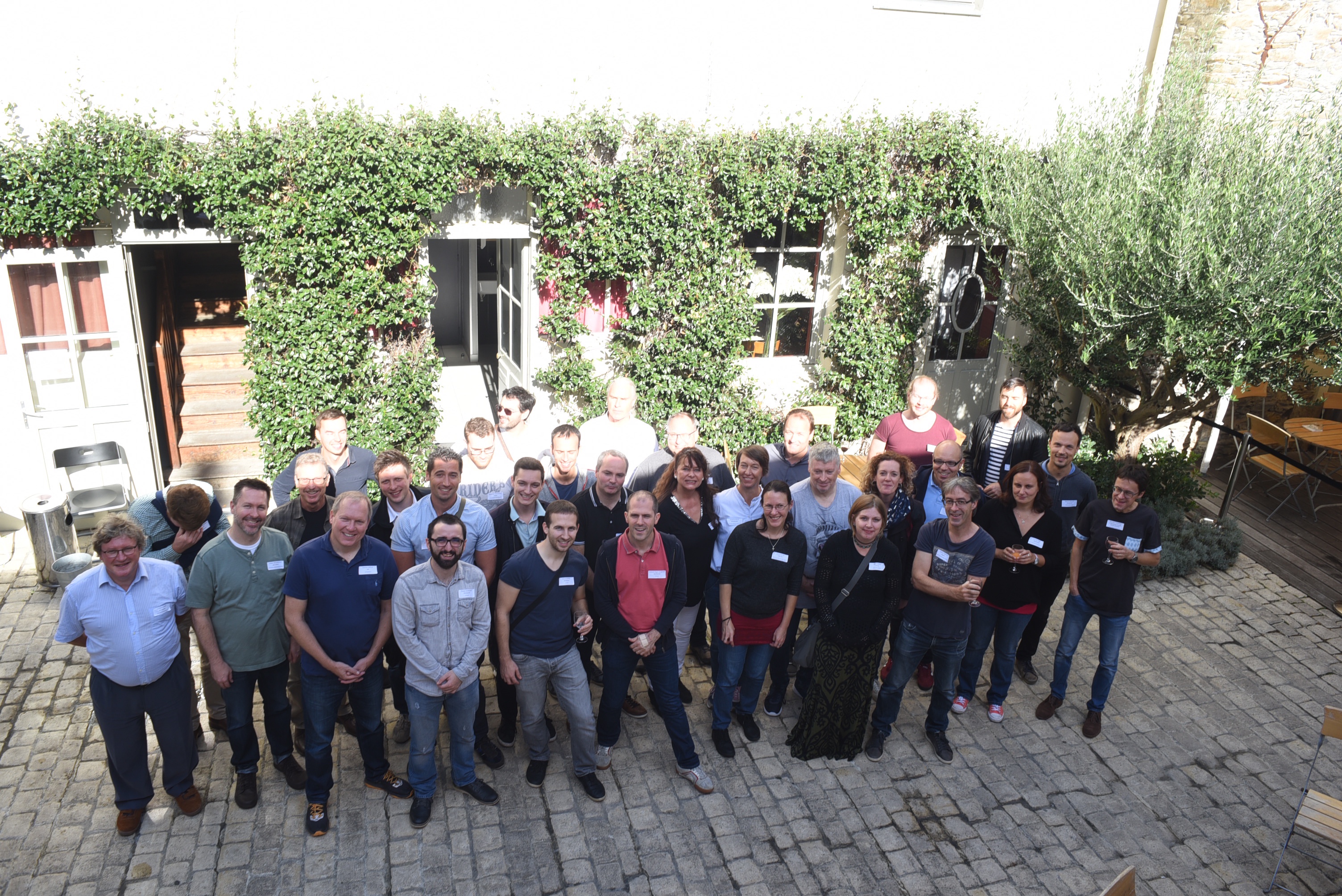
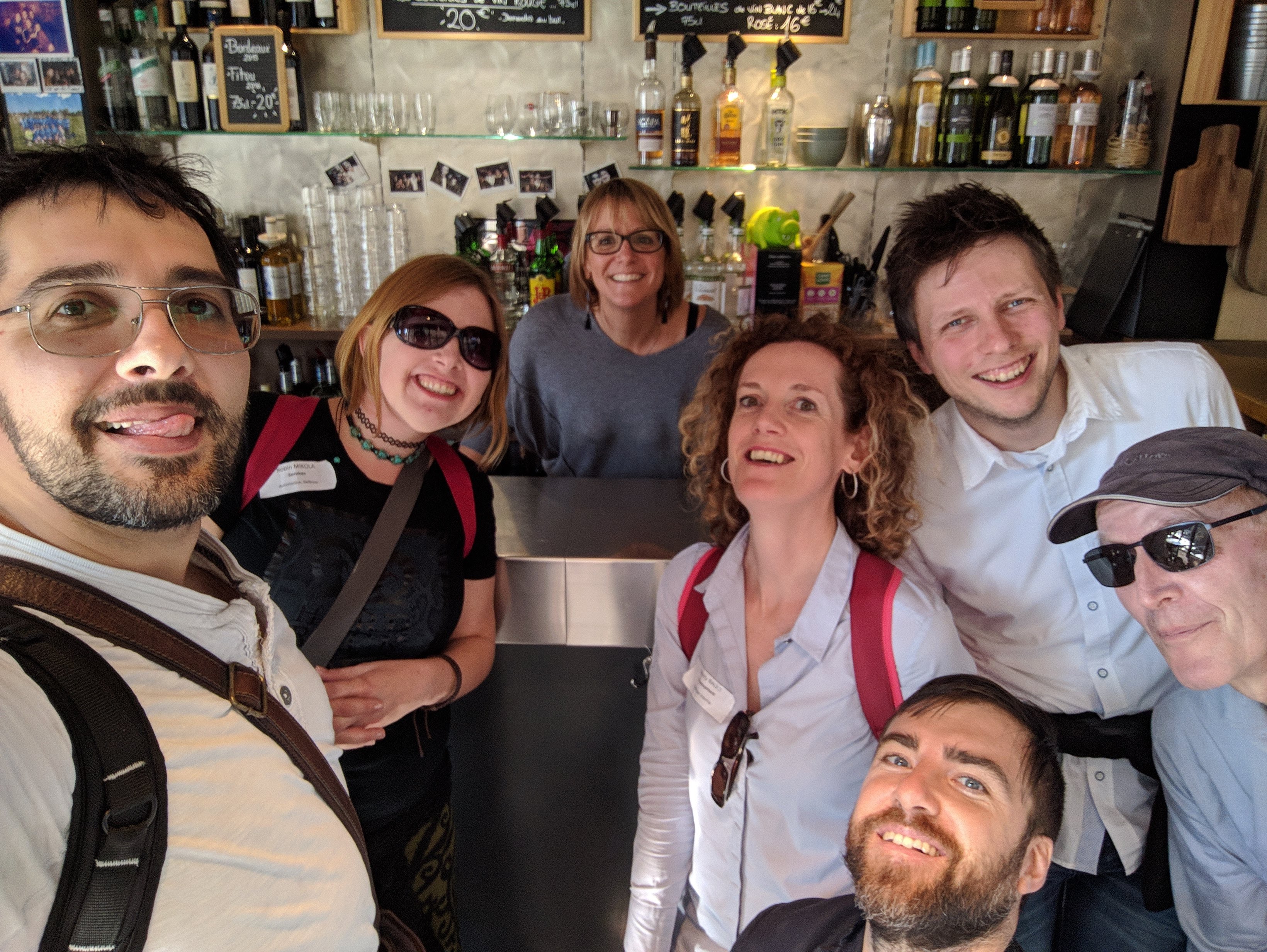
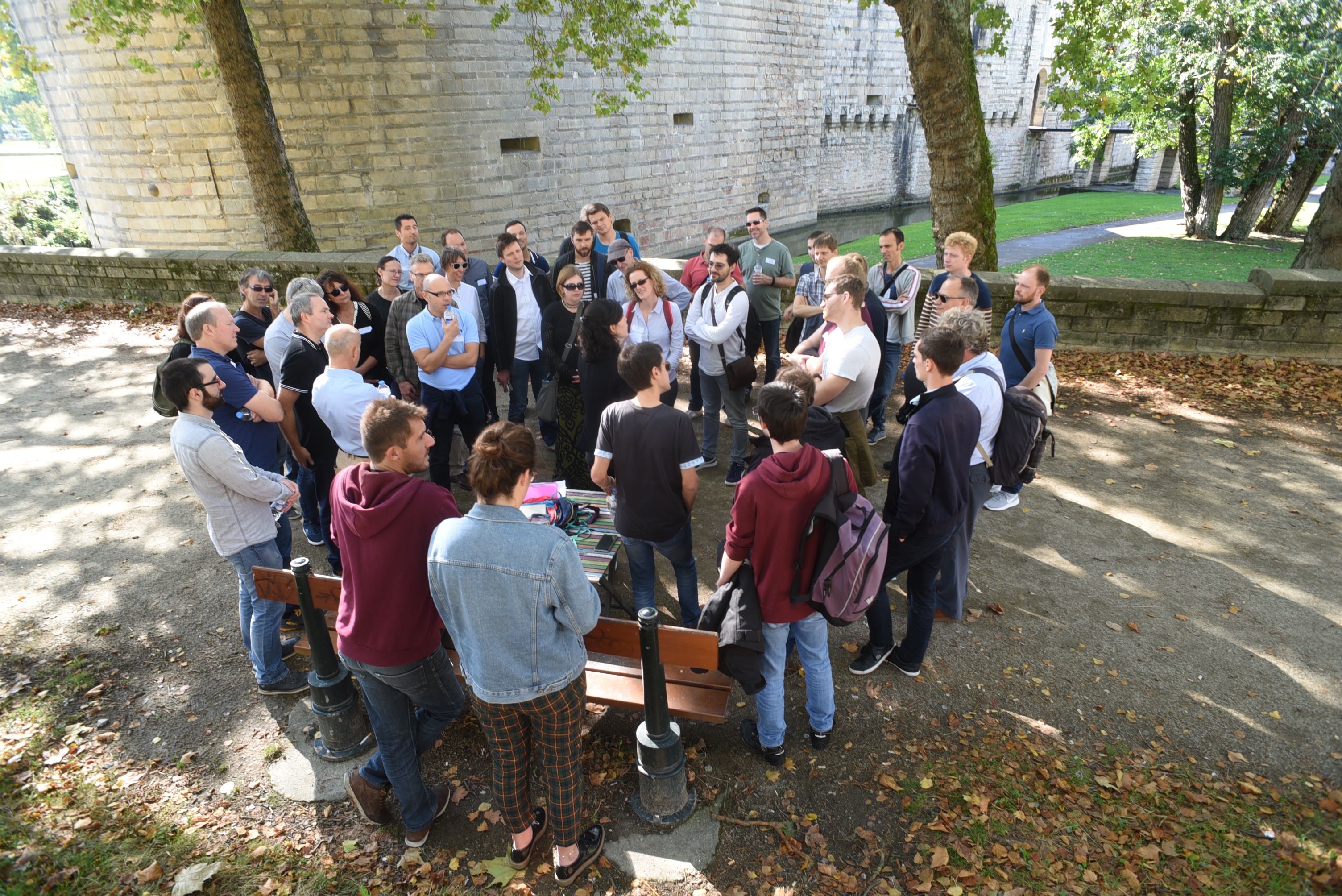
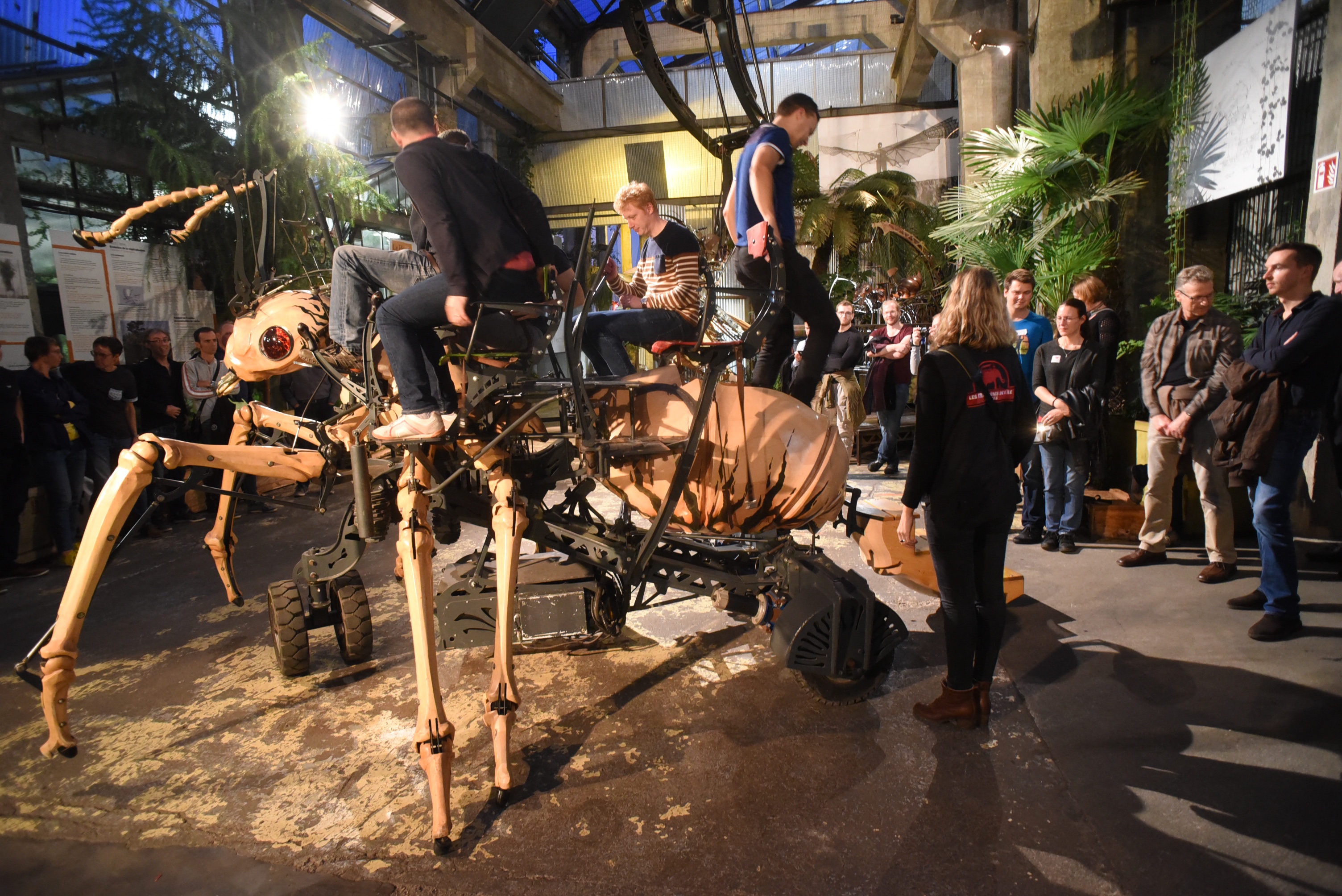
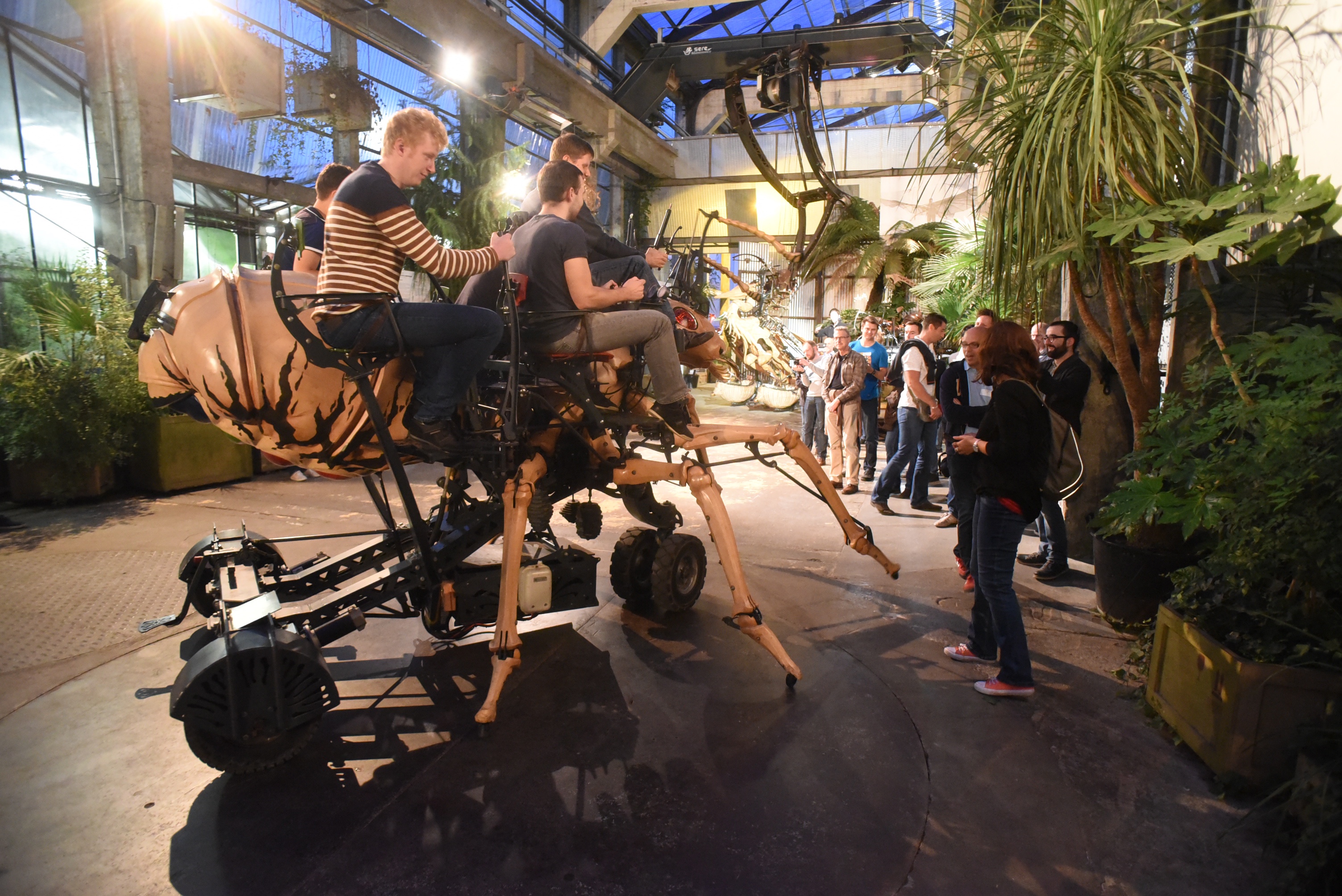
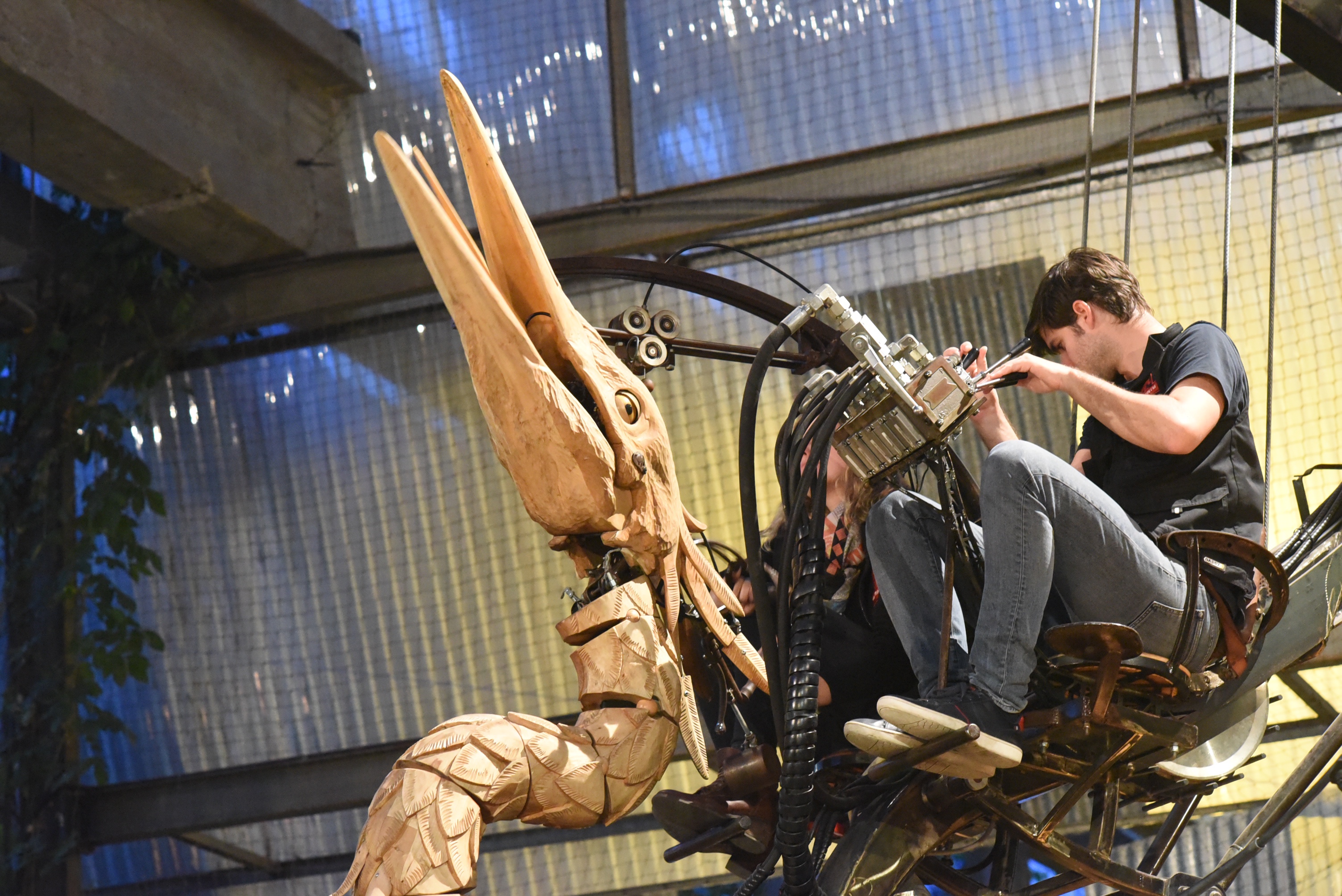
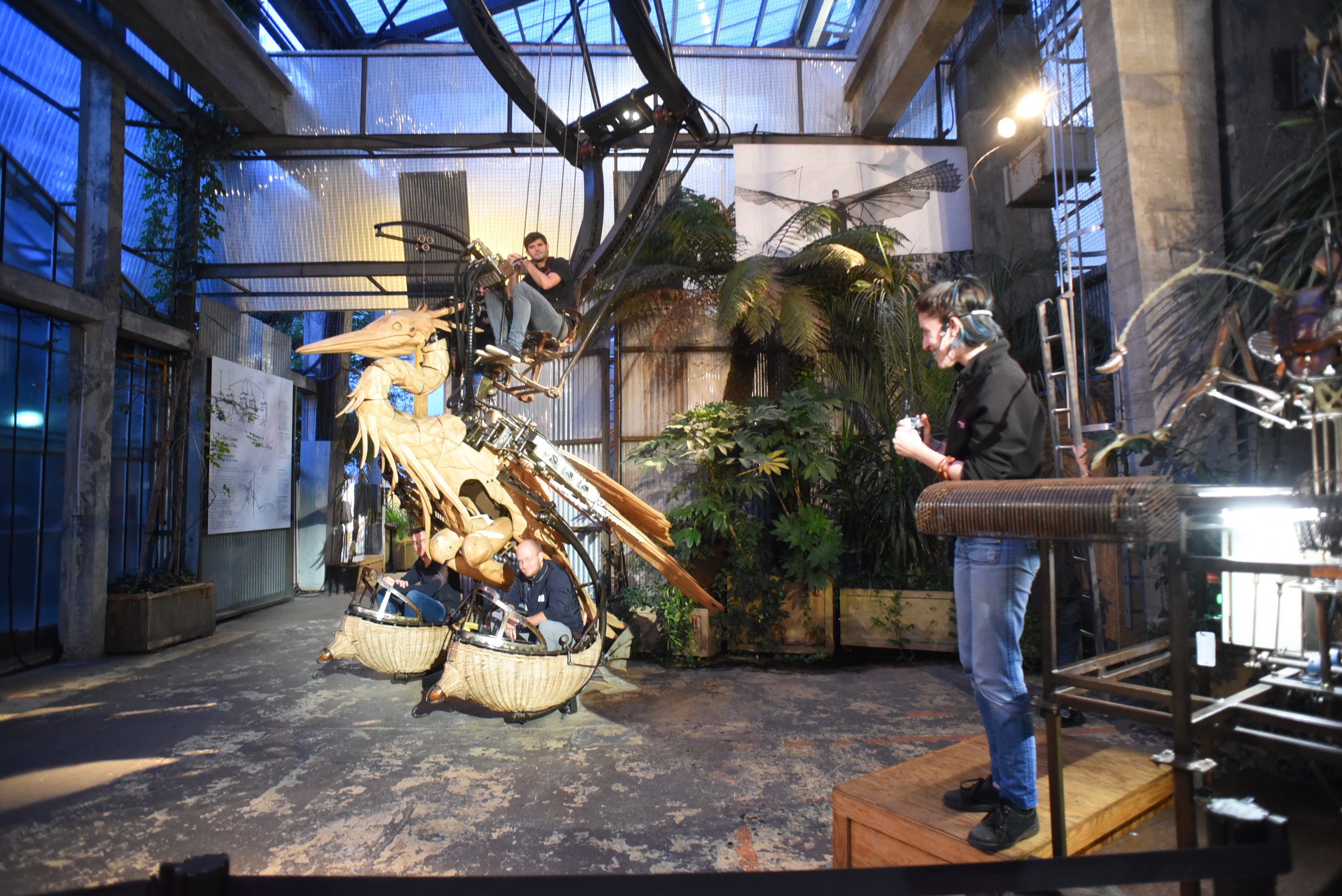
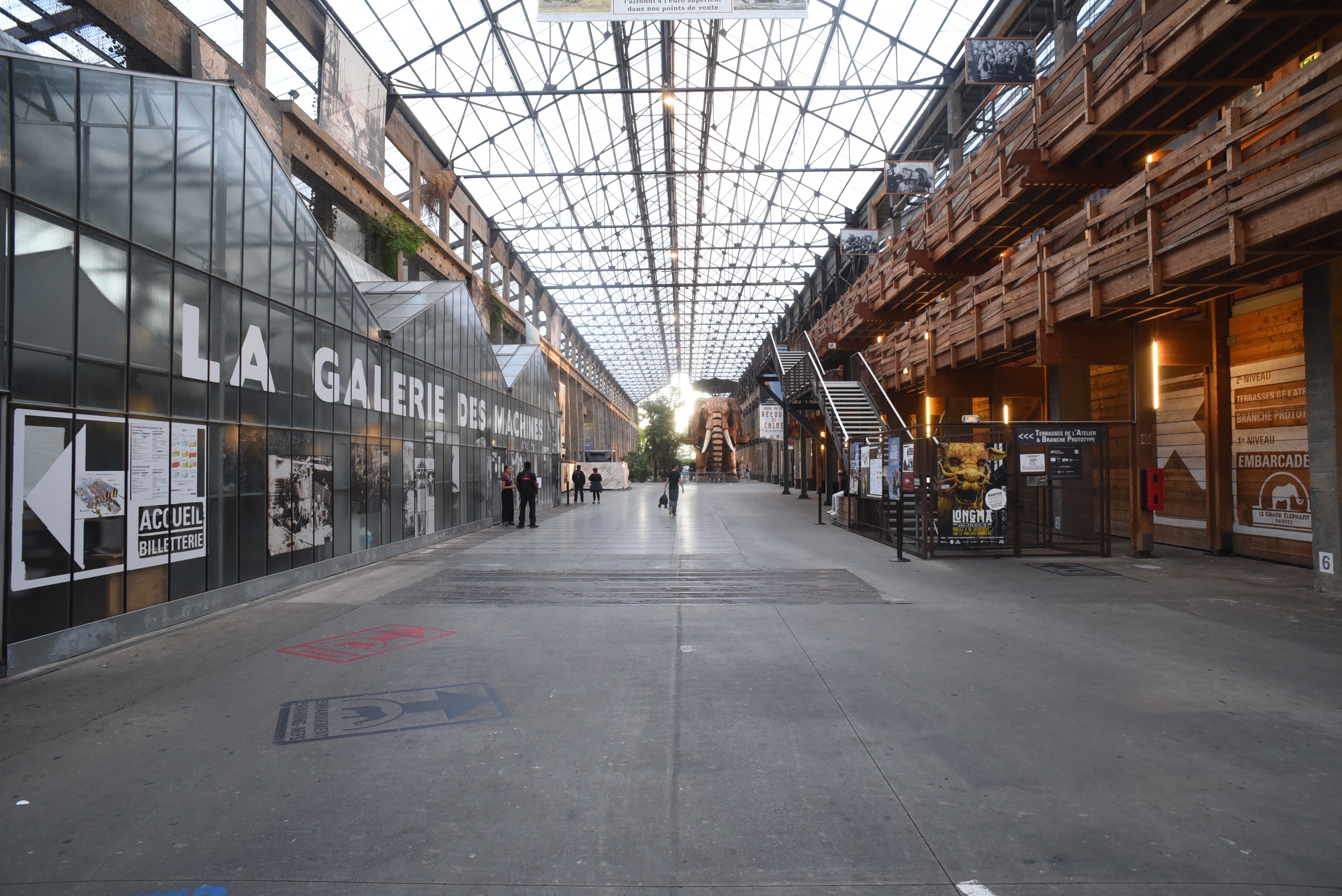
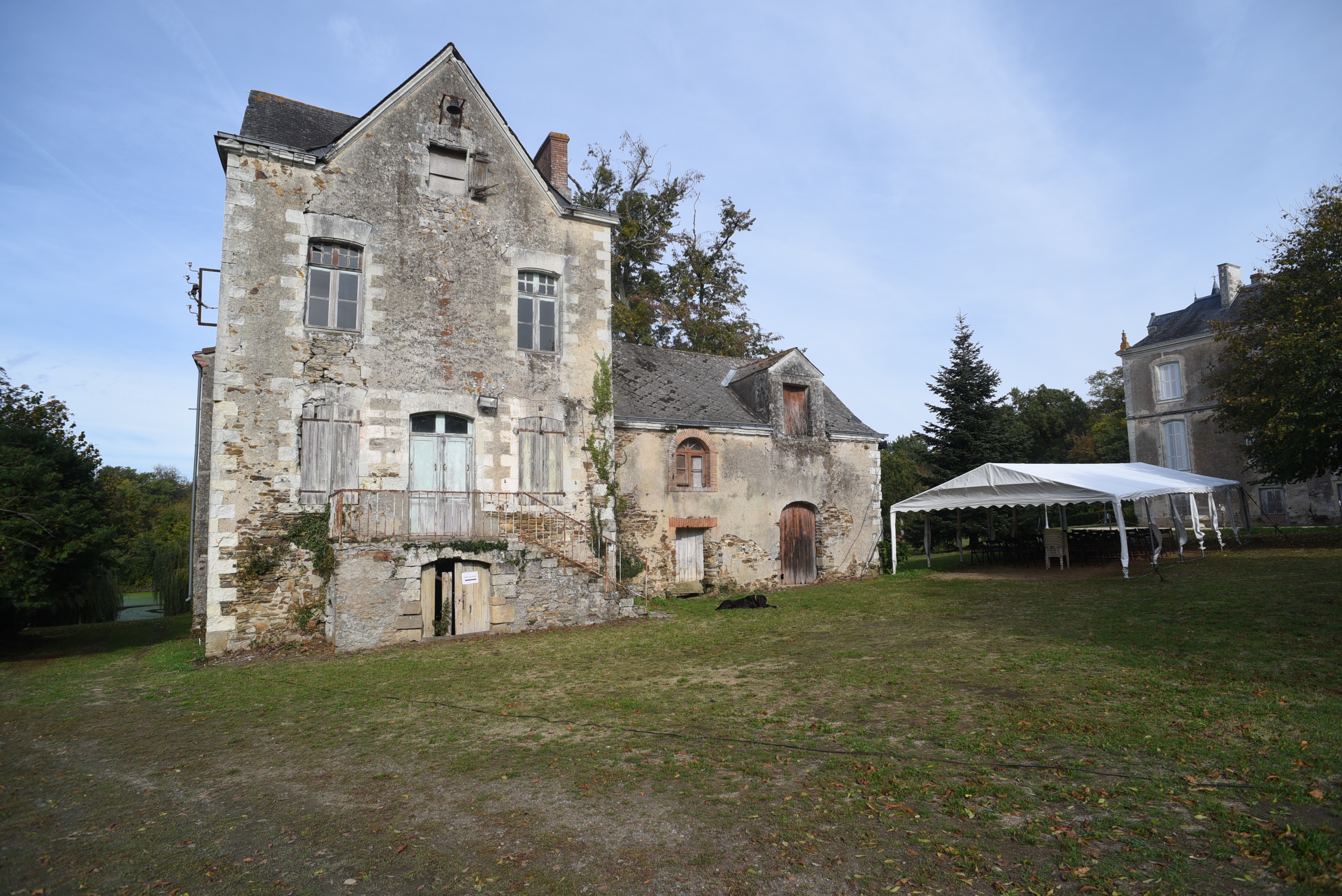
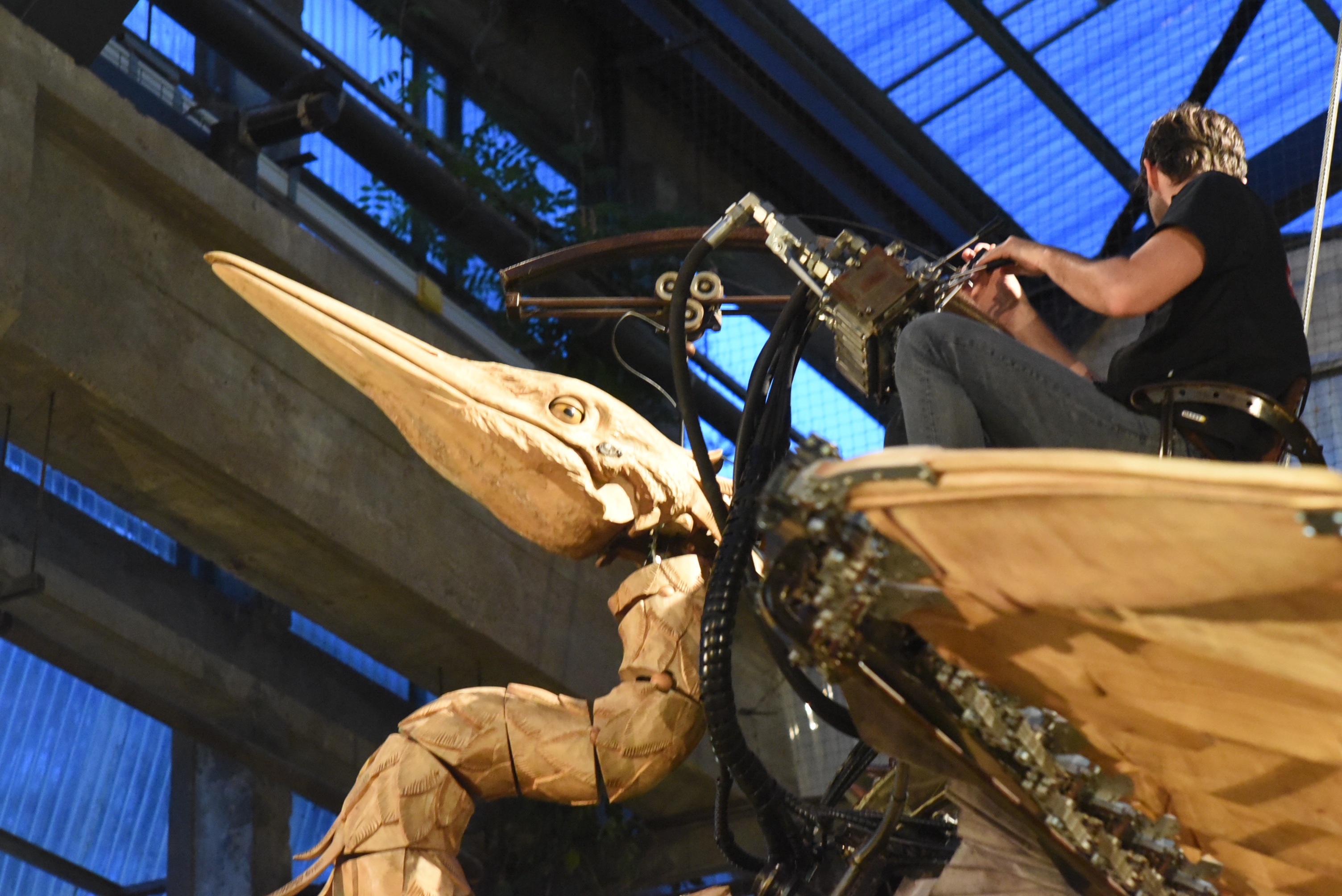
I’ve been to Nantes a couple of times. I really like it there. It is a great city, quite large but with a very nice old town. This time I was not alone, the whole company joined me.

We are closely cooperating with Sodius. They are located mainly in Nantes and we wanted to give all colleagues a chance to learn to know each other.

So all the German and US colleagues flew over to have a weekend of getting to know each other better.

The French really made an effort to show the best of their city, country and themselves, it was brilliant!

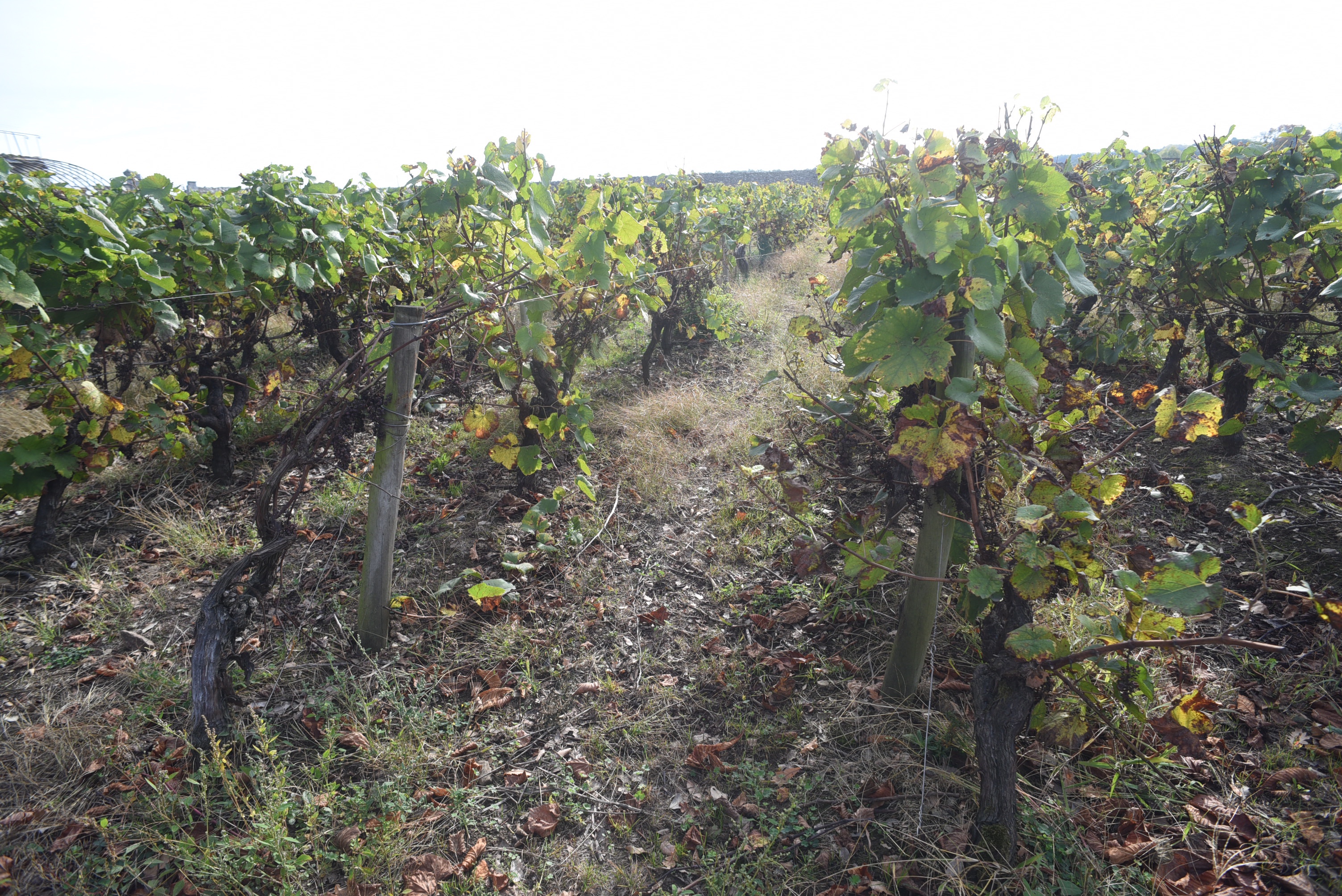
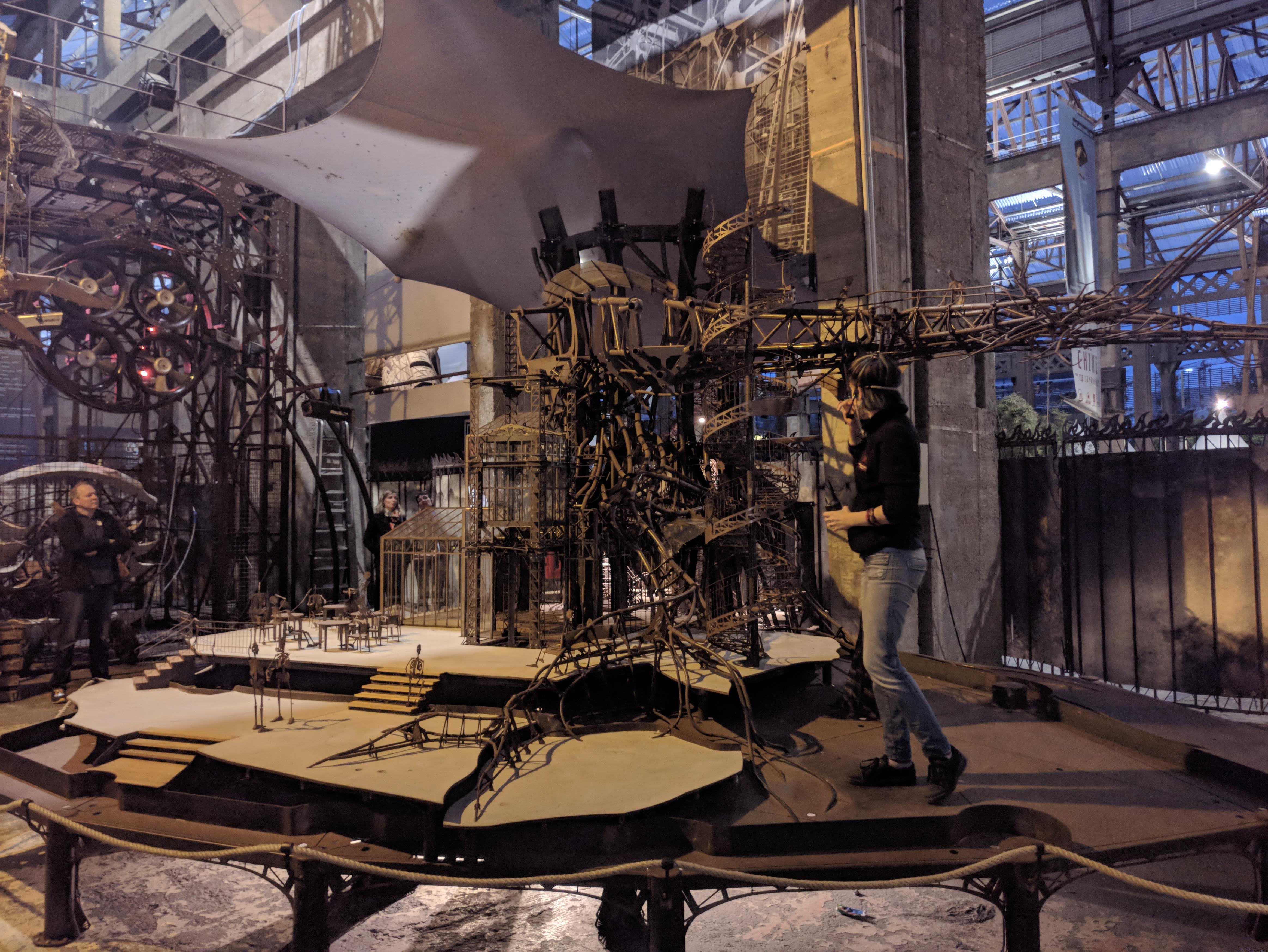
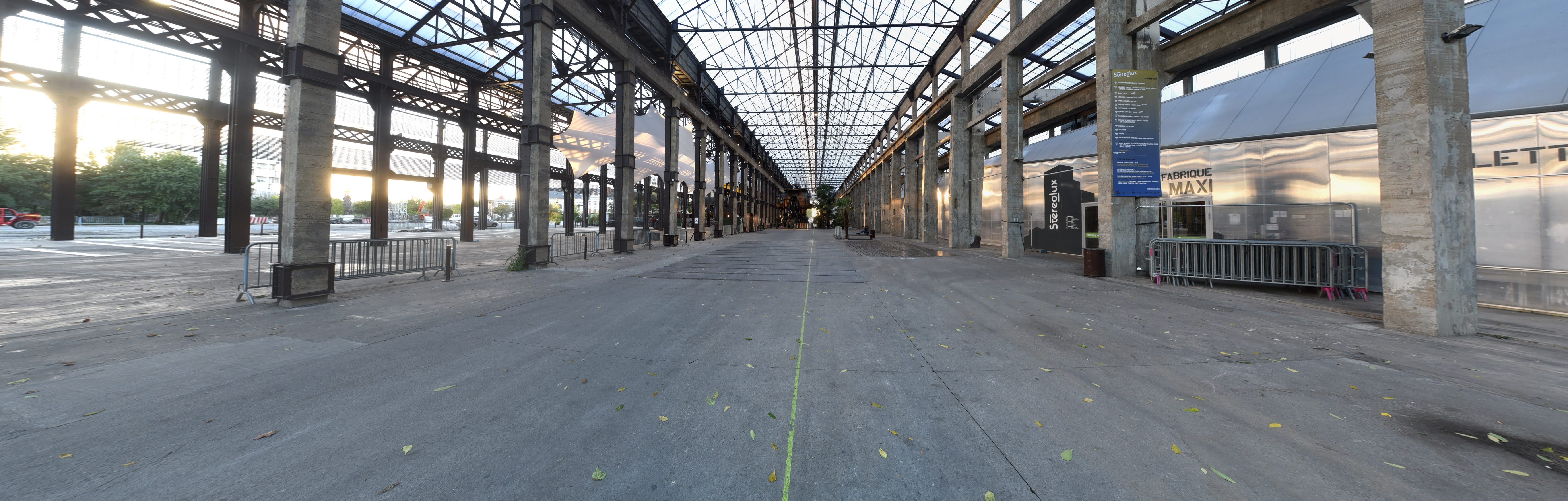
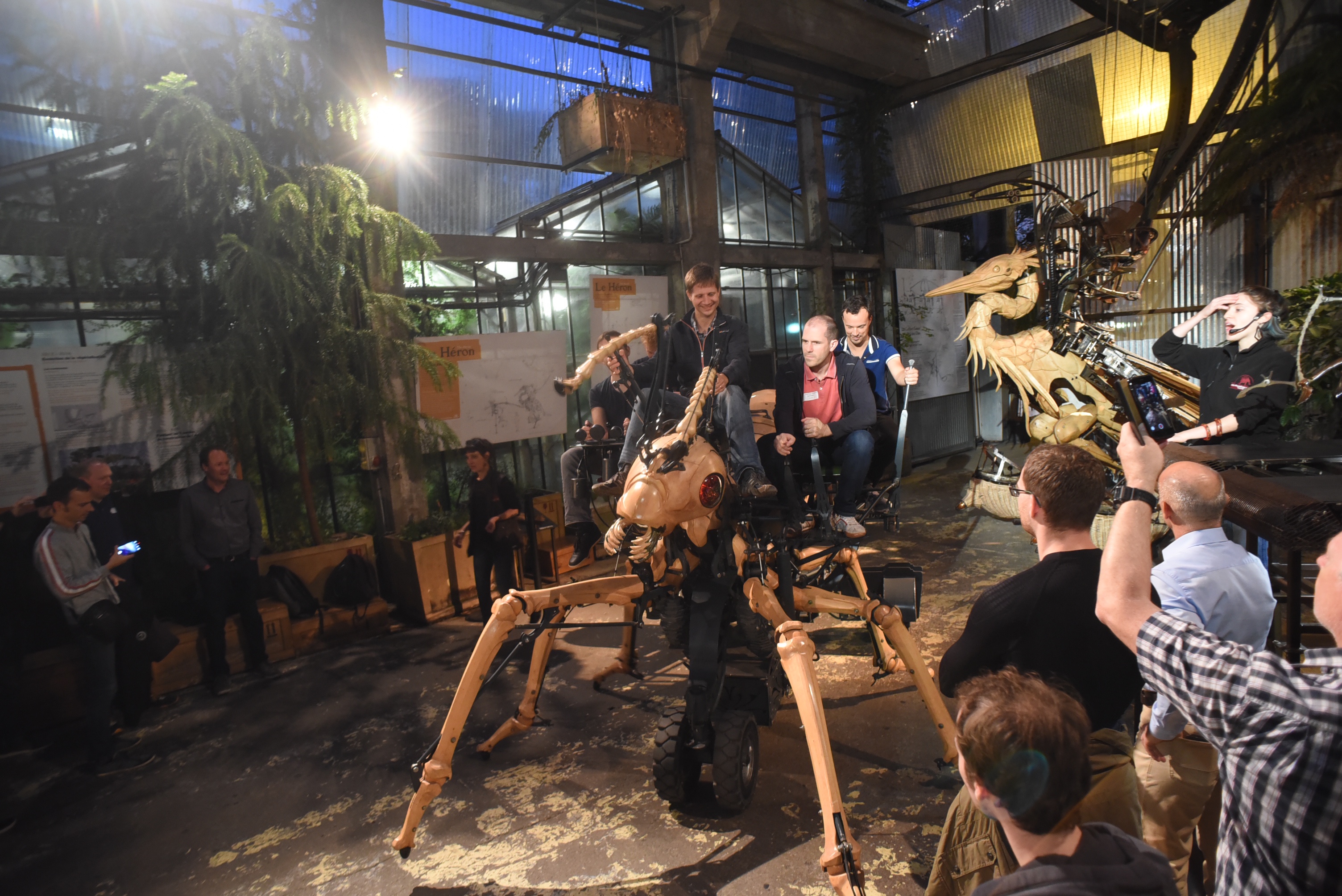
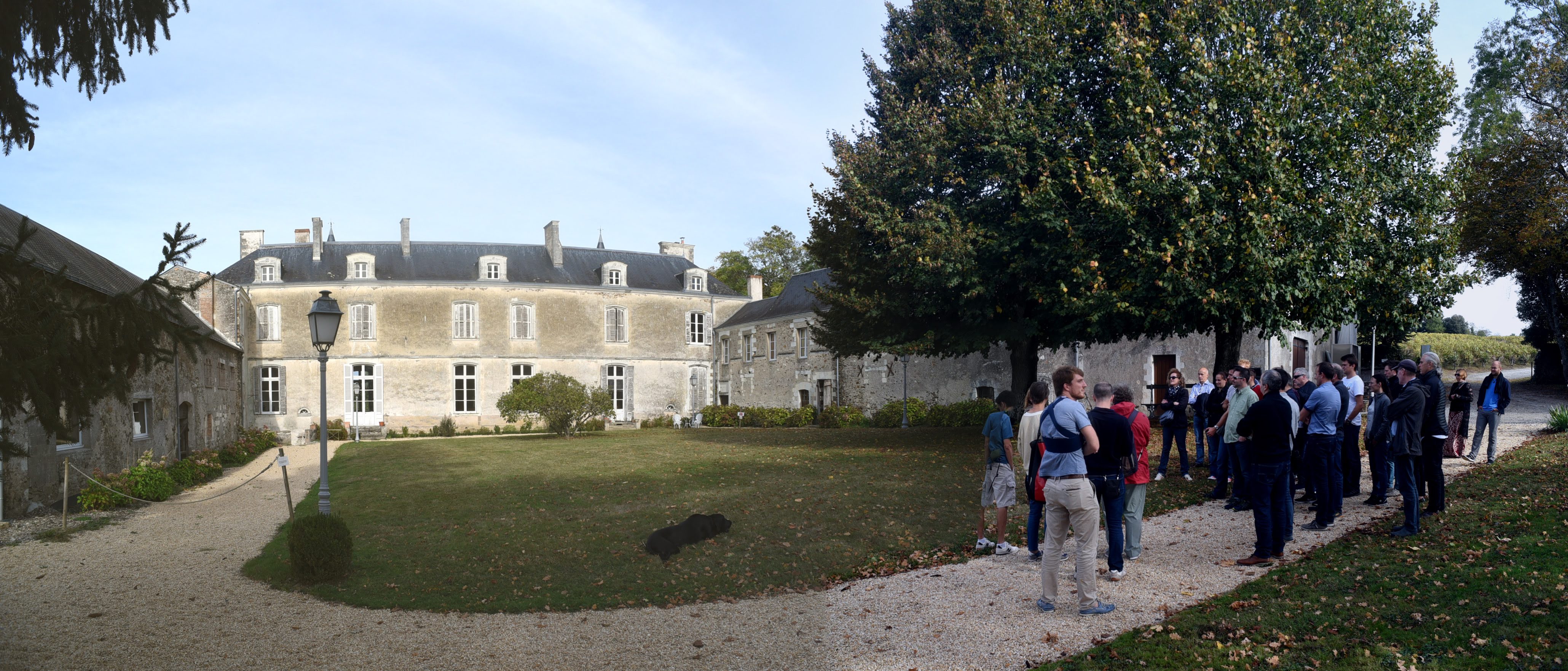
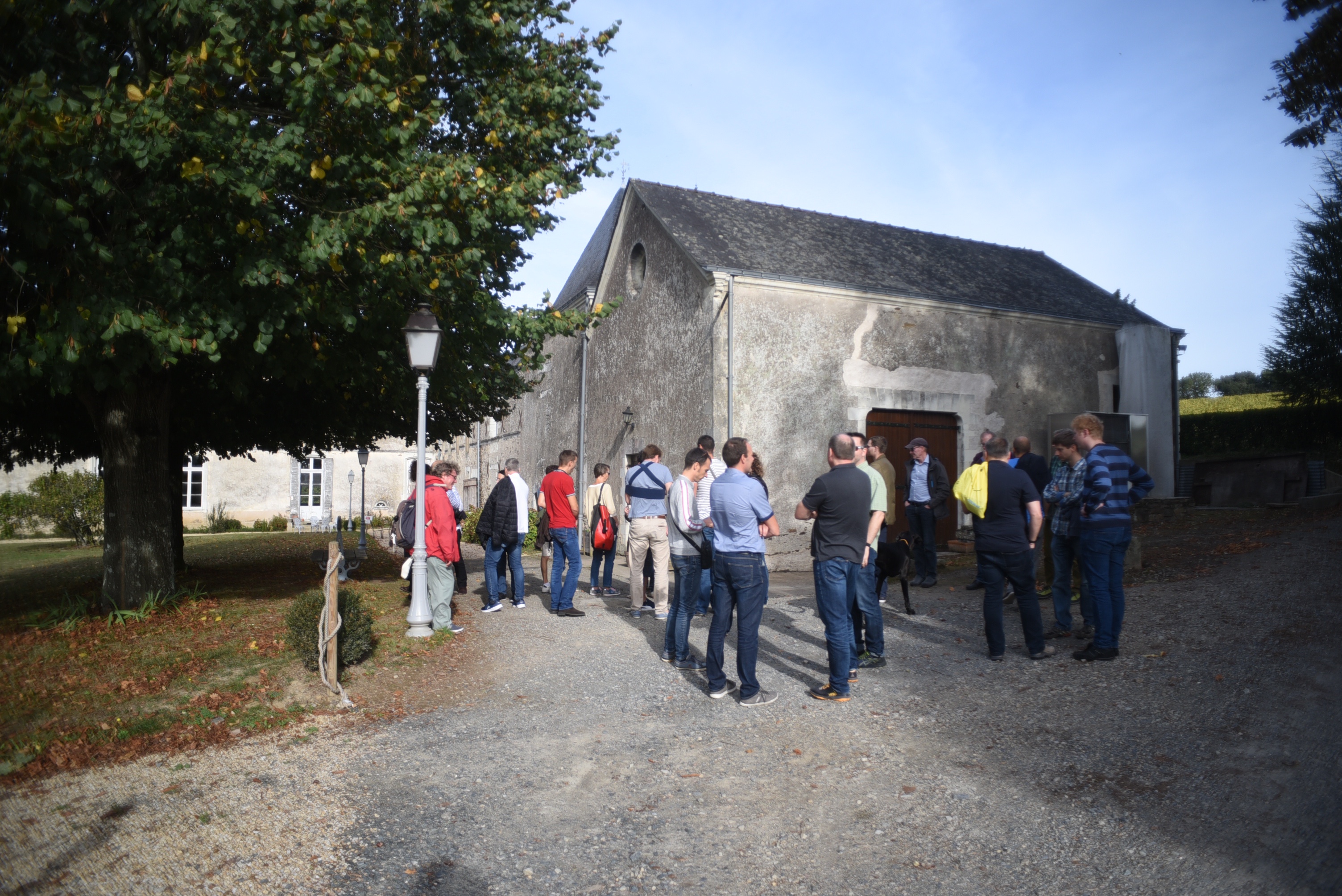
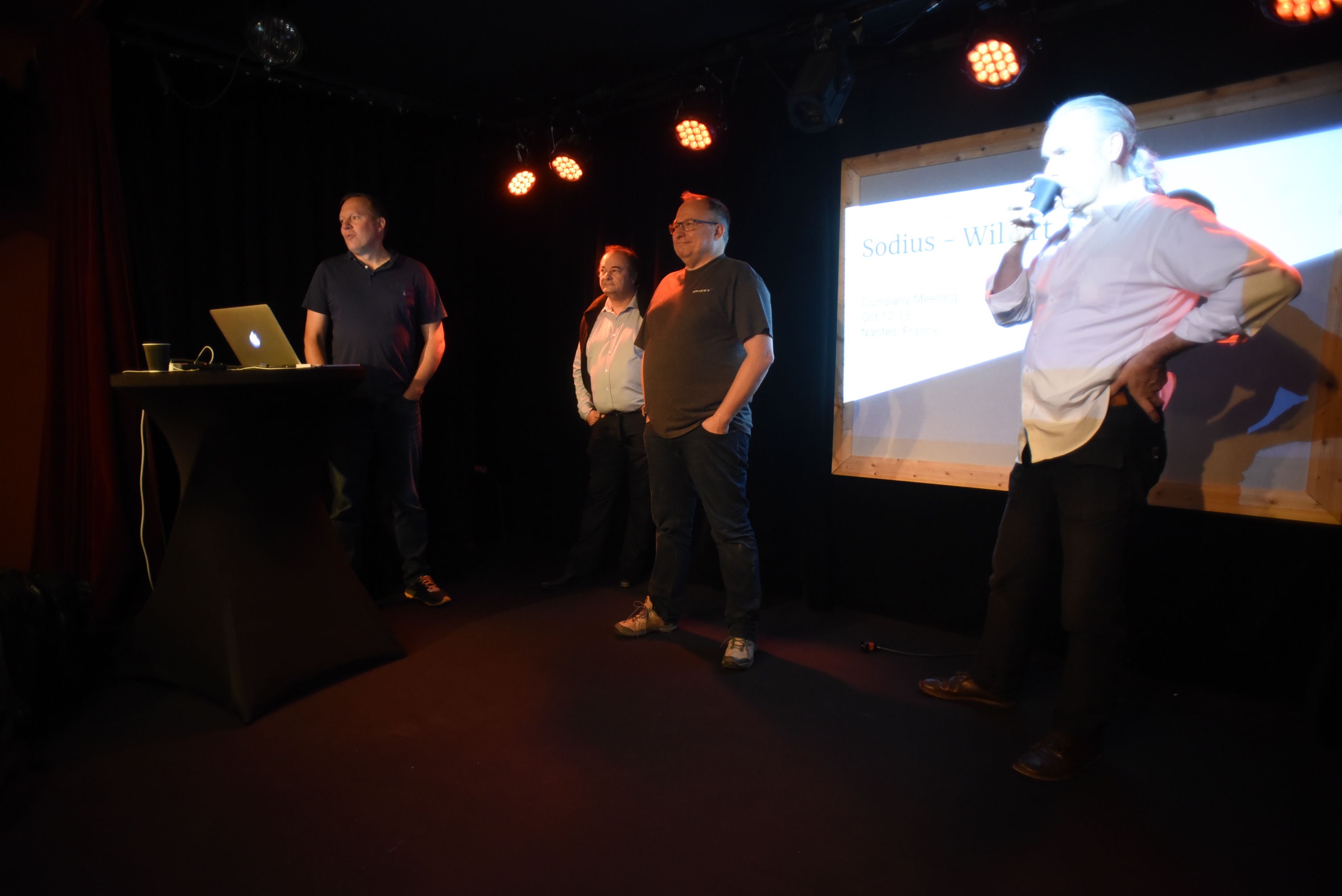
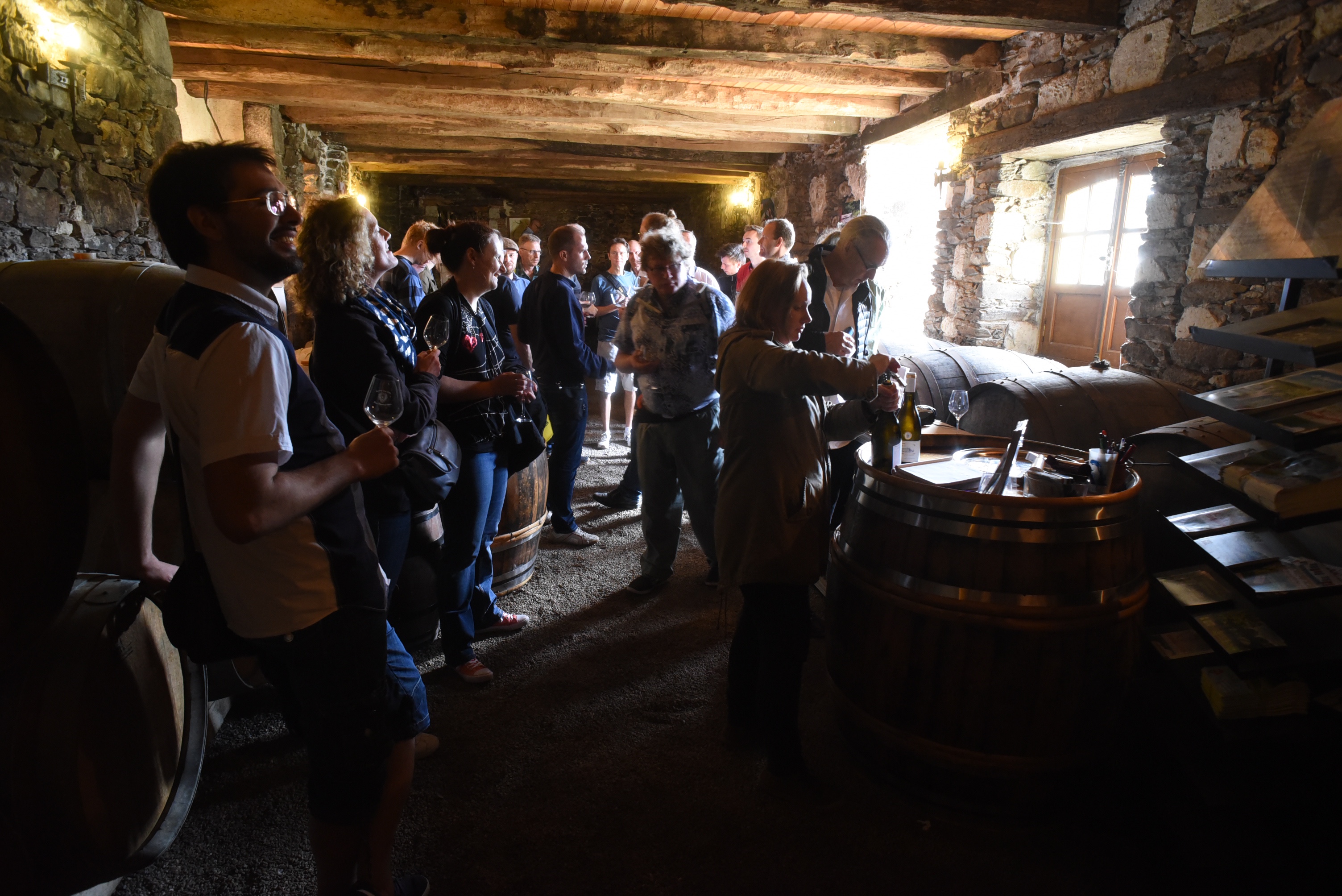
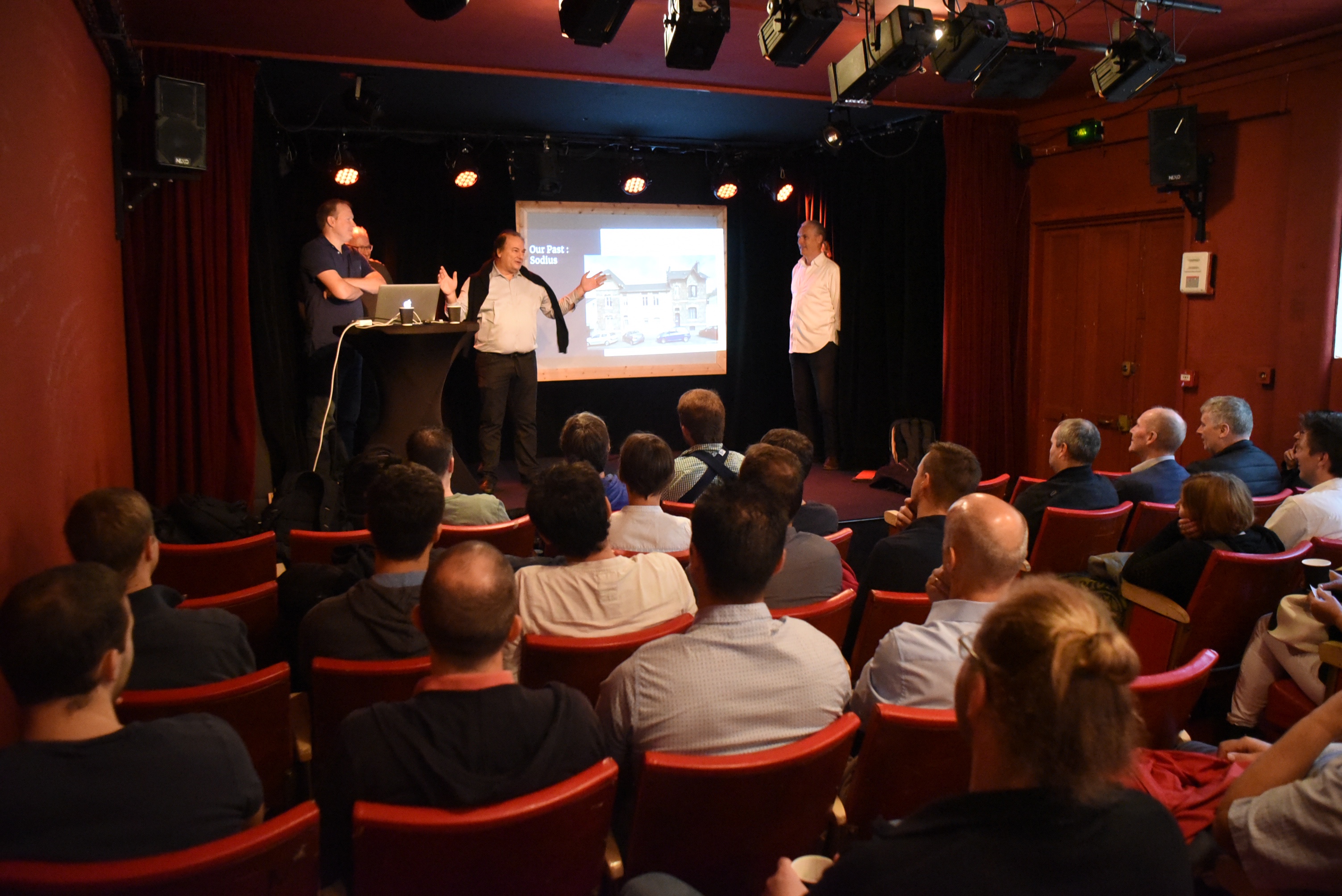
We had a party on a boat on the river, we were having dinner in the “Machines”, we played “live” monopoly in the city, we visited a vineyard and we had some presentations so that we now know a lot more of each other.

We have a lot to do to integrate both companies but we are all very enthusiastic about the opportunities.

I added some pictures of Nantes and the fantastic weekend we had.

What is the impact of the cooperation for Rhapsody?

We hope a lot and not a lot… what I mean is that I hope that the effects will be positive for our customers. We are now selling our Rhapsody version in France and in the USA as well, that is good, the more customers the better the product gets.

Together with Sodius we own a large part of the Rhapsody eco-system. We now do the code generator, the framework, the XMI and AUTOSAR import and export and some more. It is good to have that in one company, that improves the interfaces for the extensions. Our very close cooperation and vicinity to and with BTC is also an advantage.

Furthermore we now have an extremely interesting product that we will be developing further together, SEcollab. This is a tool that can read data from various other tools like Rhapsody, Doors, EA, MagicDraw, Simulink, MS Office and many more sources, of course it can handle OSLC. It then presents this data in a web browser, readable for everybody (who has the access rights of-course) It can then help you link the information and support in doing reviews.

Other use-cases are the ability to do global configuration (not yet fully implemented) It can even act as a viewer for the data from all sources ( so also Rhapsody! I don’t know how many people have asked me for that in the past years…)

I will write more about SEcollab in one of the next BLOG entries.

For now, happy modeling with Rhapsody!

Walter van der Heiden (wvdheiden@willert.de)

« Older posts Newer posts »

© 2026 Rhapsody TechBlog

Theme by Anders NorenUp ↑